When Pdf Is Not Opening How To Reduce Size Of Pdf Using Acrobat Reader 2017 Likosmarine Canva WON T Download WHY And How To FIX It YouTube Canva Project Won t Download Stop Failed Downloads In Canva YouTube How To Create A PDF With Canva FlippingBook Why Is My Canva Design Downloading Differently WebsiteBuilderInsider Web May 23 2023 nbsp 0183 32 Select Tools gt Options Click the General tab then click Manage Add ons Click the Plug ins tab purple blue icon The layout of this dialog box differs depending on the version Find and select Acrobat or Adobe Reader If the Disable button is displayed as shown above the add on is enabled and no action is required If the Enable button
Web Jul 20 2023 nbsp 0183 32 Table of Contents Why I Can Not Open PDF File Why PDF File Are Not Opening 1 Check Your Adobe Reader Acrobat 2 Repair Your Corrupted PDF Files 3 Use Another PDF Reader Program or Re transfer Files Still Hesitate We Can Help You Extra Tips PDF Won t Open on Chrome Outlook Gmail About the Author Reviews and Awards Web Sep 15 2021 nbsp 0183 32 If it still doesn t work please remove the application using the Acrobat cleaner tool https www adobe devnet docs acrobatetk tools Labs cleaner html reboot the computer once and reinstall the application using the link https get adobe reader enterprise and check if that works
Why Is My Canva Design Downloading Differently WebsiteBuilderInsider How To Fix Outlook 2016 Error Cannot Start Microsoft Outlook Cannot How To Download Canva Design As A PDF Easy Methods WPS PDF Blog How To Convert Canva Doc To PDF How To Download Canva Design As A PDF Easy Methods WPS PDF Blog Microsoft Edge Opening Automatically Want To Know How To Create A PDF With Canva Maker s Aid Compress PDF 4 0 Free Download Why Does My Canva Download Keep Failing WebsiteBuilderInsider
When Pdf Is Not Opening
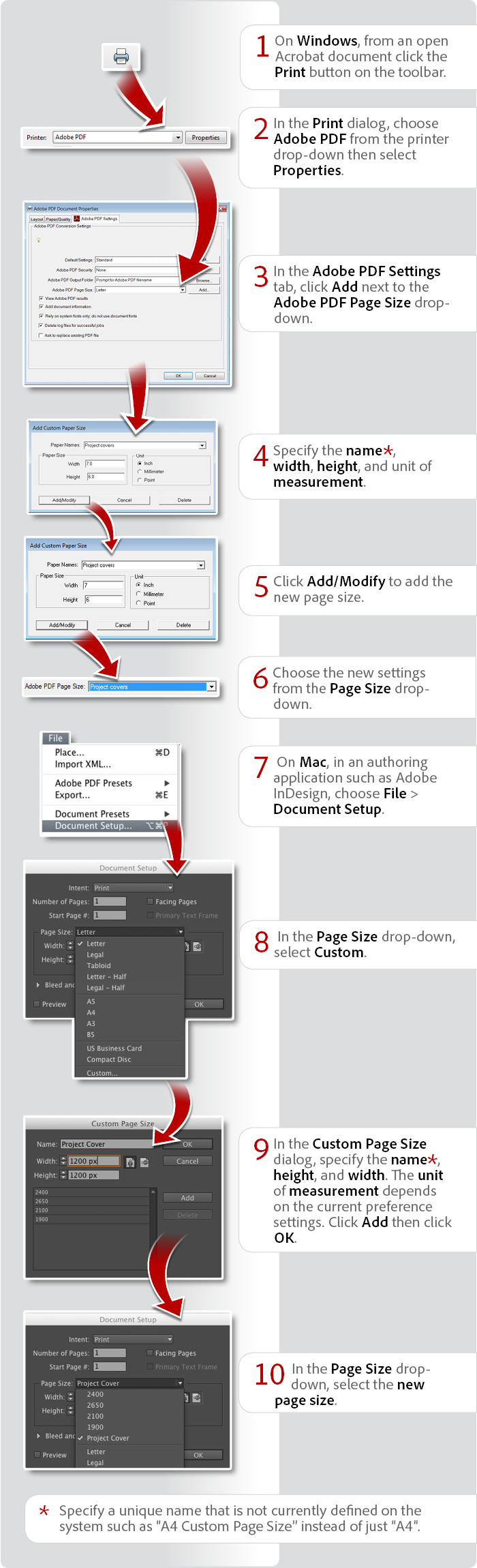 When Pdf Is Not Opening
https://acrobatusers.com/assets/uploads/tutorials/2090/custompage_2.jpg
Web 1 Correct answer graffiti LEGEND Feb 27 2018 It sounds like you are trying to open a pdf possibly a form within your web browser If so right click the quot link quot to the pdf save it to your computer then use File gt Open from within Reader itself to open the file
Pre-crafted templates offer a time-saving option for developing a diverse range of documents and files. These pre-designed formats and layouts can be made use of for numerous personal and professional tasks, consisting of resumes, invitations, leaflets, newsletters, reports, presentations, and more, enhancing the material creation process.
When Pdf Is Not Opening
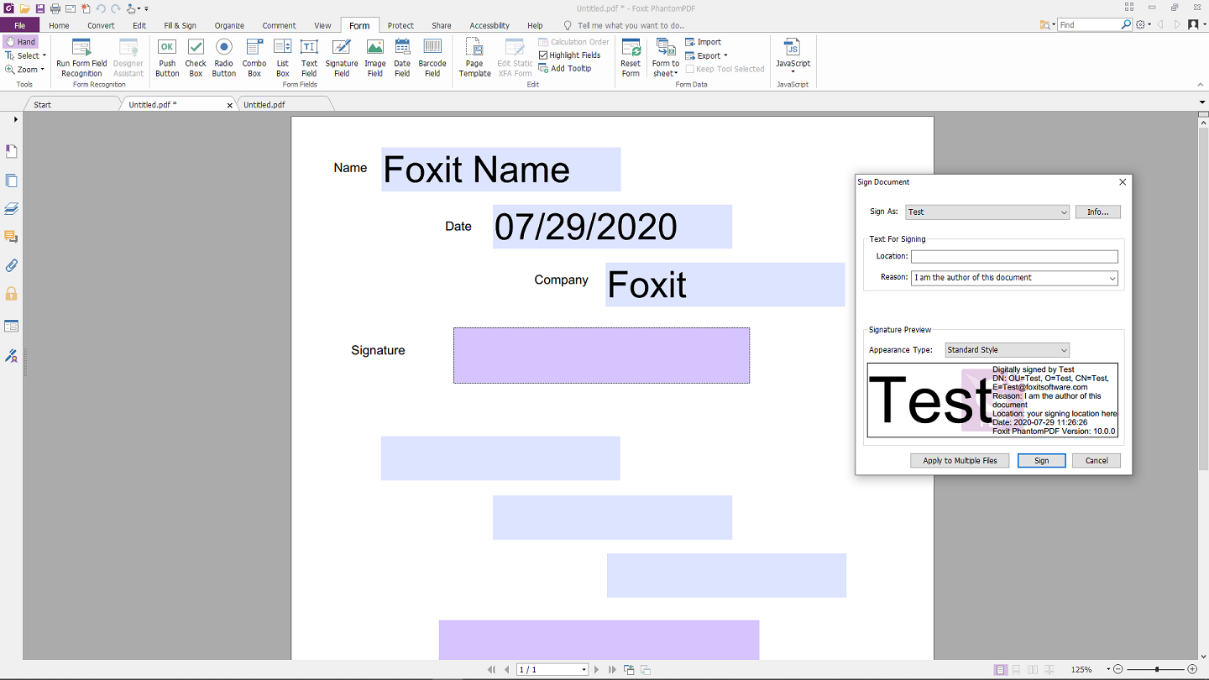
How To Lock Form Fields When PDF Is Signed Help Center Foxit Software
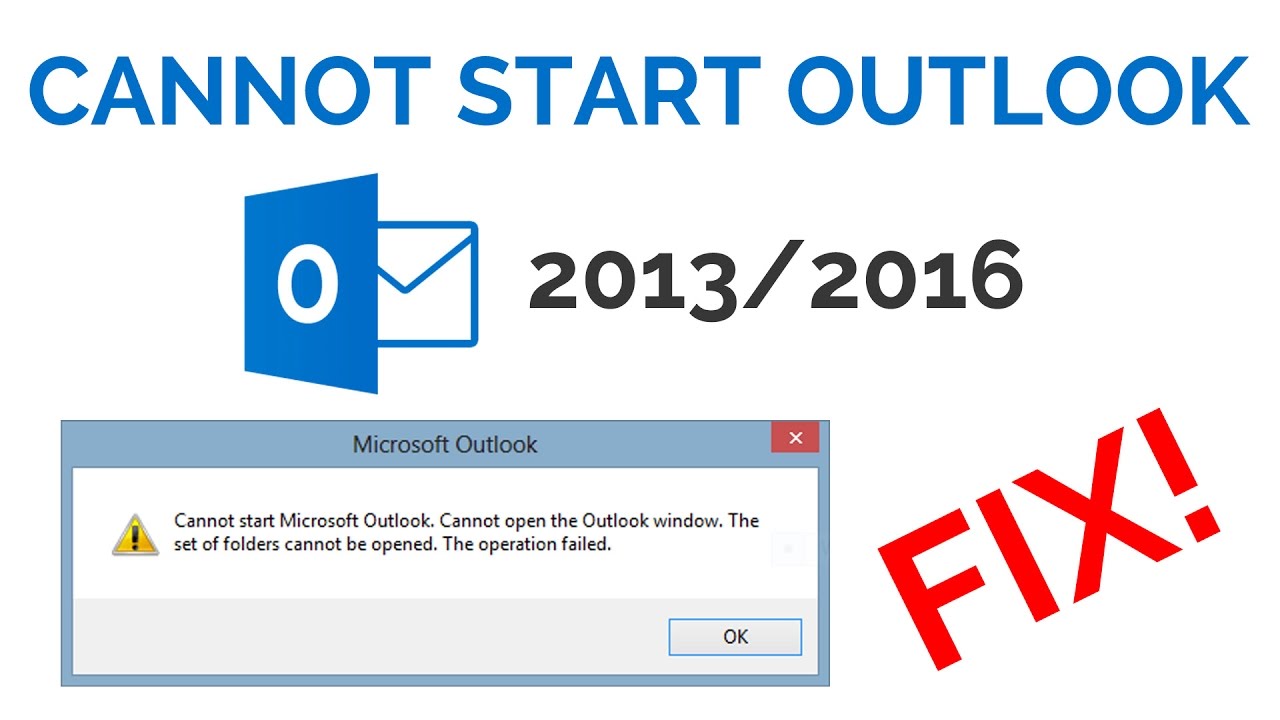
How To Fix Outlook 2016 Error Cannot Start Microsoft Outlook Cannot

How To Download Canva Design As A PDF Easy Methods WPS PDF Blog
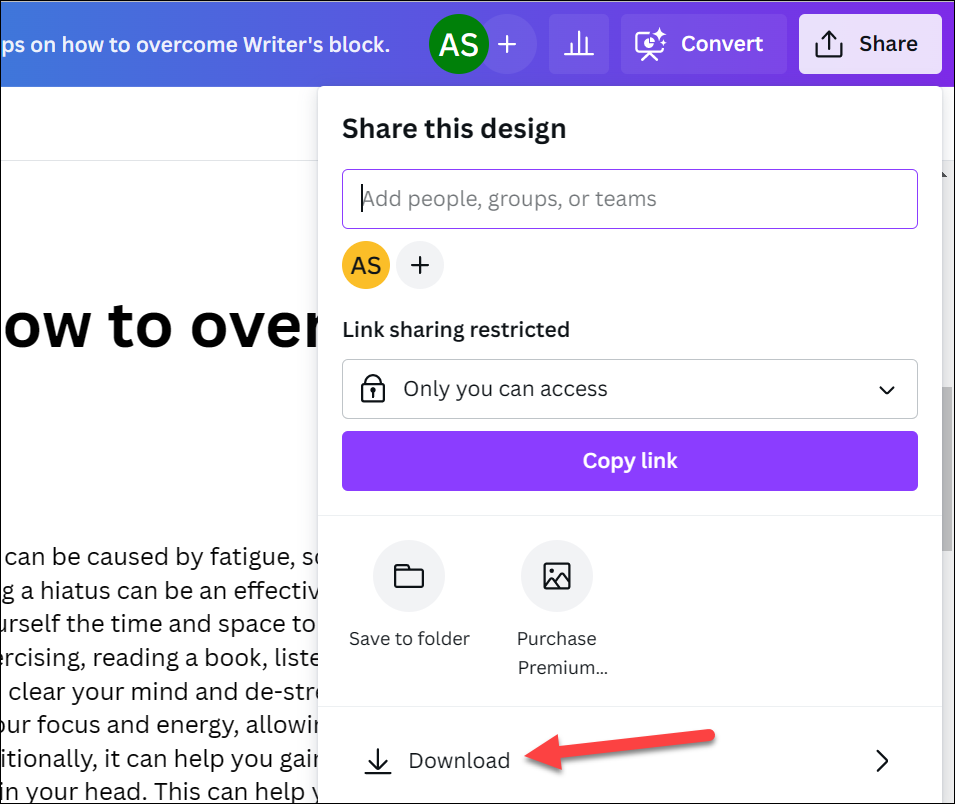
How To Convert Canva Doc To PDF
Microsoft Edge Opening Automatically
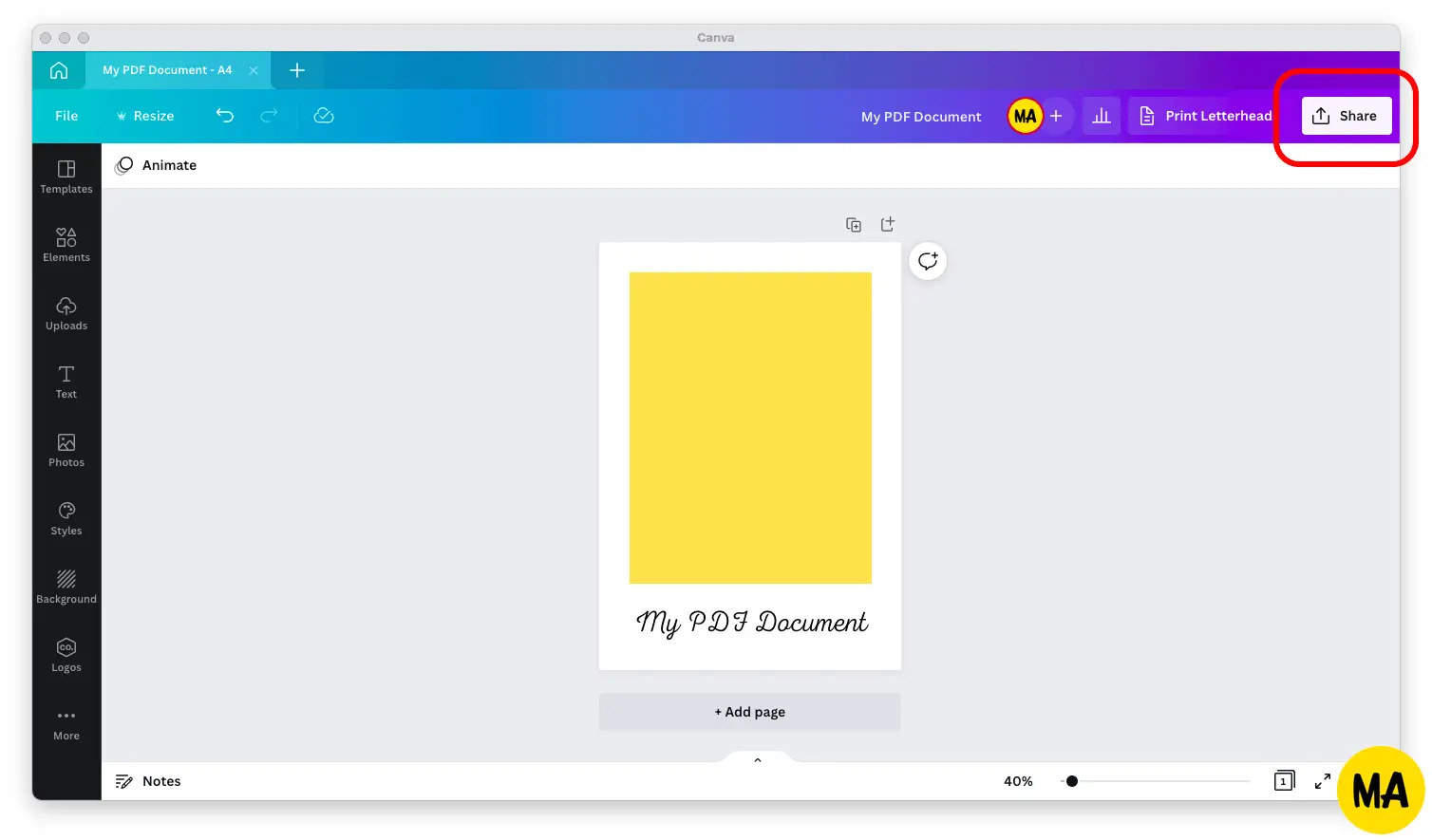
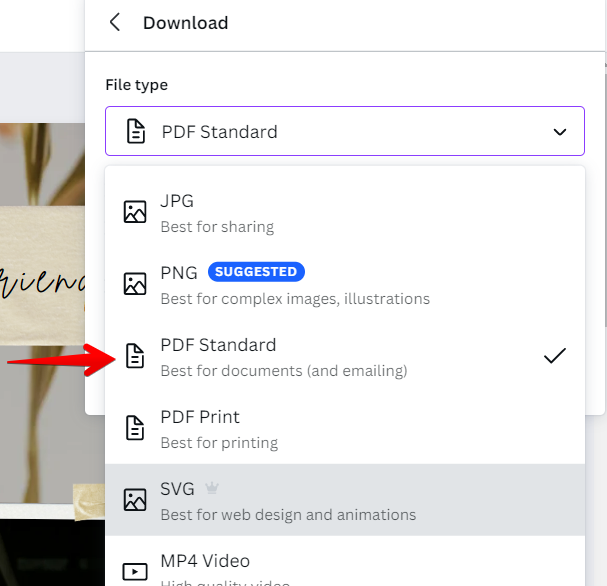
Want To Know How To Create A PDF With Canva Maker s Aid
Web Jun 1 2023 nbsp 0183 32 The most possible cause could be the recent installation or update of Adobe Reader Acrobat Besides it can also be caused by an operating system upgrade or corruption Possible factors that prevent you from opening files in Adobe Reader or Acrobat There is no PDF reader installed on the computer The Acrobat or Adobe Reader itself is

Web Tips to try when your PDF won t open Of course those are just a few of the most common reasons you can t open PDF on your laptop So if you re struggling to open a PDF on your laptop try these tips to resolve the problem Install a reliable PDF reader Update your current PDF reader or application

Web Aug 19 2023 nbsp 0183 32 If Windows is stopping Adobe from opening PDF files due to missing or corrupted permissions running it as administrator will fix the issue You can run Adobe Acrobat as an administrator by simply left clicking on

Web Oct 19 2023 nbsp 0183 32 If your PDF won t open it s most likely your file is corrupted You will get Failed to load PDF document or Adobe Acrobat Reader could not open XYZ pdf because it is either not a supported file type or because the file has been damaged messages when opening a document
Web May 23 2023 nbsp 0183 32 Please exit and try again quot To solve common PDF display issues follow the instructions in the order they appear Update Reader or Acrobat fix PDF issues check browser settings and repair or reinstall Reader or Acrobat Update Reader or Acrobat Adobe releases free security updates quarterly
Web Oct 4 2023 nbsp 0183 32 Outdated app If PDF is not opening in Adobe Reader it might be because the app is outdated The quickaround for this is to update it to the latest version Wrong settings Sometimes you might be using Adobe Reader in protected mode This can make it not open some PDF files You need to disable this security feature to fix the problem Web Oct 5 2023 nbsp 0183 32 1 Terminate Background Processes and Restart Adobe for a Clean Slate Even after we ve closed a program various processes often linger in the background This means that closing and reopening Adobe Acrobat will give you a fresh start if you address these processes
Web May 23 2023 nbsp 0183 32 Error the document is damaged and cannot be repaired Adobe Reader could not open because it is either not a supported file type or because the file has been damaged for example it was sent as an email attachment and wasn t correctly decoded