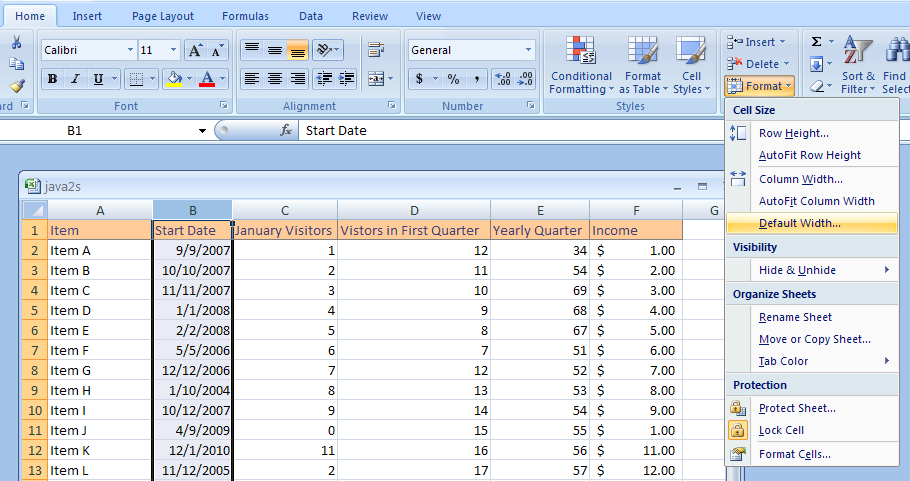
What Is The Default Column Width In Excel Excel Change The Default Column Width Excel 44 Default Column Width Learn Excel Step By Step In Hindi YouTube How To Set Row Height And Column Width In Excel How To Set A New Default Column Width And Row Height In Excel OfficeTuto How To Change The Column Width 3 Ways In Excel Explained Change In the Cells group click on the Format drop down Click on Default Width Set the default column width in Excel for the current worksheet or workbook The Standard Width dialog box displays Enter
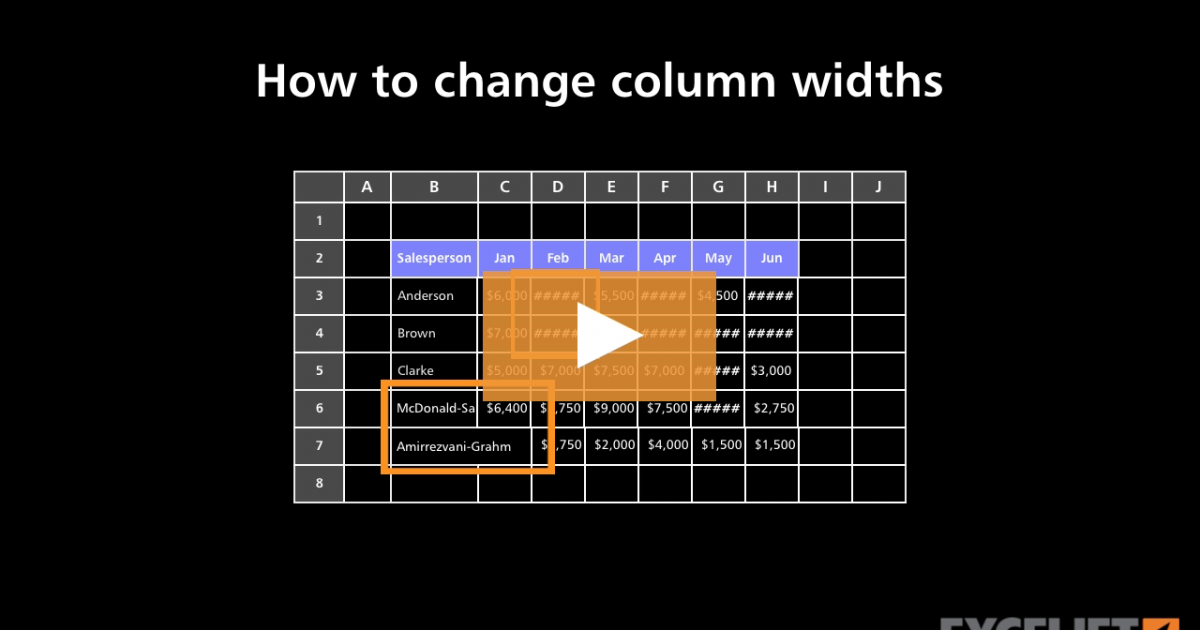
You can manually adjust the column width or row height or automatically resize columns and rows to fit the data Note The boundary is the line between cells columns and The default column width in Excel refers to the standard width of a column in a new worksheet When you open a new Excel workbook all the columns have the same
How To Change The Column Width 3 Ways In Excel Explained Change How To Change Column Widths In Excel video Exceljet Excel VBA Set A Worksheet Column Width EasyTweaks How To Adjust Column Width Row Height Microsoft Excel 2013 YouTube C VB NET AutoFit Column Width And Row Height In Excel How To Adjust Column Width In Excel Shortcut Calculator Variable Width Column Bar Chart In Excel step By Step Guide YouTube How To Add A Default Value An Existing Column In Mysql Create New Table How To Adjust Column Width In Excel Shortcut Calculator
What Is The Default Column Width In Excel
 What Is The Default Column Width In Excel
http://www.java2s.com/Tutorial/Microsoft-Office-Excel-2007Images/Change_Default_Column_Width___Click_Home_Tab_Then_Click_Format_Bu.PNG
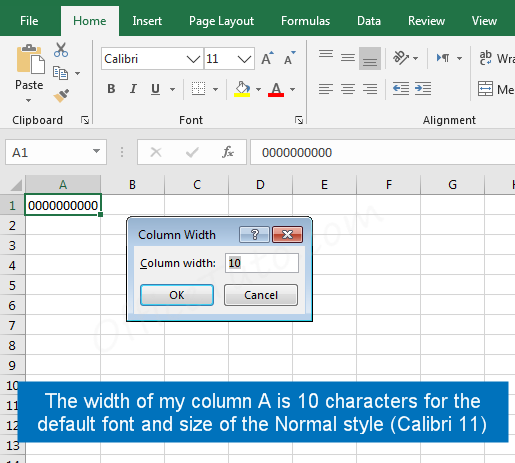
It s important to note that the default column width in Excel is usually 8 43 characters or 64 pixels Adjusting column widths to precise measurements can improve the visual
Pre-crafted templates use a time-saving solution for creating a varied range of files and files. These pre-designed formats and designs can be made use of for various personal and expert tasks, including resumes, invites, leaflets, newsletters, reports, discussions, and more, enhancing the material development procedure.
What Is The Default Column Width In Excel
What Are Units Of Column Width And Row Height In Excel OfficeTuto
How To Change Column Widths In Excel video Exceljet

Excel VBA Set A Worksheet Column Width EasyTweaks
How To Adjust Column Width Row Height Microsoft Excel 2013 YouTube

How To Adjust Column Width In Excel Shortcut Calculator
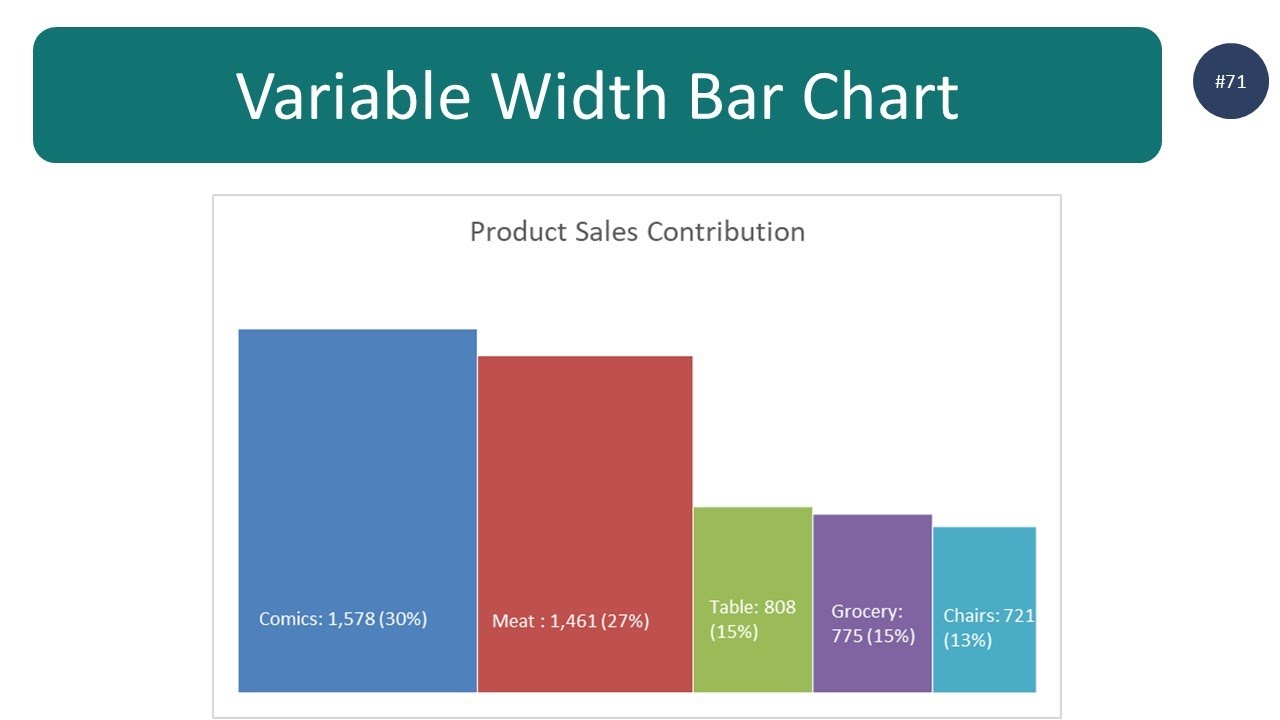
Variable Width Column Bar Chart In Excel step By Step Guide YouTube

The default column width in Excel refers to the preset width of each column in a worksheet By default this width is set to 8 43 characters which may vary depending

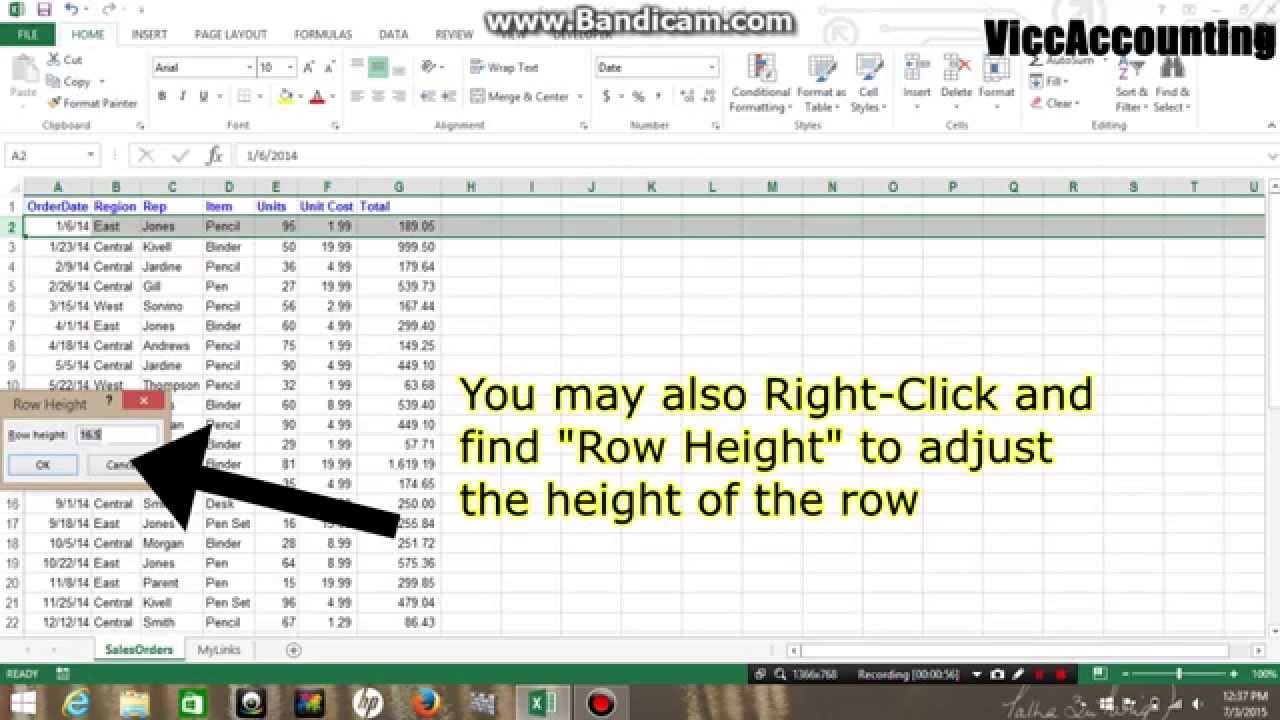
On the Home tab select Format Column Width or Column Height Type the column width and select OK Automatically resize all columns and rows to fit the data

The default column width for all the columns is 8 38 The default row height for each row depends on the largest font and font
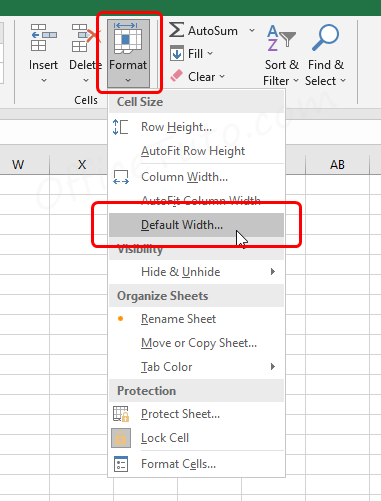
Column width is set at 8 43 by default Based on these minimum maximum and default values you can establish a column width range The column
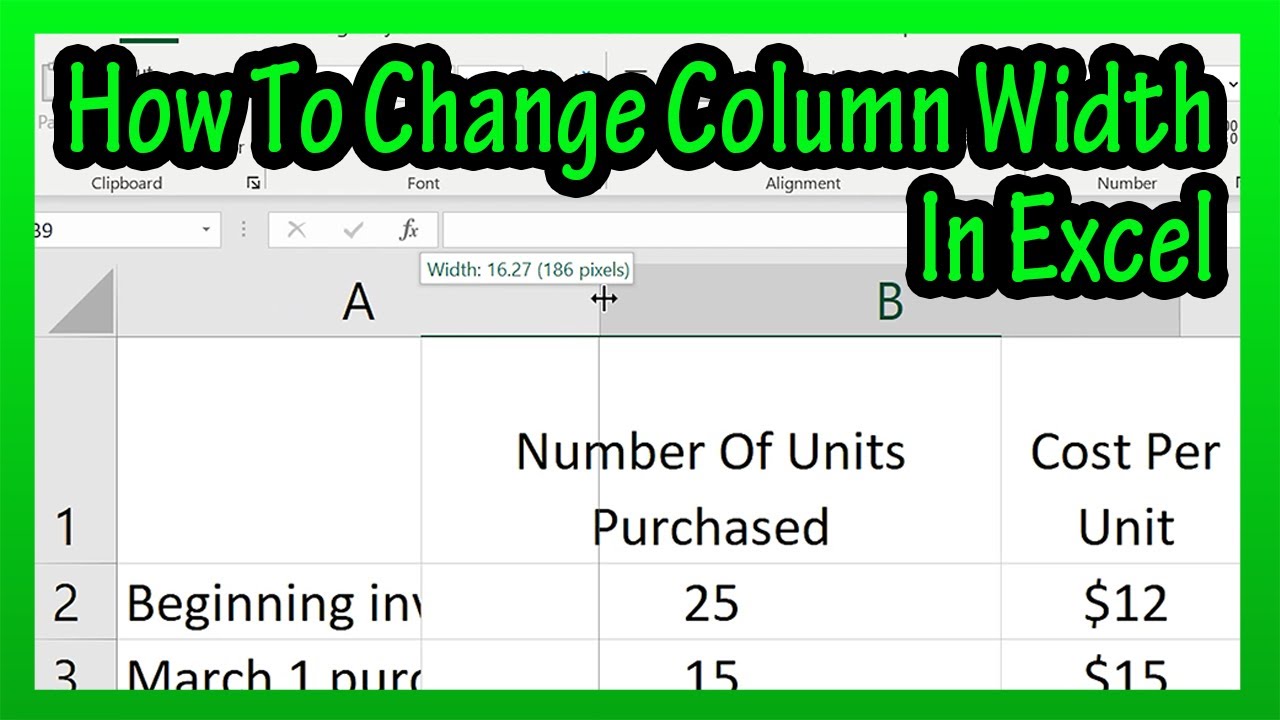
On a new worksheet the default width of all columns is 8 43 characters which corresponds to 64 pixels If a column s width is set to zero 0 the column is
In the Normal view Excel column width is calculated in characters zero characters i e how many zero characters fit in this width in one line In the Page Step 1 Hover Over the Column Boundary Hover your mouse over the boundary of the column whose width you want to adjust You should see the cursor
How To Set Column Width in Inches By default Excel has a default row height and column width in points which is not in inches or centimeters Below are the steps to