What Is Program Manager Windows 10 What Is Program Manager Windows 10 Get Windows 3 x Program Manager For Windows 7 8 8 1 And 10 Program Manager Windows 3 1 What Is A Program Manager YouTube Program Manager Windows 10 Winget Advantages Winget is specially tailored to Windows It s the first party package manager for Windows so the experience is pretty solid right from the start Searching installing
Press Ctrl Shift Esc to open the Task Manager with a keyboard shortcut or right click the Windows taskbar and select Task Manager You can also press Ctrl Alt Delete and then click Task Manager on the screen that appears or find the Task Manager shortcut in your Start menu Task Manager s Simple View Uninstall from Control Panel In search on the taskbar enter Control Panel and select it from the results Select Programs Programs and Features Press and hold or right click on the program you want to remove and select Uninstall or Uninstall Change Then follow the directions on the screen
Program Manager Windows 10 Program Manager Windows 10 Program Manager Windows 10 Getting Program Manager To Run In Windows 7 8 10 Program Manager How It Is Different From Project Manager Glossary 75 What Is A Program Manager Part II YouTube Online Program Manager What You Should Know Before You Sign Program Manager Windows 10 Technical Program Manager PM101 Medium
What Is Program Manager Windows 10
 What Is Program Manager Windows 10
http://cdn.shopify.com/s/files/1/0285/1815/4285/articles/what-is-program-manager-windows-10-755606.png?v=1675192711
Right click on that shortcut and select Properties No matter how you located the shortcut a properties window will appear Make sure you re on the Shortcut tab then click Open File Location You ll be taken directly to the EXE s location in File Explorer What you do next depends on what you re trying to achieve
Pre-crafted templates offer a time-saving solution for creating a diverse series of documents and files. These pre-designed formats and designs can be made use of for different individual and expert projects, including resumes, invitations, flyers, newsletters, reports, discussions, and more, simplifying the content production process.
What Is Program Manager Windows 10
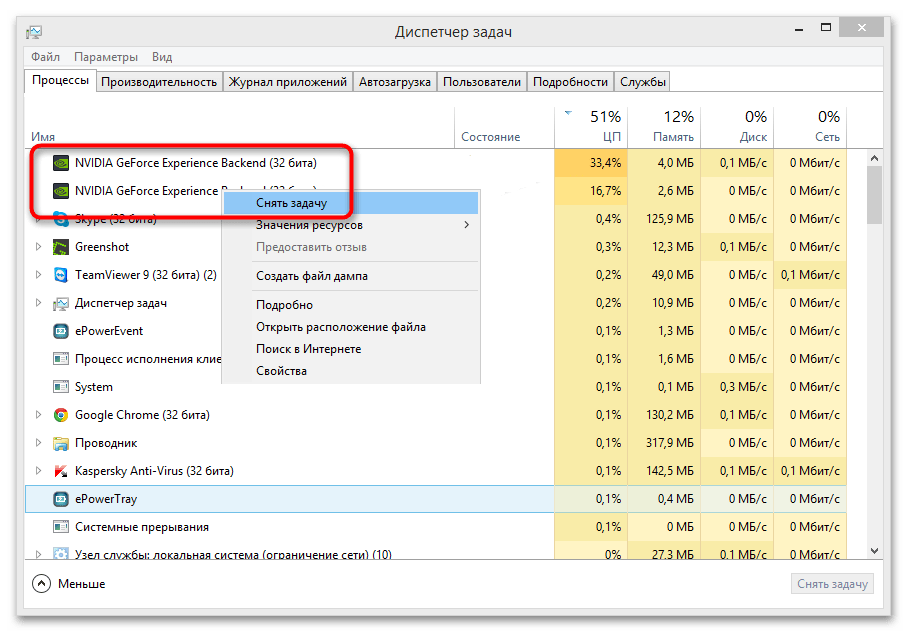
Program Manager Windows 10
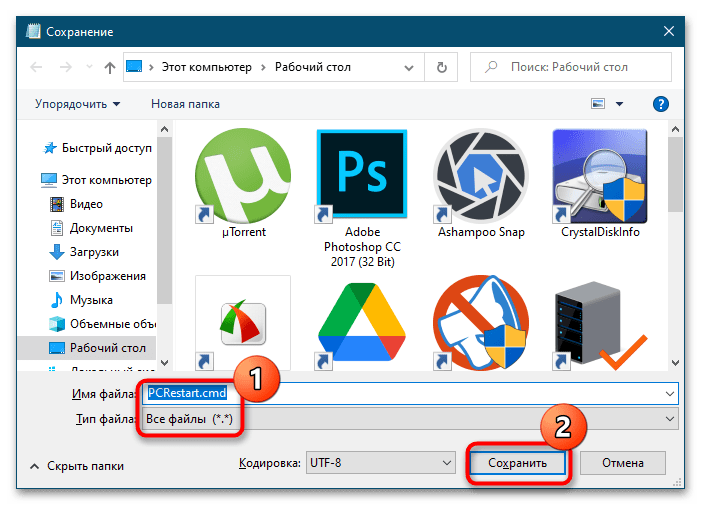
Program Manager Windows 10
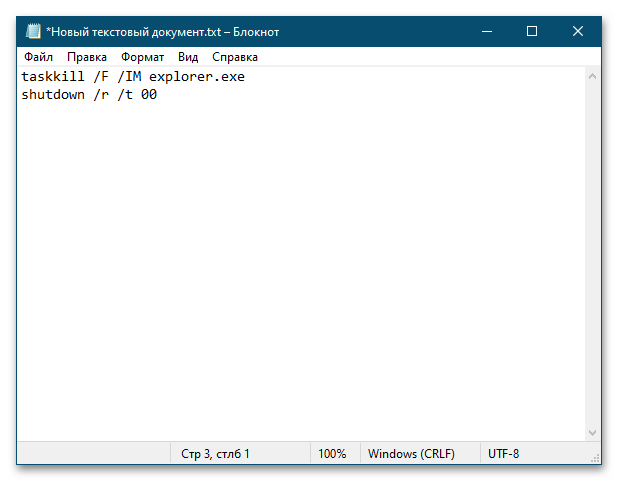
Program Manager Windows 10
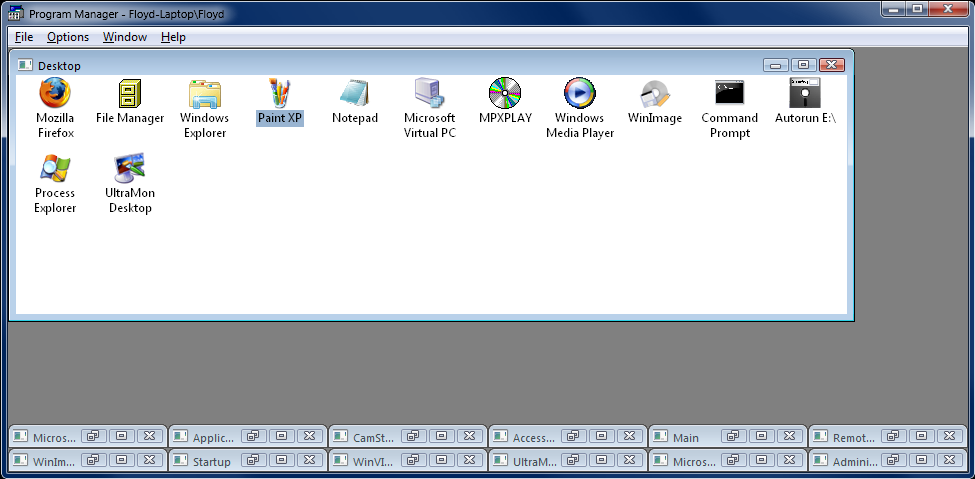
Getting Program Manager To Run In Windows 7 8 10

75 What Is A Program Manager Part II YouTube

Online Program Manager What You Should Know Before You Sign

08 May 2020 1 Program Manager running on shutdown The message Program Manager is still running pops up on Windows 10 1909 when shutting down Since I never saw the words Program Manager used in WIndows I scanned with Windows Defender and Malwarebytes and both report everything is clean My Computers dalchina

What is Program in Startup tab in Task Manager Any unknown Programentries in Startup tab in Task Manager in Windows 11 10 are most likely caused if both of the following conditions are
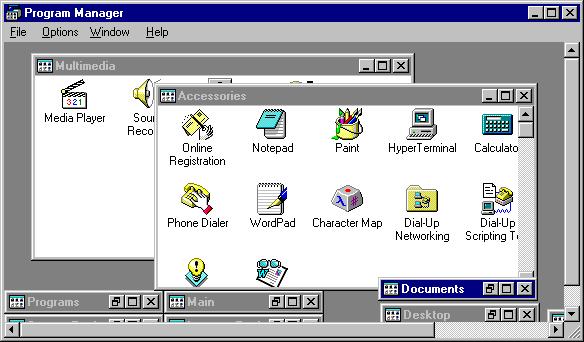
In summary Program Managers in Windows 10 are the driving force behind the operating system s design development and coordination They ensure that Windows 10 meets user needs remains secure and functions reliably Exploring the Benefits of Program Manager in Windows 10

Feb 15 2021 61 5 545 Apr 25 2021 1 Every now and again when shutting down or restarting Windows tells me that Program Manager is running in the background This sometimes prevents my pc from shutting down or restarting for a few seconds This is a new build I recently put together and installed Windows 10 Pro on

Overview App V overview Getting started with App V Planning for App V Deploying App V Operations for App V Troubleshooting App V Technical Reference for App V Learn about managing applications in Windows client
To manage your startup programs head to Settings Apps Startup This feature was added in Windows 10 s April 2018 Update If you don t see the Startup option in your Settings app you haven t installed the update yet Related Everything New in Windows 10 s April 2018 Update Available Now What is Program in Task Manager Startup Tab To identify and fix the unknown Program entries in the Startup tab of Task Manager follow these steps Start Task Manager Ctrl Shift Esc and select the Startup tab Right click on the column header and enable these two options Startup type and Command line
What is the Program in the Startup tab of the Task Manager Windows 11 and windows 10 tutorials If you open Task Manager and go to the Startup tab it list