What Is Character Encoding In Csv How To Declare HTML Character Encoding Sitechecker Changing File Encoding To UTF 8 In Excel Character Encoding In The RStudio IDE Posit Support Technical Tips How To Change Character Encoding In Excel 2013 What Is Text Encoding Leqwerfolder This separator can be one or more characters read write encoding UTF 8 For reading decodes the CSV files by the given encoding type For writing specifies encoding charset of saved CSV files CSV built in functions ignore this option read write quote Sets a single character used for escaping quoted values where the separator can be
Text and CSV files are typically encoded using the Unicode character encoding No special attention to encoding is necessary when dealing with Unicode encoded files However other character encodings are found in the world For example Shift JIS is an encoding for Japanese text What is CSV encoding In simple words it is a method of translating the characters numbers letters punctuation etc that are in your data into a computer language represented by a binary code consisting of numeric values and vice versa These are all special characters
What Is Text Encoding Leqwerfolder Test Happens Teledyne LeCroy Blog What Is Differential Manchester What Is Visual Encoding How Can It Be Utilized In Business What Is Text Encoding Motorpasa Python Developer s Guide To Character Encoding DEV Community Introduction To Character Set And Character Encoding For WordPress Users What Is Transcoding And Why You Need It Restream Blog Character Encoding YouTube CHARACTER ENCODING SCHEMES YouTube
What Is Character Encoding In Csv
 What Is Character Encoding In Csv
https://sitechecker.pro/wp-content/uploads/2021/10/Pages-Don_t-Have-Character-Encoding.png
To export an Excel file to CSV and preserve special characters follow these steps In your worksheet click File Save As or press F12 In the Save As dialog box choose Unicode Text txt from the Save as type drop down menu and click Save Open the txt document using your preferred text editor for example Notepad
Templates are pre-designed files or files that can be utilized for different purposes. They can conserve effort and time by supplying a ready-made format and layout for developing various sort of material. Templates can be utilized for personal or professional projects, such as resumes, invitations, flyers, newsletters, reports, discussions, and more.
What Is Character Encoding In Csv

An Explanation Of Unicode Character Encoding

Test Happens Teledyne LeCroy Blog What Is Differential Manchester

What Is Visual Encoding How Can It Be Utilized In Business

What Is Text Encoding Motorpasa
Introduction To Character Set And Character Encoding For WordPress Users
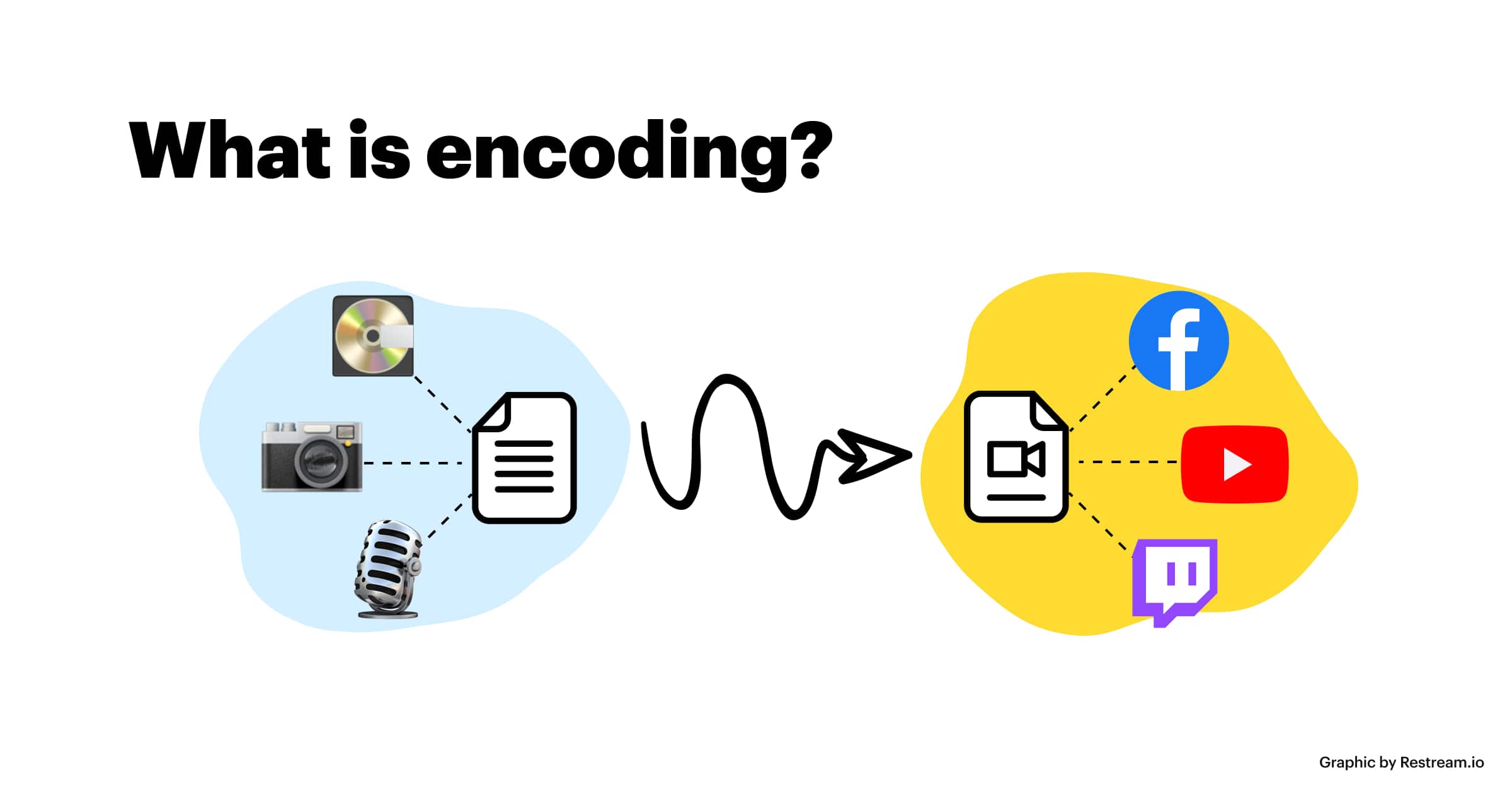
What Is Transcoding And Why You Need It Restream Blog

UTF 8 encoding contains 1 112 064 characters which encompasses just about any character you would type in any language This means you could essentially type any text numbers punctuation emojis anything and using UTF 8 encoding the computer will have the key it needs to store this information into bytes and back again

5 Answers Sorted by 127 Use the import function under Data tab where Excel allows us to specify the encoding Select from text and choose your csv file then Select Japanese shift jis encoding Share Improve this answer Follow
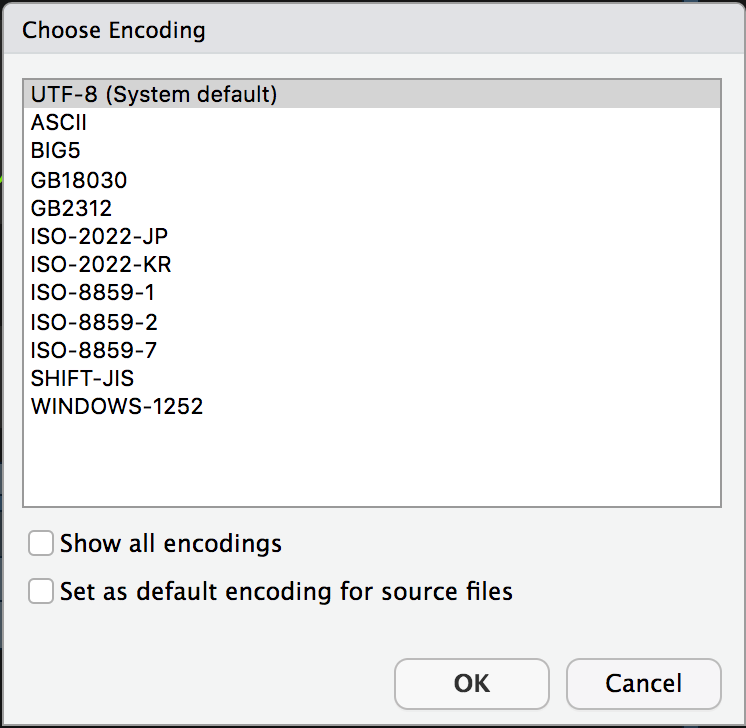
Your file is probably encoded with standard ANSI ASCII character codes Instead of encoding the UNICODE characters at byte level in the CSV file it is actually representing the single unicode character code as a series of alphanumeric characters i e a number string spelling out the unicode character number It is called a numeric character reference NCR and is commonly used in markup

Short description Describes how PowerShell uses character encoding for input and output of string data Long description Unicode is a worldwide character encoding standard The system uses Unicode exclusively for character and string manipulation For a detailed description of all aspects of Unicode refer to The Unicode Standard

The encoding of a CSV file can be easily found by simply opening with a text editor and inspect the status bar CSV files are simply text files so open it using a text editor like note pad or code editor like Visual Studio Code In the status bar you can see the character encoding
When encoding CSV files one of those escape mechanisms should be consistently applied A carriage return character followed by a new line character When processing a CSV file with CRLF Notepad is a good choice on Windows To mark a text file such as csv as containing Unicode text you need to write a Byte Order Mark BOM as the first character in the text file For UTF 16 little endian Intel the BOM would be bytes 0xFF 0xFE The Byte Order Mark tells the document reader whether the characters in the document are
Preserving special characters when writing to a CSV What encoding to use Ask Question Asked 8 months ago Modified 8 months ago Viewed 783 times 0 I am trying to save the string the United Nations Sustainable Development Goals SDGs into a csv If I use utf 8 as the encoding the apostrophe in the string gets converted to an ASCII char