What Is Borderless Printing Notes On Digital Printing Borderless Printing Printers That Support Borderless Printing Printers Magazine Borderless Printing Explained YouTube Cara Print Full Kertas A4 Di Epson L360 Easy Study How To Print Borderless On Epson Canon HP Inkjet Printers [desc-7]
Web Borderless printing basically means that the printer can enlarges a document to a print size that it is slightly larger than the paper itself The area of the image that protrudes over the edges of the paper is not printed Borderless Printing with Word Adobe Reader or Photoshop Word Most programs provide their own individual print settings [desc-8]
How To Print Borderless On Epson Canon HP Inkjet Printers ImagePrint Borderless Printing YouTube Epson 2200 Tip Borderless Printing On Mac Breathing Color Blog How To Print Borderless On Epson Canon HP Inkjet Printers How To Print Borderless On Most Printers Electronic Engineering Tech Borderless Printing From Silhouette Studio Yes It s Possible Borderless Printing From Silhouette Studio Yes It s Possible Printing How Can I Make A Document Print Without Borders In Microsoft Epson ColorWorks C3500 Borderless Printing YouTube
What Is Borderless Printing
 What Is Borderless Printing
http://4.bp.blogspot.com/-0mlm5WspOAc/UdGm51DHM2I/AAAAAAAAARo/xkiffYFxykI/s1600/borderless-01.jpg
[desc-9]
Templates are pre-designed documents or files that can be used for different purposes. They can save effort and time by supplying a ready-made format and design for developing different kinds of content. Templates can be utilized for personal or professional projects, such as resumes, invitations, flyers, newsletters, reports, presentations, and more.
What Is Borderless Printing

What Is Borderless Printing TAE
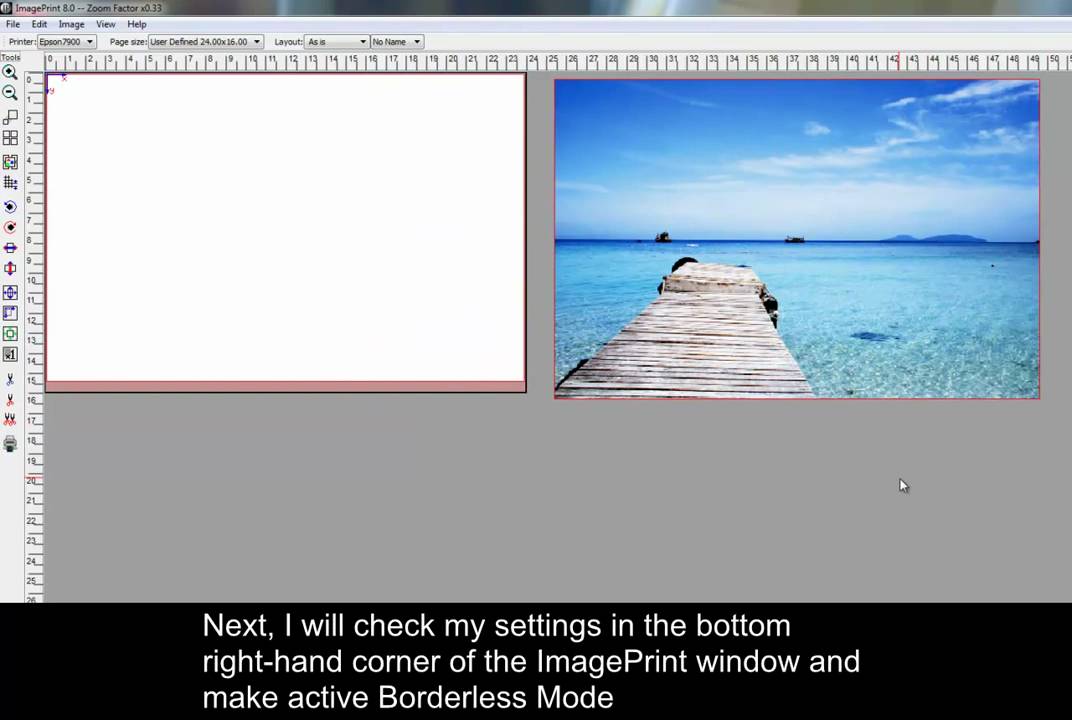
ImagePrint Borderless Printing YouTube
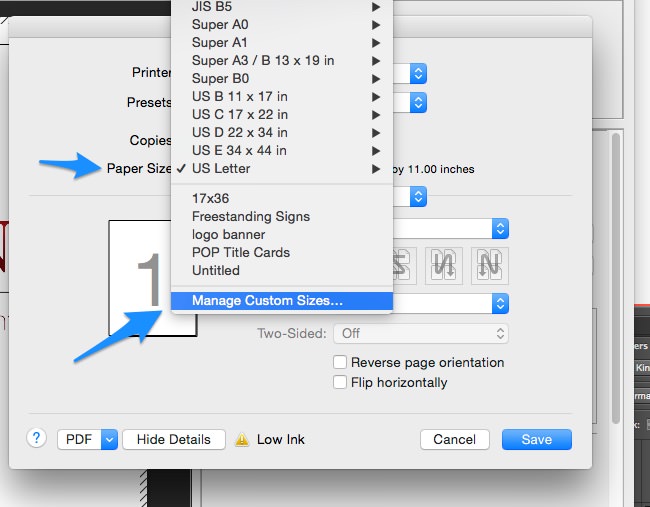
Epson 2200 Tip Borderless Printing On Mac Breathing Color Blog
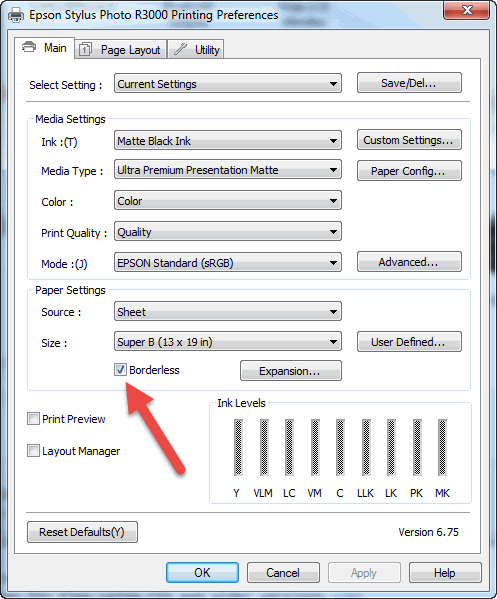
How To Print Borderless On Epson Canon HP Inkjet Printers
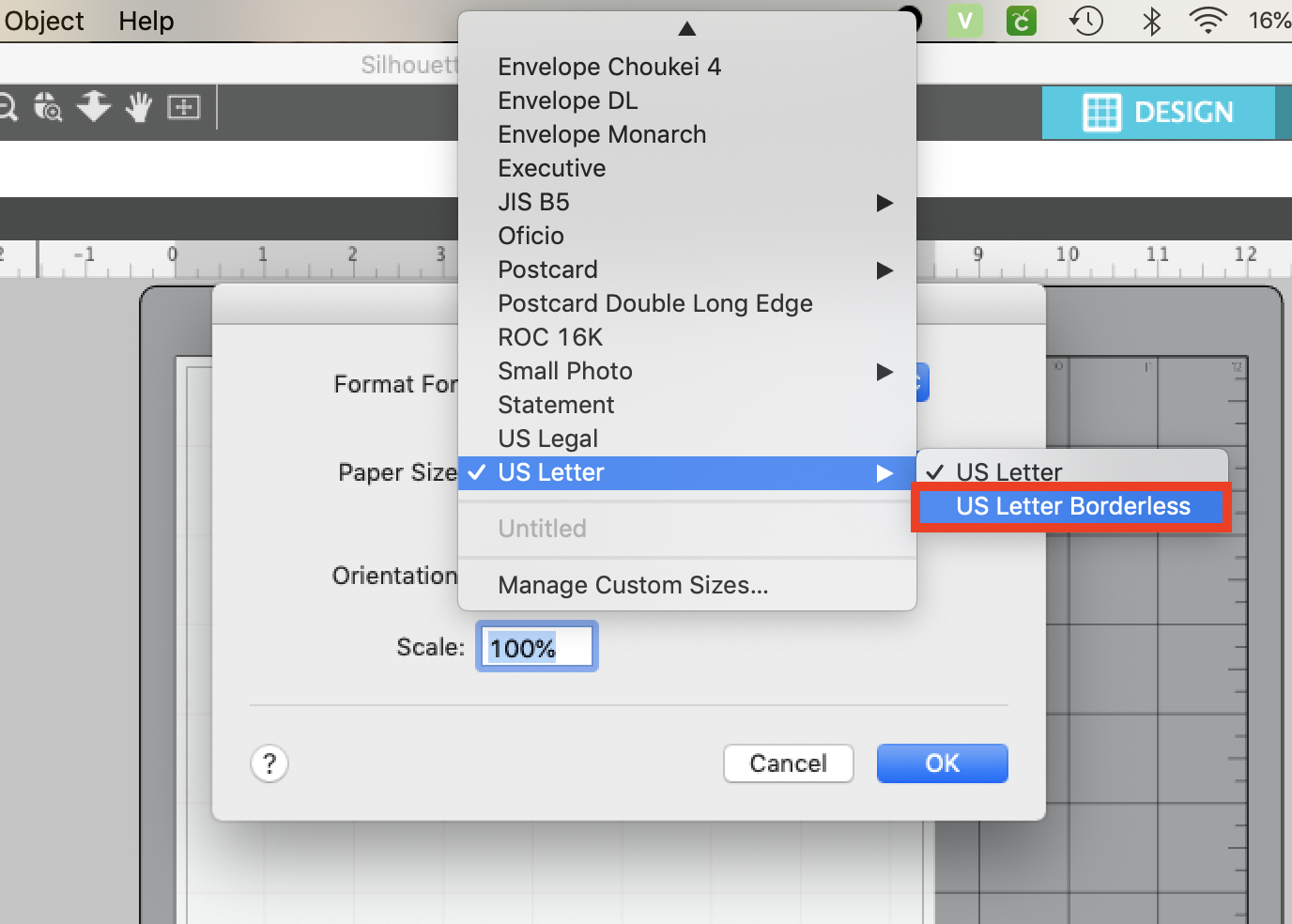
Borderless Printing From Silhouette Studio Yes It s Possible

Borderless Printing From Silhouette Studio Yes It s Possible

Web Jan 14 2016 nbsp 0183 32 The borderless printing function allows you to print without any margins In standard printing margins are created around the document area The images below show standard printing on the left and borderless printing on the right
Web Jan 8 2019 nbsp 0183 32 Setting borderless printing using the printer driver enables application software to perform borderless printing 1 In the Print window of the application software select Properties Refer to the manual of the application software to see how the Print window is displayed 2

Web Borderless printing is a useful technique to use when printing large graphics such as pop up displays It allows the graphic to be printed without a white margin at the sides of the print Some wide format printers also give the option to trim the top and bottom of the prints so that no white area is shown here either

Web gt Borderless Printing Preparing the print file Printing from EPSON Easy Photo Print Printing from other applications The printer allows you to print without margins on all four sides of the paper Follow the steps described below for Borderless printing This feature is not available for all papers and printer settings

Web Jun 9 2015 nbsp 0183 32 Solution The borderless printing allows you to print without any margins The images below show standard printing on the left and borderless printing on the right Follow the steps below to use borderless printing Set borderless printing in Windows Open printing preferences from the Properties Preferences dialog box
[desc-11] [desc-12]
[desc-13]