What Causes A Boot Loop Easy How To Fix IPhone X Stuck In Boot Loop Constant Rebooting Boot Loop With Latest Git Master Installing And Using OpenWrt How To Fix Error 14 IPhone Storage Full Stuck In Boot Loop On IOS14 14 How To Fix IPhone XR Stuck In Boot Loop Resolve HassOs Boot Loop Home Assistant OS Home Assistant Community Web Apr 11 2023 nbsp 0183 32 The installation of new software an app or game Something in the process goes awry and the result is a computer caught in an infinite reboot loop This is a problem that has plagued Windows for years When Automatic
Web Feb 12 2021 nbsp 0183 32 Table of Contents What Causes a Windows 10 Restart Loop How to Fix Windows 10 Stuck in Restart Loop 1 Unplug Peripherals and Hard Reset Your PC 2 Bypass the Restart Screen 3 Use Windows 10 Automatic Repair Using Safe Mode to Fix Windows 10 Stuck in Restart Loop How to Manually Boot into Safe Mode How to Access Web Sep 3 2021 nbsp 0183 32 If you remove the RAM and disconnect the drives the system should consistently be able to boot into the BIOS if not I d say either the mobo or the PSU is about to fail Reasoning behind basic troubleshooting Simplify the setup to bare minimum to boot If boot is successful start adding parts one at the time
HassOs Boot Loop Home Assistant OS Home Assistant Community How To Fix IPhone Stuck In Boot Loop Without Losing Data All IPhone Complete Guide Fix Android Stuck In Boot Loop In 2022 How To Fix Boot Loop Windows 10 UptimeTechsupport Haider Ali Solved Boot Loop HP Support Community 7564039 What Causes Windows 10 Boot Loop How To Fix This Issue FlashByte How To Fix Boot Loop Problem On Any Android Easy Way Universal Easy To Boot Repeat Nexusmain
What Causes A Boot Loop
 What Causes A Boot Loop
https://i.ytimg.com/vi/m096PdyWZac/maxresdefault.jpg
Web A bootloop also named boot loop or boot loop is a problem that occurs on computing devices which are unable to complete the regular booting sequence and reboot before it is finished Examples Windows NT 4 0 Windows 2000
Pre-crafted templates offer a time-saving option for creating a varied series of documents and files. These pre-designed formats and designs can be used for numerous personal and professional tasks, including resumes, invites, flyers, newsletters, reports, presentations, and more, enhancing the material creation procedure.
What Causes A Boot Loop

How To Diagnose And Fix Boot Loops YouTube

How To Fix IPhone Stuck In Boot Loop Without Losing Data All IPhone

Complete Guide Fix Android Stuck In Boot Loop In 2022

How To Fix Boot Loop Windows 10 UptimeTechsupport

Solved Boot Loop HP Support Community 7564039

What Causes Windows 10 Boot Loop How To Fix This Issue FlashByte

Web Dec 12 2017 nbsp 0183 32 Here s what caused mine I tried downloading a free app and then pressed the Home button Instead of the app icon showing up on my home screen as it downloaded installed my phone froze After waiting a few moments I attempted a hard reset This caused the apple logo boot loop

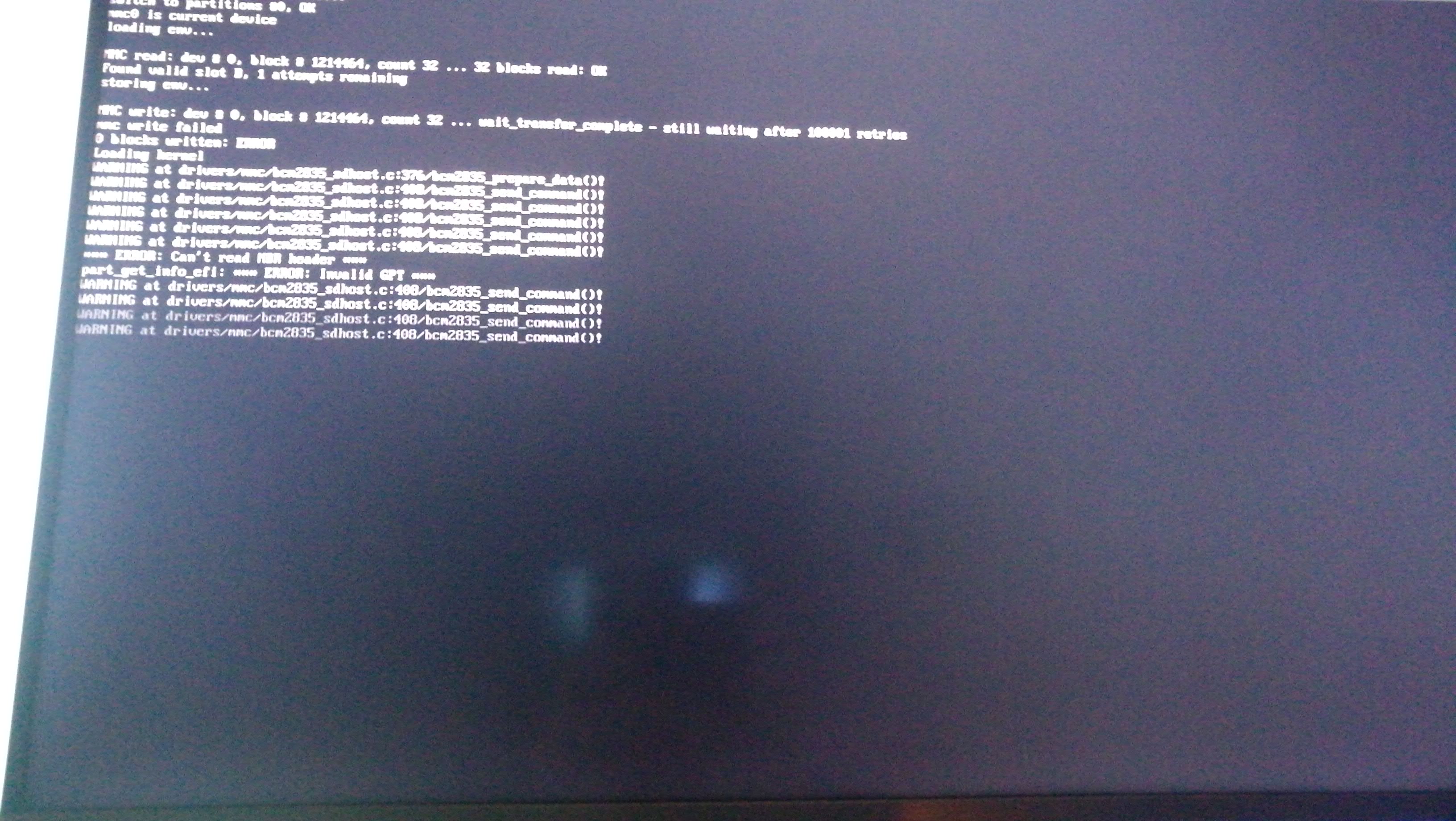
Web Jul 31 2020 nbsp 0183 32 The Windows boot loop problem is often the result of a device driver a bad system component or hardware such as the hard disk that causes a Windows system to spontaneously reboot in the middle of the boot process The result is a machine that can never boot completely and is stuck in a reboot loop

Web Apr 7 2023 nbsp 0183 32 Is your iPhone stuck in a boot loop Have you just recently updated your iPhone i e Installing Music app bug fixes If so your iPhone is probably still trying to perform this update yet it is stuck in this boot loop So to fix this try completing the update and then backing it up

Web Mar 19 2023 nbsp 0183 32 One of the primary causes for the boot loop is a corrupted MBR or the EFI bootloader in GPT hard drives A quick workaround to this problem is to repair the boot sector using dedicated commands First get into the Advanced Startup Recovery Environment screen as discussed earlier Then go to Troubleshoot Next pick
Web Jul 24 2023 nbsp 0183 32 Hold the FN Function key down while powering on the system Still holding the FN key start tapping the Windows key to bypass the issue This should bring up the login screen If the above steps do not resolve this issue refer to knowledge base article quot Computer will not boot to Windows 10 quot for further troubleshooting
[desc-11] [desc-12]
[desc-13]