Vscode Run Command Mac Nh ng o n Code T y Bi n Cho VSCode C c p B i Evondev Evondev Blog Python Course 1 Python For Absolute Beginners K0nze Getting VSCode Ready For PHP Development Digital Byr Stockholm Visual Studio Code Ver Y O Modificar Atajos De Teclados Shortcuts Hot Extensiones De VSCode Interesantes Manz dev Find out how to set up and get the most from Visual Studio Code Optimized for building and debugging modern web and cloud applications Visual Studio Code is free and available on
The VS Code Commander extension vscode extension ms vscode vscode commander acts as your personal assistant within VS Code This powerful tool enables you to configure your VS Jul 9 2025 nbsp 0183 32 In other words we get the best of both worlds a reliable sign in flow that works across all platforms and a return to VS Code that uses the vscode URL scheme
Extensiones De VSCode Interesantes Manz dev Running Python Script In Vscode Mobile Legends Creating A Shortcut In Vscode To Switch Between The Terminal And Editor Top 17 VSCode Plugins To Boost Dev Productivity CopyCat Blog How To Run NET Core Console Application In VSCode On Ubuntu My How To Run Vscode test RunScript From Launch json Issue 41 Macos VSCode Can t Find The Module I ve Just Installed Stack Overflow How To Use The Run Command In CrossOver Mac YouTube I Made Neovide Alike Cursor Effect On Vscode R vscode
Vscode Run Command Mac
 Vscode Run Command Mac
https://evondev.com/wp-content/uploads/2022/05/vscode-custom-css.jpg
Set up Copilot in VS CodeSet up Visual Studio Code with Copilot Welcome to AI powered development with Visual Studio Code Follow the steps in this guide to get started in minutes
Templates are pre-designed files or files that can be utilized for various functions. They can conserve time and effort by offering a ready-made format and layout for creating various type of material. Templates can be utilized for individual or professional projects, such as resumes, invitations, leaflets, newsletters, reports, discussions, and more.
Vscode Run Command Mac
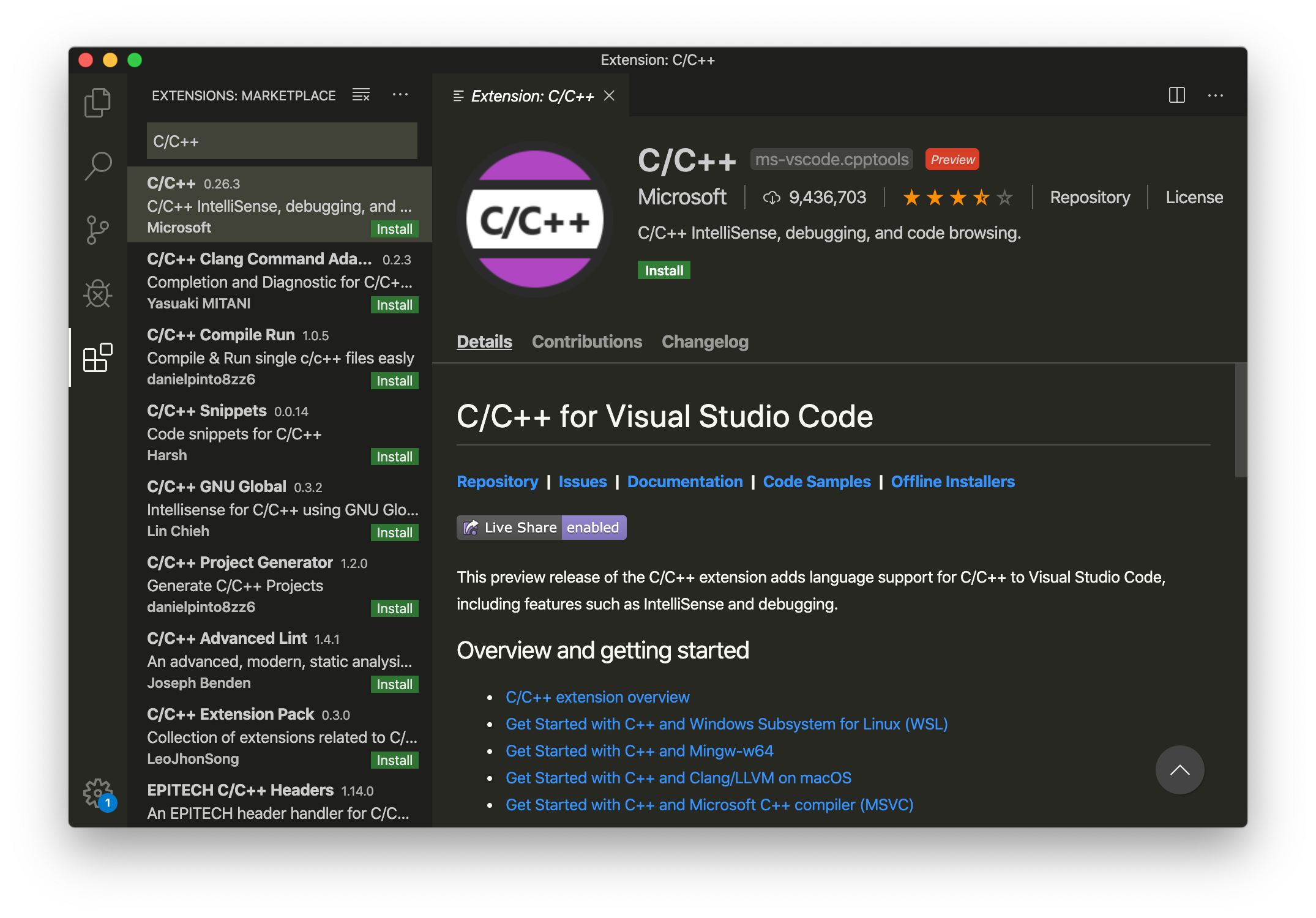
Visual Studio V s Vs Code Ide Or Editor Find Out What You Need Vscode

Running Python Script In Vscode Mobile Legends
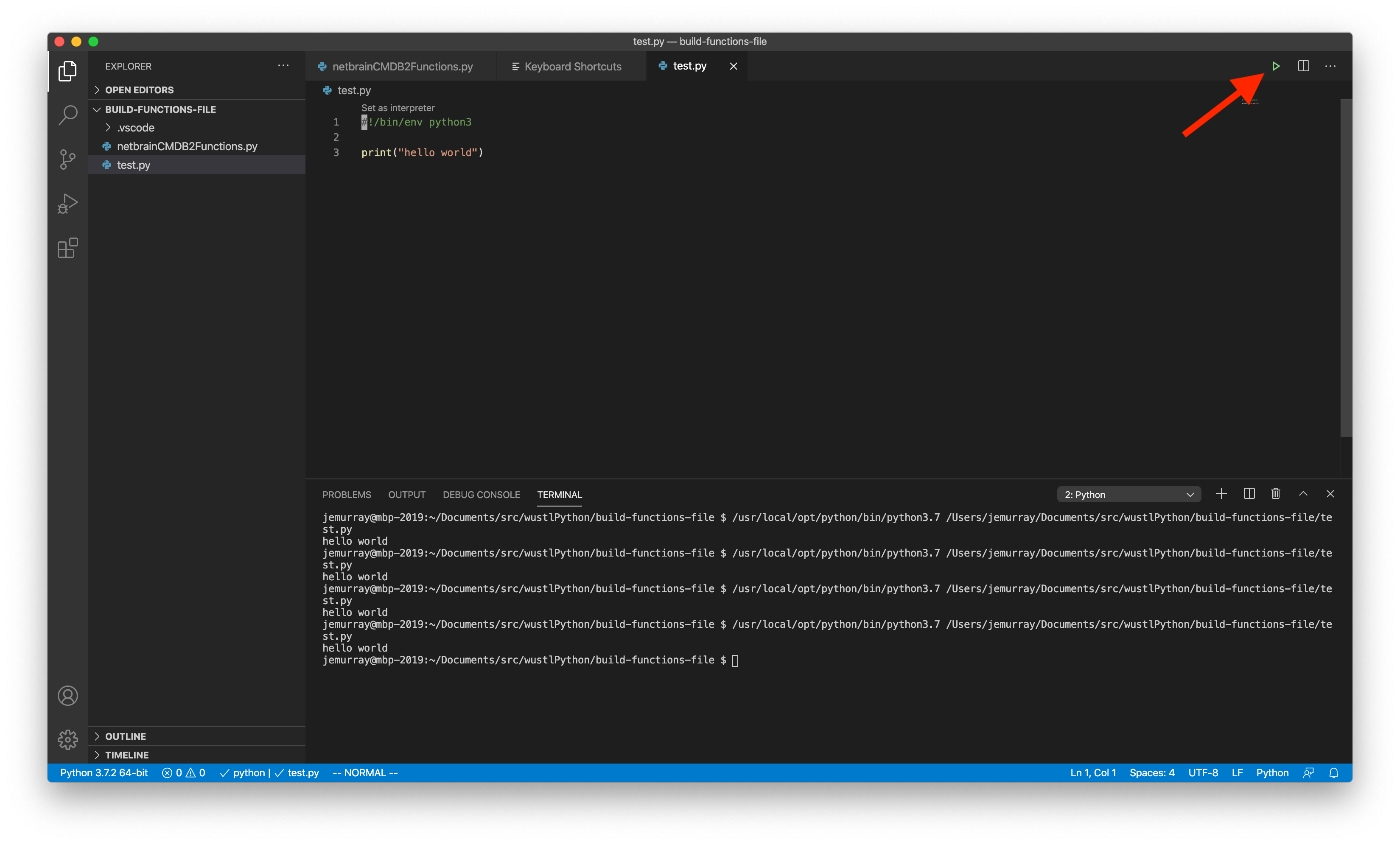
Creating A Shortcut In Vscode To Switch Between The Terminal And Editor
Top 17 VSCode Plugins To Boost Dev Productivity CopyCat Blog

How To Run Vscode test RunScript From Launch json Issue 41

Macos VSCode Can t Find The Module I ve Just Installed Stack Overflow
Visual Studio Code is free and available on your favorite platform Linux macOS and Windows Download Visual Studio Code to experience a redefined code editor optimized for building and
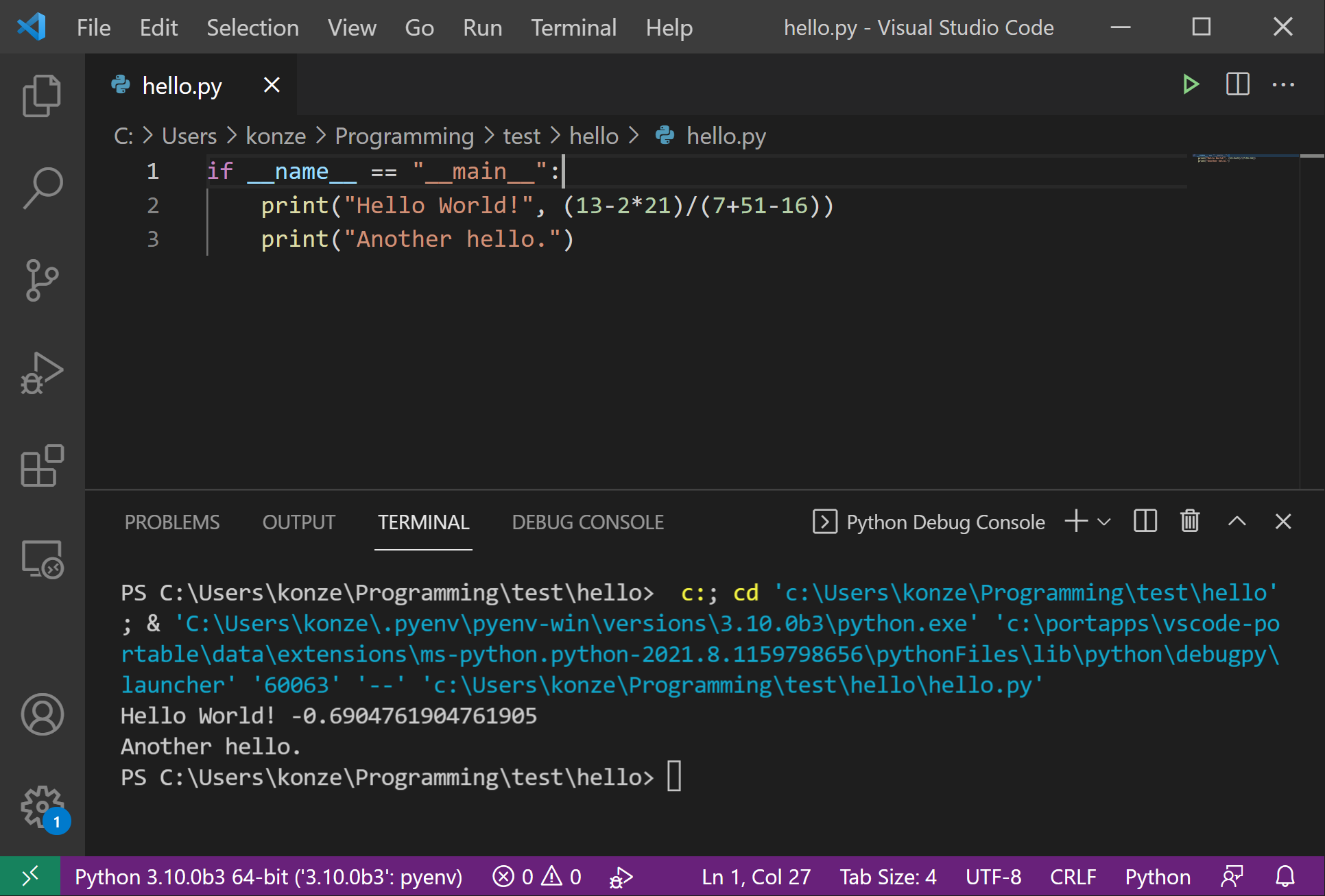
Windows Subsystem for Linux With WSL you can install and run Linux distributions on Windows to develop and test your source code on Linux while still working locally on your Windows
Getting started with Visual Studio Code In this tutorial we walk you through setting up Visual Studio Code and give an overview of the basic features
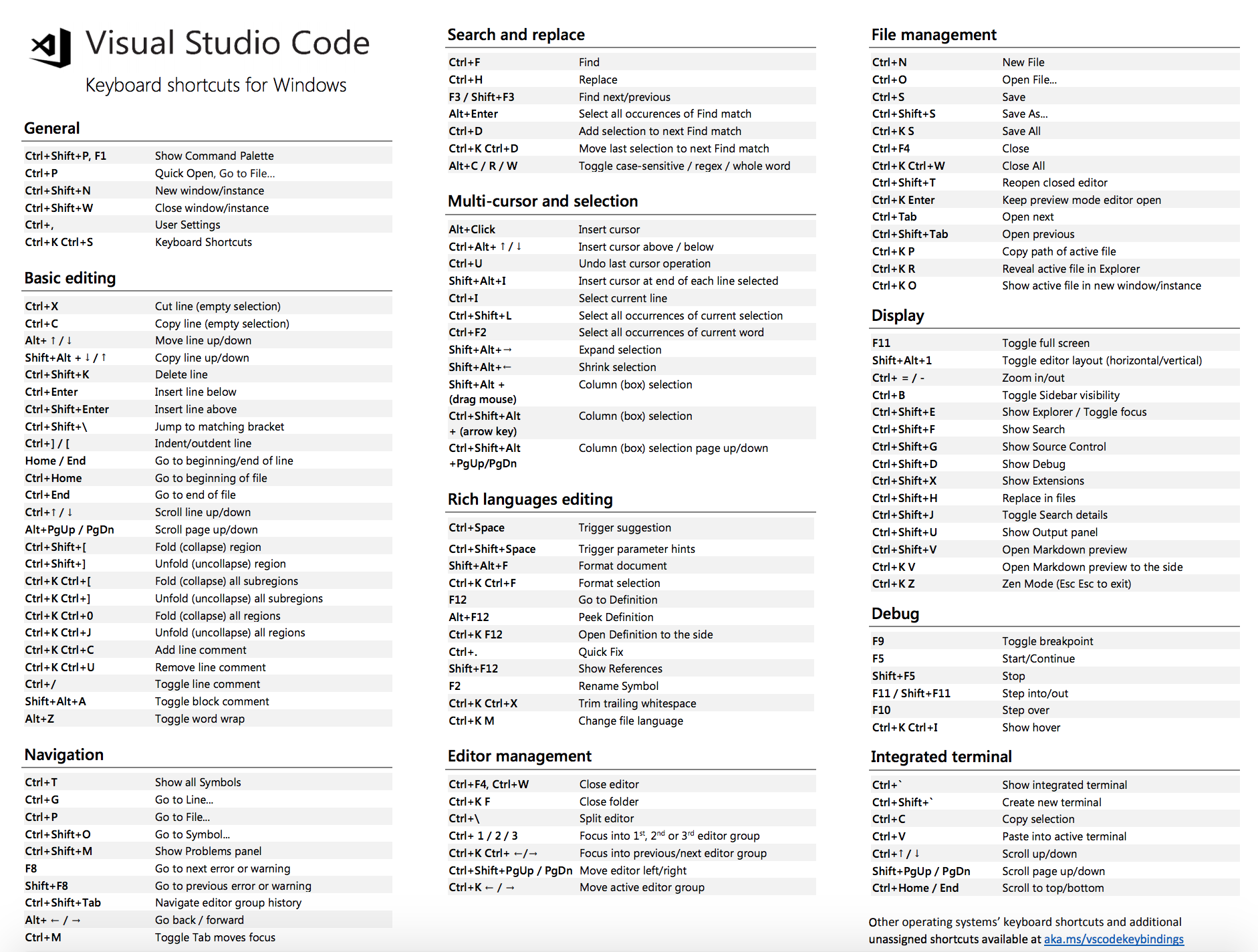
Like in the desktop you can customize VS Code for the Web through a rich ecosystem of extensions that support just about every back end language and service vscode dev includes
This can also be used to reset all settings if you don t want to uninstall VS Code The folder locations vary depending on your platform Windows Delete APPDATA Code and
[desc-11] [desc-12]
[desc-13]