Vscode Linter Not Running How To Start Linting Your JavaScript Code Laravel 9 Development On Windows With Visual Studio Code And WSL2 2022 VS Code Python Linter Formatter Code And Me 8 1 Visual Studio Code Halon Documentation BPMNLint Not Exiting Gracefully Developers Forum Bpmn io VSCode 1 43 2 Python 2 7 10 32 bit My linter just stopped working on VSCode around the time I installed flake8 I have no clue what is wrong because the linter is running it just does not print any problems Everytime I run the linter it shows me
Linter was performing fine up until a few days ago when it seems to have broken out of nowhere I ve also noticed that Go to Definition isn t working either the hotkey or menu navigation so not sure if it s more a VS Code issue or issue with Python implementation Intellisense seems to be working fine so leaning towards the latter VSCode s Python Extension will do minimal checking by default if you do not provide a Pylint configuration option Simply enter python linting pylintUseMinimalCheckers false into your vscode settings json to force this off This is how mine looks
BPMNLint Not Exiting Gracefully Developers Forum Bpmn io VSCode Linter Pylint Is Not Installed Visual Studio Code VSCode Debugger Conditional Breakpoints Stack Alternight Vscode Theme SLDS Linter Not Working In Lightning Web Components Issue 1515 VSCode Tips Tricks For Flutter Projects Codereis GitHub Fnando vscode linter Extension For Code Linting All In One Mac VSCode Linter Pylint Is Not Installed Pylint Vscode Linter Pylint Is Not Installed
Vscode Linter Not Running
 Vscode Linter Not Running
https://www.atatus.com/blog/content/images/2022/10/javascript-linter.png
Apparently the Go extension shows the linter status according to this issue on GitHub so it s possible but the Python extension doesn t do it Checking the source code seems to confirm that The file that runs the linter linter py doesn t check the return status from subprocess run And I assume whatever code ultimately runs linter py doesn t add a status bar icon while it s running
Templates are pre-designed files or files that can be utilized for various functions. They can save effort and time by providing a ready-made format and layout for producing different kinds of content. Templates can be utilized for individual or expert tasks, such as resumes, invites, leaflets, newsletters, reports, presentations, and more.
Vscode Linter Not Running

Thunder Client VSCode Extension Say No To Postman
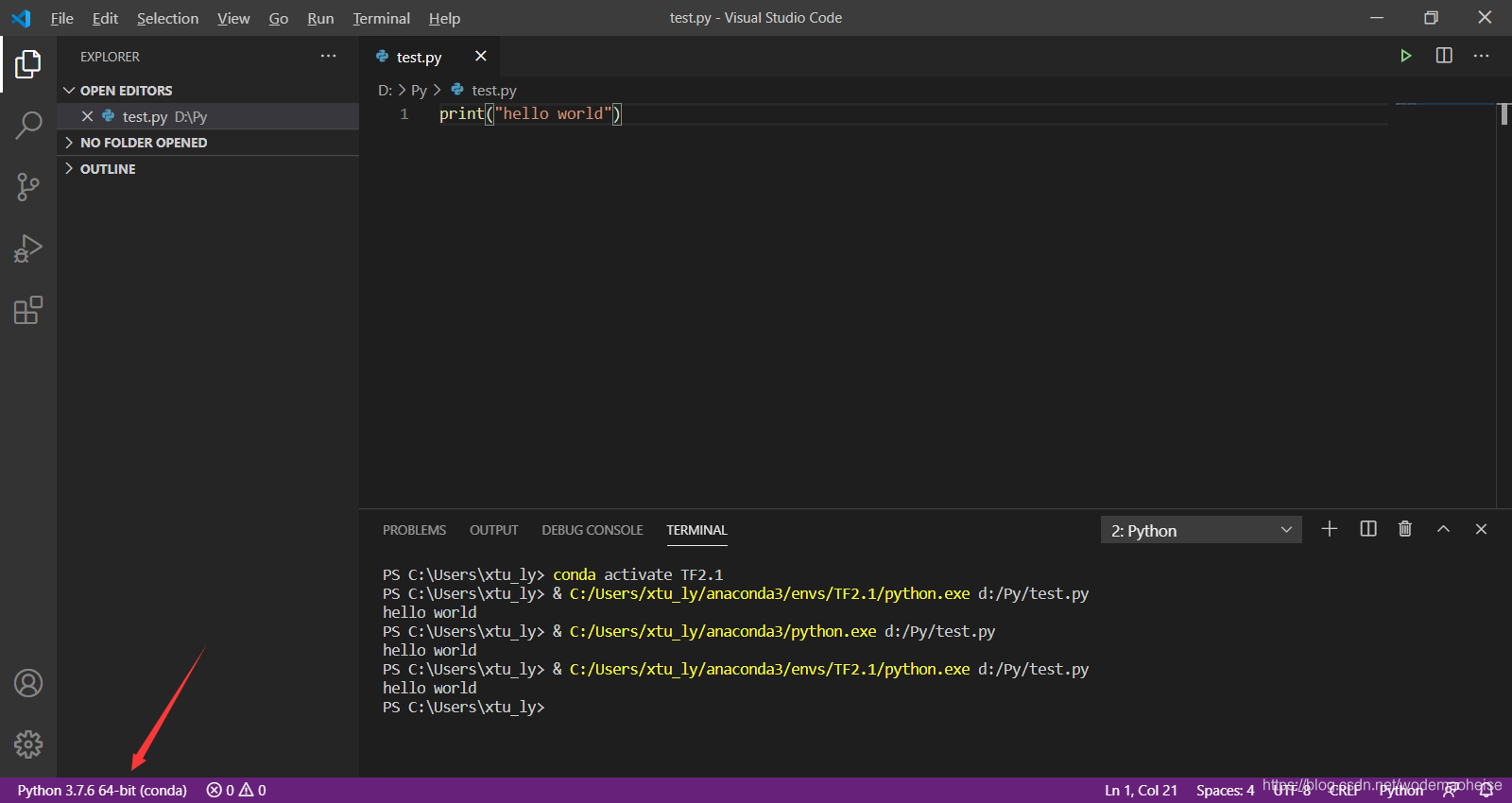
VSCode Linter Pylint Is Not Installed
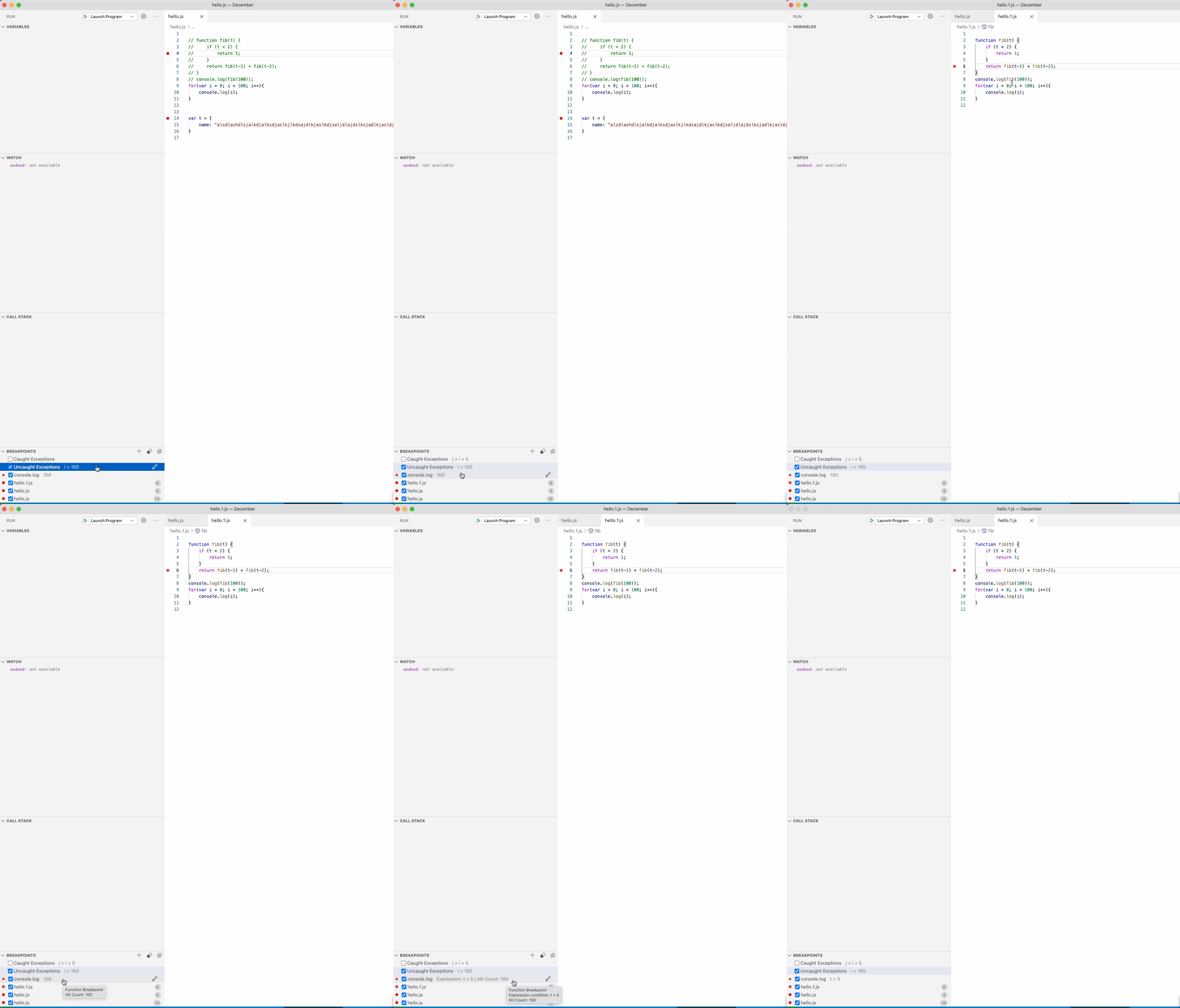
Visual Studio Code VSCode Debugger Conditional Breakpoints Stack
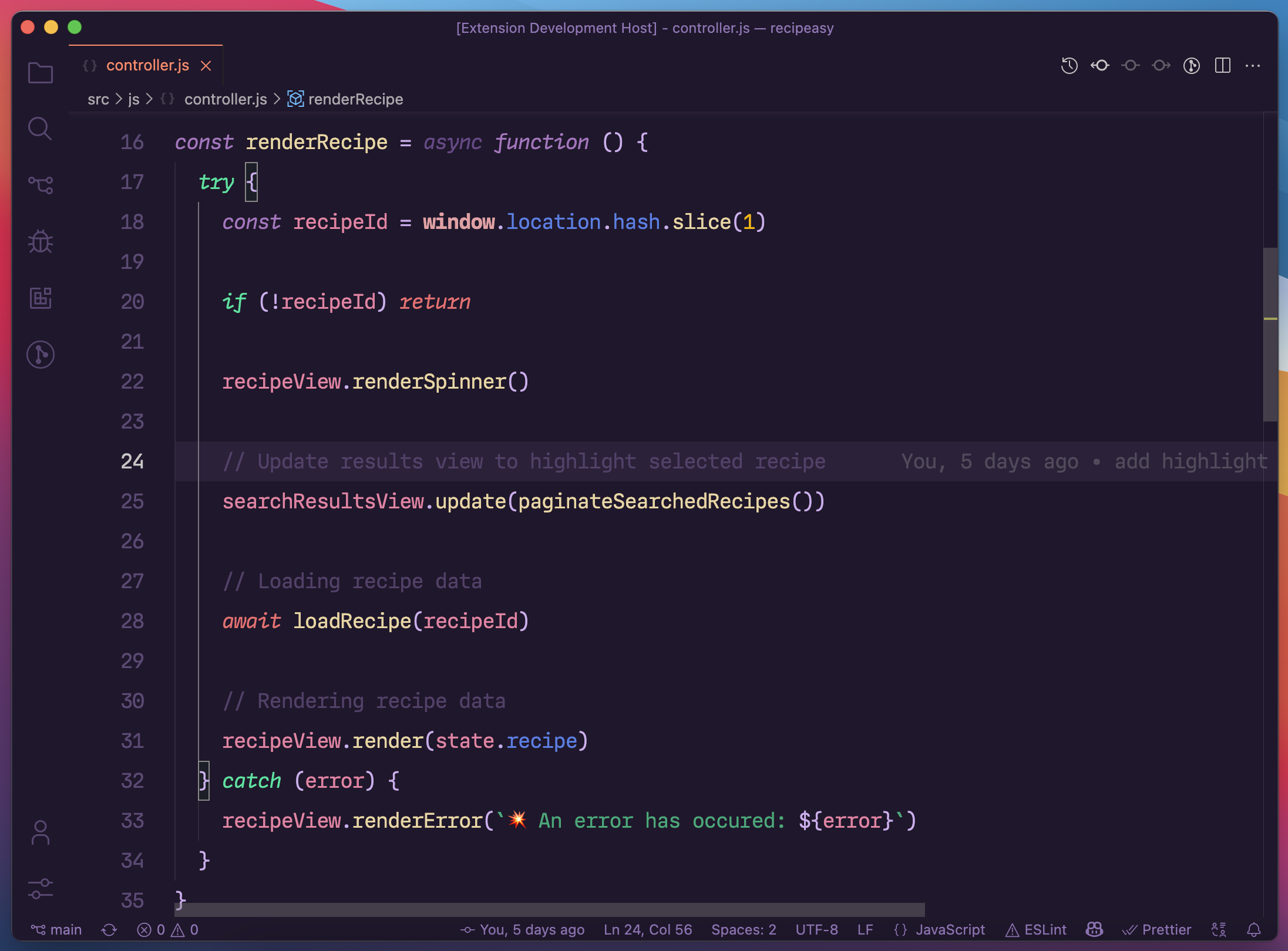
Alternight Vscode Theme
VSCode Tips Tricks For Flutter Projects Codereis
GitHub Fnando vscode linter Extension For Code Linting All In One
41 1 1 4 It works for me Can you verify that you have selected your Python interpreter and that Pylint is installed for that interpreter Also make sure you are not running version 0 9 1 of the extension the latest is 2018 1 0 Otherwise you can always specify the full path to pylint see code visualstudio docs python linting Brett Cannon
Step 1 Creating JavaScript Starter Code You need to start with a demo project Create a directory for your project with the following command mkdir vscode eslint example Now that your project folder is created switch into the vscode eslint example directory cd vscode eslint example

You ll need to install an extension for VSCode to show lint errrors in the editor Otherwise you can run eslint from the terminal to see its output I use tslint so I don t know which extension to use but https marketplace visualstudio items itemName dbaeumer vscode eslint might be what you re looking for Share Improve this answer Follow

Trying to manually run ESLint Fix all auto fixable Problems periodically is not very reliable However having lint rules run every time you save your work can be more reliable You can set up ESLint to run auto fix every time you press CTRL S or COMMAND S For ESLint to work correctly on file same you must change the Visual Studio Code
Use ls a to show hidden files in your terminal Additionally you can stop ESLint from searching further up the directory tree by adding the root option to the eslintrc in your project root directory root true Learn more about Configuration Cascading and Hierarchy in the official documentation
15 Answers Sorted by 128 Check the path Pylint has been installed to by typing which pylint on your terminal You will get something like usr local bin pylint Copy it Go to your Visual Studio Code settings in the preferences tab and find the line that goes python linting pylintPath pylint Edit the line to be Tip To check if a JavaScript file is part of JavaScript project just open the file in VS Code and run the JavaScript Go to Project Configuration command This command opens the jsconfig json that references the JavaScript file A notification is shown if the file is not part of any jsconfig json project
Trunk Check VSCode Extension Trunk Check runs 100 tools to format lint static analyze and security check dozens of languages and config formats It will autodetect the best tools to run for your repo then run them and provide results inline in VSCode Just install one extension instead of dozens The tools run and their versions are