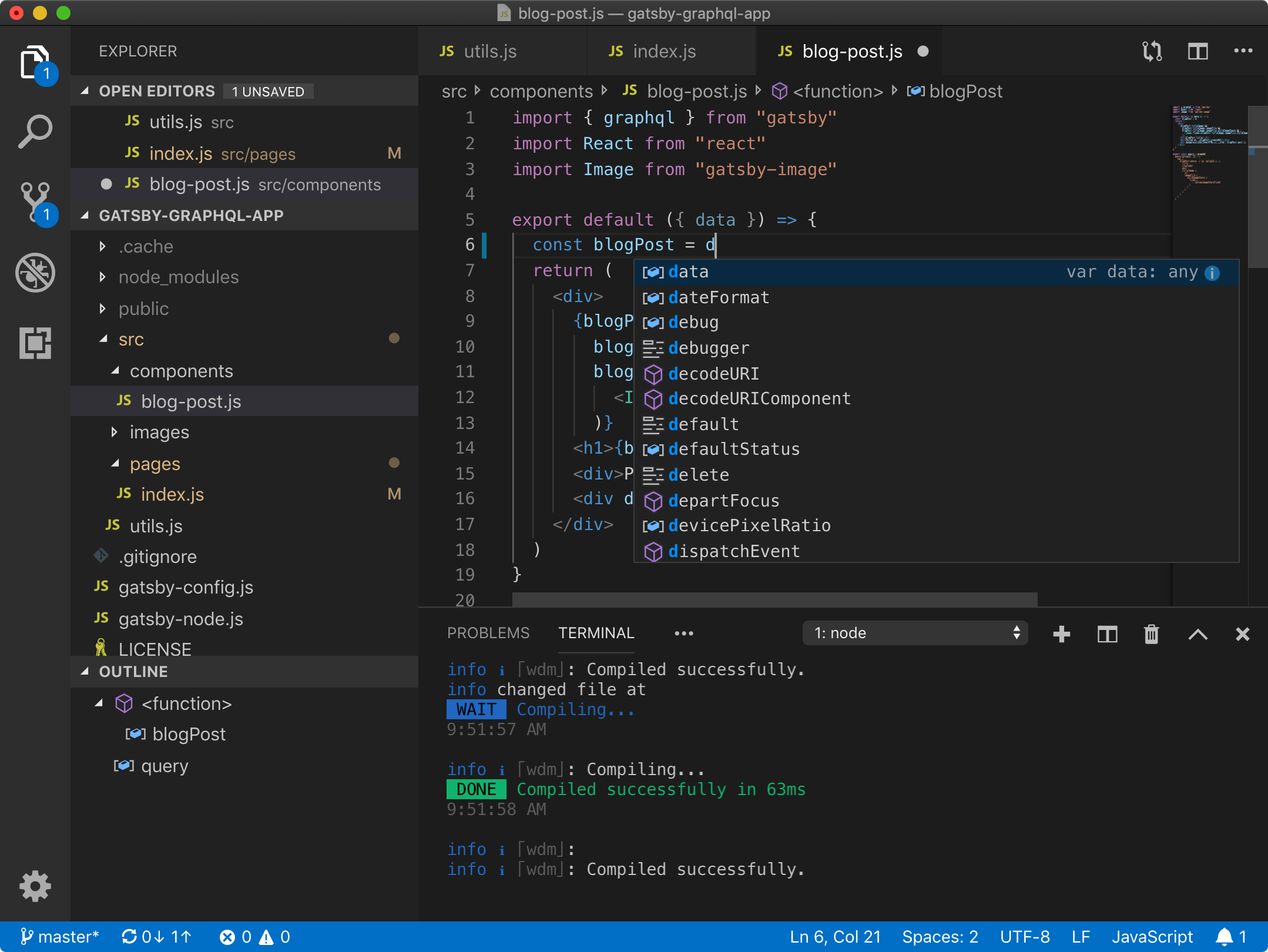
Vscode Install Extension Command Line Vsix Visual Studio Code Install Extension Command Line Lasinabox Install VSIX Using Command Line Albier CV TDP OpenAI Visual Studio Marketplace Visual Studio Code Manual Castle Game Engine Installing Beta Releases OmniSharp omnisharp vscode Wiki GitHub Web What is VSIX VSIX stands for Visual Studio Extension A VSIX file contains one or more Visual Studio extensions VSIX files contain package descriptions binaries and other resources that make up the extension Installing VSIX Follow the steps below to install a vsix file in VS Code
Web Install a Packaged Extension vsix You can manually install an VS Code extension packaged in a vsix file Simply install using the VS Code command line providing the path to the vsix file code myExtensionFolder myExtension vsix The extension will be installed under your user vscode extensions folder Web Oct 21 2021 nbsp 0183 32 How to Install Visual Studio Code Extensions Pratham Patel 21 Oct 2021 5 min read Brief Learn how to search for extensions and install them in Visual Studio Code editor Both GUI and command line methods have been discussed Microsoft s Visual Studio Code is perhaps the most popular open source code editor after Vim of
Installing Beta Releases OmniSharp omnisharp vscode Wiki GitHub How To Turn VSCode Into The Ultimate Markdown Editor Youtrack For Visual Studio How To Fix VS2015 CTP6 NuGet Installation Failure John Louros C Extension Not Installing Ask GameDev tv Solved How To Get Tf exe TFS Command Line Client 9to5Answer Managing Extensions In Visual Studio Code 2023 How To Format C C Code In VSCode On Windows And Linux Dynamsoft Developers FireFly Pro Visual Studio Marketplace
Vscode Install Extension Command Line Vsix
 Vscode Install Extension Command Line Vsix
https://raw.githubusercontent.com/zzzprojects/learn-orm/master/tutorials/visual-studio-code/images/command-line-5.png
Web Find extensions to install using the Extensions View Install an extension See what features are added via the Contributions tab or Command Palette See other recommendations for extensions
Templates are pre-designed documents or files that can be used for various purposes. They can conserve effort and time by supplying a ready-made format and layout for creating various type of material. Templates can be used for individual or expert projects, such as resumes, invites, leaflets, newsletters, reports, discussions, and more.
Vscode Install Extension Command Line Vsix
How To Setup Code Server On Ubuntu 20 04 LTS
How To Turn VSCode Into The Ultimate Markdown Editor
Youtrack For Visual Studio
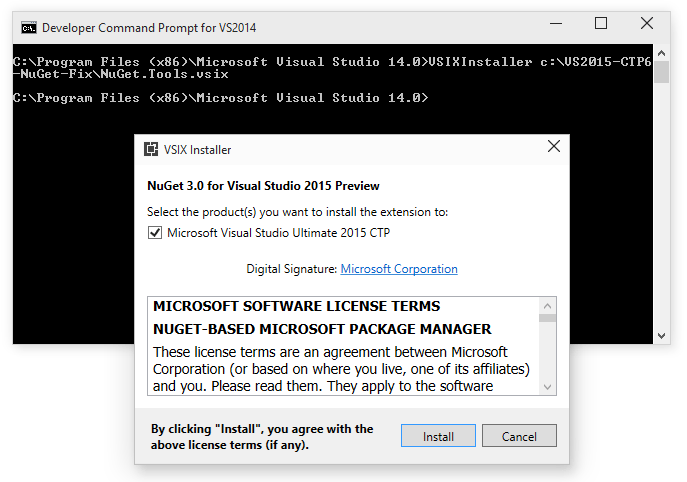
How To Fix VS2015 CTP6 NuGet Installation Failure John Louros
Solved How To Get Tf exe TFS Command Line Client 9to5Answer
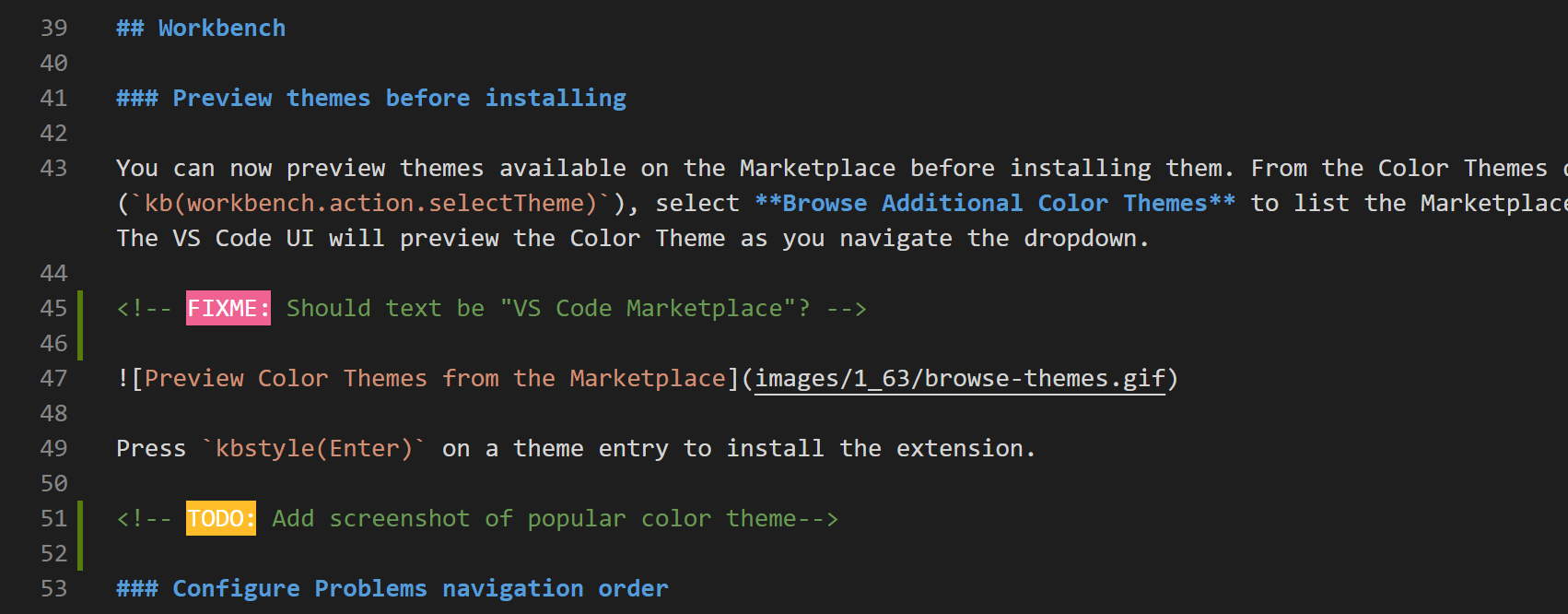
Managing Extensions In Visual Studio Code 2023
Web Adding to t3chb0t s excellent answer Use these PowerShell commands to install all VSCode extensions in a folder cd C PathToFolderWithManyDownloadedExtensionFiles Get ChildItem Filter vsix ForEach Object code install extension FullName
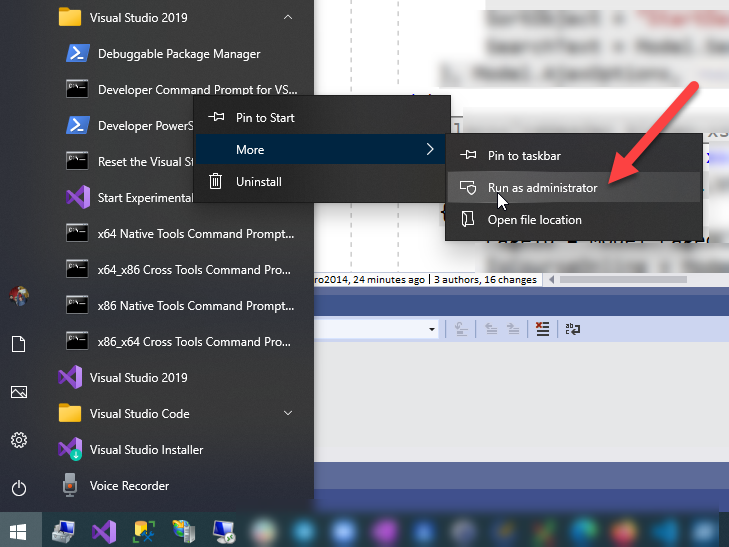
Web You can also install using the VS Code install extension command line switch providing the path to the vsix file code install extension myextension vsix You may provide the install extension multiple times on the command line to install multiple extensions at once

Web Oct 22 2019 nbsp 0183 32 It s possible to pass the install extension argument multiple times and so install several extensions with just one line code install extension dbaeumer vscode eslint install extension esbenp prettier vscode The documentation for this can be found in Extension Marketplace
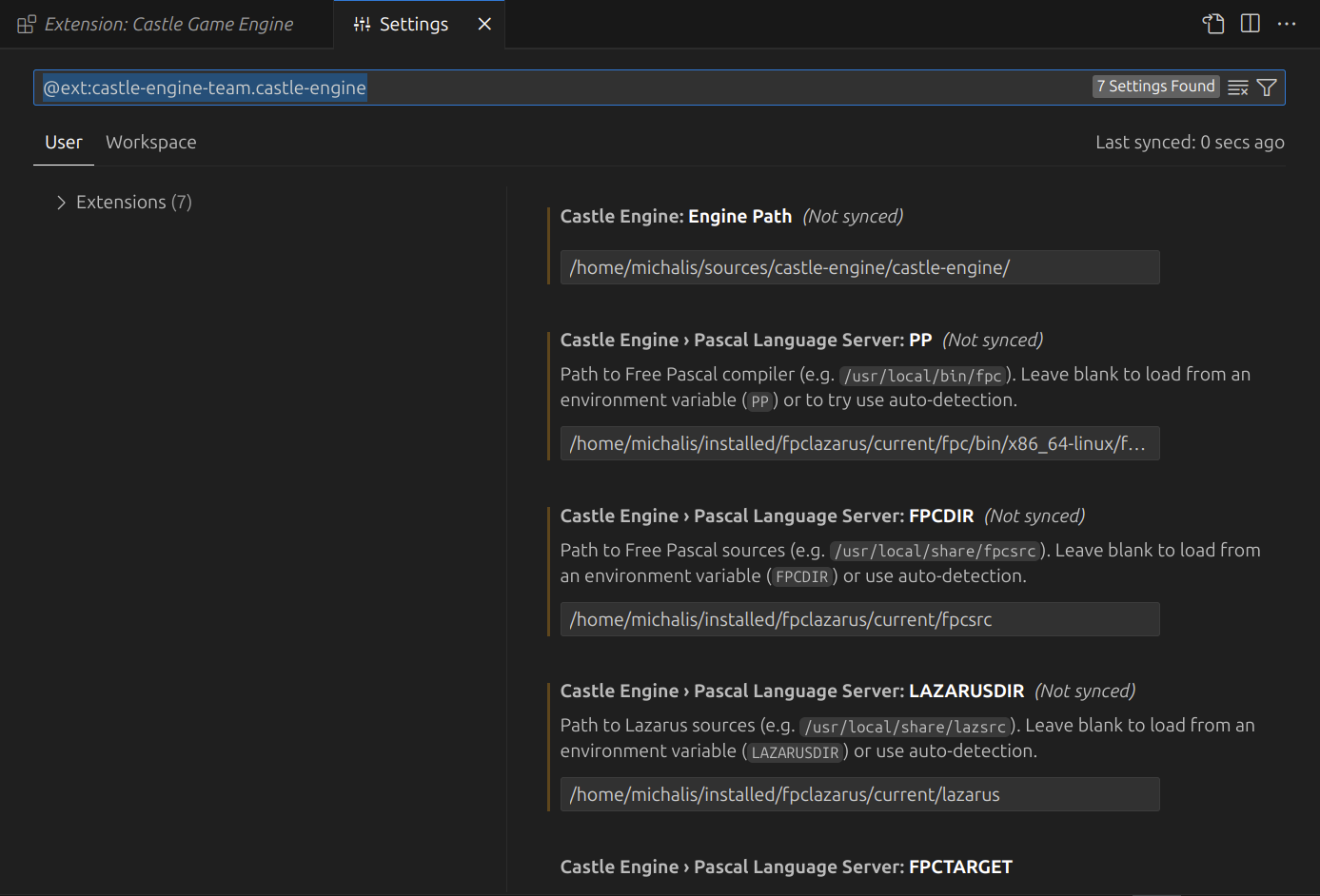
Web Visual Studio Code has a powerful command line interface built in that lets you control how you launch the editor You can open files install extensions change the display language and output diagnostics through command line options switches If you are looking for how to run command line tools inside VS Code see the Integrated Terminal

Web install extension lt extension id gt lt extension vsix path gt Installs an extension uninstall extension lt extension id gt lt extension vsix path gt Uninstalls an extension enable proposed api lt extension id gt Enables proposed API features for an extension Hence all you need is the extension id or extension vsix path and then code install
Web Feb 3 2017 nbsp 0183 32 You can also use the command line to install extensions from VSIX files using the install extension parameter code install extension path to vsix eg code install extension vscodevim vim Web Jan 15 2021 nbsp 0183 32 Here s how to install an extension via the VS Code Marketplace Click on the Extensions button in the Activity Bar It s located on the side of VS Code s client Alternatively you can
Web 11 Answers Sorted by 87 VSIX is a Visual Studio extension installer You must have Visual Studio 2010 or newer in order to install them but you should be able to install it by double clicking the vsix file Alternatively you should be able to install it from within the VS Extension Manager Tools gt Extension Manger