Vscode External Console Not Working Debug A NET Console Application Using Visual Studio Code NET Microsoft Learn Fix Realtek Audio Console Not Working Or Won t Open In Windows 11 nek P p D nia Realtek Speakers Not Plugged In Windows 10 Faial Megfelel Cunami Fix Realtek Audio Console Not Opening Windows 11 Steps Techs Gizmos terminal explorerKind external Setting Not Working On MacOS Issue 141294 Microsoft Web Right click the context menu and selecting the Split menu option Alt and click on a tab the button or the single tab on the terminal panel Trigger the Windows Linux Ctrl Shift 5 command Tip The working directory for the new terminal depends on the terminal integrated splitCwd setting
Web Mar 29 2023 nbsp 0183 32 It can t launch the external console when I press the shortcut and even when I right click the file tree and click quot Open In External Terminal quot I disabled all the extensions including the lang pack and the c extension still not working so I believe the c extension is fine Web Aug 14 2021 nbsp 0183 32 0 Click on the gear on the left bottom of Visual Studio Code click on Settings On search settings type quot terminal quot and see if there is an assigned value or not If not do something like quot terminal external windowsExec quot quot C WINDOWS System32 cmd exe quot or whatever for Mac or Linux edited Aug 16
terminal explorerKind external Setting Not Working On MacOS Issue 141294 Microsoft Transatl ntico Zumbido Ense ando Consola Realtek Humilde Llamada Mercado Integrated Terminal In Visual Studio Code 2022 Console Not Working Support CircuitMess Community VSCode Standard Output Issue Higaski Zerodha Console Not Working Reason And Solutions GCP Getting Started Guide Cross Compile And Debug Rust Applications For The Raspberry Pi Robs Blog Vscode cmd CSDN
Vscode External Console Not Working
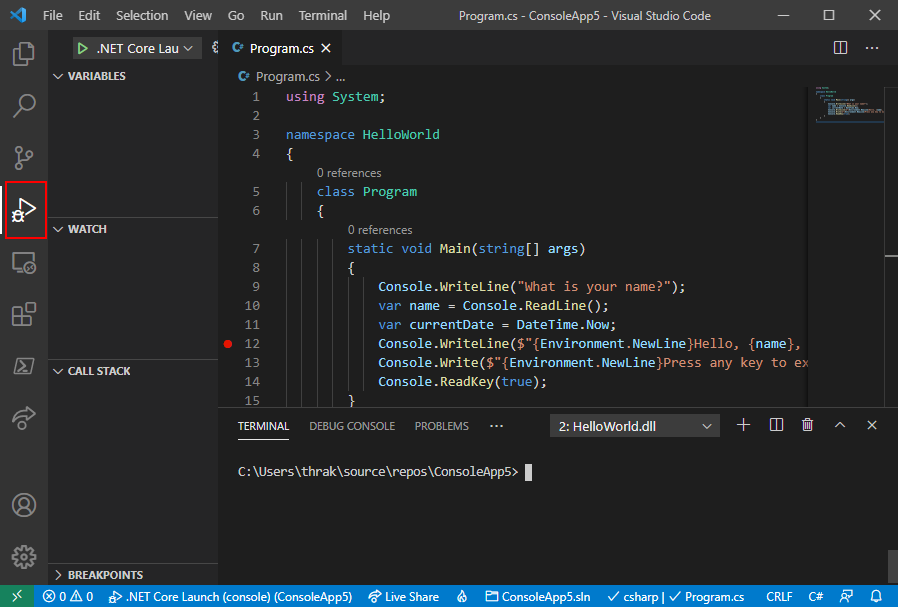 Vscode External Console Not Working
https://learn.microsoft.com/en-us/dotnet/core/tutorials/media/debugging-with-visual-studio-code/select-debug-pane-net6.png
Web There are a few ways you can debug your Node js programs in VS Code Use auto attach to debug processes you run in VS Code s integrated terminal Use the JavaScript debug terminal similar to using the integrated terminal Use a launch config to start your program or attach to a process launched outside of VS Code Auto Attach
Templates are pre-designed documents or files that can be utilized for various functions. They can save time and effort by providing a ready-made format and layout for developing various type of content. Templates can be utilized for individual or expert projects, such as resumes, invitations, leaflets, newsletters, reports, discussions, and more.
Vscode External Console Not Working
Resurrect Skyrim Console Command Skyrim Revive Command Bollbing

Transatl ntico Zumbido Ense ando Consola Realtek Humilde Llamada Mercado
Integrated Terminal In Visual Studio Code 2022
Console Not Working Support CircuitMess Community

Zerodha Console Not Working Reason And Solutions
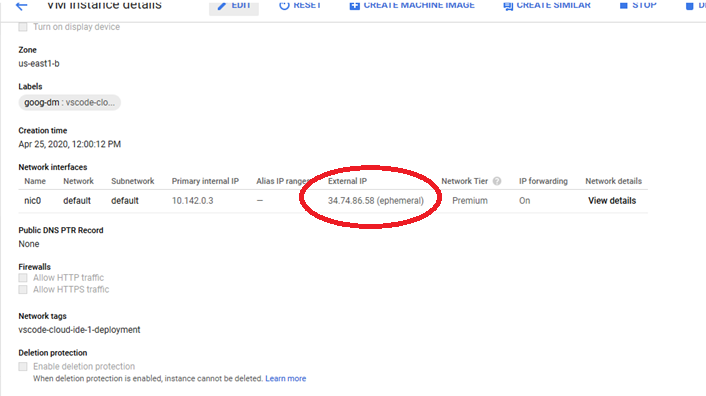
GCP Getting Started Guide
Web Apr 8 2021 nbsp 0183 32 I have a C program This program not working I changed quot externalConsole quot false to quot externalConsole quot true it works and it gives me console But I want to run with quot externalConsole quot false Is there a way to do this Relevant outputs is below Program asd cpp

Web Nov 1 2016 nbsp 0183 32 2 Answers Sorted by 20 As documented here this can be achieved using this setting quot console quot quot externalTerminal quot The settings file is in the solution directory vscode launch json answered Feb 15 2018 at 1 47 John Donaghy 216 3 3 It opens cmd which is fine But can we change it to gitbash Waleed Ahmad Mar 28 2022 at

Web Nov 13 2021 nbsp 0183 32 Whenever I run my Project cs file it does not open in an external terminal despite the launch json file has been adapted My code is below Use IntelliSense to learn about possible attributes Hover to view descriptions of existing attributes For more information visit https go microsoft fwlink linkid 830387

Web Feb 5 2024 nbsp 0183 32 Development No branches or pull requests 4 participants Environment OS and Version Win11 VS Code Version 1 86 it works fine on 1 85 C C Extension Version 1 18 5 If using SSH remote specify OS of remote machine Bug Summary and Steps to Reproduce Bug Summary External Console cannot
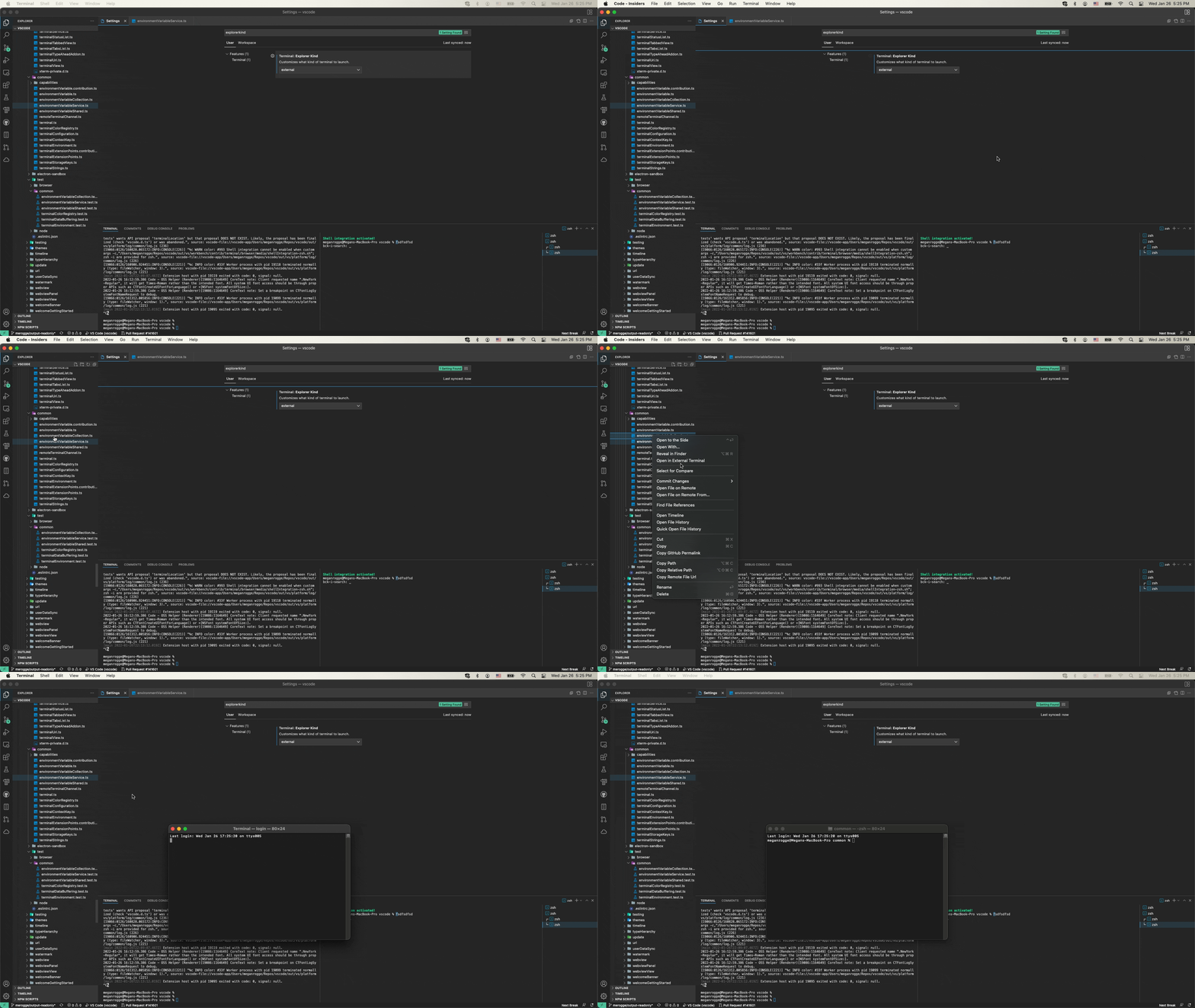
Web Feb 2 2024 nbsp 0183 32 Type Bug Since the update from today vscode cant launch the external console on windows anymore Error The following argument was not expected c Run with help for more information
Web Mar 11 2023 nbsp 0183 32 Click on that to be provided a dropdown of a few actions you can select from To start the console ninja extension select start console ninja Now the final step is for those that use the live server extension At the bottom of your Vs code editor click the Go live section to go live Console ninja is now ready for use below is a gif of me Web Apr 21 2020 nbsp 0183 32 To use an external terminal edit launch json The default console appears to be quot console quot quot internalConsole quot To use an external terminal change this to quot console quot quot externalTerminal quot I found this easier for debugging since you can see your app terminal and your source code at the same time Archived post
Web Oct 31 2020 nbsp 0183 32 If you wanted to open a project folder in VSCode its easy with the command prompt As simple as this You typed cmd on whatever bar that s called and a terminal window would pop at the same