Vs Code Jump To Line Mac Jump To Line IntelliJ IDEs Plugin Marketplace Code Jump Apps On Google Play JUMP CODE JUMP Game MOBA Anime ang HOT YouTube Jump To Line Number Visual Studio Marketplace Python Install Tensorflow Error On VS Code Jump To VB NET Web Mar 5 2020 nbsp 0183 32 To go to the end of the page press To highlight the entire line you are currently on press l To highlight a chunk of text on any number of lines beginning where your cursor is use drag mouse This is very helpful if
Web Nov 8 2019 nbsp 0183 32 Navigate to a specific line Note To go to a line in the file you use ctrl g then type a line number Alternatively you can also open the go to file menu with command p first Then type Then type your line number On Windows Ctrl g On Mac Ctrl g or Ctrl p On Ubuntu Ctrl g Web Jun 11 2022 nbsp 0183 32 In VS Code Visual Studio Code you can quickly and conveniently move your mouse cursor to the last edit location by using the following shortcuts Mac Jump back Ctrl the minus key on your keyboard Jump forward Ctrl Shift Windows Navigate back Alt Left Arrow key Navigate forward Alt Right Arrow key Demo
Python Install Tensorflow Error On VS Code Jump To VB NET 27D Sales Code SRT Hellcat Forum Doodler Jump Game In JavaScript With Source Code Source Code Projects How To Code JUMP Mechanics Godot Tutorial Numbers 1 to absolute infinity but a incremental game a lua At Main Solved VS Code Jump To After Closing 9to5Answer Debugging An Extension With VS Code Microsoft azuredatastudio Wiki Trending Stories Published On Bug Fixed Medium Among Us Jump Windows Mac Web IOS Game ModDB
Vs Code Jump To Line Mac
 Vs Code Jump To Line Mac
https://plugins.jetbrains.com/files/14877/screenshot_22985.png
Web Aug 8 2021 nbsp 0183 32 The following shortcuts can be used to insert new lines in VS Code repeat them to insert as many lines as needed Windows Linux CTRL Enter Insert line below CTRL Shift Enter Insert line above macOS Enter Insert line below Enter Insert line above
Pre-crafted templates offer a time-saving option for creating a varied variety of files and files. These pre-designed formats and designs can be utilized for various personal and professional jobs, including resumes, invitations, leaflets, newsletters, reports, discussions, and more, enhancing the content development procedure.
Vs Code Jump To Line Mac

Jumping Lines Gross Motor Activity 2024 Entertain Your Toddler
27D Sales Code SRT Hellcat Forum

Doodler Jump Game In JavaScript With Source Code Source Code Projects
How To Code JUMP Mechanics Godot Tutorial

Solved VS Code Jump To After Closing 9to5Answer
Debugging An Extension With VS Code Microsoft azuredatastudio Wiki

Web If you are jumping around between different lines of the same file these shortcuts allow you to navigate between those locations easily Breadcrumbs The editor has a navigation bar above its contents called Breadcrumbs It shows the current location and allows you to quickly navigate between folders files and symbols

Web Aug 9 2016 nbsp 0183 32 macos visual studio code asked Aug 9 2016 at 19 01 fr0 1 098 2 9 17 6 Answers Sorted by 53 Strange it should work out of the box If not go to File gt Preferences gt Keyboard Shortcuts and look for cursorEndSelect quot key quot quot shift end quot quot command quot quot cursorEndSelect quot quot when quot quot editorTextFocus quot answered Aug 10 2016 at

Web Oct 16 2017 nbsp 0183 32 In Visual Studio Code for Mac To move a line UP alt up arrow key To move a line DOWN alt down arrow key See here for a reference on Basic Editing Key Bindings in Visual Studio Code
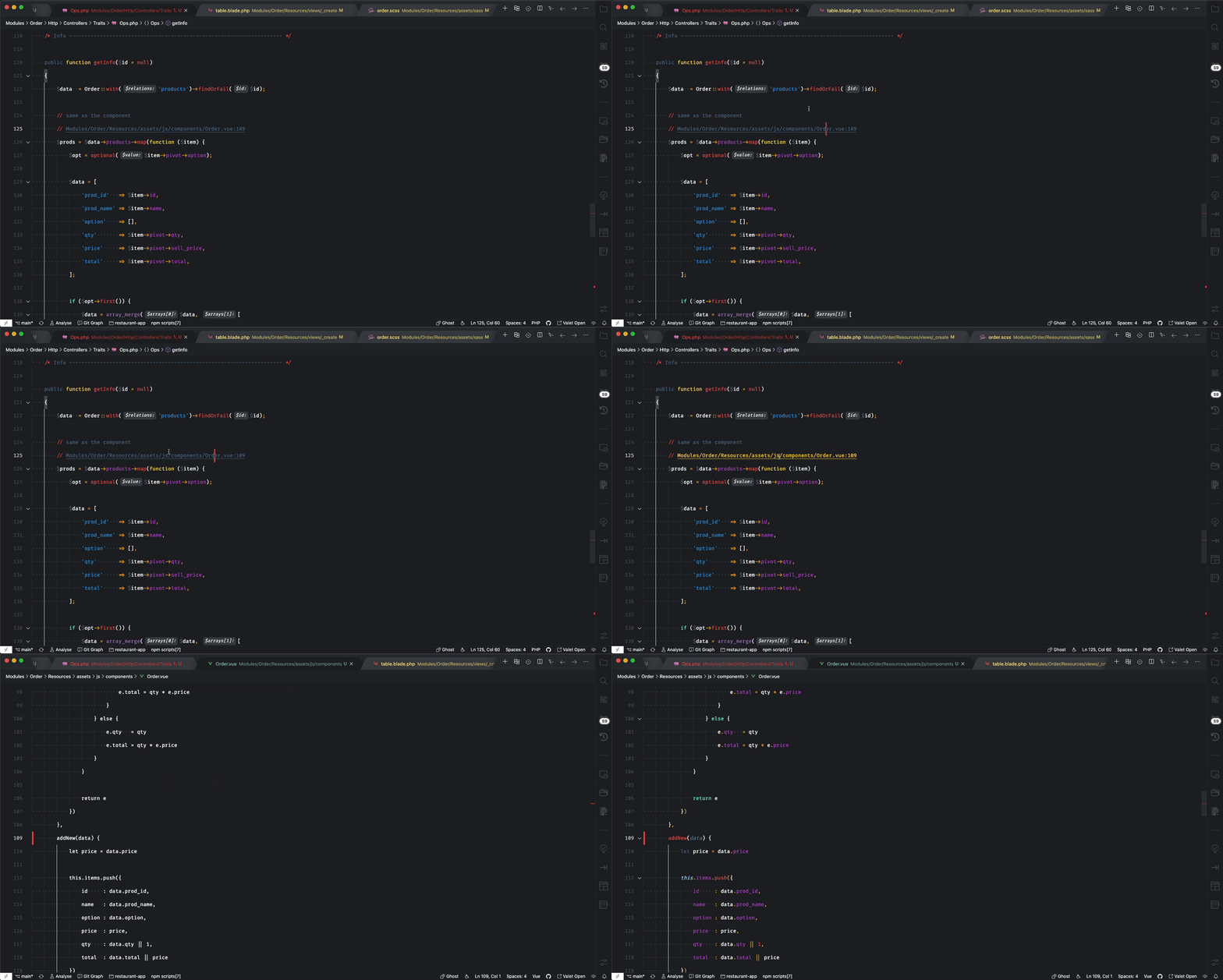
Web Jul 2 2020 nbsp 0183 32 3 In VS Code is there a way to move the cursor x lines up down in the currently active window or menu I found a great post showing how it can be done for the text editor window Microsoft VS Code Jump 10 lines vertically at once quot key quot quot ctrl up quot quot command quot quot cursorMove quot quot args quot quot to quot quot up quot

Web Jan 15 2021 nbsp 0183 32 Option Up or Down Arrows move line s What It Does Easily move a full line of code or lines of code up or down as many lines as needed Similar to cut and paste or CMD X but visually see code move Best For Refactoring code Moving one function above or below another Note From anywhere on a single line Option up or down to
Web Once you have installed VS Code these topics will help you learn more about VS Code Additional Components Learn how to install Git Node js TypeScript and tools like Yeoman User Interface A quick orientation around VS Code User Workspace Settings Learn how to configure VS Code to your preferences settings Common questions Web Feb 16 2016 nbsp 0183 32 Open Settings Code gt Preferences gt Keyboard Shortcuts Find Go Forward and Go Back and set them to whatever you like If a key shortcut is double assigned VSCode will tell you and you can click in and change remove the other ones eg by shortcuts were already assigned to indent in and indent out
Web Oct 2 2023 nbsp 0183 32 Go To Line Number in Visual Studio Code October 2 2023 Gigi 1 Comment If you want to go to a specific line number in a file there are a couple of ways to do that with Visual Studio Code depending on whether you re already in that file or not Same File Go To Line in the same file