Vs Code Does Not Run Python Reactjs VS Code Does Not Warn For Possible Undefined Object Stack CDYNE Phone Notify Application CDYNE Wiki VS Python VS Code Does Not Debug Python Correctly Uso De Python Para Scripting Y Automatizaci n Microsoft Learn QR Web Jun 7 2021 nbsp 0183 32 Windows PowerShell does not load commands from the current location by default If you trust this command instead type quot test py quot See quot get help about Command Precedence quot for more details I ve been learning and running Python over the last few months and now something changed and can t run Python files Any
Web Apr 30 2021 nbsp 0183 32 Search for Jupyter in Microsoft Visual Studio Code s Extension Marketplace and hit on install Or you can use your terminal or command prompt to install them Open the terminal or command prompt and write these commands there Install Microsoft Python extension code install extension ms python python Install Microsoft Jupyter extension Web Feb 2 2021 nbsp 0183 32 It seems python is not recognized in your PATH variable I think the 2 ways to fix are to find your python filepath and adding it your User Variables Control panel gt System gt advanced settings gt Advanced tab gt Environment Variables select
QR Visual Studio VS Code Issue With Interpreter Selector Not Showing Python With Image VS Code IntelliSense Doesn t Work With Open3D When Using The PyLance Visual Studio Debugging In VS Code Does Not Halt In Main And Can Not View Taxonomy Strategies LLC Data Governance Maturity When The Taxonomy Strategies LLC Data Governance Maturity When The How To Run A Python Py File In Windows 10 Youtube Riset
Vs Code Does Not Run Python
 Vs Code Does Not Run Python
https://i.stack.imgur.com/ZX5jJ.jpg
Web Feb 14 2023 nbsp 0183 32 First check the installation of python on your machine and if it doesn t help then Open keyboard shortcuts in VS Code CTRL K and CTRL S or by clicking settings button in bottom left corner Search quot Run Python File in Terminal quot You will get first option with the same title
Pre-crafted templates provide a time-saving option for developing a varied variety of files and files. These pre-designed formats and designs can be utilized for numerous individual and expert projects, consisting of resumes, invites, leaflets, newsletters, reports, presentations, and more, streamlining the content creation procedure.
Vs Code Does Not Run Python
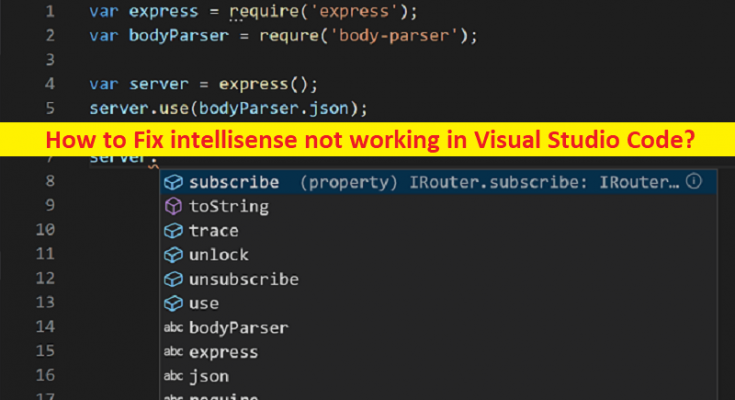
How To Fix Intellisense Not Working In Visual Studio Code Steps

Visual Studio

VS Code Issue With Interpreter Selector Not Showing Python With Image

VS Code IntelliSense Doesn t Work With Open3D When Using The PyLance
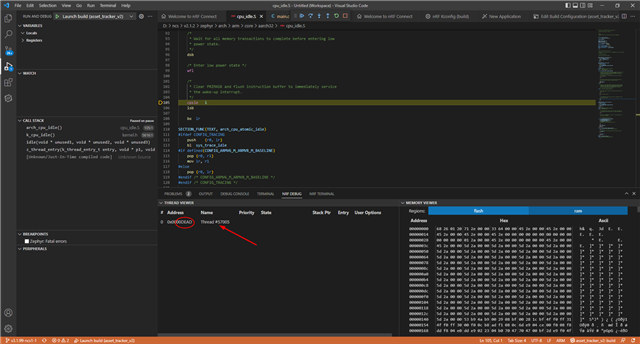
Debugging In VS Code Does Not Halt In Main And Can Not View
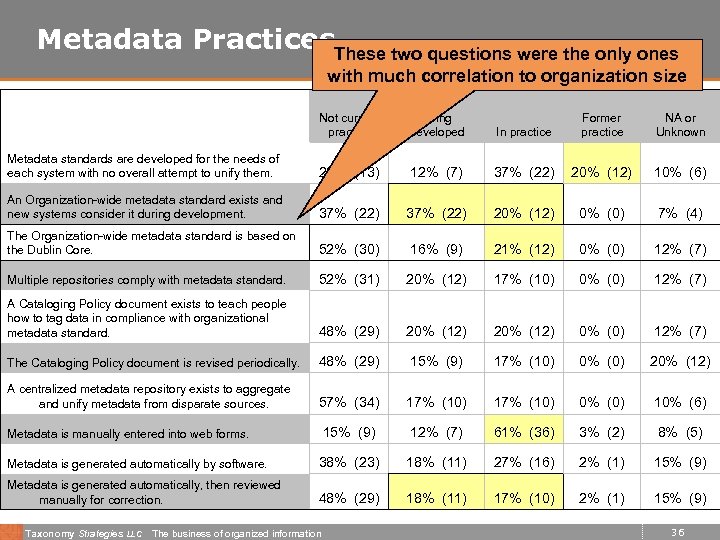
Taxonomy Strategies LLC Data Governance Maturity When The

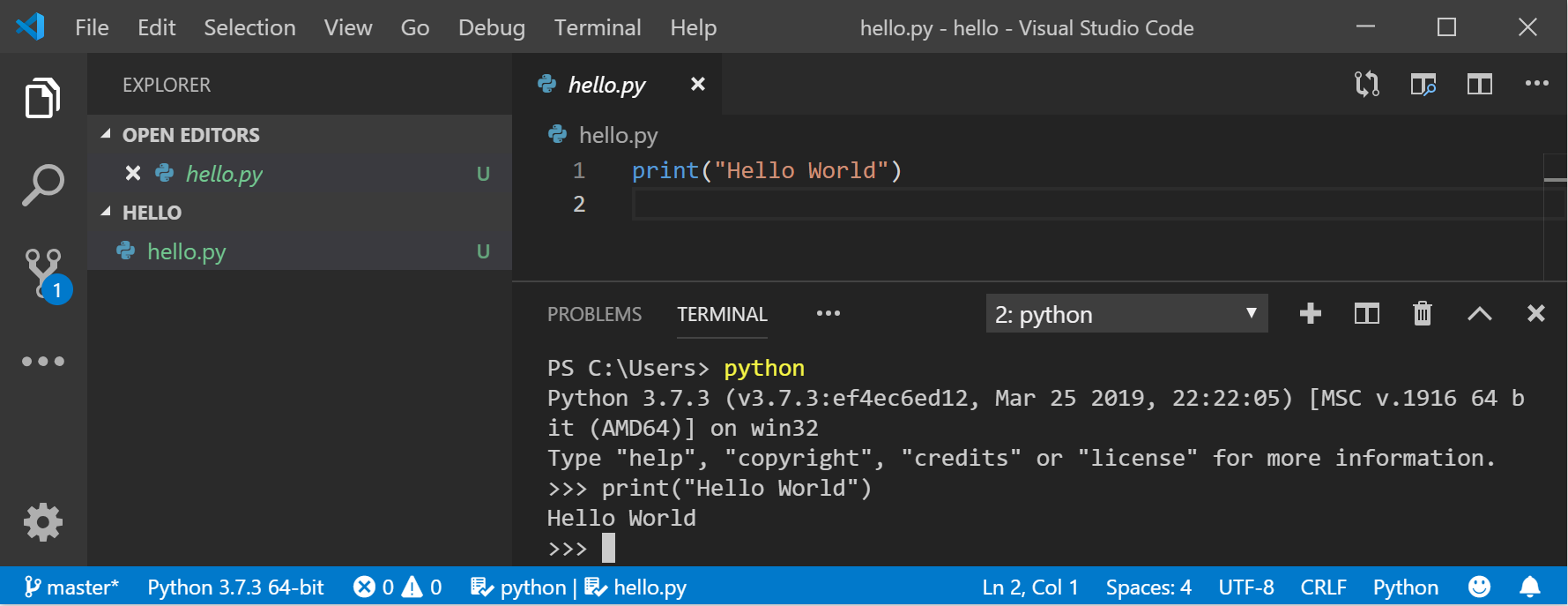
Web Run Python code To experience Python create a file using the File Explorer named hello py and paste in the following code print quot Hello World quot The Python extension then provides shortcuts to run Python code using the currently selected interpreter Python Select Interpreter in the Command Palette

Web Feb 2 2021 nbsp 0183 32 There will be an option for quot Python Default Interpreter Path quot Set the location of your python exe file Open a new Visual Studio Code terminal with Ctrl Shift to test the Python command you may need to restart Visual Studio Code

Web Dec 26 2020 nbsp 0183 32 Viewed 6k times 0 Image case for the problem I was following the Visual Studio Code tutorial for python here https code visualstudio docs python python tutorial I downloaded Python installed the python extension in Visual Studio Code and set the python interpreter to python3 8
Web Nov 22 2020 nbsp 0183 32 try in a terminal c Python39 python exe this should start the python REPL gt gt gt Exit this with exit Now try in the terminal python this should also start the REPL If you have installed Python as Administrator only his PATH is set correct

Web Nov 5 2019 nbsp 0183 32 I fixed the issue by uninstalling each extension uninstalling VS Code deleting the extensions out of the folder they live in then reinstalling VS Code and the extensions After that they ran fine While a full reinstall is not ideal this was the only method I
Web Apr 30 2020 nbsp 0183 32 Just go to uninstall a program from start menu in windows and uninstall python launcher then wait and then single click on python 3 8 7 or any other version and click on repair some down from the top and then wait and them open vs code select interpreter in your file and it works now Web Apr 29 2020 nbsp 0183 32 This is in the case were the quot python pythonPath quot quot C Users Documents and Settings appdata python code something something script py quot Spaces in the directory structure will abort the script and you ll get a response something like quot C Users Documents is not a valid directory quot So you need the escape character like someone above explained
Web Jan 10 2022 nbsp 0183 32 Like mentioned above I open my terminal not in vs code and activate the conda env it works I do the same process in the terminal inside vs code it doesn t work visual studio code run Python file in terminal does not work 0 Cannot run Python Script inside VSCODE terminal 1