Vs Code Delete Line Shortcut Mac How To COMMENT Or UNCOMMENT MULTIPLE LINES In VS CODE Shortcut YouTube Printable Mac Keyboard Shortcuts Cheat Sheet Pdf 13 Useful VSCode Shortcuts For Faster Development EPages Developer Portal 25 Most Used VS Code Shortcuts And More Cheat Sheet 2022 Visual Studio Shortcut Keys For Mac Audiopilot Web Jul 29 2018 nbsp 0183 32 I looked through Keyboard Shortcuts of VS Code it doesn t have such thing as deleting contents of a line and leaving the empty line You can use one of the following combinations Home then Shift End or End then Shift Home to select the contents then Delete or start typing as you want to rewrite the line Ctrl Shift K to delete line then
Web Cut line empty selection X Copy line empty selection C Move line down up Copy line down up Delete line K Insert line below above Enter Enter Jump to matching bracket Indent outdent line Go to beginning end of file Scroll line up Web Dec 30 2019 nbsp 0183 32 Delete a line of code X Delete a word in front of cursor DELETE NOTE need to apply twice if the word is in front a symbol Delete all code in front of cursor DELETE Copy and paste a line of code SHIFT UP DOWN Insert new line below the current line ENTER Insert new line above the current line
Visual Studio Shortcut Keys For Mac Audiopilot VS Code Shortcuts For Mac Windows Linux Pagepro 25 Most Used VS Code Shortcuts And More Cheat Sheet How Do Make And Remove Duplicate Rows Or Lines In Visual Studio Code Apple Keyboard Shortcuts Cheat Sheet Manbda 13 Useful VSCode Shortcuts For Faster Development EPages Developer Portal Keyboard Shortcuts Command Lines For Mac Deletion Vs Code How Can I Remove Left Vertical Lines In VS Code Stack Overflow
Vs Code Delete Line Shortcut Mac
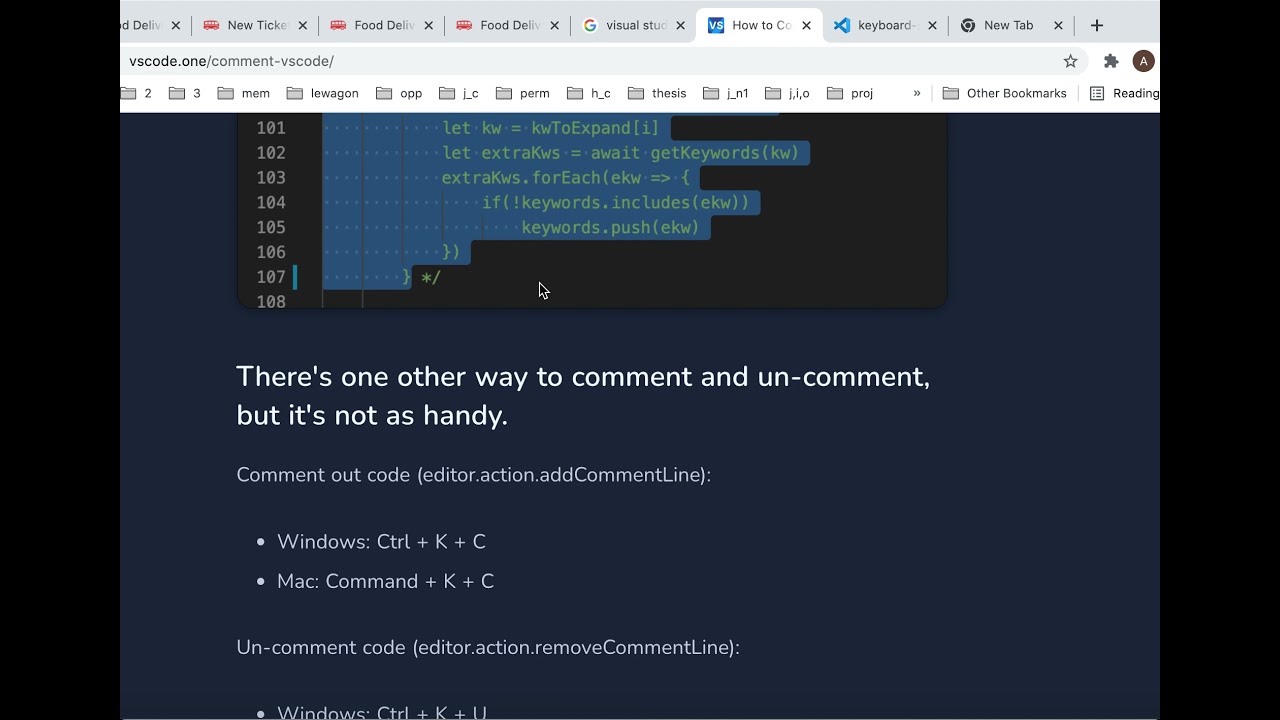 Vs Code Delete Line Shortcut Mac
https://i.ytimg.com/vi/zx7txKVpu74/maxresdefault.jpg
Web Oct 7 2021 nbsp 0183 32 Windows Ctrl B Ubuntu Ctrl B Closing the sidebar is very useful when you are in the split editor mode 2 Select word This is used to select the word where your cursor currently is in VS code studio Mac Command D Windows Ctrl D Ubuntu Ctrl D
Templates are pre-designed documents or files that can be utilized for various functions. They can save effort and time by supplying a ready-made format and design for producing various sort of content. Templates can be used for personal or professional tasks, such as resumes, invitations, leaflets, newsletters, reports, presentations, and more.
Vs Code Delete Line Shortcut Mac

FLLCasts How To Copy Lines Up And Down With Shortcut In VS Code
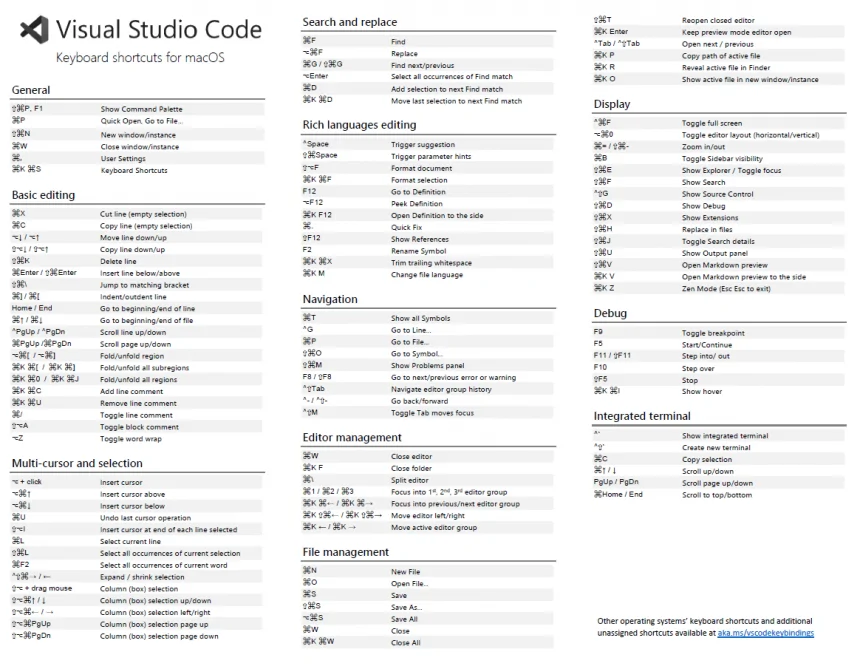
VS Code Shortcuts For Mac Windows Linux Pagepro
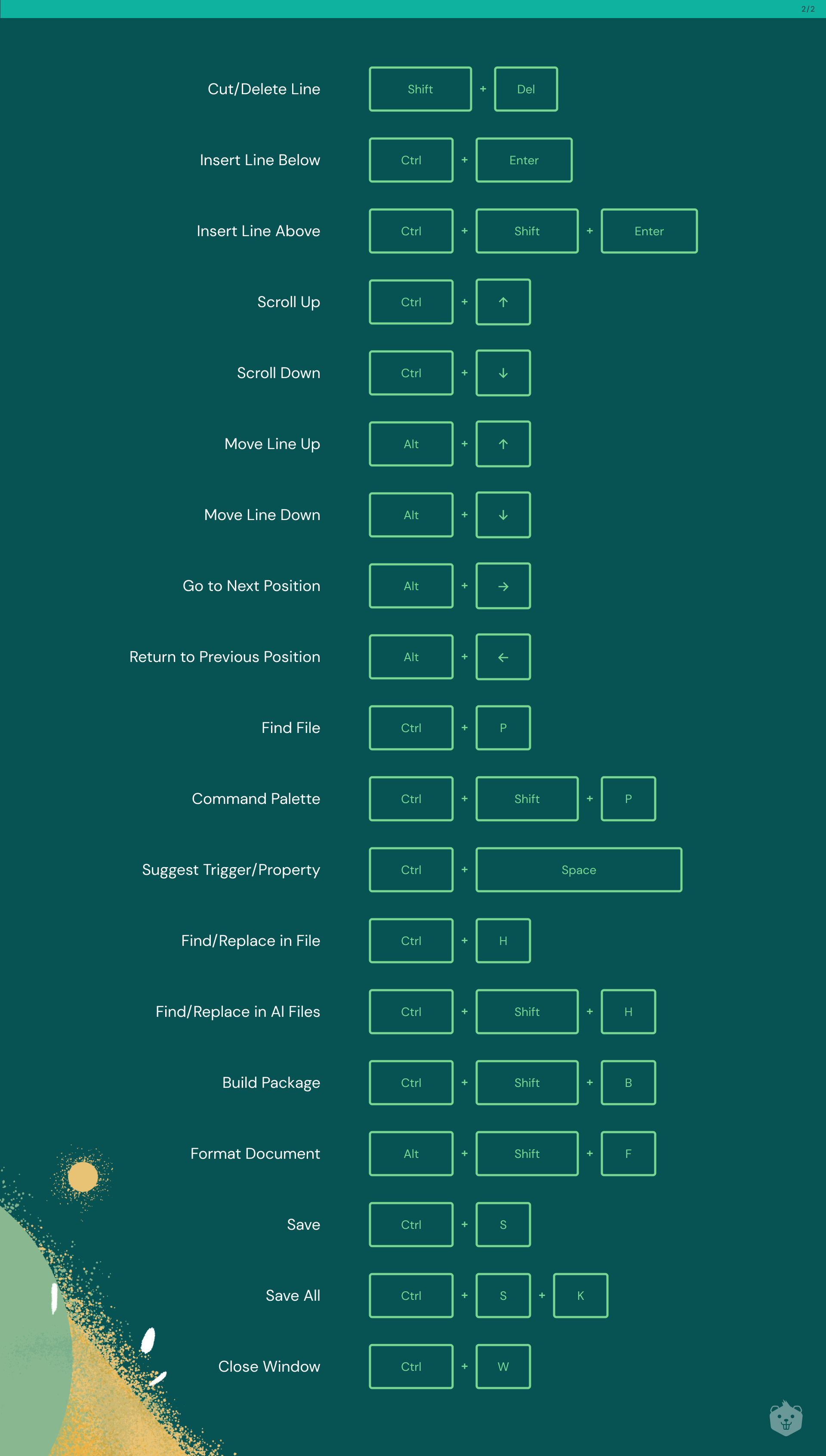
25 Most Used VS Code Shortcuts And More Cheat Sheet
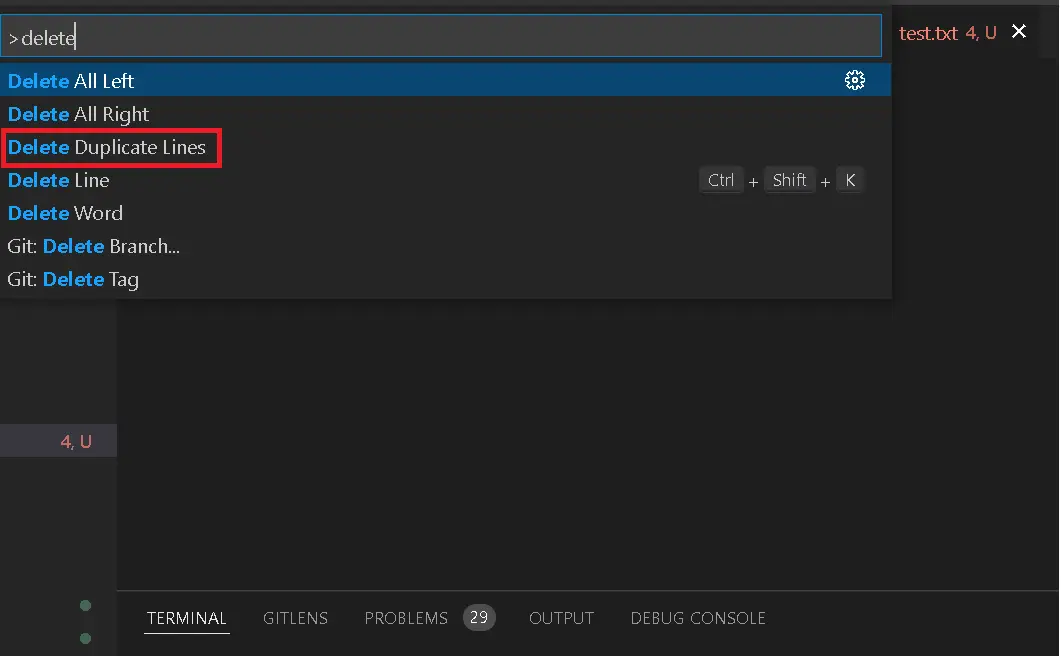
How Do Make And Remove Duplicate Rows Or Lines In Visual Studio Code
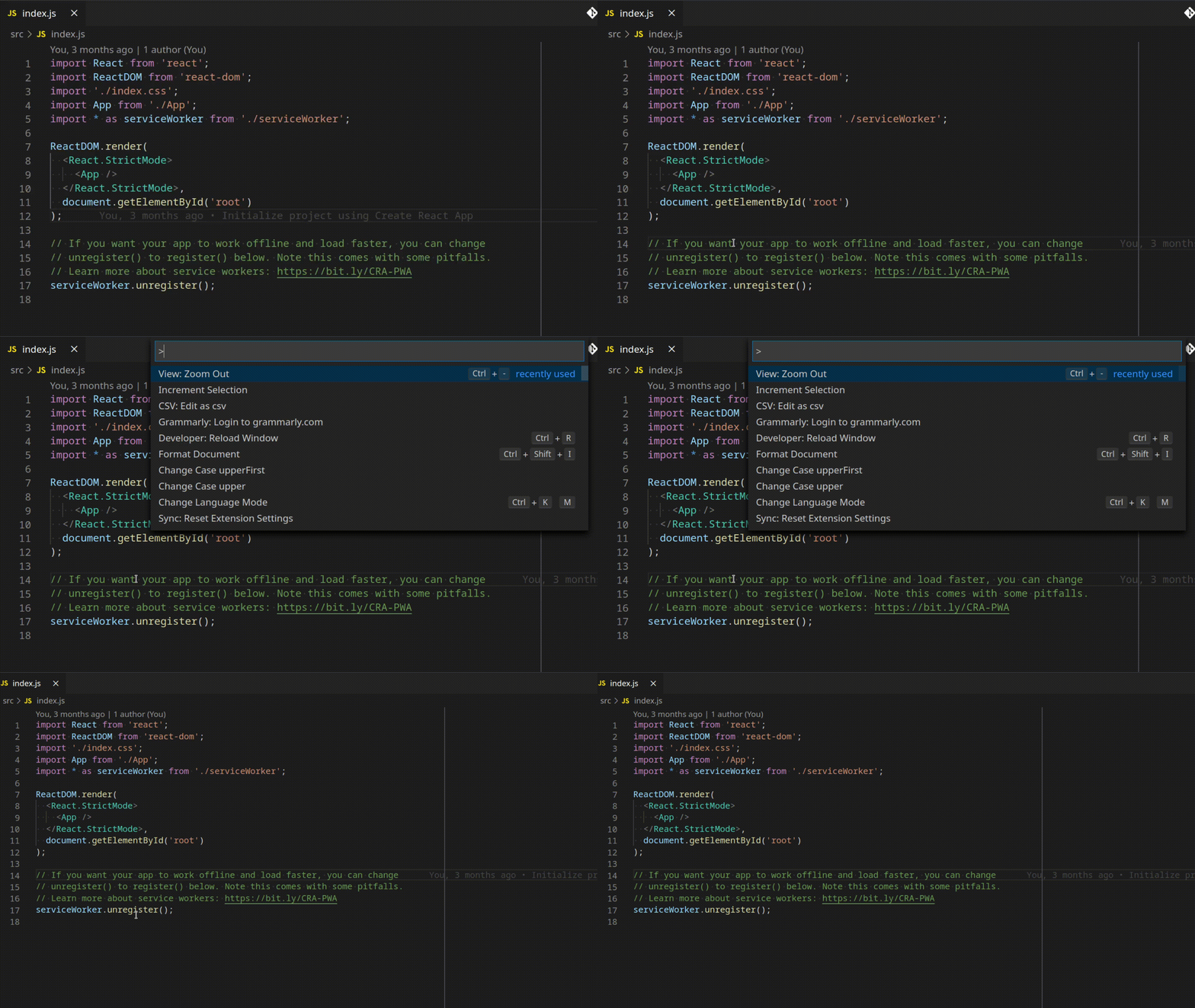
13 Useful VSCode Shortcuts For Faster Development EPages Developer Portal

Keyboard Shortcuts Command Lines For Mac Deletion
Web According to VS Code 1 55 2 version 2021 under User gt Commonly Used section there is an option as Multi Cursor Modifier See below image for multi cursor default key is alt if you want it can change to Ctrl Moreover for suitable places you can hold the Middle Mouse button and move to down
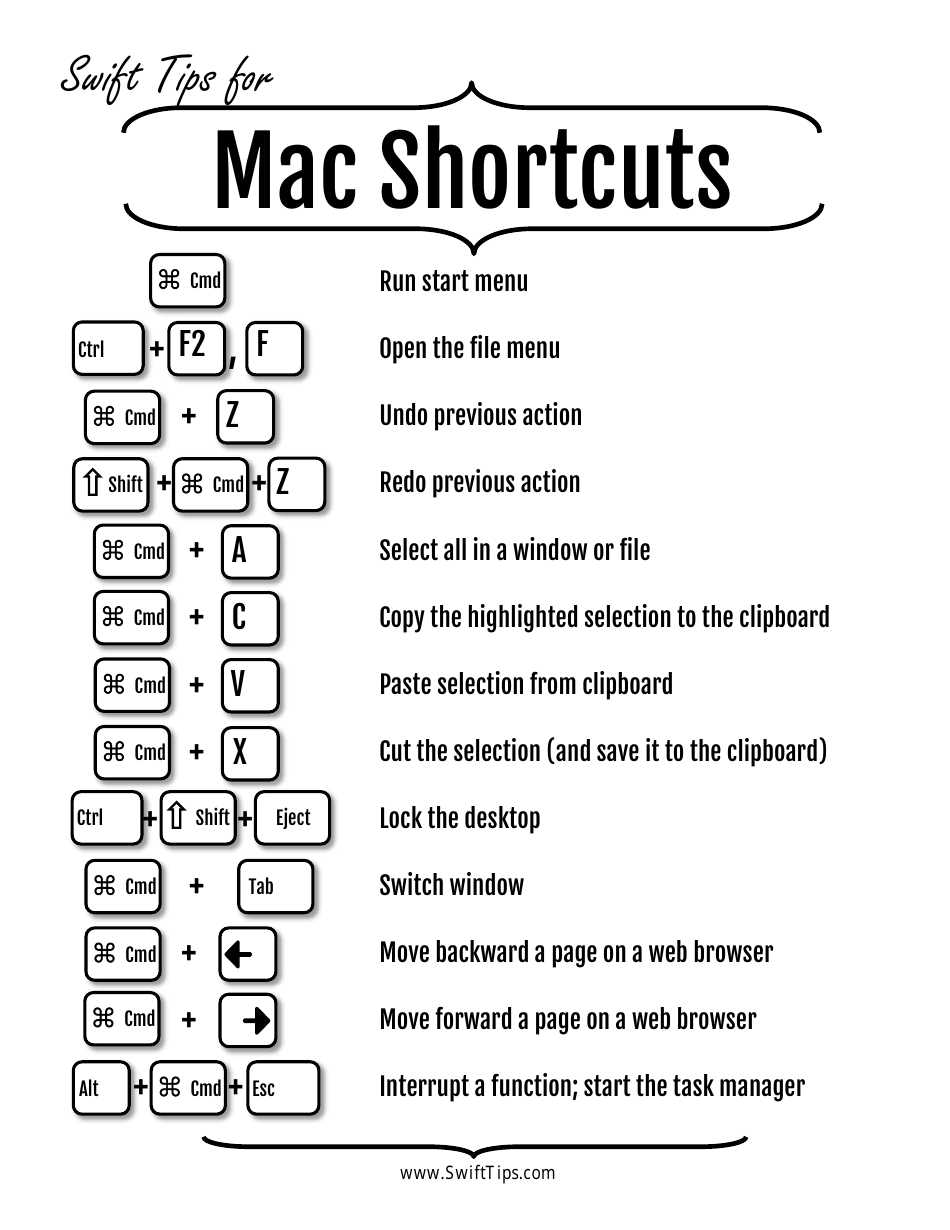
Web Sep 17 2010 nbsp 0183 32 SHIFT is absolutely necessary if you want to be able to remove the line without cutting CTRL L does the same as CTRL X or SHIFT DEL To be able to remove a line without copying it you need to use CTRL SHIFT L
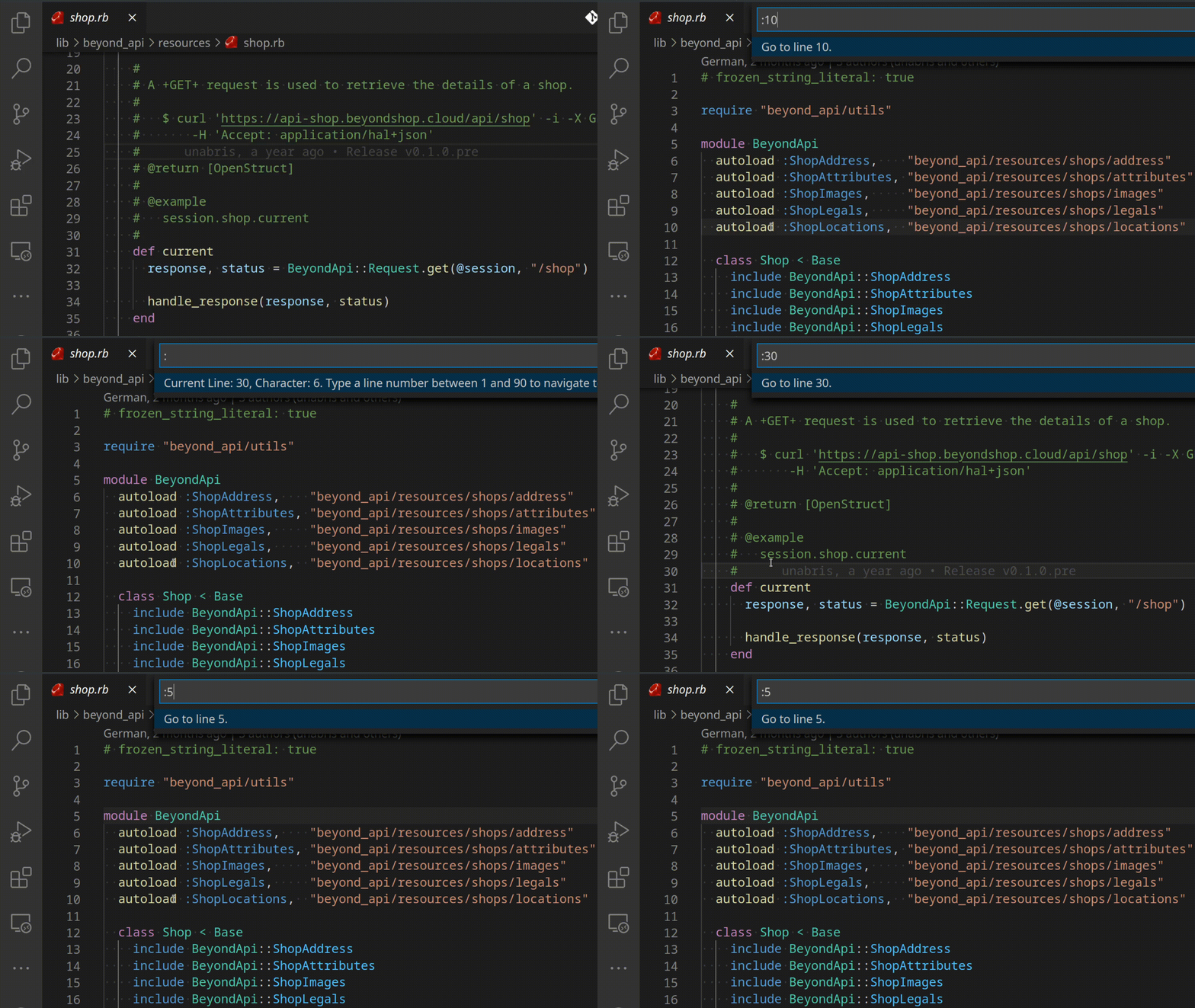
Web Mar 14 2022 nbsp 0183 32 In most IDE s I ve used including VS Code the quot Edit LineDelete quot keyboard shortcut deletes the line and tries to keep the cursor in the same place on the following line For example this shortcut is Ctrl Shift K in VS Code and Ctrl Y in IntelliJ and does the following I ve used a pipe here to represent the cursor movement BEFORE
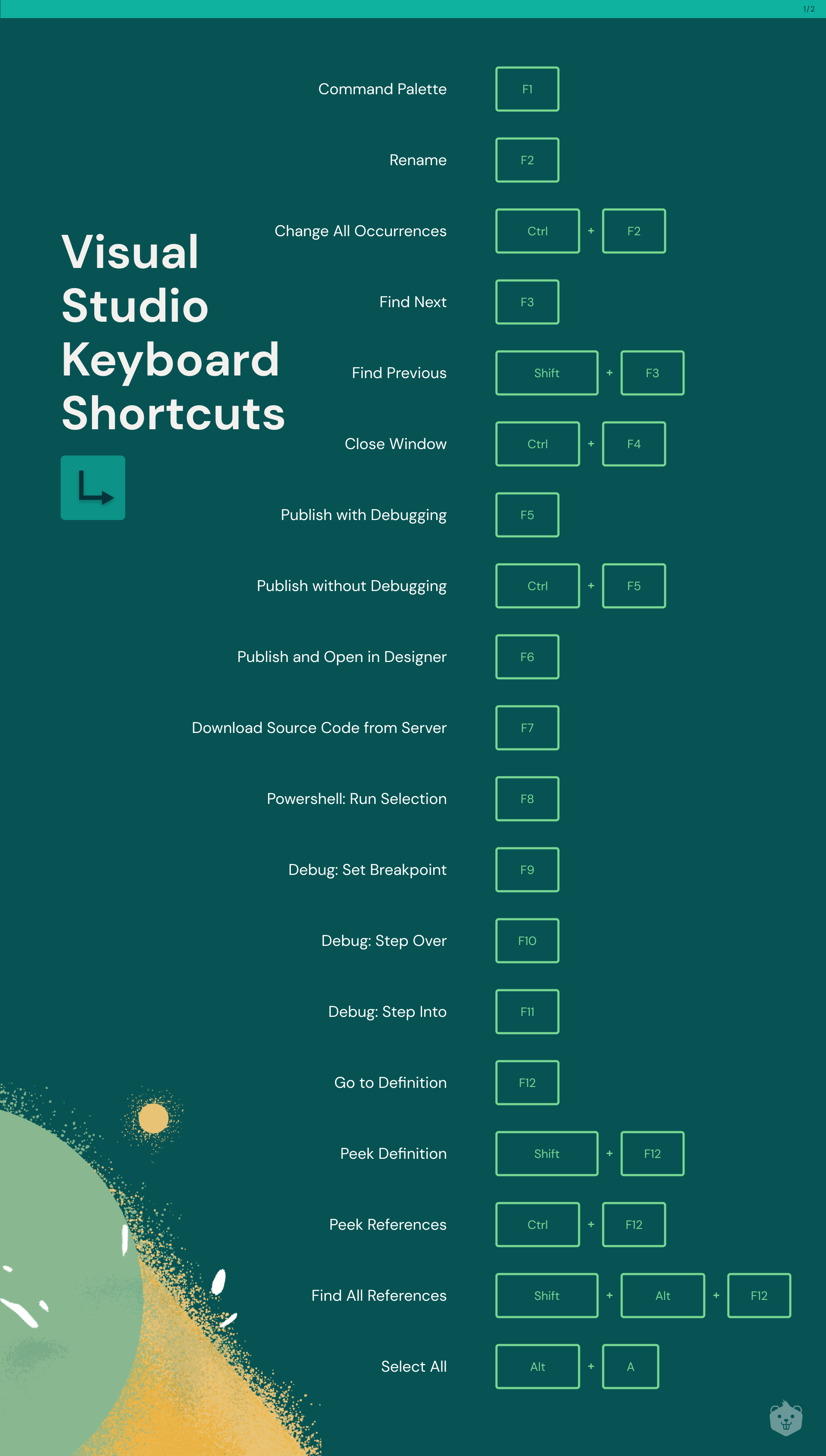
Web Run several commands without arguments copy current line down mark the current line as comment move cursor to copied line quot key quot quot ctrl alt c quot quot command quot quot runCommands quot quot args quot quot commands quot quot editor action copyLinesDownAction quot quot cursorUp quot quot editor action addCommentLine quot quot cursorDown quot

Web Aug 26 2022 nbsp 0183 32 How to delete an entire line in Visual Studio 2022 for Mac I ve just switched to macOS and I can t get the shortcuts I m used to On Windows CTRL L cut an entire line I can t figure out how to do it on Mac This OS is so frustrating it seems to be missing all basic keyboard shortcuts
Web Keyboard Shortcut M Windows Linux Ctrl Shift M Quickly jump to errors and warnings in the project Cycle through errors with F8 or F8 Windows Linux Shift F8 You can filter problems either by type errors warnings or text matching Web Mar 5 2020 nbsp 0183 32 VS Code has some command line shortcuts that will come in handy The first of these is code Provided that you are in the appropriate desired directory typing in code will open up the entire current directory you are in The other command line shortcut that is very useful is code r
Web Dec 11 2022 nbsp 0183 32 Undo last cursor operation Insert cursor at end of each line selected Select current line Select all occurrences of current selection Select all occurrences of current word Expand shrink selection Column box selection Column box selection up down Column box selection left right