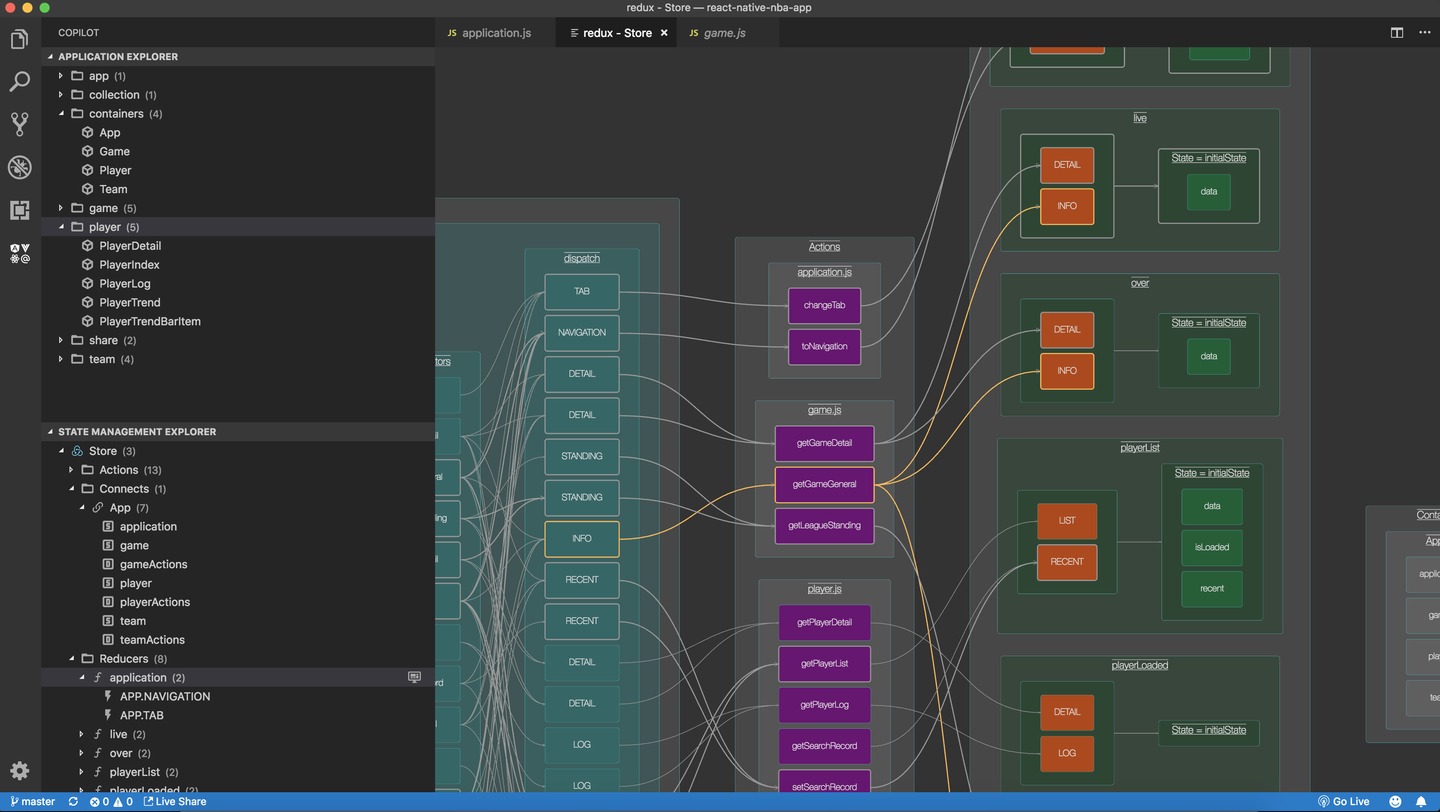
Vs Code Copilot u i m V Nh c i m C a GitHub Copilot L G C ch C i t GitHub Copilot VS Aigc aigc How To Install Copilot In Visual Studio Code I Have VS Code And GitHub Copilot Installed But It Doesn t Work GitHub Copilot Aigc aigc WEB Jun 30 2023 nbsp 0183 32 Top 10 AI Copilot Tools for Visual Studio Code By David Ramel 06 30 2023 Several months ago we examined the quot Top 10 AI Extensions for Visual Studio Code quot tools in the marketplace that featured the term quot AI quot Microsoft has since then been pushing hard its copilot themed AI assistants that are springing up all over its wares
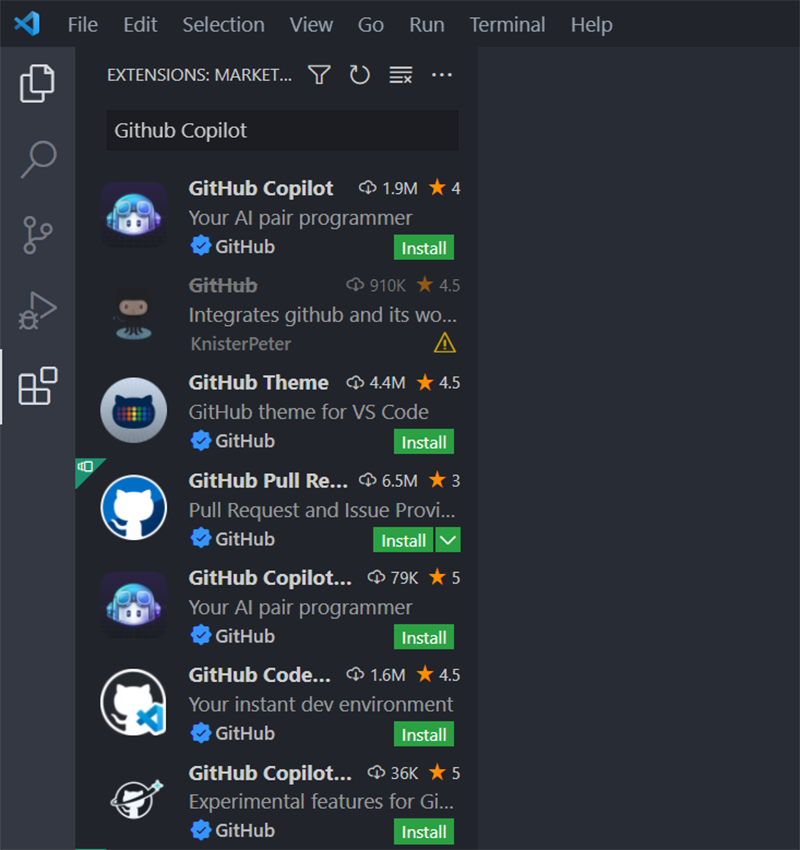
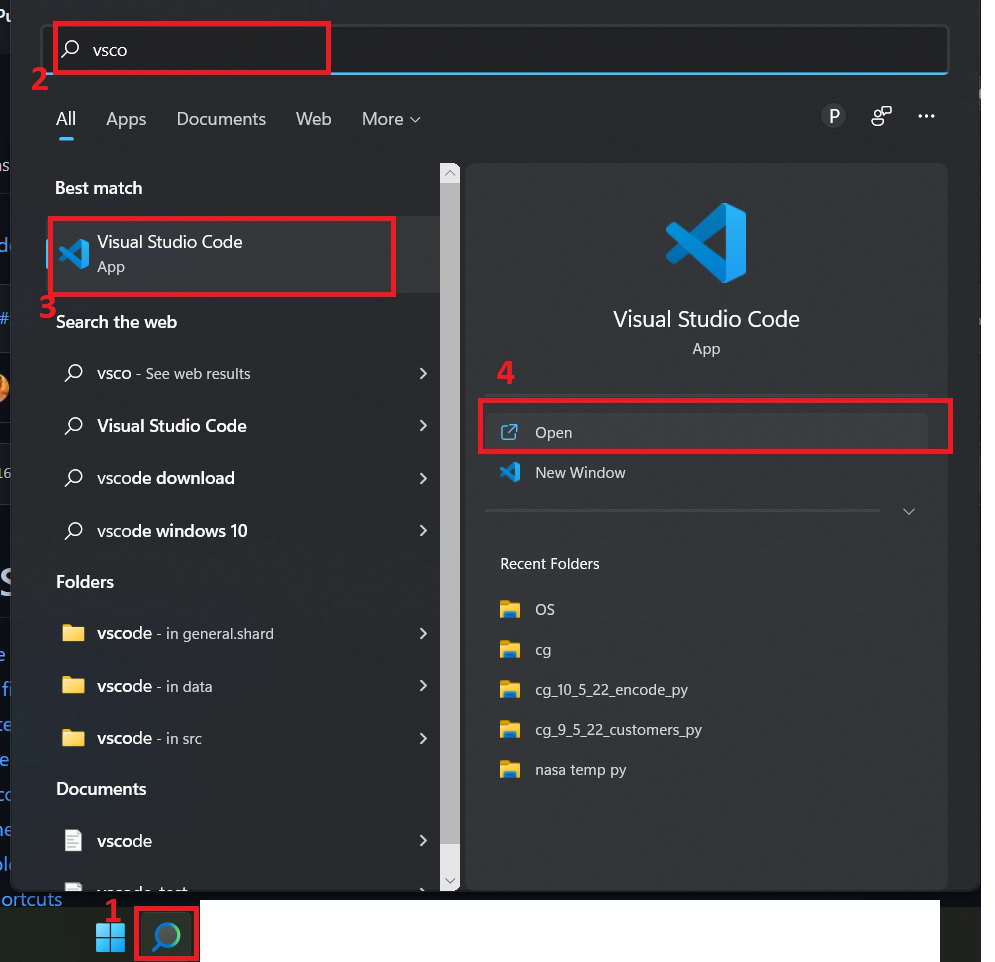
WEB To configure GitHub Copilot in Visual Studio Code you must install the GitHub Copilot plugin For more information see quot Getting started with GitHub Copilot quot Keyboard shortcuts for GitHub Copilot You can use the default keyboard shortcuts in Visual Studio Code when using GitHub Copilot WEB Jun 22 2023 nbsp 0183 32 Setting up Copilot Chat in VS Code Once you have received confirmation from GitHub via email that you have been included into GitHub Copilot Chat preview you can begin your installation via the following steps Run VS Code and click on the extension icon VS Code Extension Icon
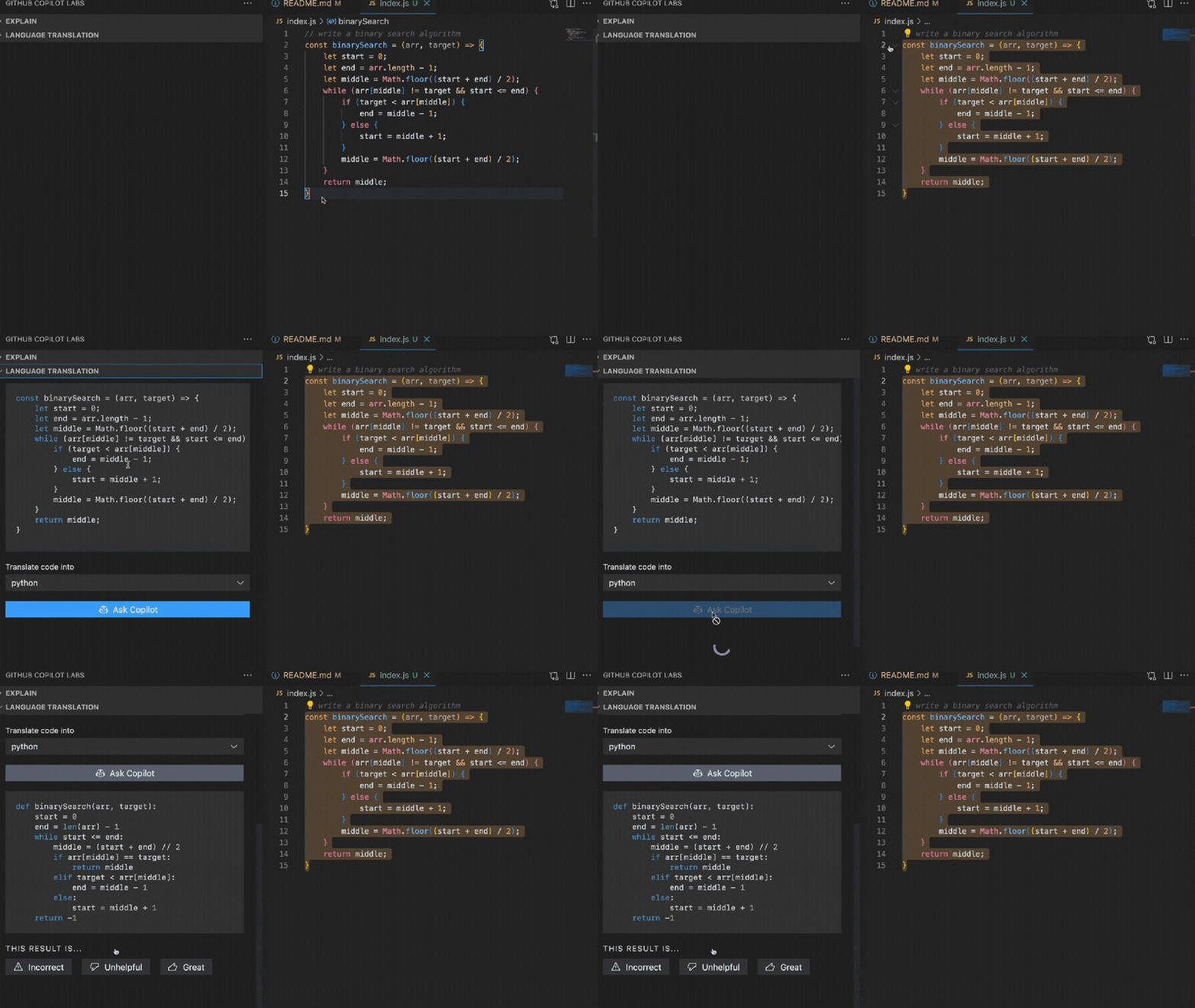
GitHub Copilot Aigc aigc 8 Things You Didn t Know You Could Do With GitHub Copilot Noise Github Copilot Vs Tabnine Ai Code Completion Tool In Hindi 2021 Youtube VS Code Copilot Github Copilot Github Copilot How To Accept The Code The Suggested By Vs Code GitHub Copilot For VSCode Might Make Coding Easier Podfeet Podcasts GitHub Copilot Emits GPL Codeium Does Not Codeium Free AI Code What Is Microsoft Copilot Word TechFinitive
Vs Code Copilot
 Vs Code Copilot
https://tuananhuet.com/wp-content/uploads/2023/04/GitHub-Copilot-1-3.png
WEB Feb 12 2024 nbsp 0183 32 Copilot enhancements in Visual Studio Code We have introduced several features to the Copilot Chat extension in Visual Studio Code These updates available in Visual Studio Code 1 86 and the latest Copilot Chat extension 0 12 aim to provide a more streamlined and interactive coding experience
Pre-crafted templates provide a time-saving service for developing a varied series of documents and files. These pre-designed formats and layouts can be used for different individual and expert jobs, consisting of resumes, invitations, leaflets, newsletters, reports, discussions, and more, streamlining the material creation process.
Vs Code Copilot
How To Install GitHub Copilot On VSCode GeeksforGeeks
8 Things You Didn t Know You Could Do With GitHub Copilot Noise

Github Copilot Vs Tabnine Ai Code Completion Tool In Hindi 2021 Youtube
VS Code Copilot

Github Copilot How To Accept The Code The Suggested By Vs Code
GitHub Copilot For VSCode Might Make Coding Easier Podfeet Podcasts
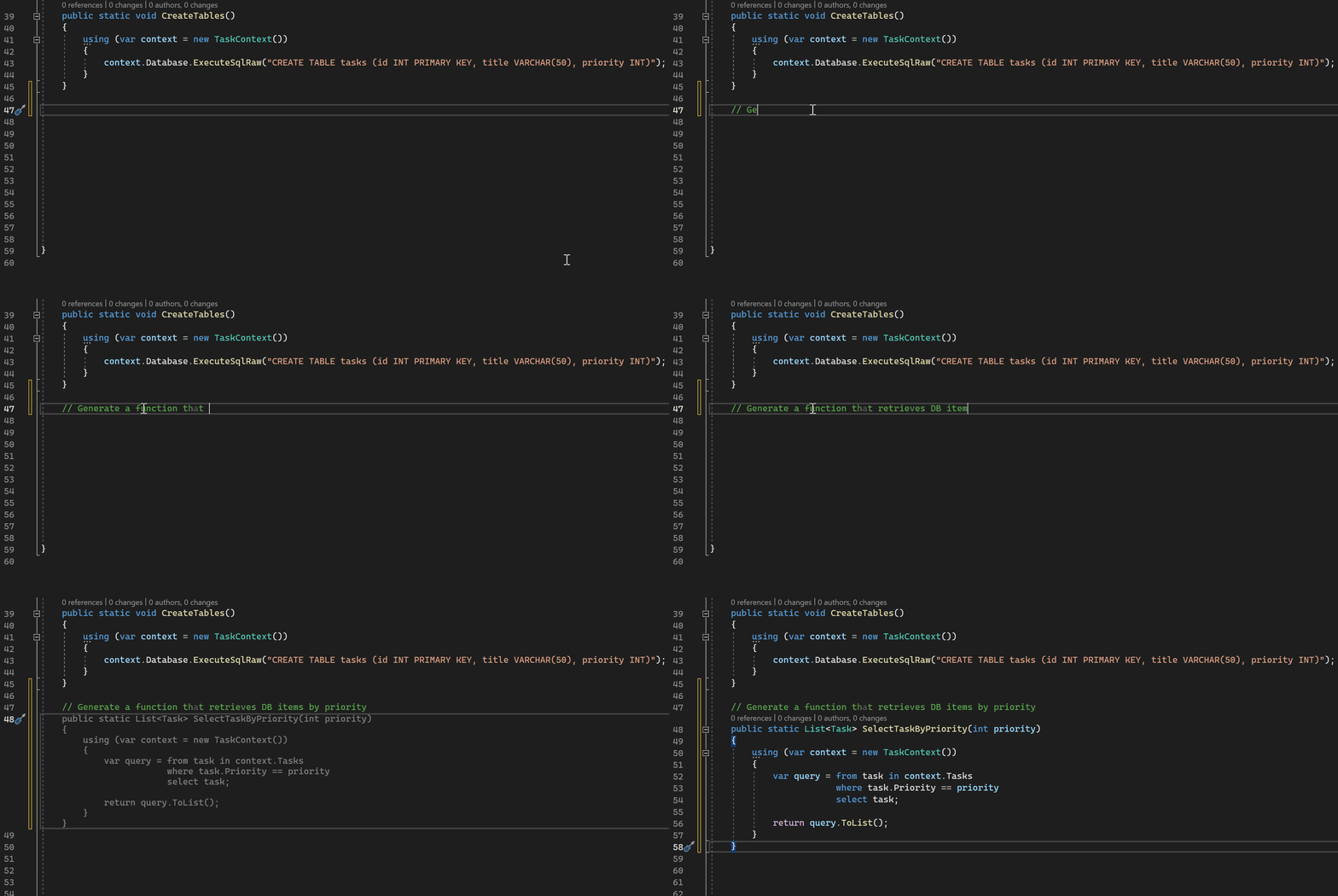
WEB Getting started with GitHub Copilot in VS Code This tutorial walks you through configuring the GitHub Copilot extension in Visual Studio Code and using AI powered suggestions to help you create a basic calculator class in TypeScript For an overview of the GitHub Copilot features in VS Code see the GitHub Copilot Overview
WEB Mar 30 2023 nbsp 0183 32 The VS Code team had an internal hackathon to explore how to integrate AI into VS Code more deeply and came up with many cool ideas such as improved renaming and refactorings code transformations based on examples and ways to create file glob patterns or regex expressions using natural language

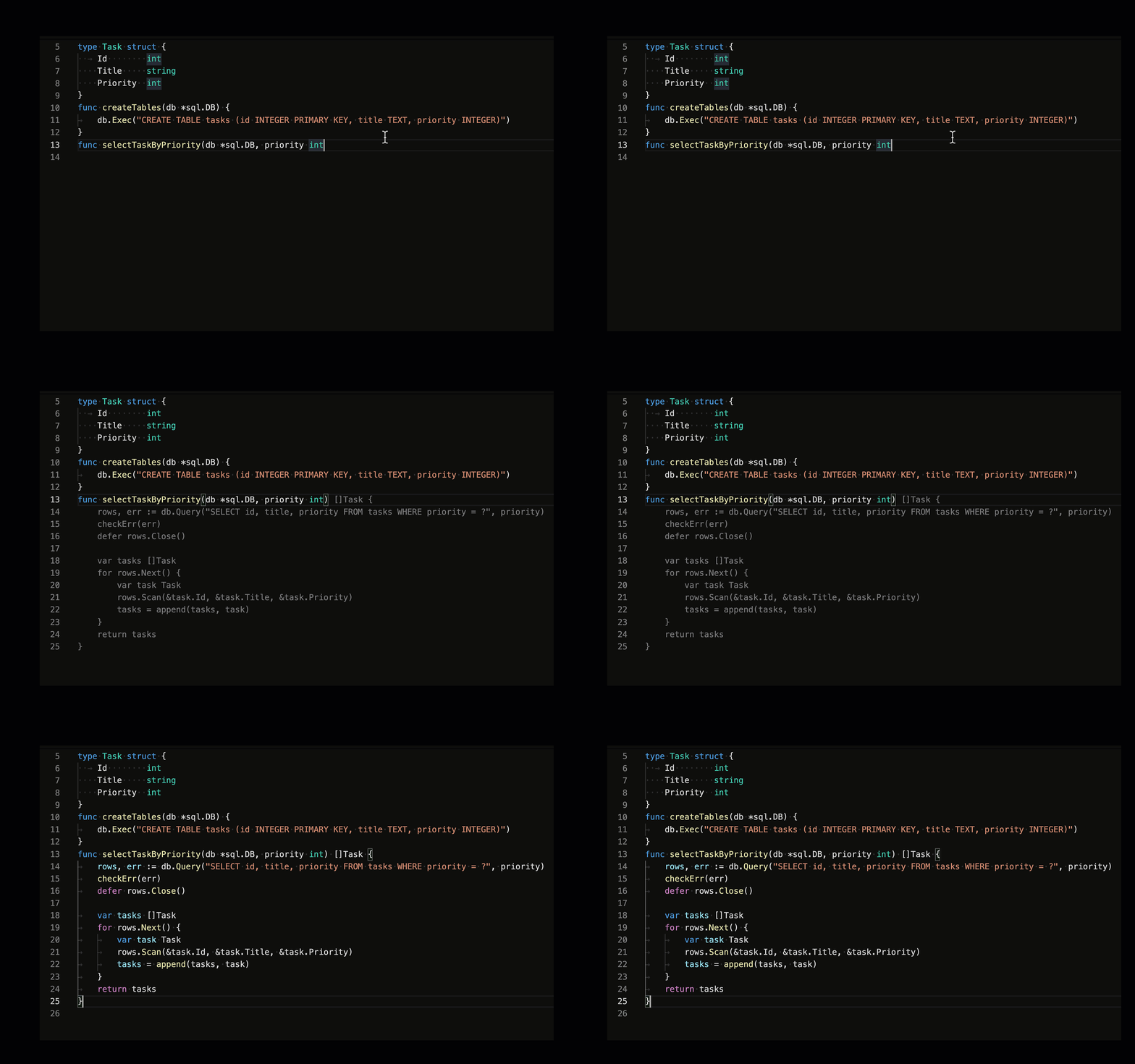
WEB Visual Studio Code Start a free trial About GitHub Copilot and Visual Studio Code GitHub Copilot provides autocomplete style suggestions from an AI pair programmer as you code For more information see quot About GitHub Copilot Individual quot
WEB Jun 29 2021 nbsp 0183 32 Research has found GitHub Copilot helps developers code faster focus on solving bigger problems stay in the flow longer and feel more fulfilled with their work 74 of developers are able to focus on more satisfying work
WEB Mar 22 2023 nbsp 0183 32 Product GitHub Copilot X The AI powered developer experience GitHub Copilot is evolving to bring chat and voice interfaces support pull requests answer questions on docs and adopt OpenAI s GPT 4 for a more personalized developer experience Author Thomas Dohmke March 22 2023
[desc-11] [desc-12]
[desc-13]