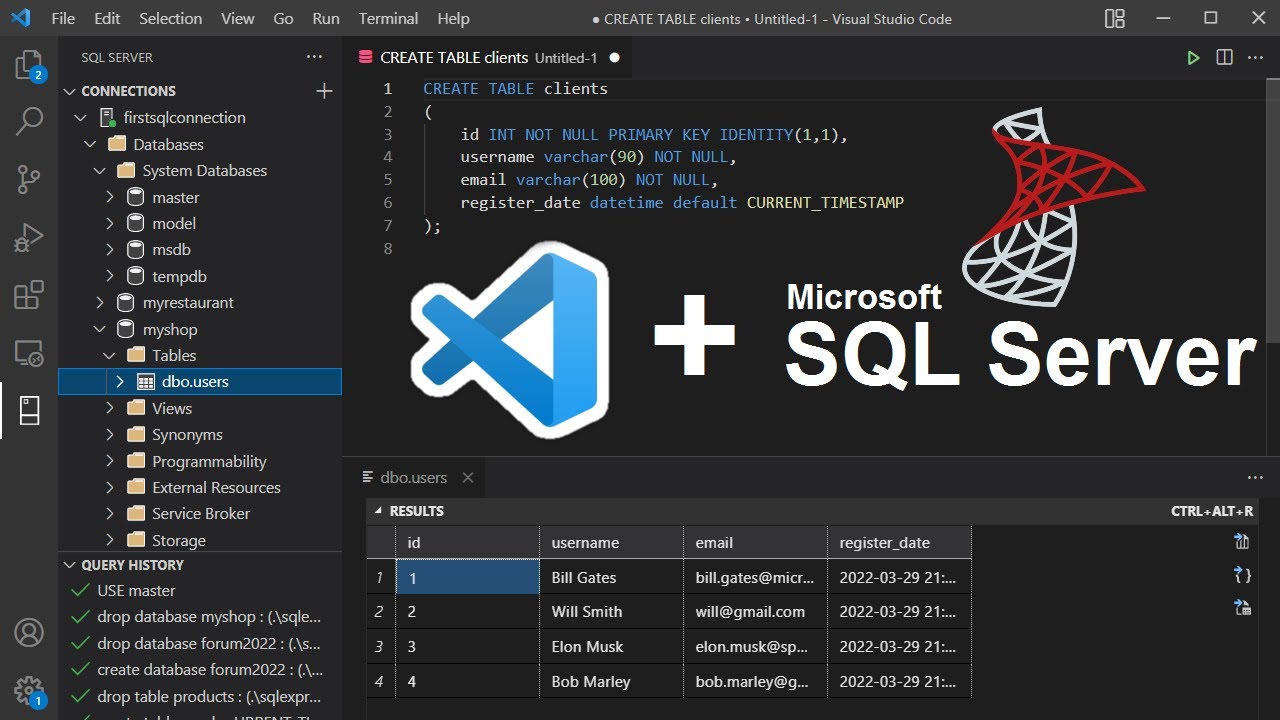
Vs Code Connect To Sql Database How To Connect SQL Server In Visual Studio Code SQL Server In Visual Connect To SQL Server Using Visual Studio Code 2022 And Run SQL Queries Connect To A SQL Database With Visual Studio Code Sql Php Code To Connect With Mysql Database Not Apply Stack Overflow Connect To A SQL Database With Visual Studio Code Oct 21 2020 nbsp 0183 32 While installing the VS Code we get an option to tick for Open with Code I gave the tick mark for only files but not for folders So how to turn it on after installation When I m
Feb 3 2017 nbsp 0183 32 I am not able to download any extension via VS Code on my office system due to the proxy Is there a way that I can do it manually by downloading and placing the downloaded Blend for Visual Studio Visual Studio IDE
Connect To A SQL Database With Visual Studio Code Write A SQL Query In Power BI Discover The Power Of Your Data Conexi n Con Excel Azure SQL Database Azure SQL Managed Instance SSMS Connect And Query Data Azure SQL Database SQL Managed Li o 1 Conex o Ao Mecanismo De Banco De Dados SQL Server How To Use Notepad To Run Java Daxaholic Creare Un app Dati A Pi Livelli In ADO NET NET Framework Visual Sql Php Code To Connect With Mysql Database Not Apply Stack Overflow How To Create A Database In Sql Server Using Console Application In
Vs Code Connect To Sql Database
 Vs Code Connect To Sql Database
https://i.ytimg.com/vi/VDn8e1JgSiA/maxresdefault.jpg
Apr 29 2016 nbsp 0183 32 The print dialog supports changing paper size and orientation This clashes with the way PrintCode works Some people like to run multiple VS Code windows When you print
Templates are pre-designed documents or files that can be utilized for different purposes. They can save effort and time by supplying a ready-made format and layout for developing various sort of material. Templates can be utilized for individual or professional projects, such as resumes, invitations, flyers, newsletters, reports, presentations, and more.
Vs Code Connect To Sql Database

Solved VS Code Connect To WSL Ubuntu 20 04 LTS Fail 9to5Answer

Write A SQL Query In Power BI Discover The Power Of Your Data
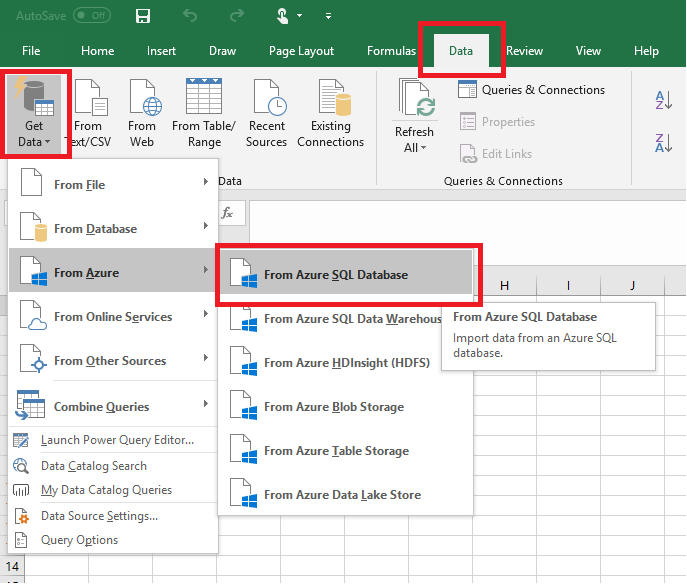
Conexi n Con Excel Azure SQL Database Azure SQL Managed Instance
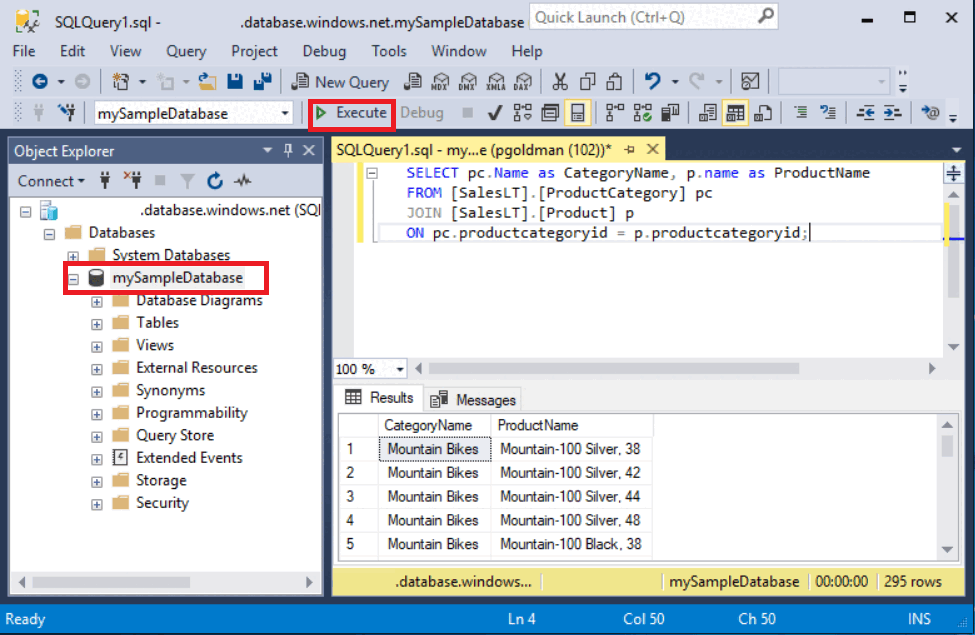
SSMS Connect And Query Data Azure SQL Database SQL Managed

How To Use Notepad To Run Java Daxaholic
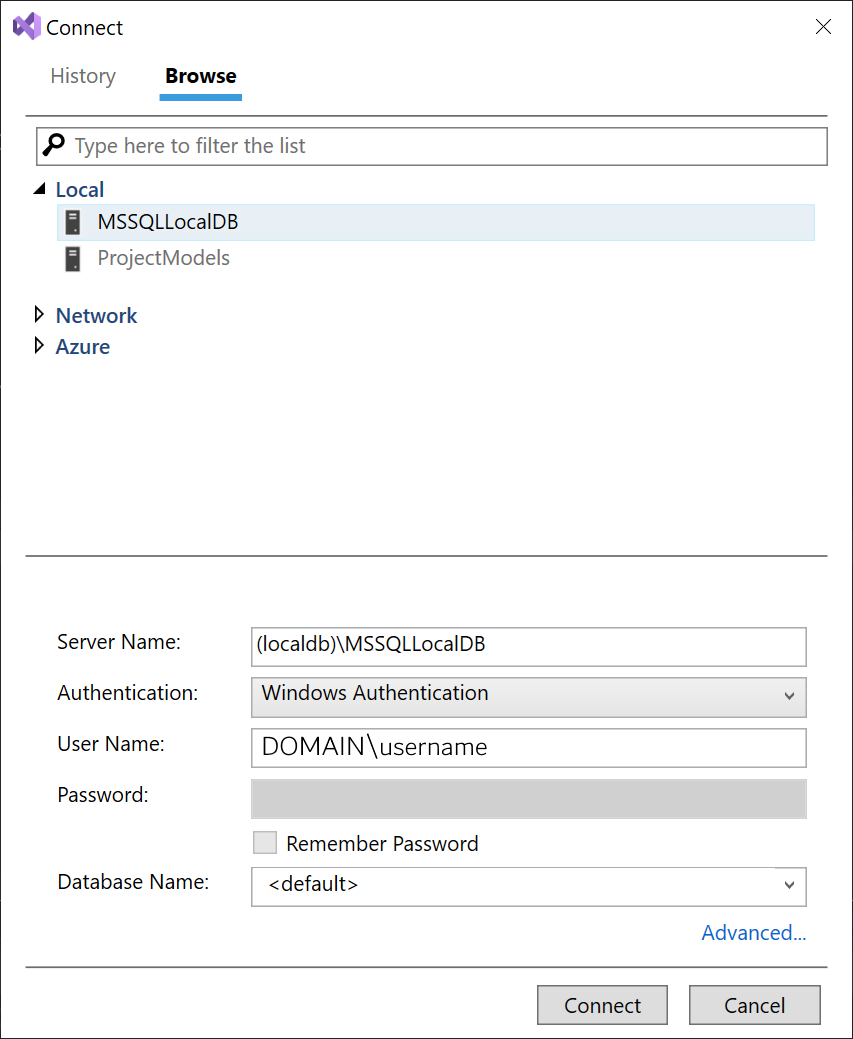
Creare Un app Dati A Pi Livelli In ADO NET NET Framework Visual
Dec 11 2008 nbsp 0183 32 I m using JSLint to go through JavaScript and it s returning many suggestions to replace two equals signs with three equals signs when doing things like comparing
Sep 16 2024 nbsp 0183 32 Problems starts when I update vs code when I open vsc after upd NET extensions show me errors in panel in bottom and my font not work anymore For first I try to
Nov 2 2022 nbsp 0183 32 I am running VS Code on a Mac OS I have installed Jupyter extension but I m unable connect to my Python virtual environments When I create a new virtual environment

Jun 24 2024 nbsp 0183 32 Python Interpreter Not Found on VS Code Asked 5 years 4 months ago Modified 2 months ago Viewed 95k times
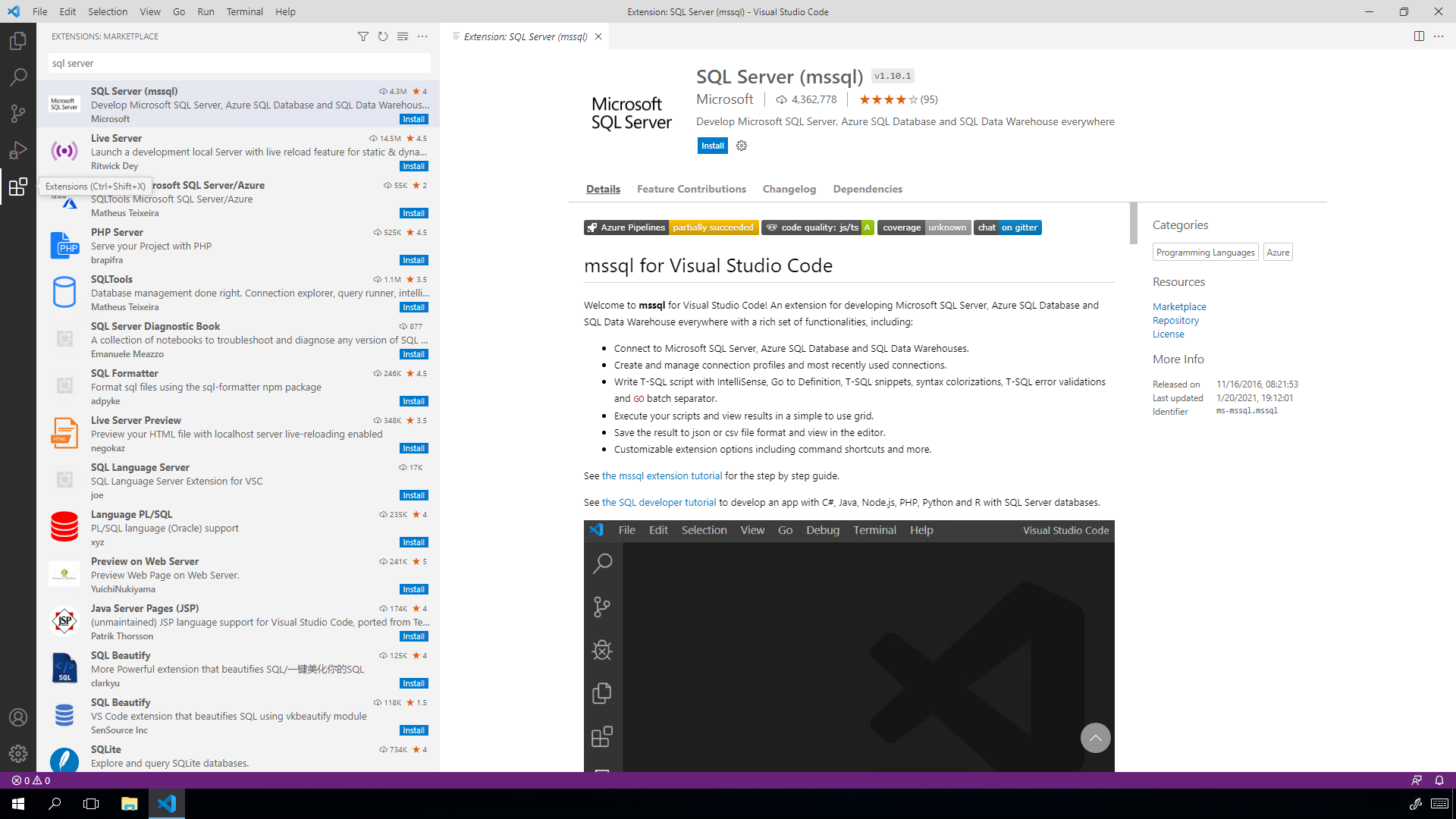
General disablement of VS Code extensions To disable an extension go to the extensions view You can do that under the quot View quot menu at the top left or click the icon at the left bar or use the
[desc-11] [desc-12]
[desc-13]