Vmware Workstation Command Line Windows Command Line VMware Workstation MR ZeRo Go KnOwLeDge Fedora 36 Bootstrap Installation Fedora 36 Workstation Command Line Workstation Solved How To Copy To Shared Folders From Command line 9to5Answer VMWare Workstation Command Line Binary run The main command line program used to stop and start VMware Workstation Virtual machines is the vmrun command
3In a command window type vmrun to see command line options 4Continue with Flags to Specify Virtual Machine Type on page 7 Setting Up vmrun on Linux VMware Workstation for Windows path C Documents and Settings username My Documents My Virtual Machines Win XP Win XP vmx Uninstall VMware Workstation Pro on windows host Download VMware Workstation Pro installer binary VMware workstation full 15 xxxxxx exe to local host Open windows command line as Administrator and run VMware workstation full 15 xxxxxx exe r Reboot the host and try to install VMware Workstation Pro
VMWare Workstation Command Line Binary run Linux Unzip Startergerty How To Start Shutdown Or Reboot A VM From The Command Line In VMware ACRONIS BACKUP RECOVERY 10 ADVANCED WORKSTATION COMMAND LINE CLI PC Trek Product Key Recovery Tool Discount Code 40 Off In 2022 Download VMware Workstation Pro 16 Full Key Cho Windows Linux KMSAuto Net 2015 V1 3 8 Portable PPT ArcMap ArcCatalog ArcToolbox New Ways To User Interaction Unlock Workstation Command Line Boot The Computer From The Disk Or
Vmware Workstation Command Line Windows
 Vmware Workstation Command Line Windows
http://1.bp.blogspot.com/-arHVYLdoFqU/VZQJGI9QMXI/AAAAAAAAAP8/5mLXmo9gyjE/s1600/Snap28.gif
VSphere CLI Command Overviews This chapter introduces the command set presents supported commands for different versions of vSphere lists connection options and discusses vCLI and lockdown mode This chapter includes the following topics Introduction
Templates are pre-designed files or files that can be used for various purposes. They can conserve time and effort by offering a ready-made format and layout for developing various kinds of material. Templates can be used for individual or expert tasks, such as resumes, invitations, leaflets, newsletters, reports, discussions, and more.
Vmware Workstation Command Line Windows

Installing VMWare Tools From Command Line Linux RHEL 6 Cent OS
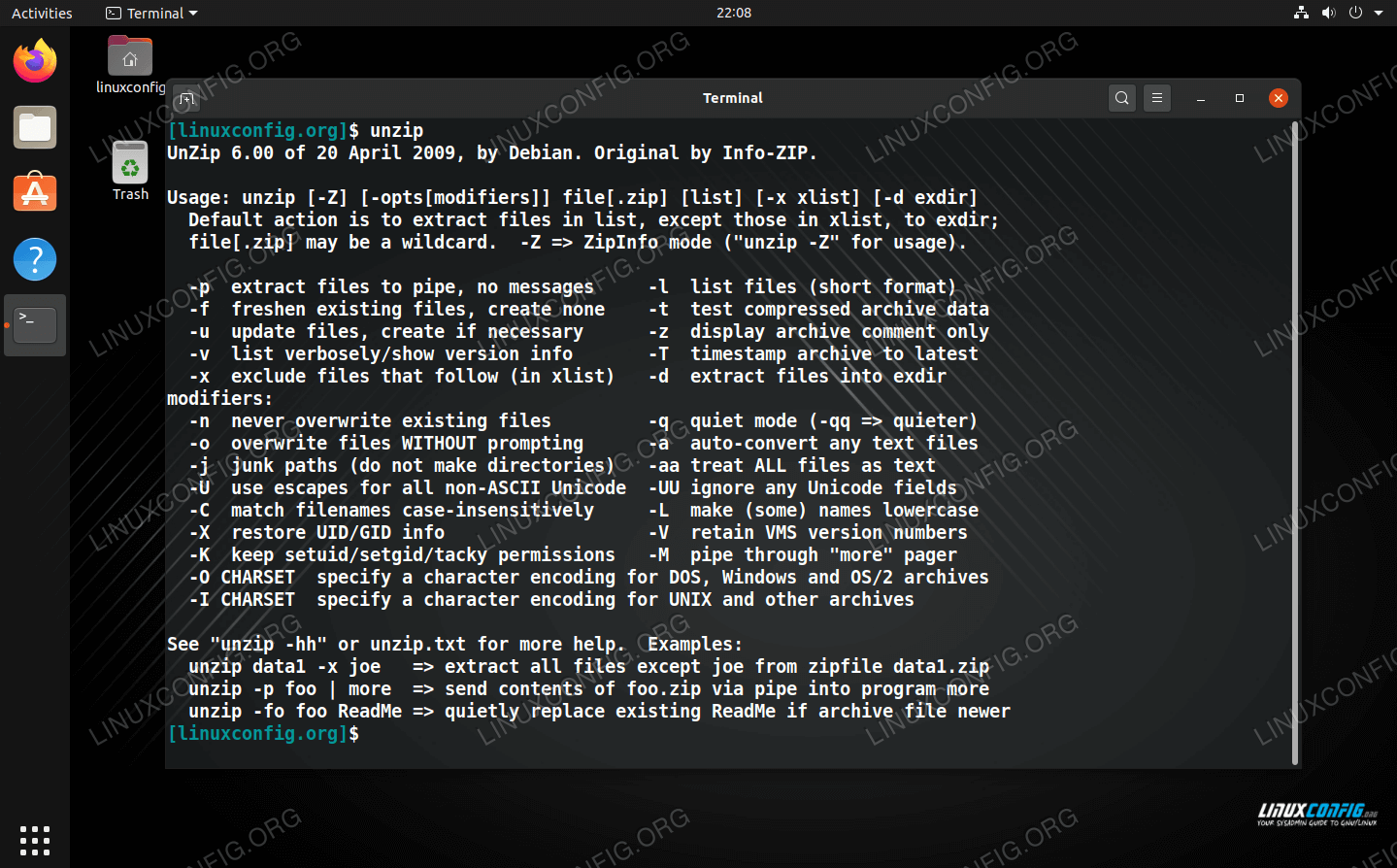
Linux Unzip Startergerty
How To Start Shutdown Or Reboot A VM From The Command Line In VMware

ACRONIS BACKUP RECOVERY 10 ADVANCED WORKSTATION COMMAND LINE CLI
Download VMware Workstation Pro 16 Full Key Cho Windows Linux

KMSAuto Net 2015 V1 3 8 Portable

To run the vmware command on a Windows host system use the following syntax C Program Files x86 VMware VMware Workstation vmware exe n x X t q s variable name value v path to vm vmx http s path to vm vmx Parent topic Using the vmware Command Previous Page Next Page In this article Prerequisites Procedure

Download PDF Feedback Updated on 05 31 2019 When you run the vmware command you can specify certain options On Linux hosts you can pass X toolkit options as arguments such as display and geometry Some options such as the size and title of the Workstation Pro window cannot be overridden Parent topic Run the vmware Command Previous Page
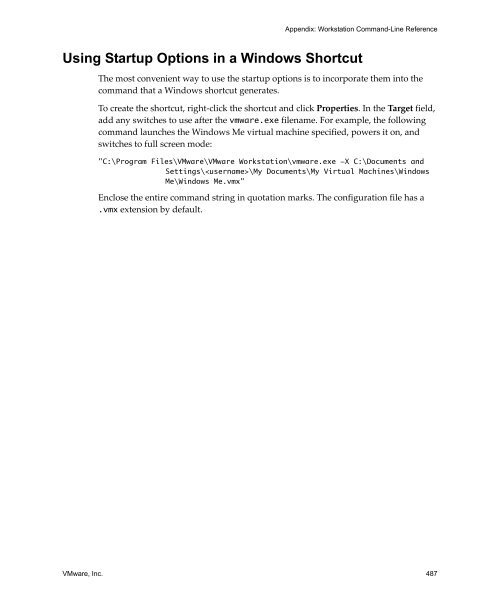
Enter the installation command on one line The following example installs Workstation Pro VMware workstation full x x x xxxxxx exe s v qn EULAS AGREED 1 SERIALNUMBER xxxxx xxxxx xxxxx xxxxx xxxxx AUTOSOFTWAREUPDATE 1

Windows To open a command prompt in Windows Click Start Run or press Windows R key Type cmd Click OK To exit from the command prompt type exit and press Enter Note In windows 7 and later click the Windows start button and in the search field type cmd or command Linux

Updated on 05 31 2019 When you start a virtual machine the guest operating system starts and you can interact with the virtual machine You can use Workstation Pro to start virtual machines on the host system and on remote servers To start a virtual machine from the command line use the vmware command See Using the vmware Command
Open a command prompt For more information see Opening a command or shell prompt 1003892 Change directory to the folder where the VMware Workstation installer is located For example cd C Downloads Run this command to install VMware Workstation To start VMware Workstation on a Windows host system To start VMware Workstation on a Linux host system from the command line run the vmware command in a terminal window For more information see Opening a command or shell prompt 1003892 For example usr bin vmware
It s better to be a command line tool from VMWare Workstation s install folder Environment Windows 10 x64 VMWare Workstation Pro 15 vmware workstation vmdk Share Improve this question Follow edited Mar 30 2019 at 7 40 jw asked Mar 30 2019 at 5 29 jw jw