Vmware Ubuntu Network Stopped Working RPi Freezes At Booting Raspberry Pi Forums Ubuntu Copy paste Not Working In Vmware Unix Server Solutions Network Stopped Working Newbie EndeavourOS Solved VMware Tools Core Service Has Stopped Working VMware How To Fix VMware Internet Not Working Issues Solved Web 1 Make sure you have updated VMware Workstation to V15 5 1 latest and then look in the VMware program folder run the Network Editor as Administrator reset the VMware Network restart the computer and try your guest NAT again Works here for Ubuntu and Kali both Share
Web May 4 2023 nbsp 0183 32 Do not skip a step Ensure that the Port Group name s associated with the virtual machine s network adapter s exists in your vSwitch or Virtual Distributed Switch and is spelled correctly If not correct it using Edit Settings on the virtual machine and ensure that the Connected checkbox is selected Web Nov 1 2021 nbsp 0183 32 1 Answer Sorted by 0 Your network is currently disabled There are a couple different reasons for this Try running the following sudo ifconfig ens33 up if you don t have access to ifconfig for whatever reason try sudo ip link set ens33 up Share Improve this answer Follow answered Nov 1 2021 at 4 48
How To Fix VMware Internet Not Working Issues Solved Pi Stopped Working Randomly Two Nights Ago And Now Won t Boot Vmware Client vpxclient Has Stopped Working YouTube Watching Scary Godmother Halloween Spooktacular In 2021 Raspberry Pi Not Booting Here Are The Reasons And Fixes MiniTool S a iaci Odp lenie Zadn Raspberry Pi Game Programming Vari How To Fix VMware Drag And Drop Issues That Stopped Working Dos Crowd Pi Stopped Working Randomly Two Nights Ago And Now Won t Boot Wired Internet Abruptly Stopped Working Ubuntu 14 04LTS
Vmware Ubuntu Network Stopped Working
 Vmware Ubuntu Network Stopped Working
https://i.imgur.com/QIj71ZE.jpg
Web Aug 29 2020 nbsp 0183 32 1 Answer Sorted by 30 it seems there is bug about this issue and it is common by the following the wired network setting returned sudo nmcli networking off sudo nmcli networking on no other network reset commands worked for me and only these ones worked in my case and yet there was another problem
Templates are pre-designed documents or files that can be used for different purposes. They can save effort and time by offering a ready-made format and design for developing different kinds of content. Templates can be used for individual or expert jobs, such as resumes, invites, leaflets, newsletters, reports, discussions, and more.
Vmware Ubuntu Network Stopped Working

The Other Team s Network Stopped Working And We Won YouTube

Pi Stopped Working Randomly Two Nights Ago And Now Won t Boot

Vmware Client vpxclient Has Stopped Working YouTube

Watching Scary Godmother Halloween Spooktacular In 2021

S a iaci Odp lenie Zadn Raspberry Pi Game Programming Vari
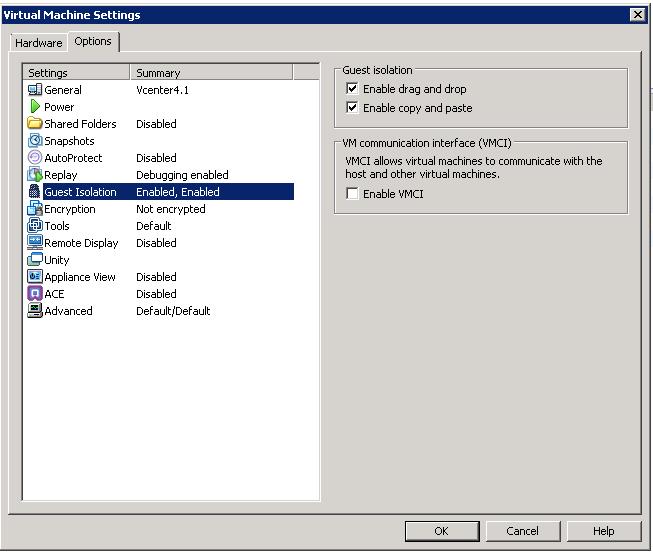
How To Fix VMware Drag And Drop Issues That Stopped Working Dos Crowd

Web May 15 2018 nbsp 0183 32 I was able to workaround the issue with the following steps Find the network device name from ip link such as ens33 Manually set the device to the up state sudo ip link set ens33 up Click the drop down in the top right of the system bar which show an entry for quot Wired quot and choose quot Connect quot

Web Aug 14 2020 nbsp 0183 32 1 Answer Sorted by 20 I had the same problem after moving my ubuntu vm to a different host The following steps worked for me the reloading of the kernel modules might not be required cannot reproduce as it is working now I guess the network manager is broken unload reload the kernel modules
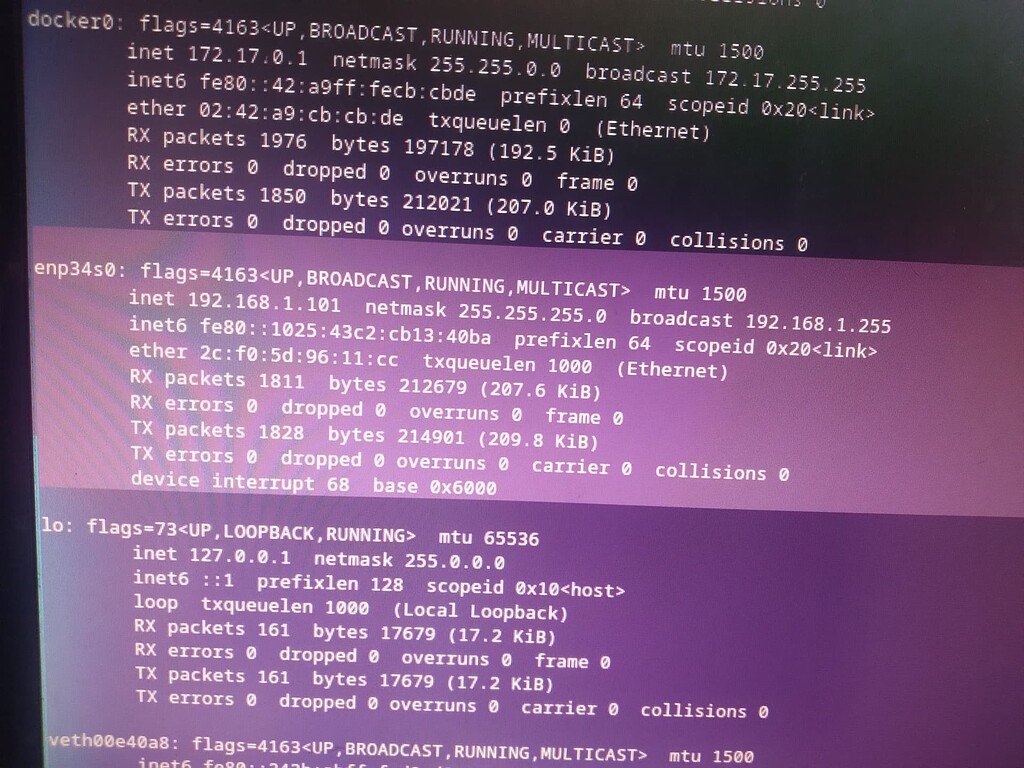
Web Jun 30 2016 nbsp 0183 32 Edit the file etc network interfaces and add these lines The primary network interface auto ens33 iface ens33 inet dhcp ens33 is the logical name of the NIC and may be different for other operating systems Don t change anything of the loopback interface Save the file and run sudo ifup ens33

Web Jun 14 2021 nbsp 0183 32 To troubleshoot a lack of network connectivity in a virtual machine Verify that your virtual machine is using the right type of virtual networking either Bridged Host only or Network If automatic bridging is enabled in a bridged network virtual network adapters may be binding to the wrong
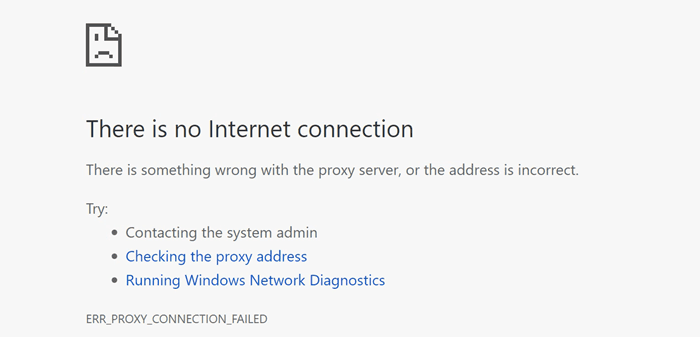
Web Oct 19 2018 nbsp 0183 32 Restor configuration Virtual Network Editor to default This link helpme https communities vmware t5 VMware Workstation Pro No more network in VMs td p 2926219
Web Apr 8 2019 nbsp 0183 32 1 1 How is your VM s network configured in VMware Scott Apr 8 2019 at 3 44 Scott the network connection is bridged and for device status i have both boxes checked for quot Connected quot and quot Connect at power on quot DylanT Apr 8 2019 at 3 48 Does using NAT help Web Aug 17 2019 nbsp 0183 32 Network was working fine on vmware workstation 17pro with an ubuntu 18 04 vm Upgraded to vmware workstation 17 01 and my vm lost connectivity I tried the Virtual Network Editor fix suggested above no luck I tried suspend reawaken that seems to have worked for others but it did not work for me
Web Jun 19 2015 nbsp 0183 32 So I guess if you are connected to a corporate LAN then NAT will work while Bridge will not To add another interface 1 add an adapter in VMWare Player 2 Add an interface in Ubuntu Assuming your existing interface is eth0 edit etc network interfaces adding these lines auto eth1 iface eth1 inet dhcp Then restart the networking service