Vmware Tools Not Running Windows 10 8 Ways To Fix Audio Services Not Running In Windows 10 KiwiGeeker VMware Tools Not Running Current YouTube Windows 10 Windows Instalaci n Ubuntu 16 04 VBox ZabbixMan Nzbget Not Running Windows 10 Angeltyred I have a Win 10 Enterprise installed on a VM with the latest VMware Tools installed v10 2 I noticed that after some time even though the
Author teacher and talk show host Robert McMillen shows you how to install VMWare tools in Brand new Windows Server 2019 VM I install the Vmware tools and it keeps reporting that the VMware tools aren t installed Tried reinstalled the vmware tools
Nzbget Not Running Windows 10 Angeltyred Running Windows 10 In VMware Fusion 6 The VCenterNerd How To Repair Diagnostics Policy Service Is Not Running Windows 10 Upgrade Firmware On HP Procurve Switches With TFTP Jonas Dahlgren s Blog How To Install VMware Tools Mastering VMware VSphere Client Summary Display VMware Tools N VMware VMware VSphere Client VM Console a Copy Paste Aktif Etme Makdos Blog Audio Service Not Running In Windows 10 Fix Now Quotefully Solved Installing VMWare Tools system Cannot Find The VMware
Vmware Tools Not Running Windows 10
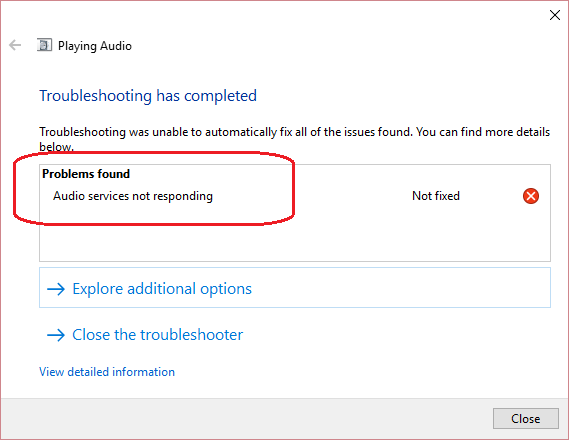 Vmware Tools Not Running Windows 10
https://www.kiwigeeker.com/images/affiliate/resource/audio-service-is-not-running-Windows-10.png
Again choose Settings VMware Tools Install then click the Install button in the dialog box that appears If you can t install VMware Tools
Pre-crafted templates offer a time-saving solution for creating a diverse range of documents and files. These pre-designed formats and designs can be utilized for various personal and expert tasks, including resumes, invitations, flyers, newsletters, reports, discussions, and more, improving the material production procedure.
Vmware Tools Not Running Windows 10
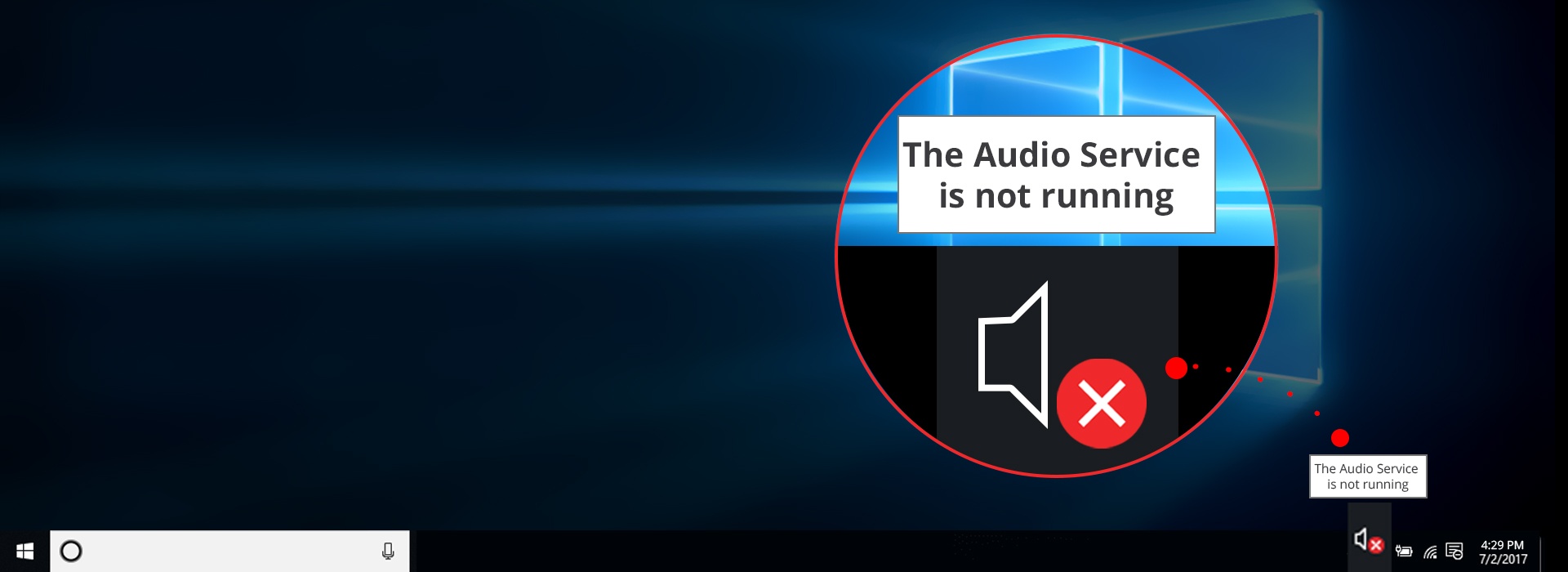
Solved The Audio Service Is Not Running Windows 10 Driver Easy
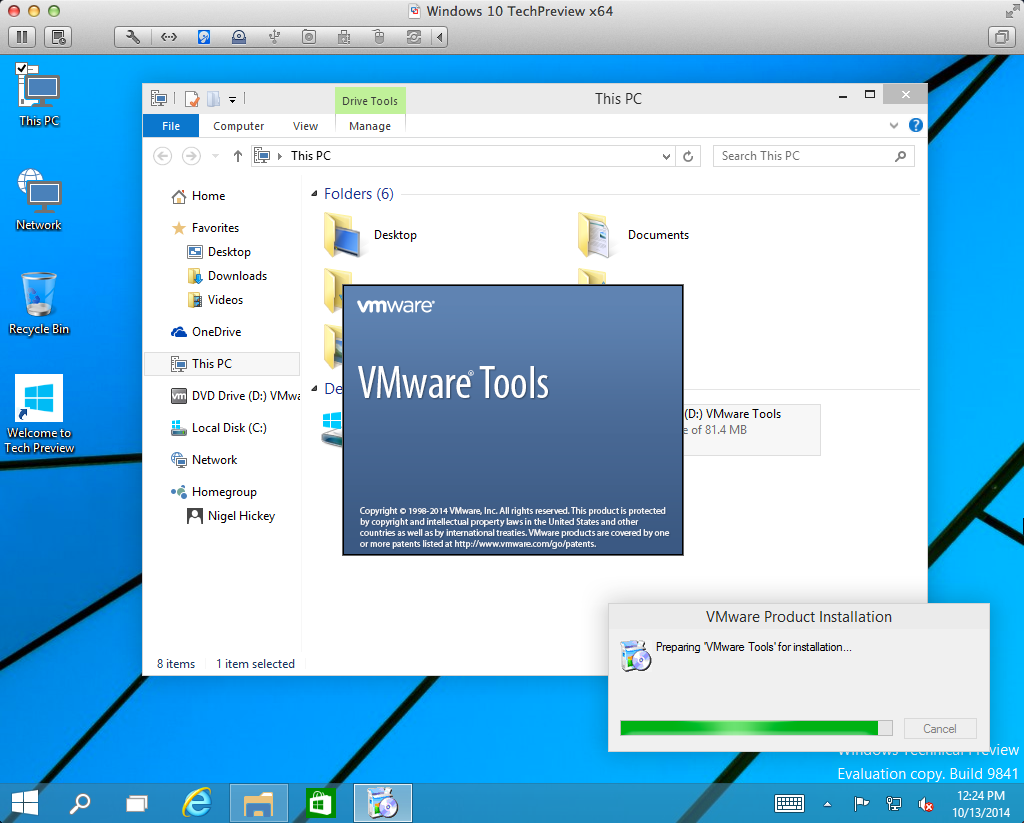
Running Windows 10 In VMware Fusion 6 The VCenterNerd
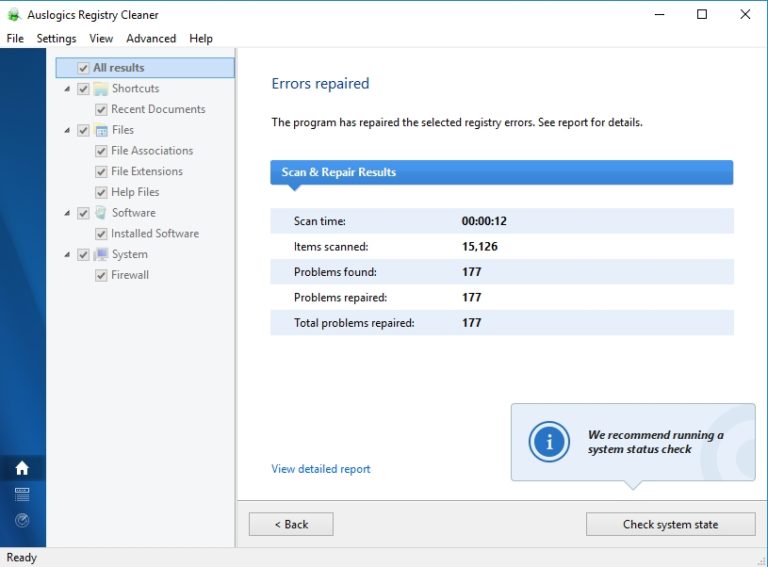
How To Repair Diagnostics Policy Service Is Not Running Windows 10

Upgrade Firmware On HP Procurve Switches With TFTP Jonas Dahlgren s Blog

VSphere Client Summary Display VMware Tools N VMware

VMware VSphere Client VM Console a Copy Paste Aktif Etme Makdos Blog
To resolve this issue you must reinstall VMware Tools after deleting the C Program Files VMware VMware Tools and C ProgramData VMware VMware

Do not launch the install by running Setup from the Command Prompt Also ensure that the CD ROM is enabled In the virtual machine properties

If the tools are stopped reboot VM or launch the command service vmware tools start on VM console The steps for re Installation of VMware tools can be find in

I ve tried uninstalling and re installing VMware tools for the VM and it doesn t fix the issue I then found this KB article Opens a new window

In this video we are going to get started the VMWare Tools for our Virtual Machine 10K views
Sometimes you get this situation on a Windows VM usually after a reboot but not logging on Networking No network information VMware Tools If the VMware Tools icon is not displayed in the system tray you can use the VMware Tools control panel in the guest operating system Start Settings
You must copy the VMWare tools installer on VM first and then run the setup While the second method is easy because you initiate the