Vmware Esxi Reboot Vm Command Line Using Vim cmd To Power On Virtual Machines Boche VMware VEvangelist Powering Off A VMware Virtual Machine In ESXI Shell Ryan Mangan s IT Blog ESXi How To Find HBA NIC Driver Firmware Version Virtual Allan Power Off The Virtual Machine In An ESXi Host ESXi Unresponsive VM How To Power Off ESX Virtualization Find helpful VMware resources and links to services events training blogs communities and more
Jun 27 2025 nbsp 0183 32 VMware Workstation Player is a free streamlined virtualization application designed for personal use It allows users to run a second operating system on a single physical machine without VMware Tanzu products and services enable you to deliver modern applications faster more securely and at scale in a hybrid cloud world Get ideas to code and code to production faster with a pre engineered AI ready application platform as a service PaaS
ESXi Unresponsive VM How To Power Off ESX Virtualization How To Start Shutdown Or Reboot A VM From The Command Line In Oracle Vmware Command Line Management In VSphere 5 0 For Service Console Users How To Update ESXi 6 Via Command Line Comtronic Blog Vmware Esxi 6 7 Clone Vm Command Line Nimfaherbal Disabling IPv6 Via Command Line For ESXi 5 1 Without Automatic Host Vmware Player Start Vm Command Line Linux Install VMware VCSA VCenter Appliance Photon OS Security Patches Enter Boot Options To Start An Installation Or Upgrade Script
Vmware Esxi Reboot Vm Command Line
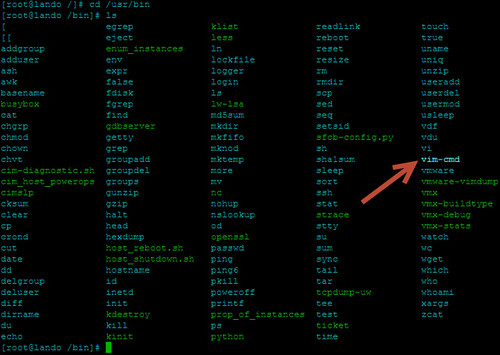 Vmware Esxi Reboot Vm Command Line
http://farm6.static.flickr.com/5470/7417842270_fb9870bc79.jpg
Achieve digital transformation without disruption with VMware solutions for a digital foundation and deliver any app on any cloud to any device Learn more
Templates are pre-designed documents or files that can be utilized for numerous functions. They can conserve time and effort by providing a ready-made format and design for creating different type of material. Templates can be used for personal or expert jobs, such as resumes, invites, flyers, newsletters, reports, discussions, and more.
Vmware Esxi Reboot Vm Command Line

ESXi Customizer ESXi
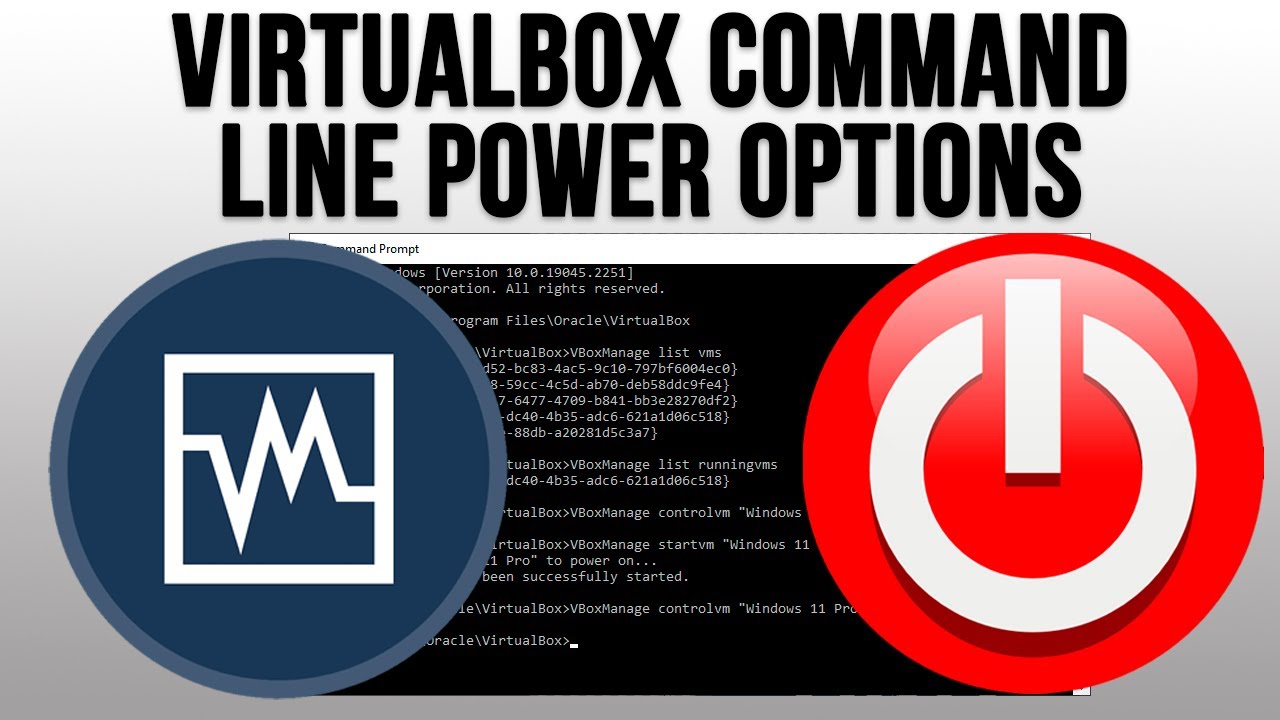
How To Start Shutdown Or Reboot A VM From The Command Line In Oracle
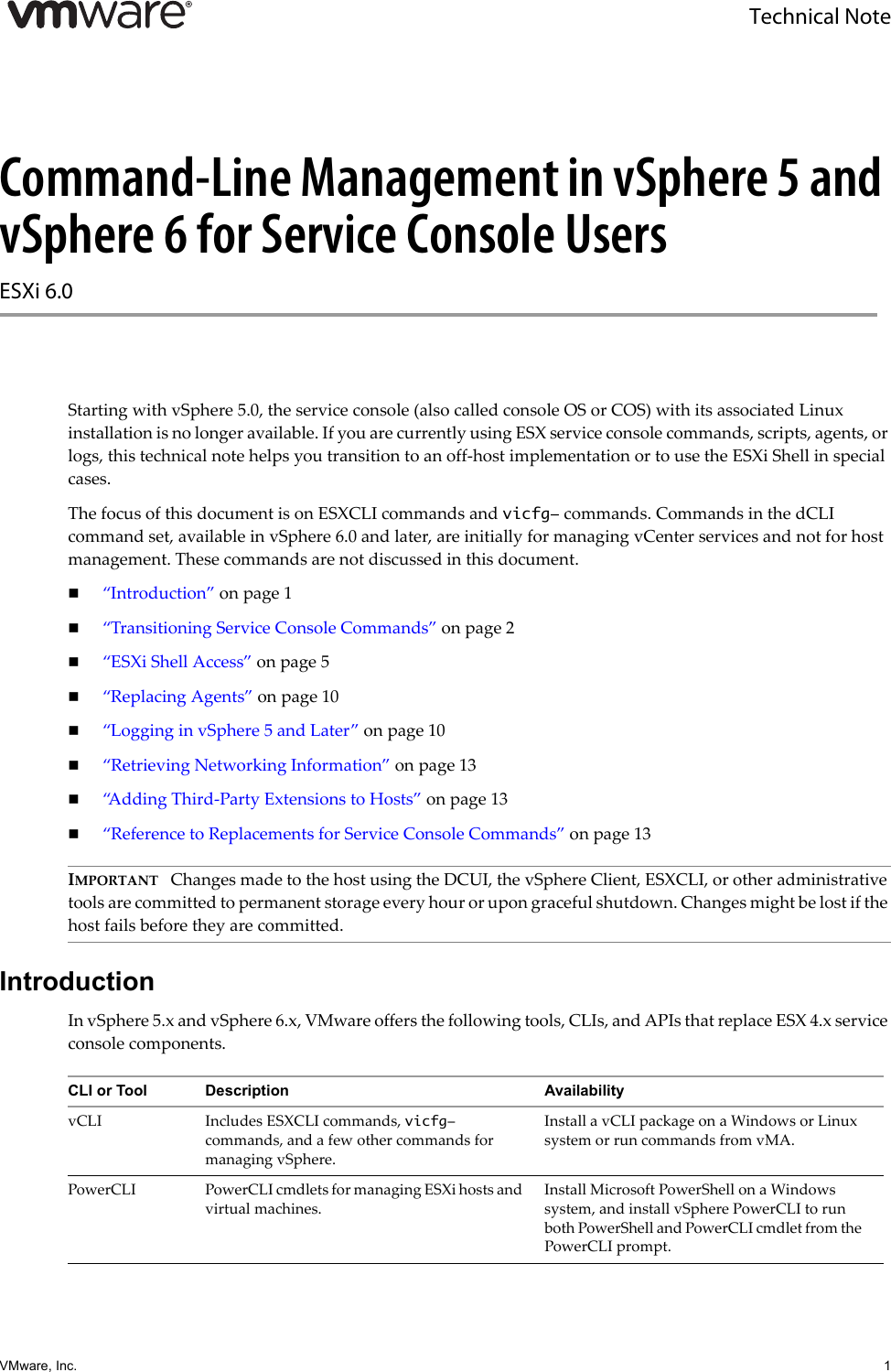
Vmware Command Line Management In VSphere 5 0 For Service Console Users

How To Update ESXi 6 Via Command Line Comtronic Blog

Disabling IPv6 Via Command Line For ESXi 5 1 Without Automatic Host
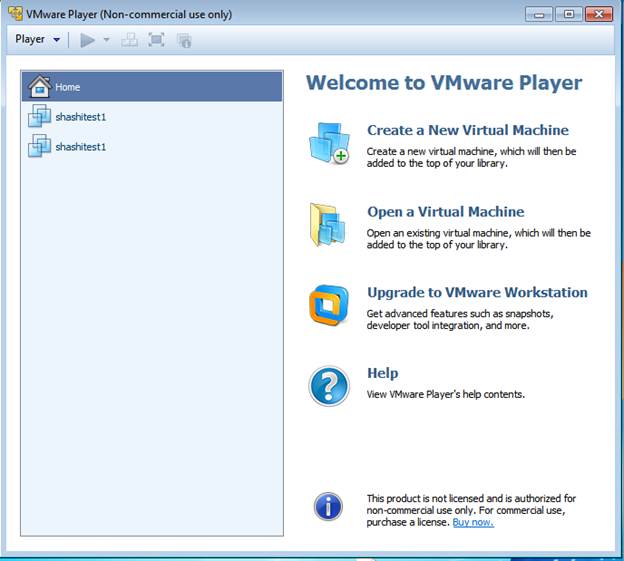
Vmware Player Start Vm Command Line Linux

6 days ago nbsp 0183 32 Download VMware Workstation for Windows Software for developers and system administrators for software development testing and deployment

May 13 2024 nbsp 0183 32 VMware Desktop Hypervisor products Fusion and Workstation are used by millions of people every day to run virtual machines on their Windows Linux and Mac computers

Mar 5 2025 nbsp 0183 32 VMware Workstation Player lets you launch any previously created virtual machines on your computer this makes testing and installing different applications easy and safe
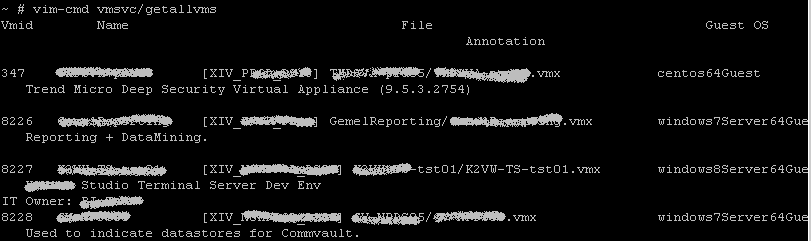
Find all VMware product experiences in one place so you can easily learn evaluate and validate VMware s solutions for your organization
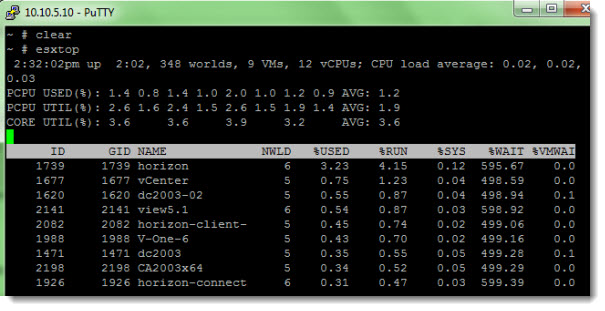
Run Windows Linux and other virtual machines with VMware Workstation Pro for Windows and Linux or VMware Fusion for Mac the industry standard desktop hypervisors
[desc-11] [desc-12]
[desc-13]