Vivado Design Suite User Guide 4 1 Vivado 2 Vivado DocNav Xilinx Vivado subsystem IP vivado FPGA AI CSDN Vivado Vivado Vivado FPGA Vivado Vivado FPGA Vivado Web For more information see the Vivado Design Suite User Guide Design Flows Overview UG892 In Project Mode the Vivado IDE supports several features that are not available in Non Project Mode Source file management and status Flow Navigator and Project Summary Consolidated Messages and automatically generated standard reports
Web This user guide provides an overview of the Vivado 174 Design Suite with an emphasis on the different project types using the tool through the GUI and Tcl with a project and without The Vivado Design Suite enables you to take your design from full register transfer level RTL creation to bitstream generation Web The UltraFast Design Methodology Guide for the Vivado Design Suite UG949 Ref 28 focuses on proper coding and design techniqu es for defining hierarchical RTL sources and Xilinx design constraints XDC as well as providing information on using specific features
Vivado FPGA Vivado Vivado 4 1 Vivado 2 Vivado DocNav Vivado2021 2 Modelsim20 4 Qesta Matlab AlibabaApple LUTRAM Read Write Potential Collision Vivado bit Batch Mode Vivado weixin 39565390 CSDN Xilinx Vivado subsystem IP xilinx ip FPGA AI CSDN Vivado Design Suite User Guide Release Notes Installation And Vivado Block Design CYY
Vivado Design Suite User Guide
 Vivado Design Suite User Guide
https://img-blog.csdnimg.cn/20190214144347852.png?x-oss-process=image/watermark,type_ZmFuZ3poZW5naGVpdGk,shadow_10,text_aHR0cHM6Ly9ibG9nLmNzZG4ubmV0L0wyMDkwMg==,size_16,color_FFFFFF,t_70
Web Vivado Design Suite User Guide Getting Started UG910 v2017 1 April 5 2017 Getting Startedwww xilinx2 UG910 v2017 1 April 5 2017 Revision History The following table shows the revision history for this document Date Version Revision 04 05 2017 2017 1 Updated content based on the new Vivado IDE look and feel
Pre-crafted templates use a time-saving solution for creating a varied series of files and files. These pre-designed formats and designs can be used for numerous individual and expert projects, including resumes, invites, flyers, newsletters, reports, presentations, and more, improving the material development process.
Vivado Design Suite User Guide

Vivado FPGA Vivado

Vivado

4 1 Vivado 2 Vivado DocNav

Vivado2021 2 Modelsim20 4 Qesta Matlab AlibabaApple
Vivado bit Batch Mode Vivado weixin 39565390 CSDN
Xilinx Vivado subsystem IP xilinx ip FPGA AI CSDN

Web Vivado Design Suite User Guide See all versions of this document Vivado Design Suite User Guide Geting Started Vivado Design Suite UG910 v2022 1 April 26 2022 Xilinx is creating an environment where employees customers

Web Vivado Design Suite User Guide Programming and Debugging UG908 v2022 1 April 26 2022 See all versions of this document Xilinx is creating an environment where employees customers and partners feel welcome and included To that end we re removing non inclusive language from our products and related collateral We ve
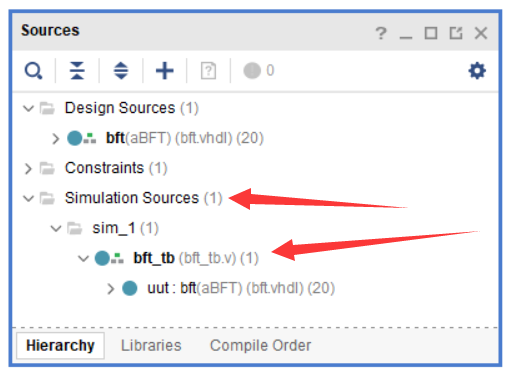
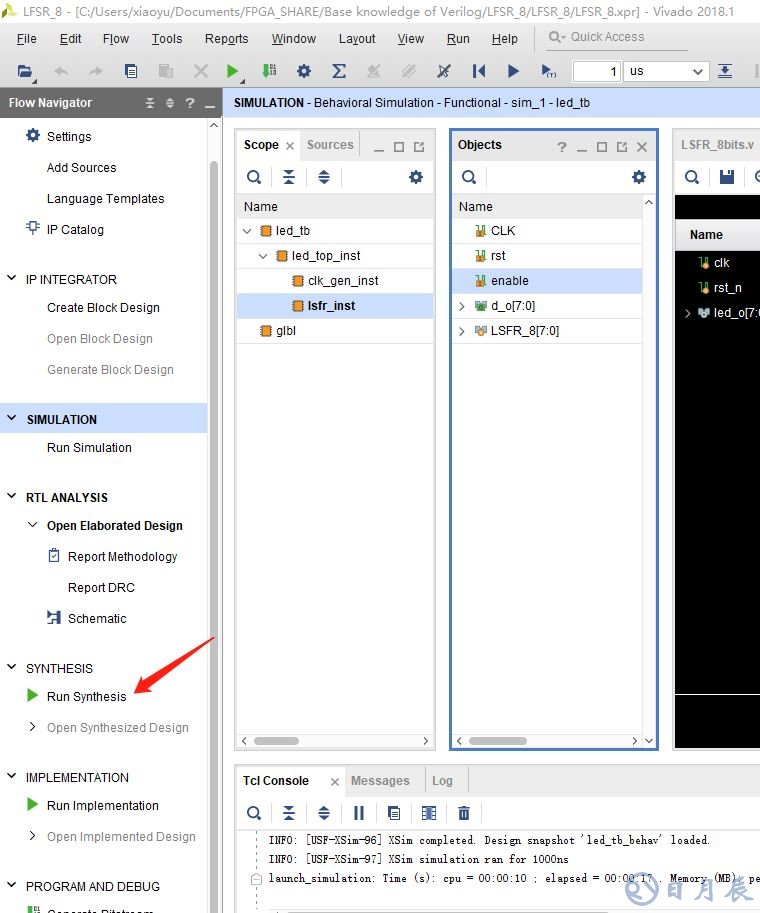
Web helps verify the functionality of a design by injecting stimulus and observing the design outputs This chapter provides an overview of the simulation process and the simulation options in the Vivado
Web Vivado Design Suite User Guide Release Notes Installation and Licensing UG973 v2022 2 October 19 2022 See all versions of this document Xilinx is creating an environment where employees customers and partners feel welcome and included

Web The Xilinx 174 Vivado 174 Integrated Design Environment IDE uses Xilinx Design Constraints XDC and does not support the legacy User Constraints File UCF format There are key differences between Xilinx Design Constraints XDC and User Constraints File UCF constraints XDC constraints are based on the standard Synopsys 174 Design Constraints
[desc-11] [desc-12]
[desc-13]