Visual Studio References Not Updating Emacs Keybinding For Visual Studio 2019 Hiroakit Manage References In A Project Visual Studio Windows Microsoft Learn C References Not Updating Properly In Visual Studio Stack Overflow Visual Studio 2019 Wpf Vb Net Source Code Amp Xaml How To Create A Riset Visual Studio Community Mac References Not Suggested Jbstashok Web Result Dave 141 1 1 3 3 The normal procedure is 1 save both your tex and bib files 2 latex file tex bibtex file aux latex file tex latex file tex note strictly speaking the file extensions are detected automatically but can be included if you like
Web Result Dec 1 2017 nbsp 0183 32 References are not updated properly for a csproj files 6242 Open ievgennaida opened this issue on Dec 1 2017 183 12 comments ievgennaida commented on Dec 1 2017 edited quot Get Package Uninstall Package Force quot does remove every reference except the wrong ones Web Result Changing the version isn t very hard We just open the project s properties in Visual Studio and change the file reference to point to the correct external assembly But doing this 15 times a day is still too much and more so when considering that we would like to use TeamCity to do the builds for us
Visual Studio Community Mac References Not Suggested Jbstashok Sketch References Not Updating In Creo 8 Student E PTC Community Solved Visual Studio References And Versioning How 9to5Answer Solved Do In Visual Studio Code Screenshots Of The Chegg Com Www Solved Removing All Unused References From A Project In 9to5Answer My Top 5 Visual Studio Code Extensions For 2019 Youtube 12 The Best Docs View Visual Studio Marketplace How To Add Reference To Your Visual Studio Project YouTube Pin On
Visual Studio References Not Updating
 Visual Studio References Not Updating
https://www.hiroakit.com/archives/20210310/images/figure_06.png
Web Result Sep 15 2015 nbsp 0183 32 If you are trying to edit the packages config file and then have the project s updated you would have to use the Package Manager Console and run Update Package reinstall Which will uninstall and install the packages again and update the project s references Share Improve this answer
Templates are pre-designed documents or files that can be used for various purposes. They can save time and effort by supplying a ready-made format and layout for developing various kinds of content. Templates can be utilized for personal or expert projects, such as resumes, invitations, flyers, newsletters, reports, presentations, and more.
Visual Studio References Not Updating

Visual Studio Wrongly Shows Missing References Stack Overflow

Sketch References Not Updating In Creo 8 Student E PTC Community

Solved Visual Studio References And Versioning How 9to5Answer

Solved Do In Visual Studio Code Screenshots Of The Chegg Com Www
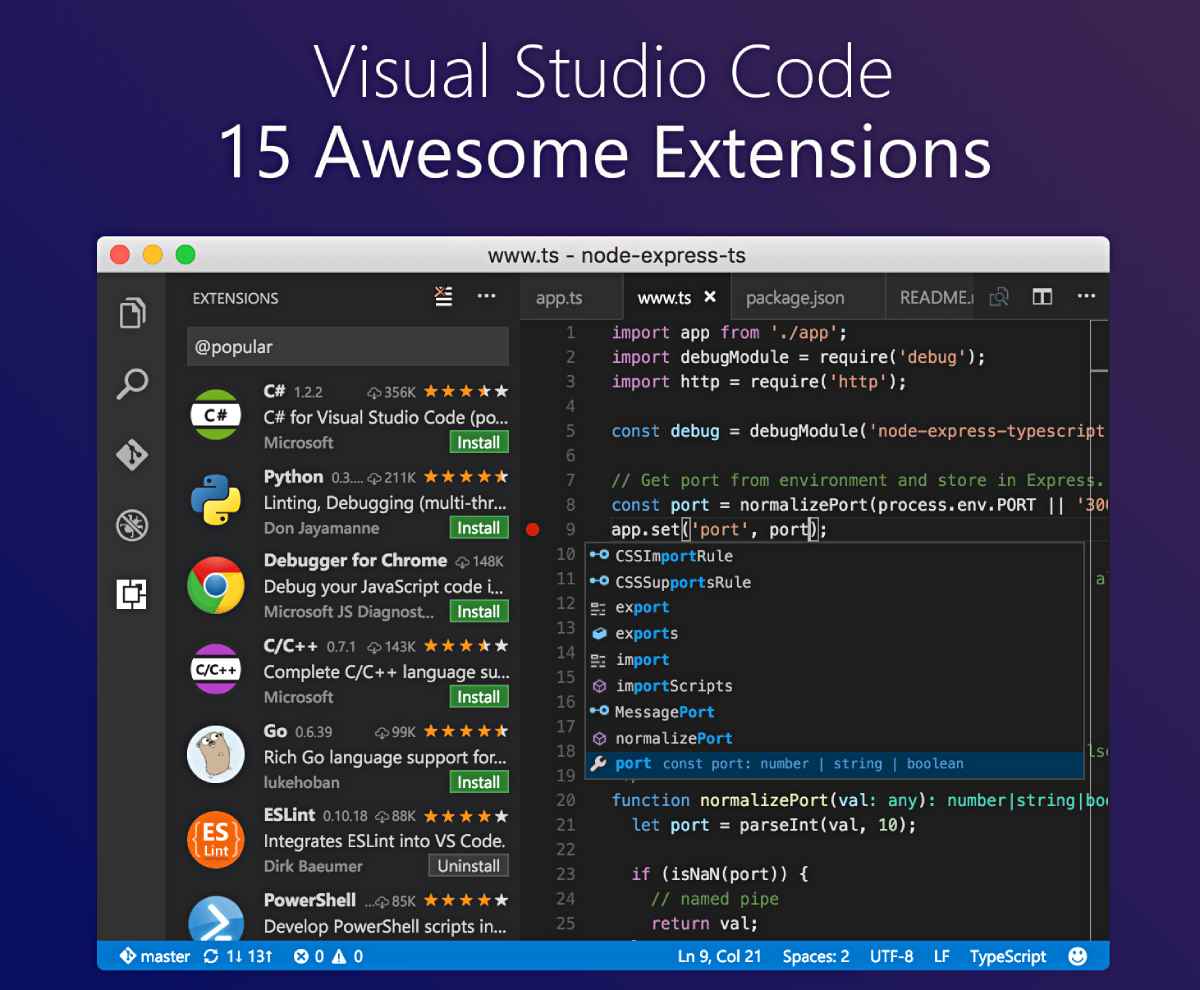
My Top 5 Visual Studio Code Extensions For 2019 Youtube 12 The Best
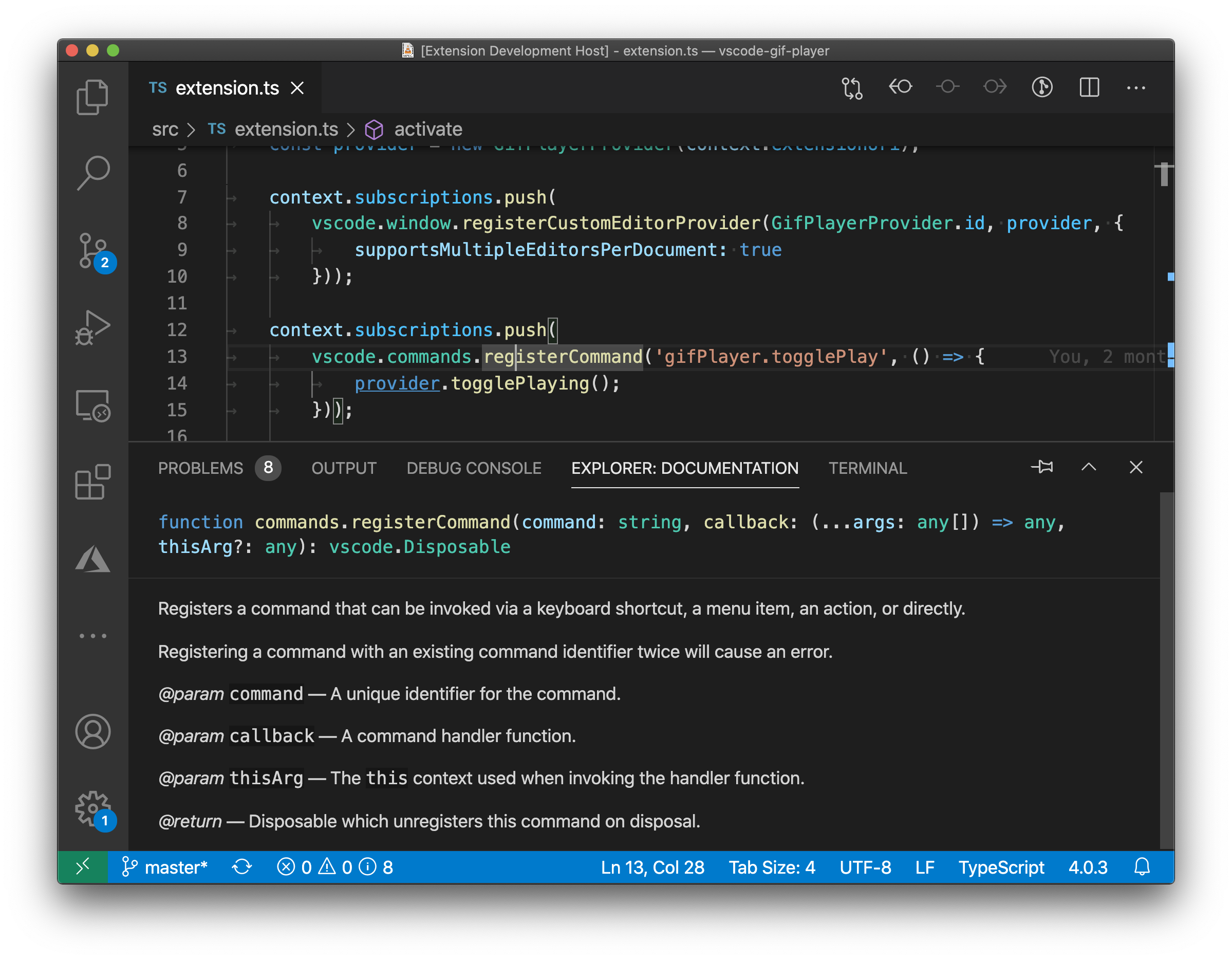
Docs View Visual Studio Marketplace
Web Result If your solution can be opened by Visual Studio 2017 I suggest to use the latest PackageReference to manage nuget Packages config has several drawbacks and PackageReference solve these problems Here s the solution to migrate to PackageReference https github NuGet Home wiki Packages config to

Web Result Mar 20 2023 nbsp 0183 32 To fix this problem use one of the following methods Delete the broken reference and then replace it by using the Add Reference dialog box Use the Reference Path item in the project s property pages Modify the folders in the list to point to the correct locations The Reference Path property is persisted for each

Web Result Nov 27 2009 nbsp 0183 32 References not updating in Solution Explorer I had added some references to my C Windows Projects through the Solution Explorer When I am trying to load the same project on another machine I see a yellow mark on all the references that Visual Studio is not able to detect

Web Result Aug 31 2023 nbsp 0183 32 Right click on the References or Dependencies node in the project that caused the error and then select Add Reference Select the Windows tab and then the Extensions subtab uncheck the checkboxes for the old Extension SDKs and then check the checkboxes for the new Extension SDKs Select OK

Web Result Oct 31 2023 nbsp 0183 32 If you don t see the reference you re looking for select Browse to locate the reference If you re developing C projects you might not see a browse option Assemblies tab NET Framework only Note
Web Result Sep 27 2010 nbsp 0183 32 hi i think you have to do this way first of remove all refernce of the project B assambly from the project A then right click on the project B click on the property of the project B After opening the properties you can go to the quot Bulid quot tab in that you can see the quot output quot section Web Result Jul 14 2004 nbsp 0183 32 Introduction Consider having several hundred assemblies that are all consumed by a MAIN project either directly or indirectly Clearly there is no need to open a solution containing all of these projects Instead you decide to use file references for any assembly which you are not modifying
Web Result Nov 6 2023 nbsp 0183 32 Sometimes package references can break within a Visual Studio project Uninstalling and reinstalling the same version of the package often restores the references to working order Updating a package which installs an updated version can also resolve the issue