Visual Studio Not Installing Fix Flutter Issues Visual Studio Not Installed And Install Desktop Development With C YouTube Flutter Como Corrigir Erro Visual Studio Not Installed This Is Necessary For Windows Installing Visual Studio Code And Configuring Sap Extensions In Visual Riset Visual Studio Not Found Issue 402 DevExpress AjaxControlToolkit GitHub Solved CUDA 9 Unsupported Error With Visual Studio 2017 9to5Answer Web Apr 28 2022 nbsp 0183 32 To fix this problem make sure that your computer meets the prerequisites of the program or component that you re trying to install Feedback Was this page helpful
Web Feb 22 2021 nbsp 0183 32 1 I downloaded the visual studio 2019 community installer and ran it It ran successfully but instead of opening the visual studio installer when it completed it just closed I located the visual studio installer setup exe under C Program Files x86 Microsoft Visual Studio Installer and ran it Web Mar 27 2021 nbsp 0183 32 6 Answers Sorted by 4 I had exactly this problem Same version of Windows 10 I tried both vs community exe and vs professional exe
Solved CUDA 9 Unsupported Error With Visual Studio 2017 9to5Answer Solved Unable To Find Suitable Visual Studio Toolchain 9to5Answer Visual Studio Not Ignoring Errors That Were Excluded In Exception Settings R VisualStudio Solved Visual Studio Does Not Install Correctly On 9to5Answer Flutter Visual Studio Not Installed This Is Necessary For Windows Development Stack Overflow Visual Studio Not Refreshing Changes In Browser On Reload Code2night Solved CUDA 9 Unsupported Error With Visual Studio 2017 9to5Answer Debugging Visual Studio Not Breaking On User unhandled Exceptions Stack Overflow Visual Studio Not Giving Hints intellisense When I Opening The C Scripts Through Unity
Visual Studio Not Installing
 Visual Studio Not Installing
https://i.ytimg.com/vi/7ec1ghACkE4/maxresdefault.jpg
Web Aug 17 2022 nbsp 0183 32 Visual studio Installer not working Vijayadithyan N 121 Aug 17 2022 5 38 AM I was updating Visual studio and paused the installation for a while and when I resumed it the installer threw up this error and now visual studio isn t opening how do I fix this Visual Studio Setup Sign in to follow 1 comment Report a concern
Templates are pre-designed files or files that can be utilized for various functions. They can save effort and time by offering a ready-made format and layout for producing various sort of content. Templates can be used for individual or professional jobs, such as resumes, invites, flyers, newsletters, reports, discussions, and more.
Visual Studio Not Installing
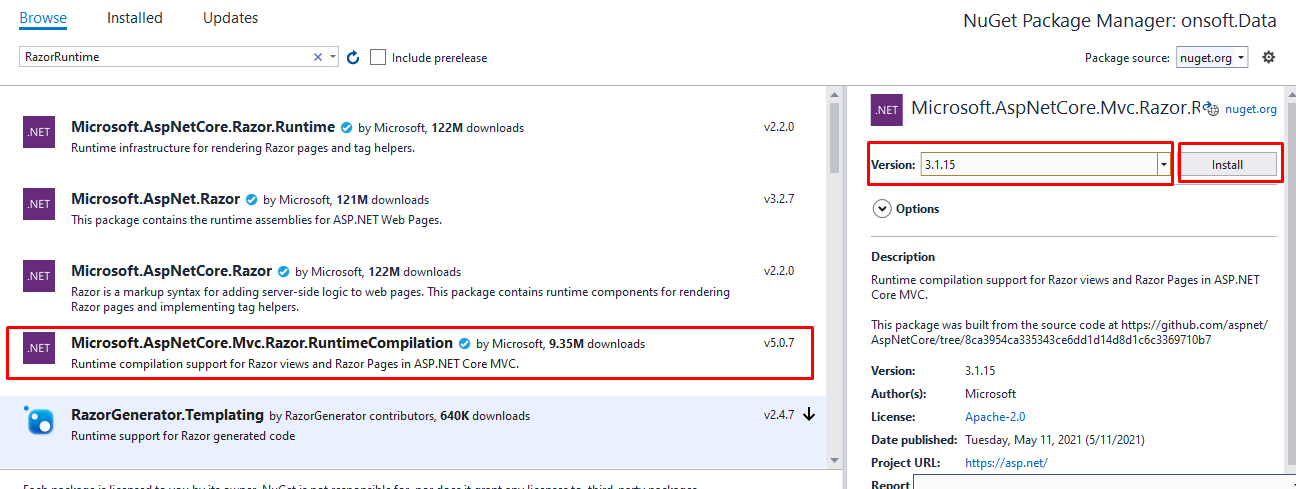
Visual Studio Not Refreshing Changes In Browser On Reload Code2night

Solved Unable To Find Suitable Visual Studio Toolchain 9to5Answer

Visual Studio Not Ignoring Errors That Were Excluded In Exception Settings R VisualStudio

Solved Visual Studio Does Not Install Correctly On 9to5Answer
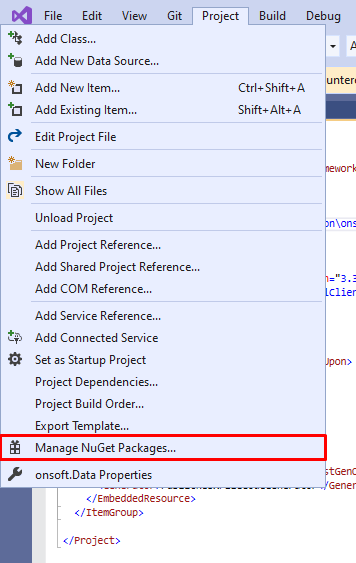
Visual Studio Not Refreshing Changes In Browser On Reload Code2night

Solved CUDA 9 Unsupported Error With Visual Studio 2017 9to5Answer

Web Dec 13 2022 nbsp 0183 32 If you obtained the ISO file from a DVD try to download the Visual Studio web installer or ISO file from MSDN or Microsoft Download Center and then try the installation again If you purchased the DVD from a retail store you might also be able to download Visual Studio from the store s website

Web May 11 2022 nbsp 0183 32 1 I had this problem when trying to install VS 2022 in a virtual machine Later on ended up in getting an offline layout of the whole installer into a folder in host machine Try the below command to create an offline installer in the disk
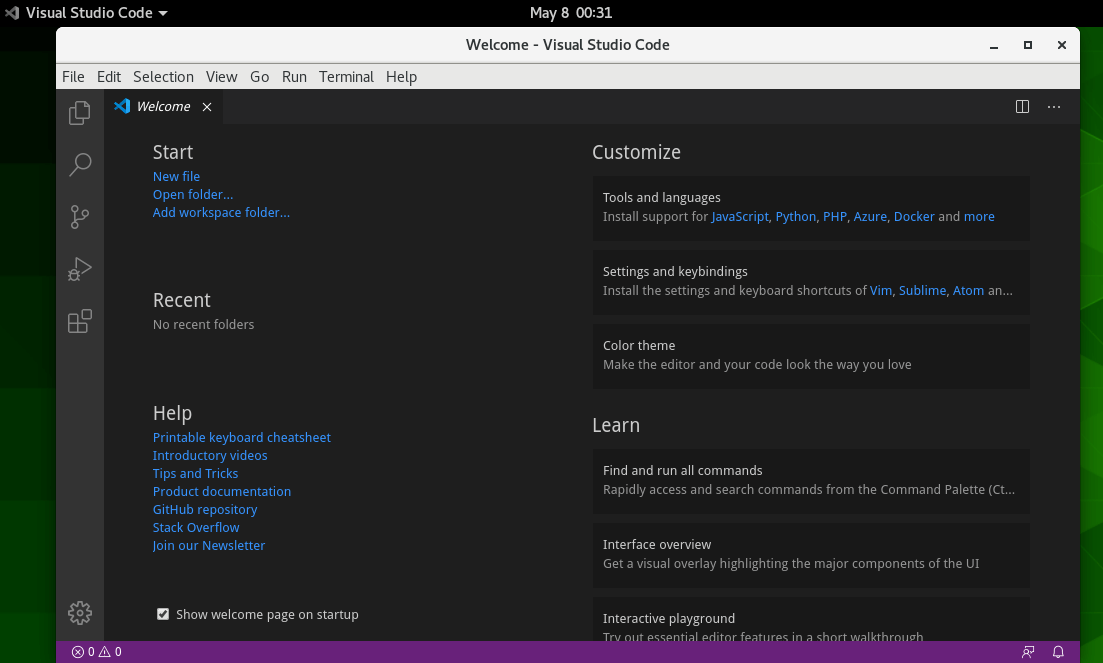
Web Mar 23 2023 nbsp 0183 32 1 If someone get stuck like me Install this https support microsoft en us topic fix problems that block programs from being installed or removed cca7d1b6 65a9 3d98 426b e9f927e1eb4d And then find any program that has in vs minshellmsi or something similar in it s name and uninstall it After that restart computer and install
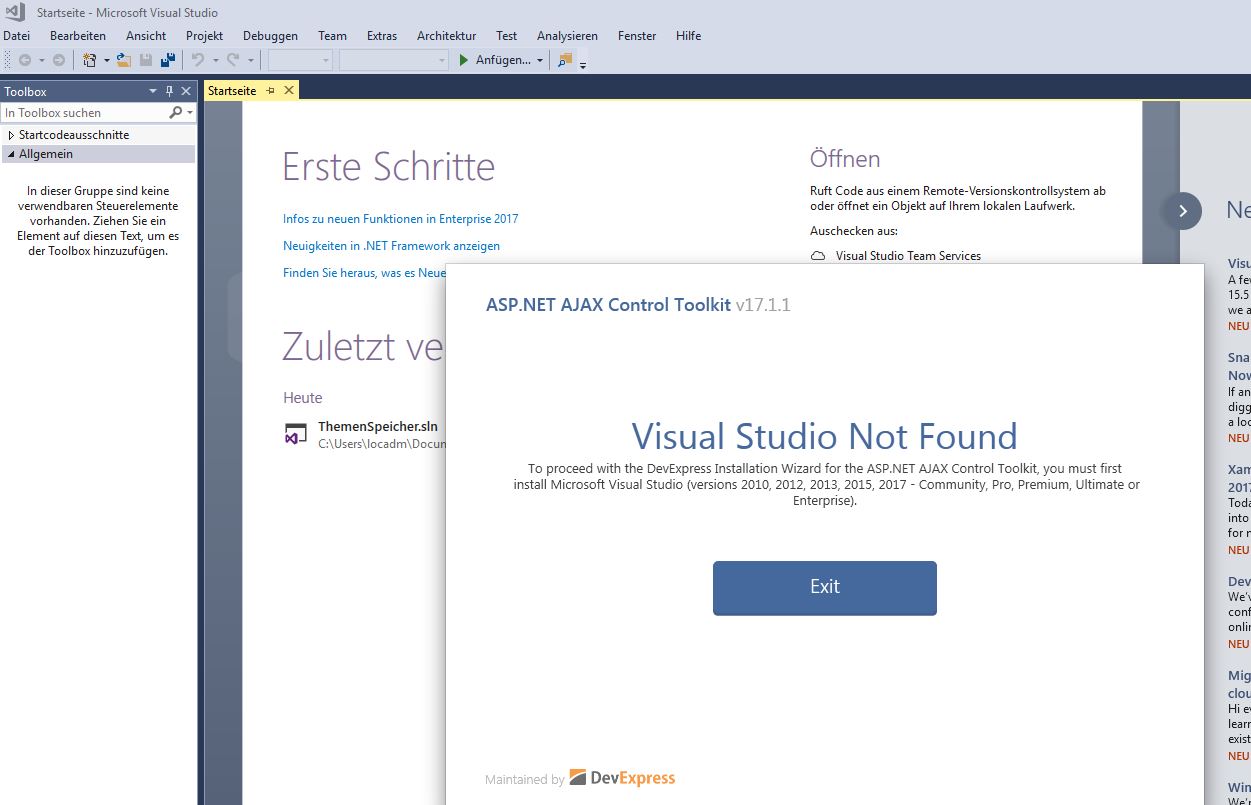
Web May 16 2023 nbsp 0183 32 Reboot The reboot ensures that any pending installs or updates don t hinder your Visual Studio install Free up space Remove unneeded files and applications from your system drive by for example running the Disk Cleanup app You can install Visual Studio 2022 side by side with other versions

Web Aug 8 2023 nbsp 0183 32 Tip If you previously downloaded a bootstrapper file and want to verify what version it will install here s how In Windows open File Explorer right click the bootstrapper file choose Properties and then choose the Details tab The Product version field will describe the channel and version that the bootstrapper will install
[desc-11] [desc-12]
[desc-13]