Visual Studio Format Xaml Shortcut XAML File Extension What Is A xaml File And How Do I Open It In WPF Use Shortcut Keys To Format XAML Code Programmer Sought Os Visual Studio Format Document Gaswliberty XAML XAML Styler XAML Errors And Warnings Visual Studio Windows Microsoft Docs Web Jun 30 2022 nbsp 0183 32 For more information about keyboard shortcuts see the Shortcut tips for Visual Studio page Universal text editor options In the Options dialog box for XAML the following first three items are universal to all programming
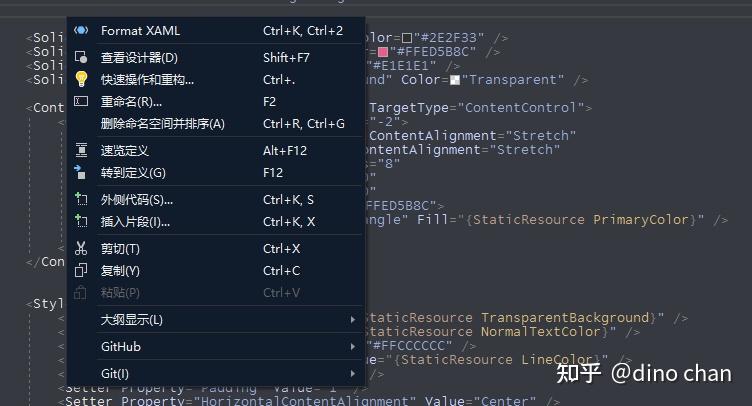
Web Apr 22 2011 nbsp 0183 32 The solution provided in accepted answer does not apply to Microsoft Visual Studio 2012 In case of Visual Studio 2012 the shortcuts are For a highlighted block of code Ctrl K Ctrl F For the document wide formatting Ctrl K Ctrl D Web Sep 1 2018 nbsp 0183 32 For Visual Studio 2017 go to Tools gt Options gt Text Editor gt XAML gt Formatting gt Spacing and select quot Insert a single space between attributes quot Then you can reformat your xaml file Ctrl K D For VSCode you can use XML Formatter
XAML Errors And Warnings Visual Studio Windows Microsoft Docs Visual Studio Format Document Spaces Signalloced Visual Studio ConorLuo Solved WPF Date String Format In XAML 9to5Answer How To Toggle A Line Comment In XAML For C WPF In Visual Studio 2019 Os Visual Studio Format Document Whyjawer XAML XAML Styler Solved How To Toggle A Line Comment In XAML For C WPF In Visual Visual Studio Format Document With Greekdarelo
Visual Studio Format Xaml Shortcut
 Visual Studio Format Xaml Shortcut
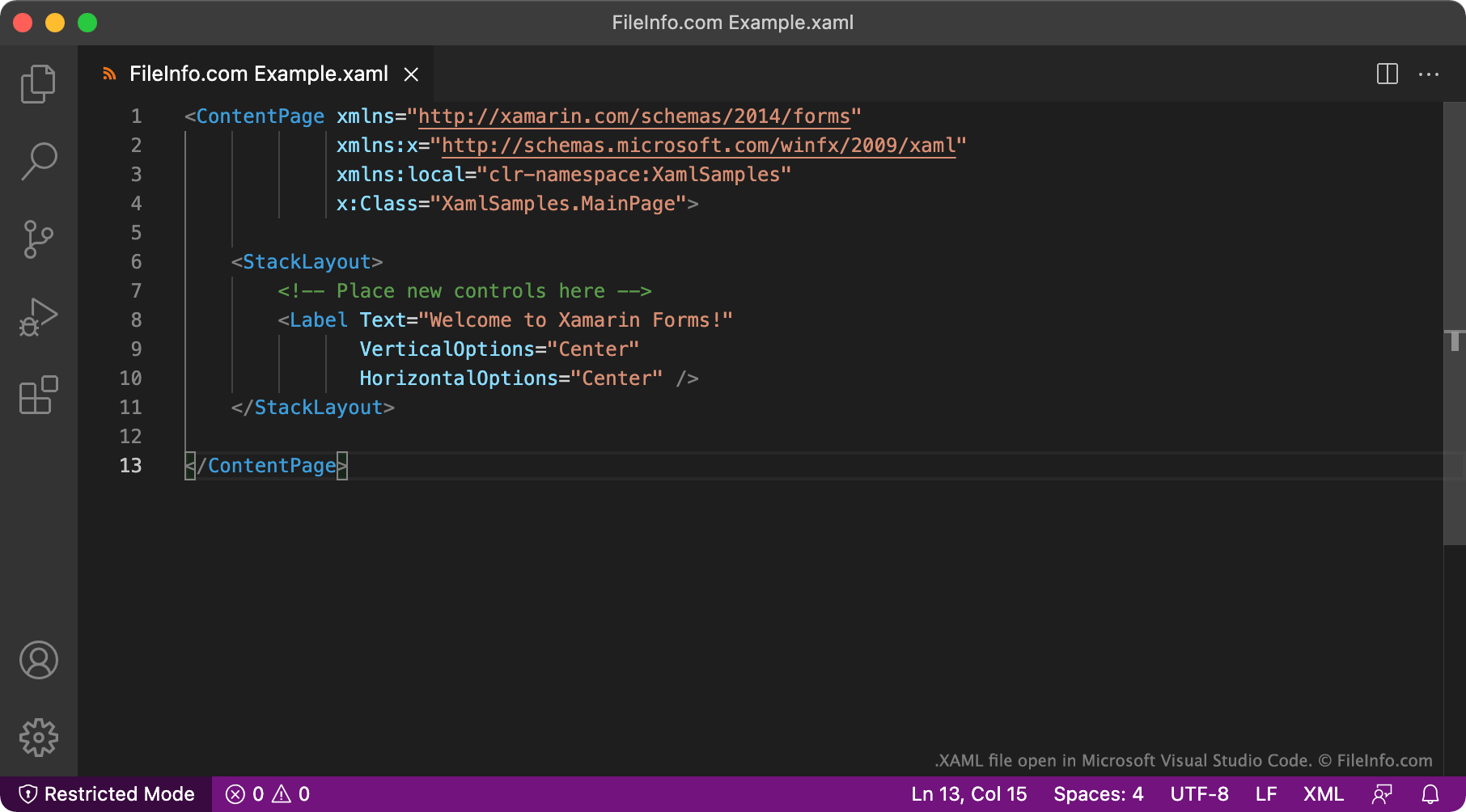
https://fileinfo.com/img/ss/xl/xaml_2278.png
Web Visual Studio search Ctrl Q Go to All Ctrl T or Ctrl Go to Type File Member Symbol Ctrl 1 T F M S Navigate Backward Forward Ctrl Ctrl Shift Go to Definition Peek to Definition F12 Alt F12 Go to Implementation Ctrl F12 Go to Next Error Ctrl Shift F12 Go to Next Previous Result in List F8
Templates are pre-designed files or files that can be used for different purposes. They can save effort and time by offering a ready-made format and layout for developing different kinds of content. Templates can be utilized for personal or professional projects, such as resumes, invites, leaflets, newsletters, reports, discussions, and more.
Visual Studio Format Xaml Shortcut

Visual Studio Format Document Button Disabled Australia Examples

Visual Studio Format Document Spaces Signalloced
Visual Studio ConorLuo

Solved WPF Date String Format In XAML 9to5Answer

Os Visual Studio Format Document Whyjawer
XAML XAML Styler
Web Format document Ctrl K Ctrl D Text Editor Edit FormatDocument Format selection Ctrl K Ctrl F Text Editor Edit FormatSelection Go to Ctrl G Edit GoTo Go to declaration Ctrl F12 Edit GoToDeclaration Go to definition F12 Edit GoToDefinition Go to find combo Ctrl D Edit GoToFindCombo Go to next location F8 Edit

Web Feb 9 2011 nbsp 0183 32 Ctrl E Ctrl D to format the entire document Ctrl E Ctrl F to format the selection You can change these in menu Tools Options Environment Keyboard either by selecting a different quot keyboard mapping scheme quot or binding individual keys to the commands quot Edit FormatDocument quot and quot Edit FormatSelection quot

Web Feb 26 2012 nbsp 0183 32 The option I had to set to get a proper formatting is Tools gt gt Options gt gt Text Editor gt gt XAML gt gt Formatting gt gt Spacing gt gt and check Position each attribute on a separate line
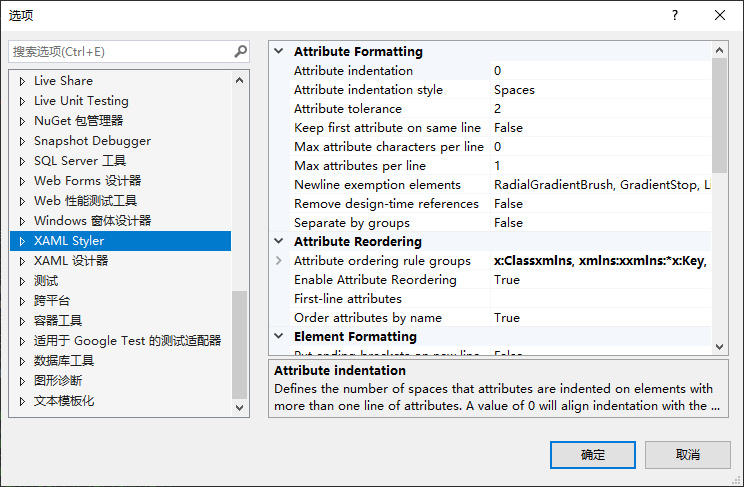
Web Mar 9 2023 nbsp 0183 32 Use the Formatting property page to specify how elements and attributes are formatted in your XAML documents To open the Options dialog box click the Tools menu and then click Options To access the Formatting property page expand the Text Editor gt XAML gt Formatting node

Web Mar 9 2023 nbsp 0183 32 Keyboard shortcuts in XAML Designer can speed up your work by reducing an action that would require multiple mouse button clicks to a single keyboard shortcut Element shortcuts This table lists the shortcuts that are available for working with elements on the artboard
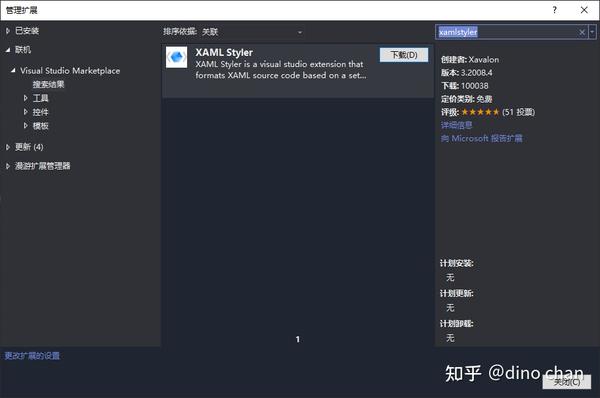
Web In the new category quot Format XAML quot you can disable the formatting on save and change other settings Keyboard shortcut You can add a shortcut to the command in the Tools menu Web You can use the arrow keys to select property values from drop down lists lt td gt n lt tr gt n lt tbody gt n lt table gt n lt h2 tabindex quot 1 quot id quot user content document outline window shortcuts quot dir quot auto quot gt lt a class quot heading link quot href quot document outline window shortcuts quot gt Document Outline window shortcuts lt svg class quot octicon octicon
Web Keyboard shortcut to toggle between design and xaml view while in full xaml view Ask Question Asked 10 years 1 month ago Modified 6 years 3 months ago Viewed 3k times 4 I m looking for the name of the keyboard shortcut to toggle between the design and xaml views while you re in in the quot full xaml view quot in Visual Studio 2012