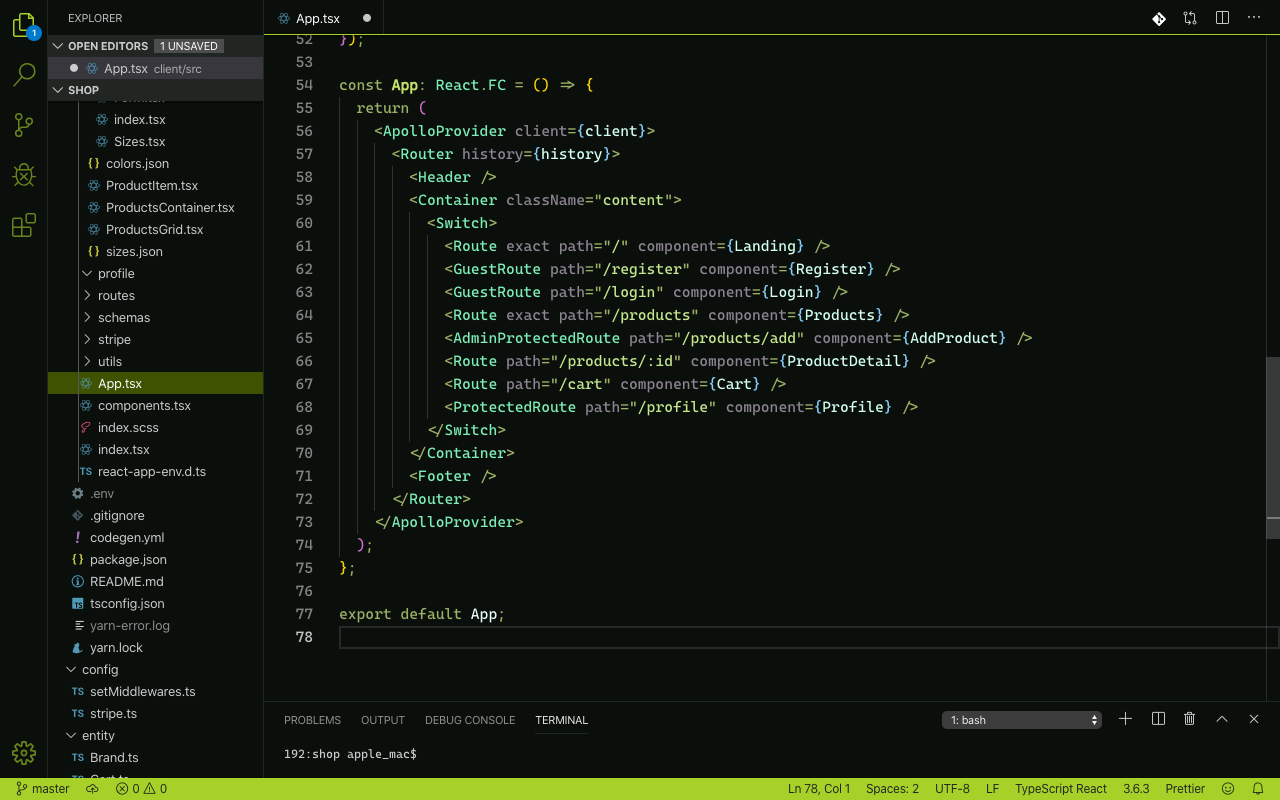
Visual Studio Code Solution Explorer Informaci n Sobre Del Explorador De Soluciones Visual Studio Windows How To Customize Visual Studio Solution Explorer Right Click Menu Visual Studio Tips Move Solution Explorer Visual Studio How To Open Solution Explorer Visual Studio 2022 How To How To Move Solution Explorer To The Left In Visual Studio Super User Web Feb 9 2023 nbsp 0183 32 The Explorer panel for VS Code View Show Explorer is analogous to Visual Studio s Solution Explorer except that it only supports viewing the files in their layout in the filesystem There is at least one Solution Explorer extension on the VS Code marketplace fernandoescolar vscode solution explorer I have no affiliation with this
Web Debug with Solution Explorer With the C Dev Kit extension installed there is a Debug context menu when you right click on your project in the Solution Explorer There are three options Start New Instance This starts your project with a debugger attached Start without Debugging This runs your project without a debugger attached Web To look at the contents of newer SDK style project files in Visual Studio right click the project node in Solution Explorer and select Edit lt projectname gt To look at the contents of NET projects first unload the project right click the project node in Solution Explorer and select Unload Project
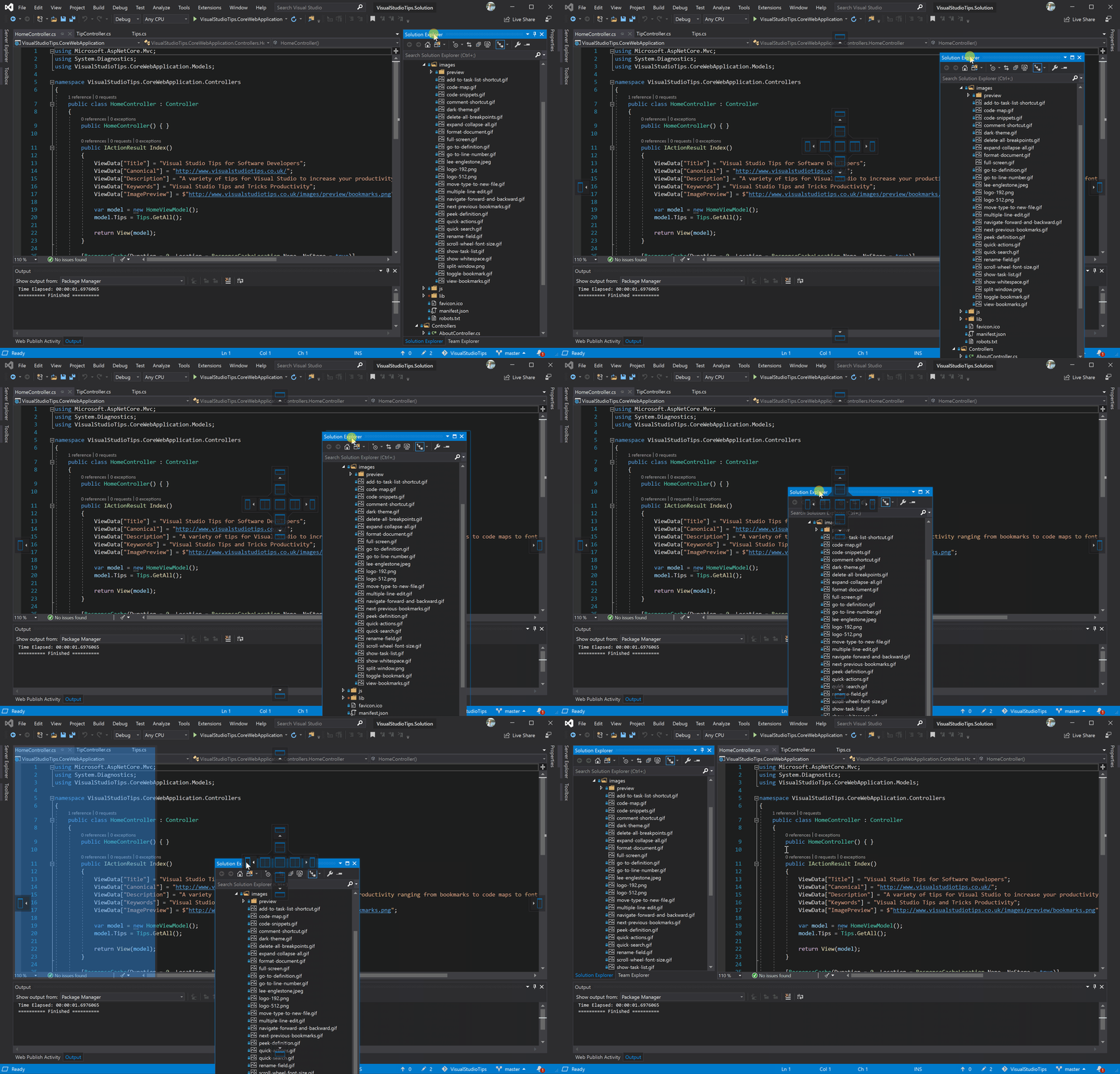
How To Move Solution Explorer To The Left In Visual Studio Super User C No Solution Explorer Now Showing Visual Studio Stack Overflow Tutustu 99 Imagen Visual Studio Show Solution Explorer Abzlocal Fi Cute Visual Studio Code Themes Terarmy C Equivalent To Solution Folders In VS Code Stack Overflow VSCode solution explorer Not Show In Sidebar Explorer After Install Linux Explorer Path In Visual Studio Code Stack Overflow How To Locate A File In Solution Explorer In Visual Studio YouTube Visual Studio Tips Search Solution Explorer
Visual Studio Code Solution Explorer
 Visual Studio Code Solution Explorer
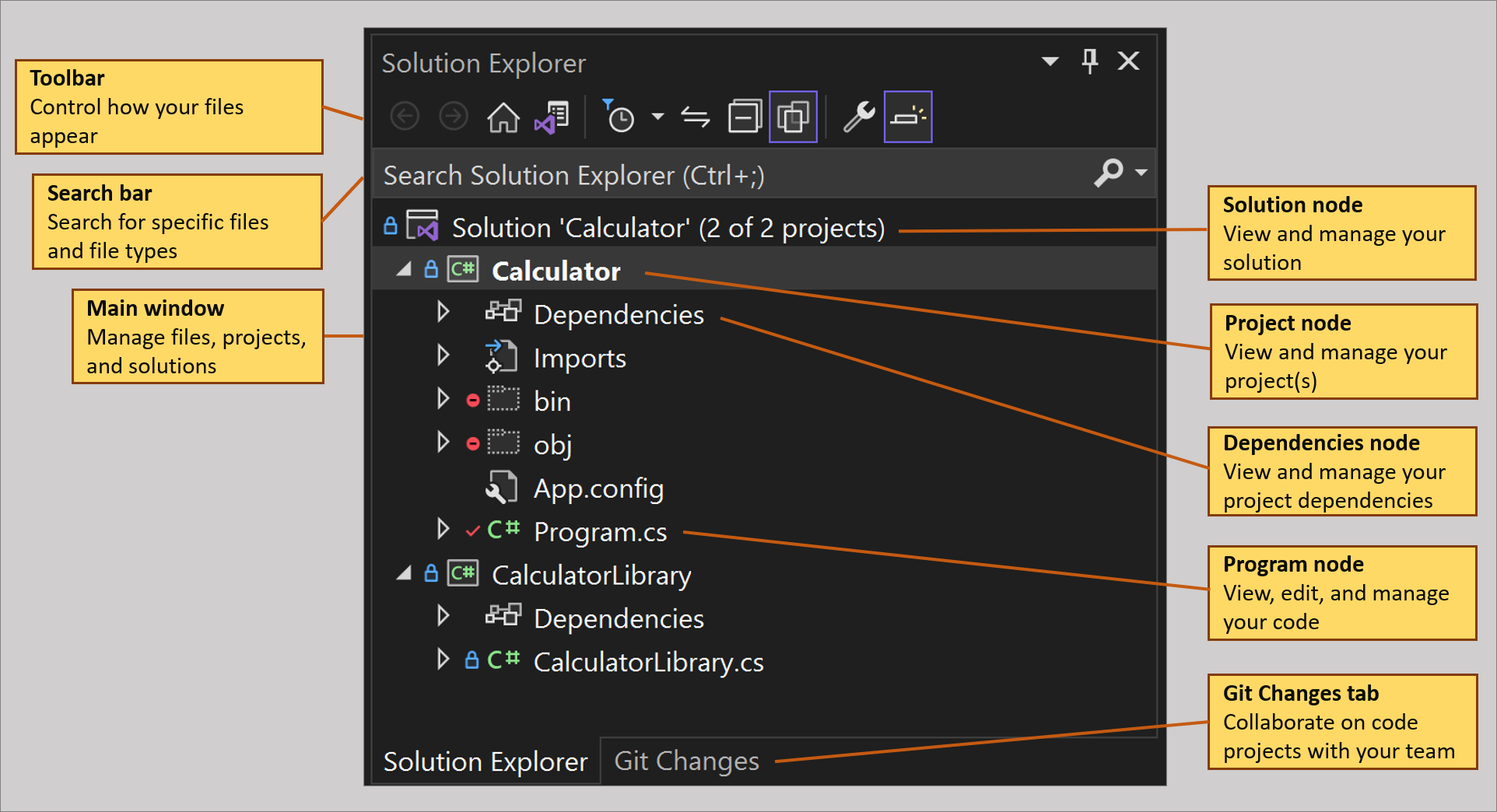
https://learn.microsoft.com/es-es/visualstudio/ide/media/solution-explorer-tool-window-lrg.png?view=vs-2022
Web Jul 22 2015 nbsp 0183 32 Use vscode solution explorer extension This extension adds a Visual Studio Solution File explorer panel in Visual Studio Code Now you can navigate into your solution following the original Visual Studio structure https github fernandoescolar vscode solution explorer Thanks fernandoescolar
Pre-crafted templates use a time-saving option for producing a diverse series of documents and files. These pre-designed formats and layouts can be utilized for numerous individual and expert projects, consisting of resumes, invitations, flyers, newsletters, reports, presentations, and more, enhancing the material production process.
Visual Studio Code Solution Explorer

C Equivalent To Solution Folders In VS Code Stack Overflow

C No Solution Explorer Now Showing Visual Studio Stack Overflow
Tutustu 99 Imagen Visual Studio Show Solution Explorer Abzlocal Fi
Cute Visual Studio Code Themes Terarmy

VSCode solution explorer Not Show In Sidebar Explorer After Install

Linux Explorer Path In Visual Studio Code Stack Overflow

Web vscode solution explorer This extension adds a Visual Studio Solution File explorer panel in Visual Studio Code Now you can navigate into your solution following the original Visual Studio structure It was originally intended
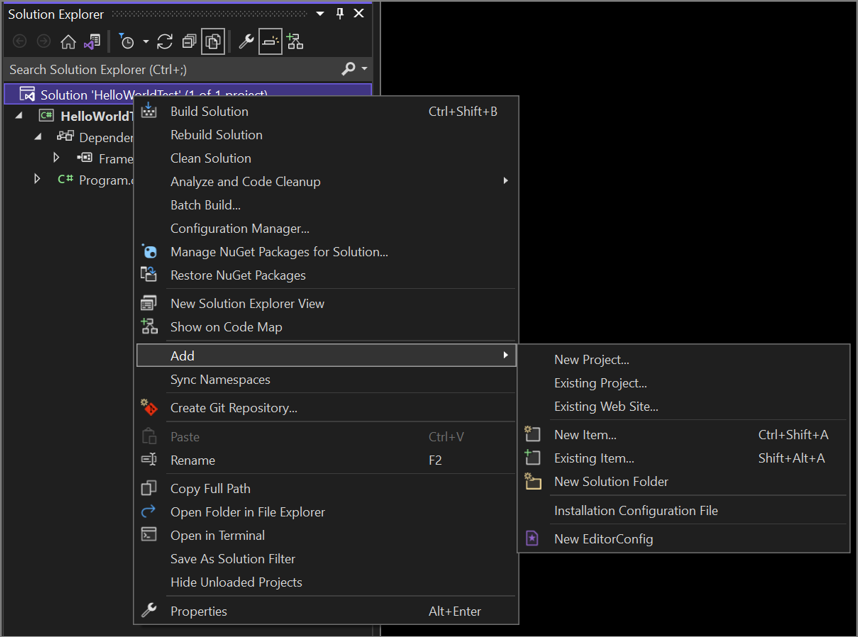
Web Solution Explorer The new C Dev Kit extension contains a new view in the Primary Sidebar the Solution Explorer This view provides a structured view of your application its solutions and its projects for effortless central project management
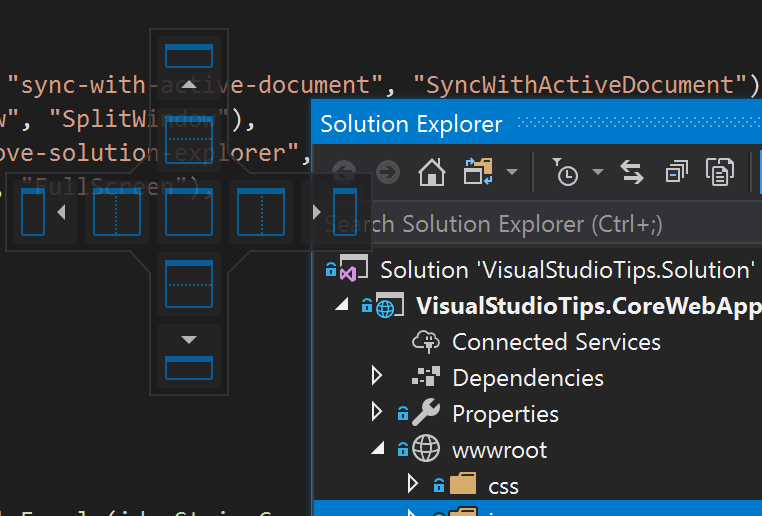
Web Mar 15 2024 nbsp 0183 32 This article describes the Solution Explorer user interface UI in detail and how to open Solution Explorer if you inadvertently close it The article also describes how you can use right click context menu in Solution Explorer to quickly add new files folders and code elements to a project
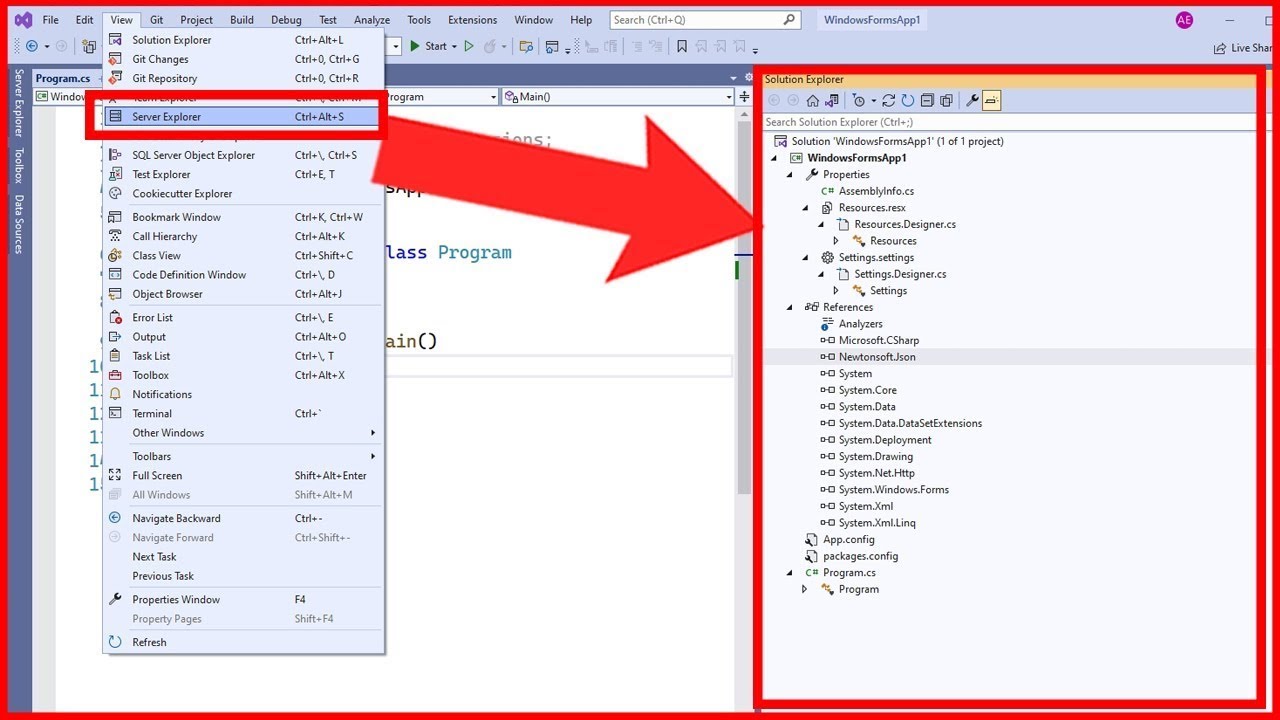
Web Solution Explorer Visual Studio Code Not Showing If the Solution Explorer is not showing in Visual Studio Code you can try the following steps 1 Make sure that the Solution Explorer is enabled 2 Check your view settings 3 Restart Visual Studio Code 4 Reinstall Visual Studio Code

Web In addition to the ability to right click and build on any solution or project in the Solution Explorer you can build your entire solution using the NET Build command You can also build your solution using the Tasks feature of Visual Studio Code C Dev Kit integrates with the Task system and registers several tasks under the dotnet grouping
Web The Solution Explorer displays the files and folders that make up your solution You can use the Solution Explorer to navigate your project find files and manage your code To explore the files and folders in your solution click the Solution Explorer tab at the bottom of the Visual Studio window Web Nov 7 2019 nbsp 0183 32 Option 1 Keyboard Shortcut Hold CTRL ALT and press L This will display the Solution Explorer if it isn t on the screen already Option 2 Menu Windows versions Select the View tab along the top bar then choose Solution Explorer macOS versions Select View gt Pads gt Solution Categories Software Author Mitch
Web Aug 21 2023 nbsp 0183 32 This feature enables you to compare code files directly within the Solution Explorer eliminating the need for external tools and keeping you in your developer flow Effortless Code Comparison with Two Options