Visual Studio Code Python Spaces Tabs Show Tabs And Spaces In Visual Studio Code QA With Experts Visual Studio Code Python Gostgiga Tabs Vs Spaces For Indentation In Coding Guwii Visual Studio Code Introduction overview Youtube Seamless Teaching And Vscode Settings How Do You Format Code On Save In Vs Code Stack Riset Web Nov 20 2019 nbsp 0183 32 Out of the blue when coding Python in Visual Studio Code you might run into the following error inconsistent use of tabs and spaces in indentation This happens because somewhere in your code indentation is different than in the rest of your code
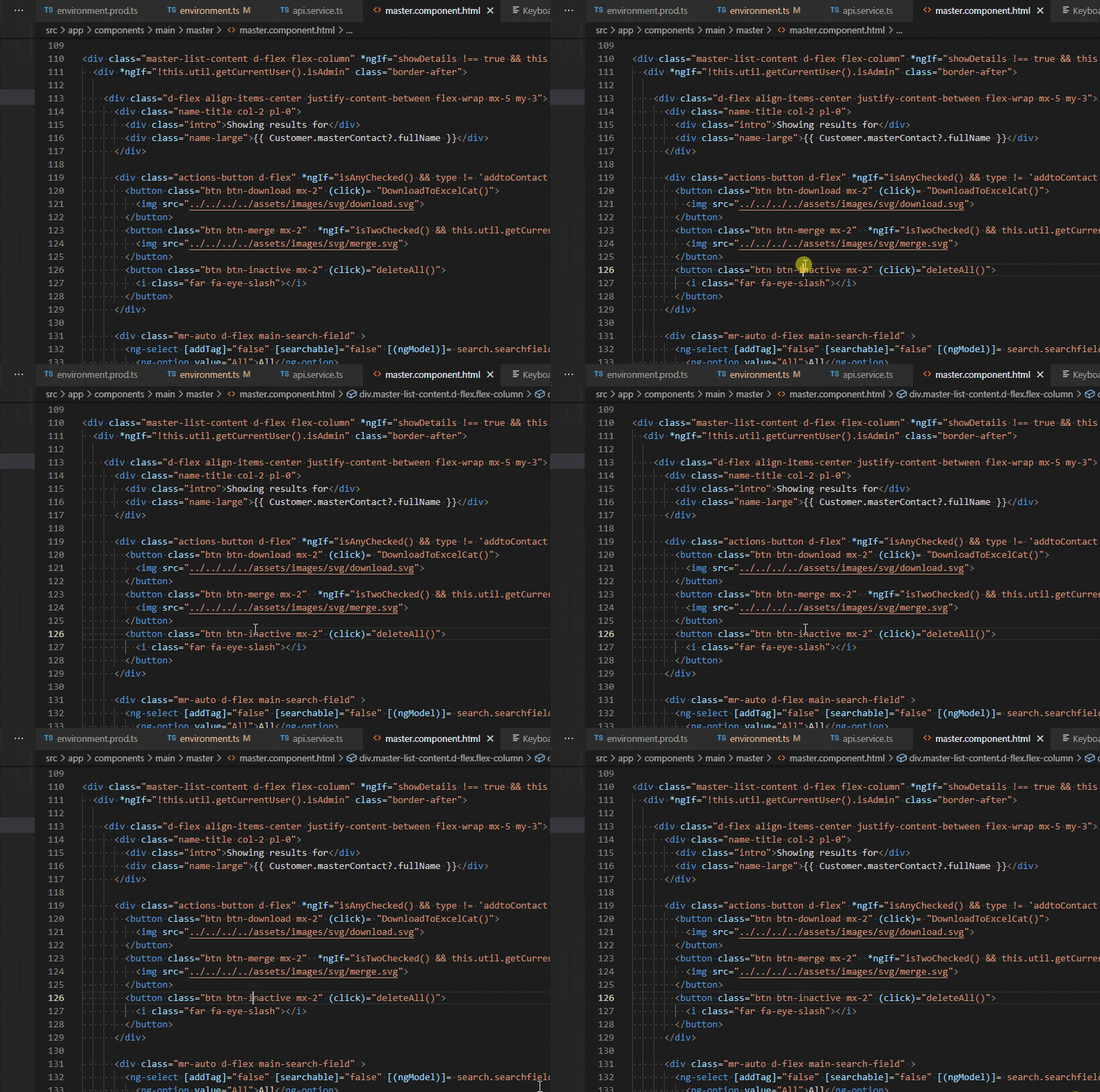
Web May 15 2019 nbsp 0183 32 The quickest way I found to quot copy quot a TAB character without leaving VS code is to temporarily turn on Tabs for indentation type a TAB copy it and then return to Spaces for indentation This is all done via the quot Spaces Web Sep 1 2023 nbsp 0183 32 1 Open your VS Code and Go to Code gt Settings or Preferences gt Settings if you re using macOS shortcut Command Go to File gt Preferences gt Settings if you re using Windows hotkey Ctrl Here s the screenshot on Mac 2 Type Indentation into the search field then head to the Editor Tab Size section
Vscode Settings How Do You Format Code On Save In Vs Code Stack Riset Visual Studio Code Yaml File Formatting In Vscode Stack Overflow Manage Introduction To Visual Studio Code Python Development Environments Visual Studio Code Run Python Vseky Installing Python Package In Visual Studio Code Mkrgeo How To Install How To Install Python With Visual Studio Code As Ide Easy Step By Vrogue Visual Studio Code Vscode Prettier Attribute Formatting Stack Overflow How To Set Up Visual Studio Code For Python Development SOLUTION Python Basics With The Visual Studio Code Studypool
Visual Studio Code Python Spaces Tabs
 Visual Studio Code Python Spaces Tabs
https://res.cloudinary.com/qawithexperts/image/upload/v1663777908/show-whitespace-tabs-visual-studio-code-min_wryjg0.gif
Web There are 3 options in vscode settings json The number of spaces a tab is equal to quot editor tabSize quot 4 Insert spaces when pressing Tab quot editor insertSpaces quot true When opening a file editor tabSize and editor insertSpaces will be detected based on the file contents quot editor detectIndentation quot true
Templates are pre-designed documents or files that can be utilized for numerous purposes. They can save time and effort by offering a ready-made format and design for developing various kinds of content. Templates can be utilized for personal or professional projects, such as resumes, invites, leaflets, newsletters, reports, discussions, and more.
Visual Studio Code Python Spaces Tabs
Create Extensions For Visual Studio Code Vscode By Islem Maboud Vrogue

Visual Studio Code Yaml File Formatting In Vscode Stack Overflow Manage

Introduction To Visual Studio Code Python Development Environments

Visual Studio Code Run Python Vseky
How To Install Python With Visual Studio Code As Ide Easy Step By Vrogue

Visual Studio Code Vscode Prettier Attribute Formatting Stack Overflow
Web If you open the quot Show All Commands quot tab by pressing Ctrl Shift P or F1 and search for quot convert indentation quot two options will by available convert indentation to tabs convert indentation to spaces Just choose tabs if you use tabs or spaces if use spaces as your indentation method

Web Apr 30 2015 nbsp 0183 32 By default Visual Studio Code auto detects the indentation of the current open file If you want to switch this feature off and make all indentation for example two spaces you d do the following in your User Settings or Workspace settings quot editor tabSize quot 2 quot editor detectIndentation quot false Share

Web Open a Python file in VS Code Right click on the editor to display the context menu Select Format Document With Select Configure Default Formatter from the drop down menu Select your preferred formatter extension from the list
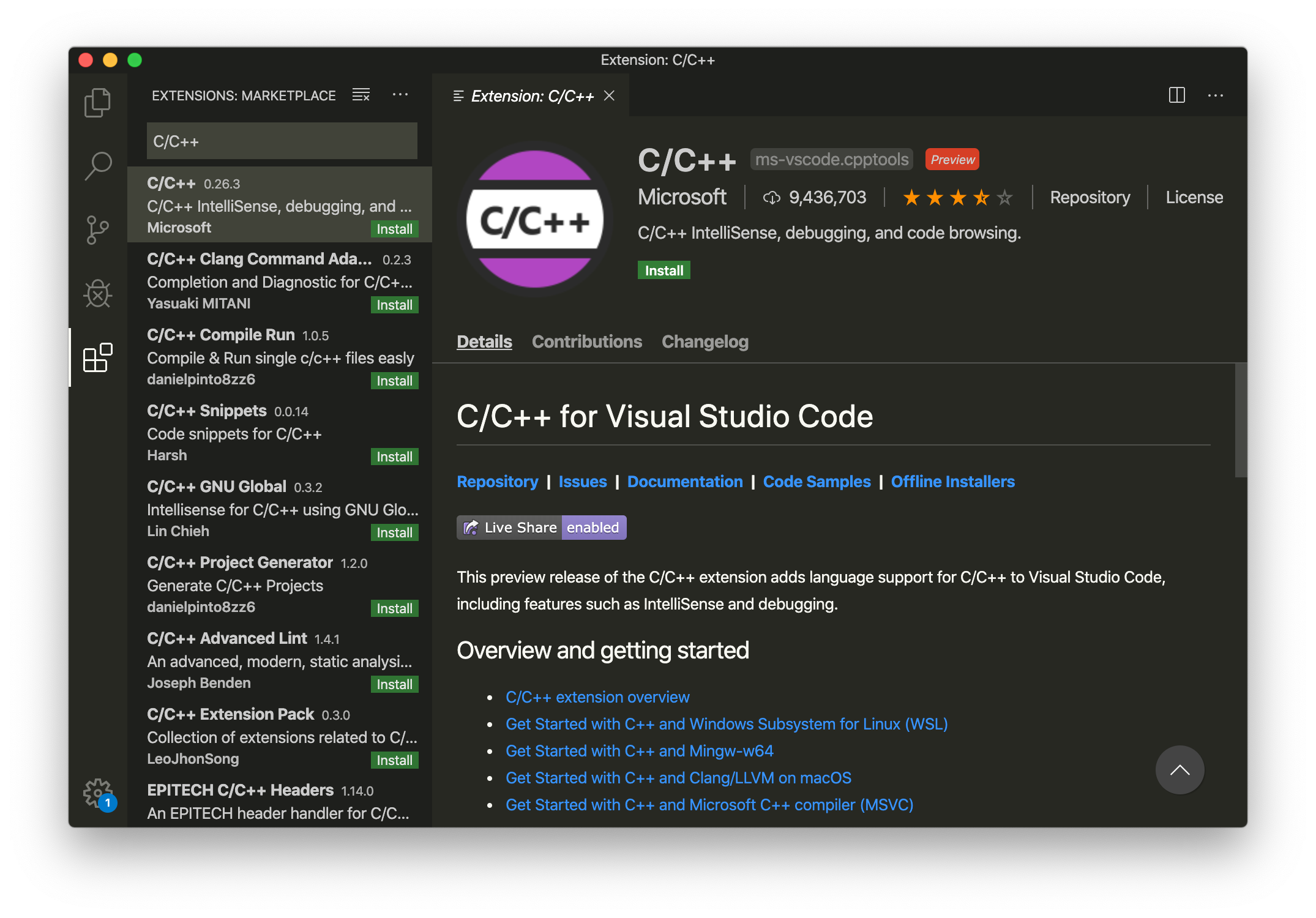
Web Mar 12 2023 nbsp 0183 32 Click on the Spaces or Tab Size label in the Status bar at the bottom Select Indent Using Spaces or Indent Using Tabs in the next menu Select your preferred indentation level e g 2 4 or 8 spaces I ve set my indentation level to 2 spaces in the example so each indent is 2 spaces

Web Working with Python in Visual Studio Code using the Microsoft Python extension is simple fun and productive The extension makes VS Code an excellent Python editor and works on any operating system with a variety of Python interpreters
Web Feb 17 2023 nbsp 0183 32 If you use VSCode you can show whitespace characters by pressing CTRL Shift P or Shift P on Mac to open the command palette typing quot open workspace settings quot typing renderwhitespace setting it to all If you render whitespace characters in your IDE tabs should show as arrows and spaces should show as dots Web Jun 28 2022 nbsp 0183 32 Most modern IDEs like Visual Studio Code or IntelliJ don t insert a tab character when the tab key is pressed Rather they insert a predefined number of space characters needed to move the cursor to the next text column Python can accept either tabs or spaces but per the official Python documentation will not tolerate a mixture of
Web Description TabSpacer is an extension for Visual Studio Code VS Code It have 2 features toggle the insertSpaces option and convert existing tabs to spaces The extension is registered on the Visual Studio Marketplace Usage Toggle insertSpaces option Press the F1 key and type toggle insertSpaces option or use the Ctrl Shift Z key binding