Visual Studio Code Php Remote Server PHP Visual Studio Code PHP 2 2 IT Remote Debugging PHP Tools For Visual Studio Documentation B Docker VS Code PHP Debugging PHP Code On A Remote Server PeterElSt Visual studio code PHP Intellisense En Visual Studio Code Web Mar 9 2020 nbsp 0183 32 In this tutorial you ll enable the Remote SSH plugin configure Visual Studio Code to execute code on the remote server and execute code from your local Visual Studio Code installation on the remote server
Web The Visual Studio Code Remote Tunnels extension lets you connect to a remote machine like a desktop PC or virtual machine VM via a secure tunnel You can connect to that machine from a VS Code client anywhere without the requirement of SSH Web Dec 23 2022 nbsp 0183 32 May 1 2019 07 53 README md Try Out Development Containers PHP A development container is a running container with a well defined tool runtime stack and its prerequisites You can try out development containers with GitHub Codespaces or Visual Studio Code Dev Containers
Visual studio code PHP Intellisense En Visual Studio Code PHP Remote Debugging With VSCode A Comprehensive Guide By Ramy Hakam En Pasaporte Reembolso Configurar Visual Studio Code Para Php PHP Remote Files Interaction Tutorial Robert James Metcalfe Blog How To Run PHP In Visual Studio Code On Mac OS TechDecode Tutorials CentOS 7 MediaWiki Comment Installer MediaWiki Sur CentOS 7 Visual Studio Code PHP Debugging Visual Studio Code Php Formatter
Visual Studio Code Php Remote Server
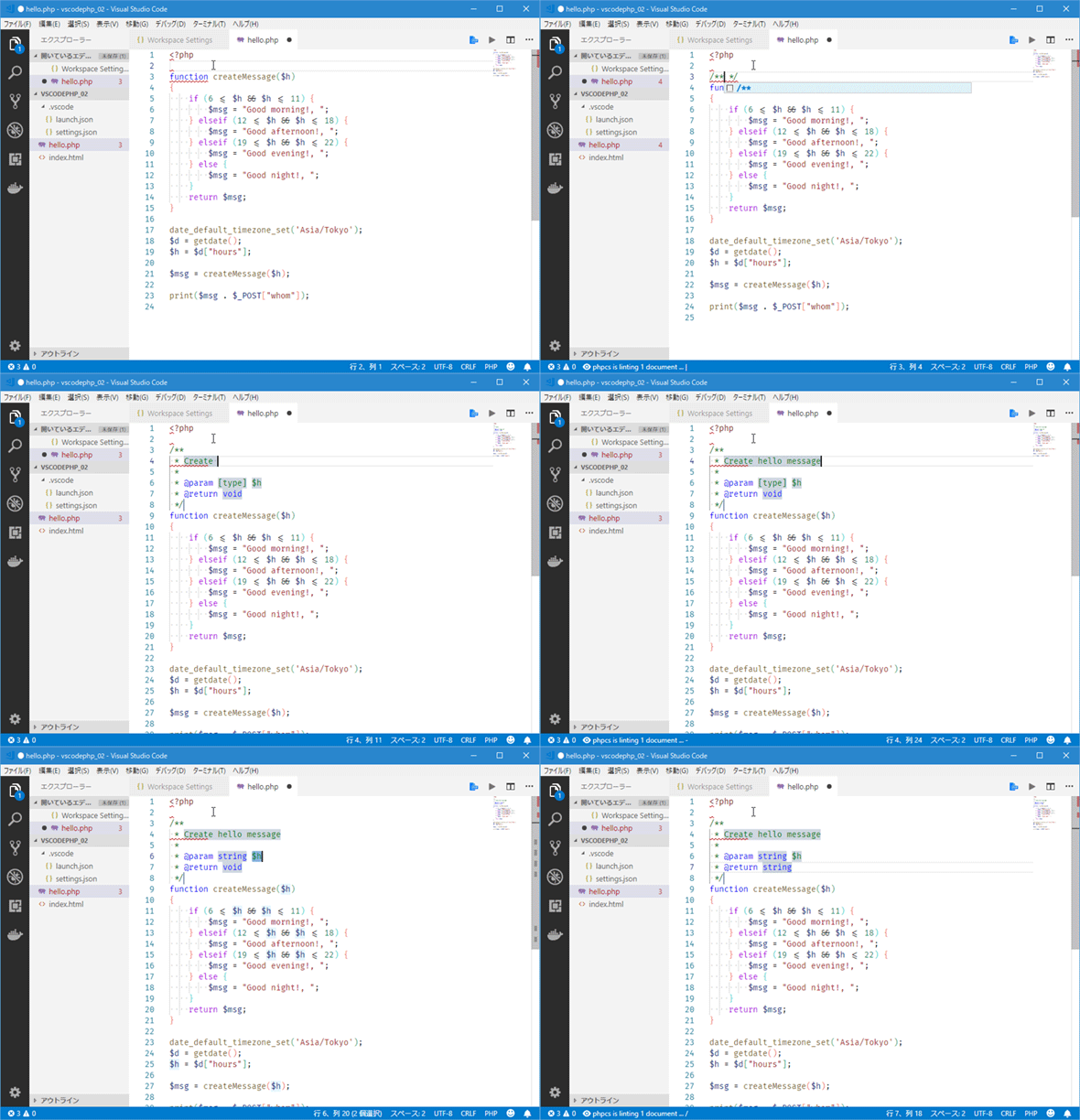 Visual Studio Code Php Remote Server
https://image.itmedia.co.jp/ait/articles/1809/18/dt-05.gif
Web May 28 2021 nbsp 0183 32 Step 1 Installing VS Code PHP Extensions for Extra Support Right after installation VS Code already recognizes PHP code and helps with syntax highlighting basic debugging and code indentation These features are suitable for quick edits or when working with individual PHP scripts
Templates are pre-designed documents or files that can be utilized for numerous purposes. They can save time and effort by providing a ready-made format and layout for developing different type of content. Templates can be used for personal or professional jobs, such as resumes, invites, flyers, newsletters, reports, presentations, and more.
Visual Studio Code Php Remote Server
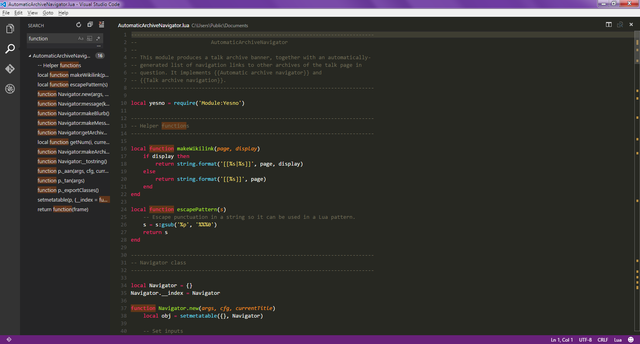
Calle Perdida Visual Studio Code PHP Intelligense
PHP Remote Debugging With VSCode A Comprehensive Guide By Ramy Hakam
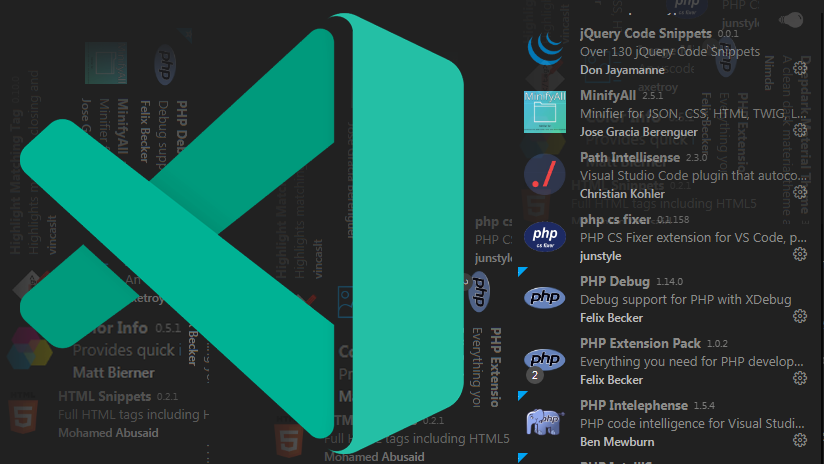
En Pasaporte Reembolso Configurar Visual Studio Code Para Php
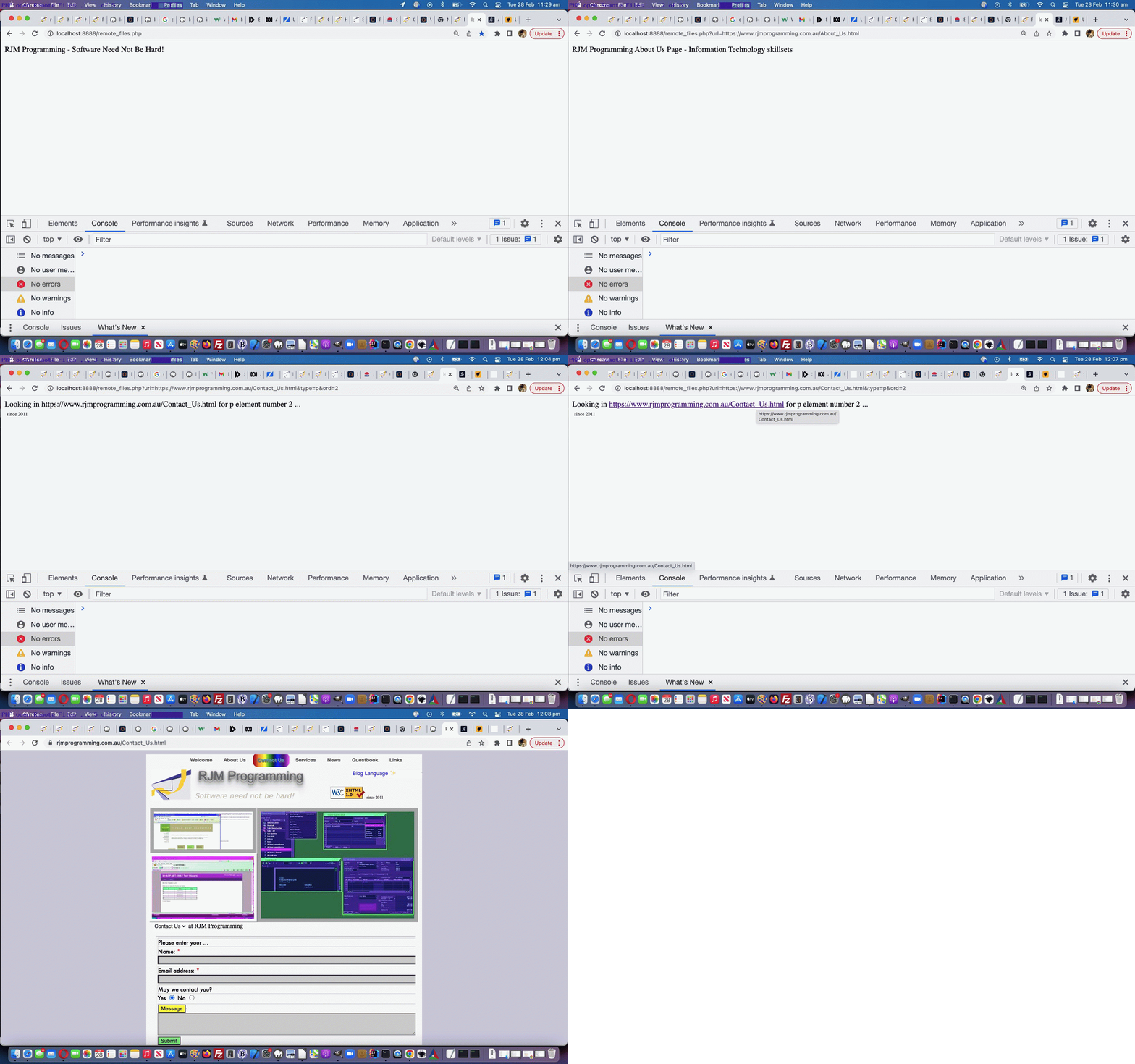
PHP Remote Files Interaction Tutorial Robert James Metcalfe Blog
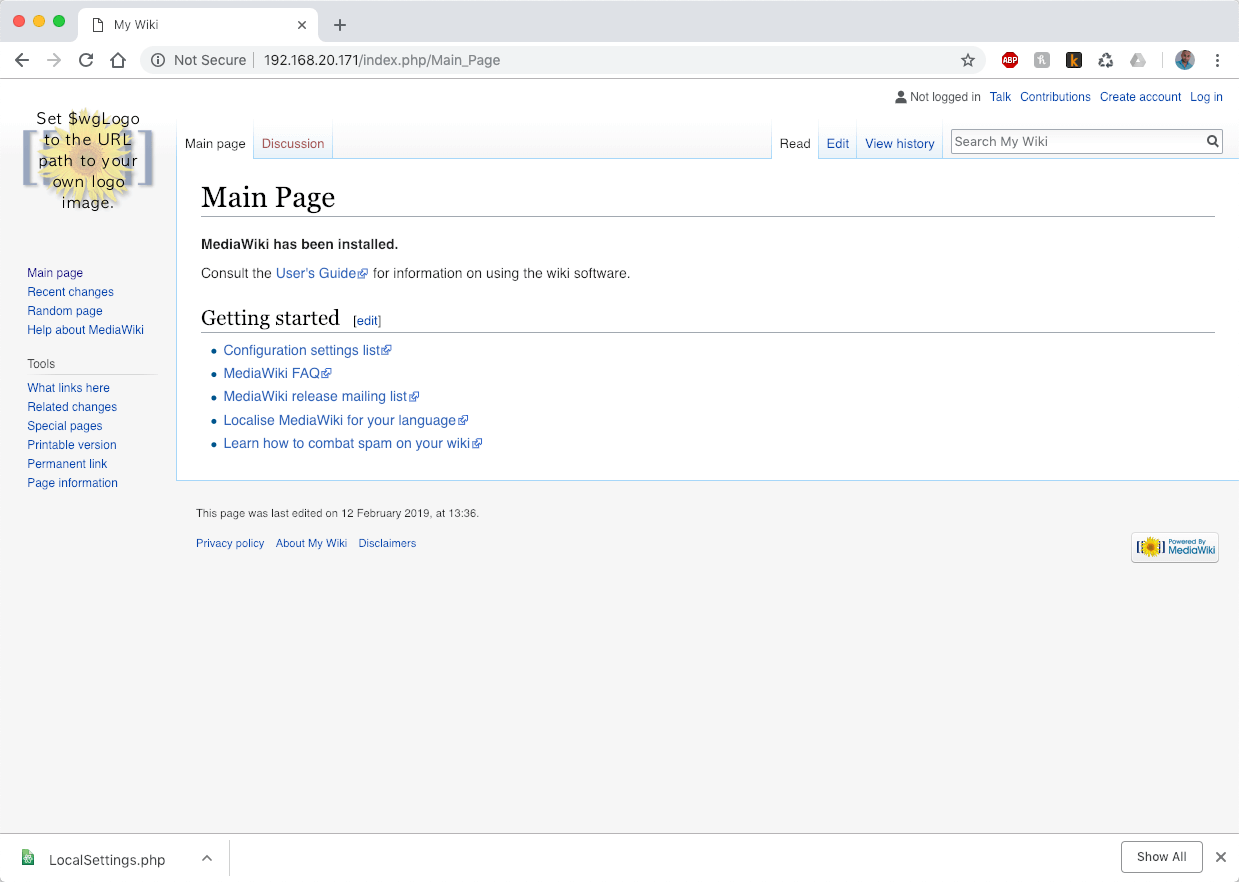
CentOS 7 MediaWiki

Comment Installer MediaWiki Sur CentOS 7
Web The Visual Studio Code Remote SSH extension allows you to open a remote folder on any remote machine virtual machine or container with a running SSH server and take full advantage of VS Code s feature set Once connected to a server you can interact with files and folders anywhere on the remote filesystem

Web Visual Studio Code Remote Development allows you to use a container remote machine or the Windows Subsystem for Linux WSL as a full featured development environment You can Develop on the same operating system you deploy to or use larger or more specialized hardware
Web Aug 29 2021 nbsp 0183 32 This tutorial will walk you through setting up a remote ssh based php development environment using visual studio code It uses vscode the remote ssh extension for vscode and Xdebug to

Web PHP Tools for VS Code can work with a remote system in two modes VS Code runs fully in the local environment communicating with PHP on a remote system VS Code client runs locally but VS Code server is on a remote system

Web PHP in Visual Studio Code Visual Studio Code is a great editor for PHP development You get features like syntax highlighting and bracket matching IntelliSense code completion and snippets out of the box and you can add more functionality through community created VS Code extensions
Web Jul 20 2022 nbsp 0183 32 php windows subsystem for linux xdebug remote debugging wsl 2 Share Improve this question Follow asked Jul 20 2022 at 14 16 d lanza38 2 543 7 31 52 gt I ve been trying to play around with using SSH tunnels to re route my port 443 traffic from Windows through WSL but have been unsuccessful so far why port 443 Web Mar 24 2020 nbsp 0183 32 116K views 3 years ago Tech Talks Learn how to use Visual Studio Code for remote development using the Remote SSH plugin to seamlessly sync your IDE with your code running on a remote system
Web Installation Launch VS Code Quick Open Ctrl P paste the following command and press enter Version History Q amp A PHP Server Host serve current workspace or subfolder with PHP Getting started There are multiple ways of running PHP server CTRL SHIFT P and searching for PHP Server Serve project command