Visual Studio Code Package Name Visual Studio Code Debug Package Script In Terminal Bpostyles Visual Studio Code Tips Execute SOQL In Visual Studio Code Visual Studio Code Install Ventureapo Installing Visual Studio Code For All Users In Windows Radish Logic Riset Sublime Text Alternative Gesergoods Web Installation Launch VS Code Quick Open Ctrl P paste the following command and press enter Version History Q amp A
Web VS Code s rich extensibility model lets extension authors plug directly into the VS Code UI and contribute functionality through the same APIs used by VS Code This article explains how to find install and manage VS Code Web Apr 29 2020 nbsp 0183 32 I had the same situation as you I figured creating packages on my own in VS code Just follow these steps Open up your VS code Step 1 Click on quot Explorer quot
Sublime Text Alternative Gesergoods Program Your Raspberry Pi Pico With Visual Studio Code And PlatformIO Solved Add Custom Package Source To Visual Studio Code 9to5Answer How To Install Visual Studio Code On Ubuntu 20 04 Linuxize 2 Integrate Azure Communication Services Calling Into A React App How To Install Visual Studio On Linux Ubuntu Systran Box Installing Python To Use With Visual Studio Youtube Riset Visual Studio Code For Wordpress Encycloall How To Install Visual Studio Code On Ubuntu 20 04 Or 21 10 Install Vs
Visual Studio Code Package Name
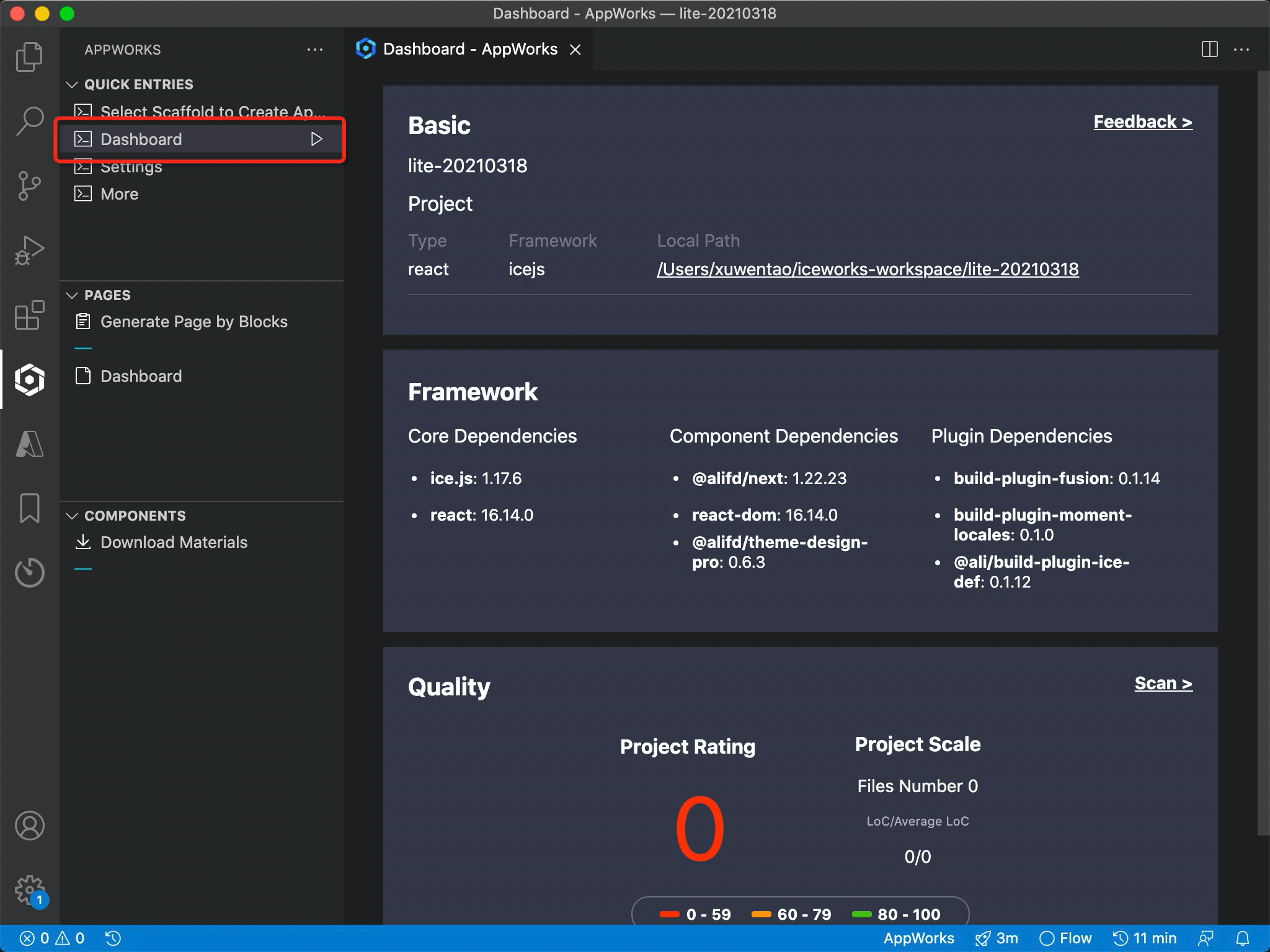 Visual Studio Code Package Name
https://img.alicdn.com/imgextra/i3/O1CN01jScRq91fQVKvDypRI_!!6000000004001-2-tps-2048-1536.png
Web Dec 4 2019 nbsp 0183 32 need rename package name 86357 need rename package name 86357 Closed Binaryify opened this issue on Dec 4 2019 183 4 comments octref sandy081
Templates are pre-designed documents or files that can be used for various purposes. They can save time and effort by offering a ready-made format and layout for creating different type of material. Templates can be used for individual or professional projects, such as resumes, invitations, leaflets, newsletters, reports, discussions, and more.
Visual Studio Code Package Name
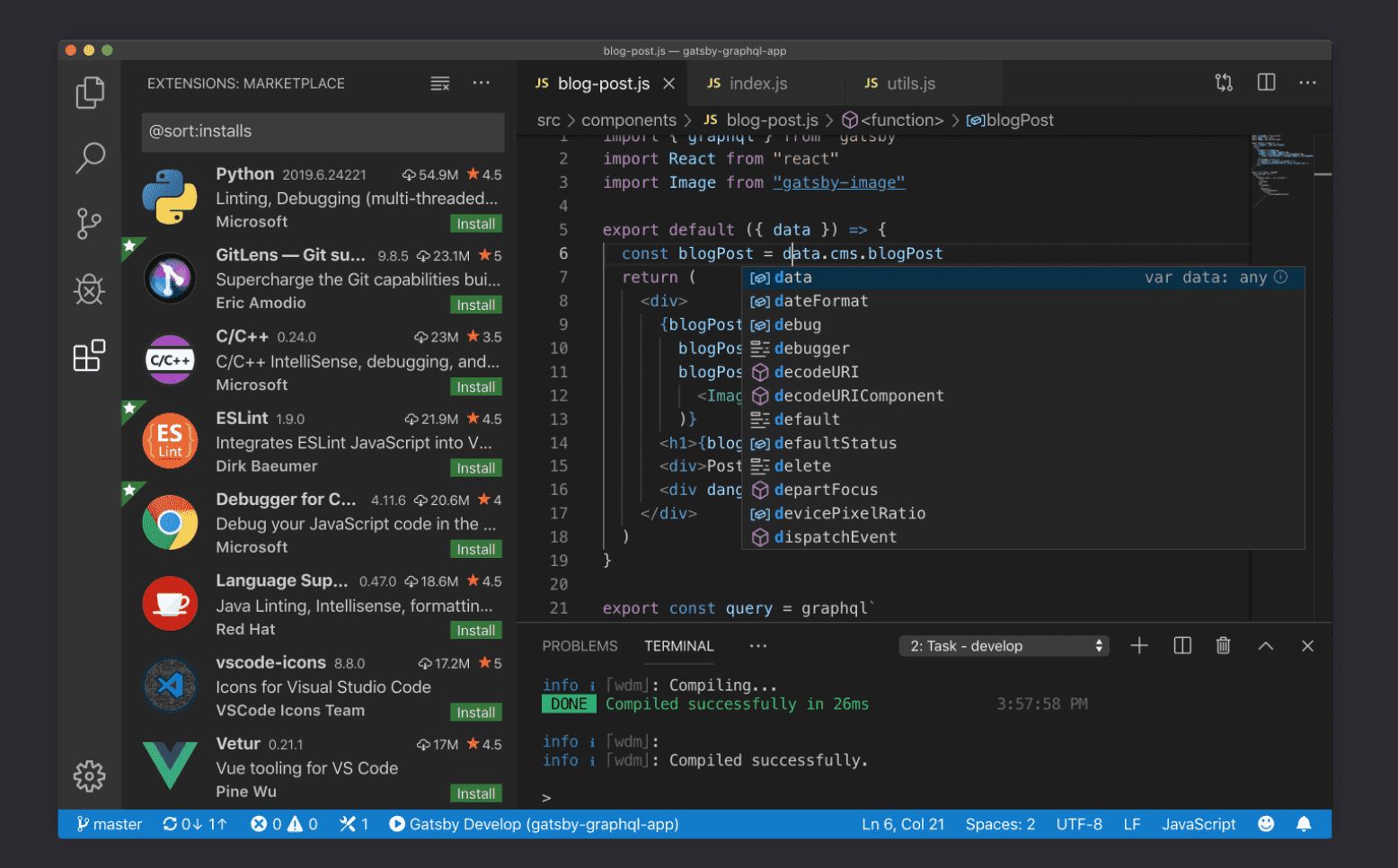
Vscode shortcut To Align Code In Vscode Navy Apple
Program Your Raspberry Pi Pico With Visual Studio Code And PlatformIO

Solved Add Custom Package Source To Visual Studio Code 9to5Answer
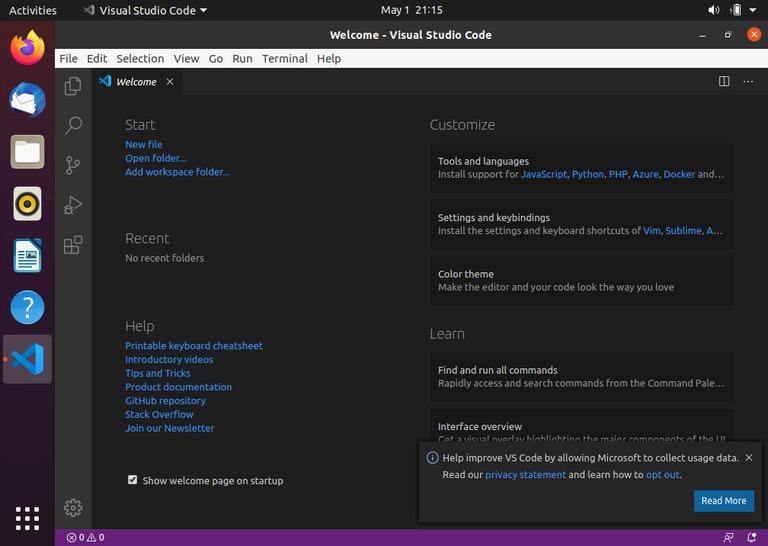
How To Install Visual Studio Code On Ubuntu 20 04 Linuxize

How To Install Visual Studio On Linux Ubuntu Systran Box

Installing Python To Use With Visual Studio Youtube Riset
Web Mar 23 2019 nbsp 0183 32 Type quot flutter quot in the search bar Select Dart amp Flutter under Extensions Scroll down to Dart Flutter Create Organization Click Edit in settings json Add the

Web C C support for Visual Studio Code is provided by a Microsoft C C extension to enable cross platform C and C development on Windows Linux and macOS When
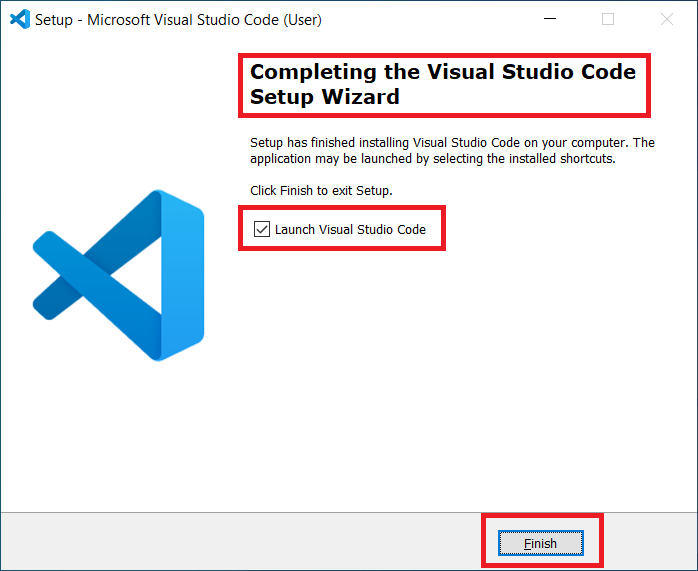
Web Aug 21 2023 nbsp 0183 32 To change the source from which Visual Studio loads package metadata select a source from the Package source selector To manage your package sources
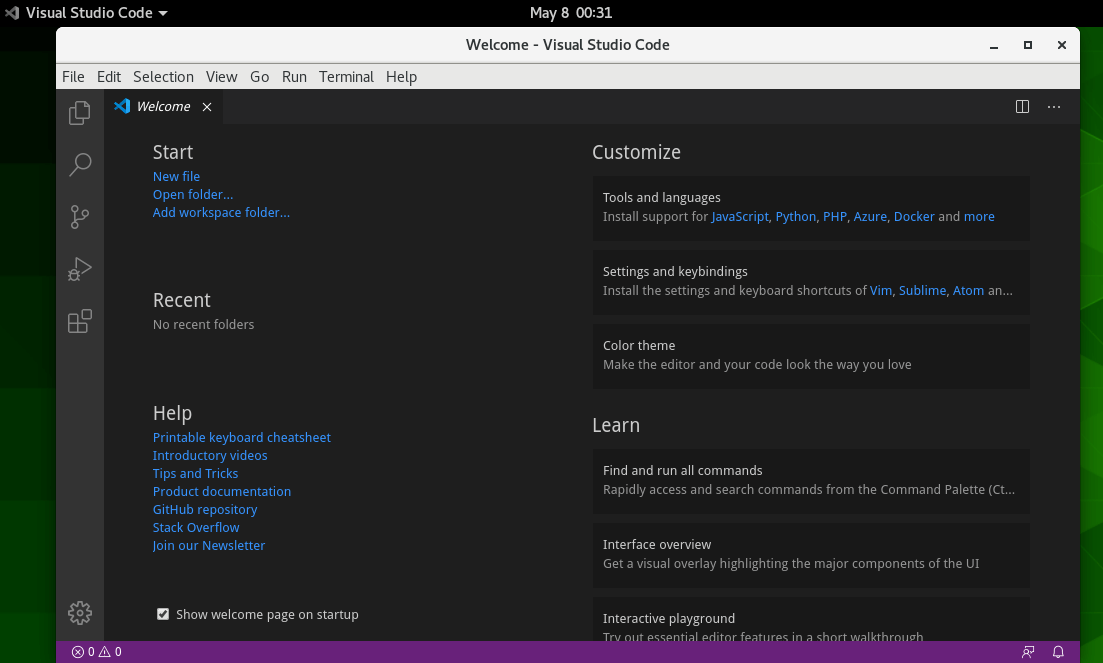
Web May 1 2020 nbsp 0183 32 Snap packages can be installed from either the command line or via the Ubuntu Software application To install the VS Code snap open your terminal Ctrl Alt T and run the following command sudo

Web Nov 20 2021 nbsp 0183 32 Package in VS Code PhoenixFirebird 2849 1 Nov 20 2021 4 03 AM So I m new to this site and don t really understand how to use it but I didn t notice an area for VS
Web vsce short for quot Visual Studio Code Extensions quot is a command line tool for packaging publishing and managing VS Code extensions Installation Make sure you have Node js Web 6 days ago nbsp 0183 32 To set up a default code in VS Code first open the Command Palette by pressing Ctrl Shift P Then search for gt Configure User Snippets and click on it
Web Mar 24 2020 nbsp 0183 32 Is it possible to refactor the name of the files in a project and automatically update all the imports without caring about breaking something each time a file name is