Visual Studio Code Launch Python With Arguments Python In Visual Studio Code July 2022 Release Python Coding Get Started Tutorial With Python In Visual Studio Code Hostingpilot Visual Studio Code Python Gostgiga Python In Visual Studio Code October 2021 Release LaptrinhX News Python In Visual Studio Code Tutorial Absolutedelta Web You can use VS Code as a lightweight code editor to make quick changes or you can configure it as an integrated development environment IDE through the use of third party extensions In this tutorial you re going to look at how to get the most out of VS Code for Python development
Web In this tutorial you will learn how to use Python 3 in Visual Studio Code to create run and debug a Python quot Roll a dice quot application work with virtual environments use packages and more By using the Python extension you turn VS Code into a Web Apr 18 2024 nbsp 0183 32 Use rich interactive debugging for Python code in Visual Studio including setting breakpoints stepping inspecting values looking at exceptions and more Debug Python code set breakpoints inspect code Visual Studio Windows Microsoft Learn
Python In Visual Studio Code Tutorial Absolutedelta Python Function Parameters How To Code In Python Using Visual Studio I2tutorials Get Started How To Execute Python Code From Within Visual Studio Code Vrogue Visual Studio Code Python Debug With Arguments Reviewbap Installing Python Package In Visual Studio Code Mkrgeo How To Install Vscode Python Settings Json Path My Bios Install Python Visual Studio Code Medicinefad How To Install Python With Visual Studio Code As Ide Easy Step By Vrogue
Visual Studio Code Launch Python With Arguments
 Visual Studio Code Launch Python With Arguments
https://i.pinimg.com/originals/b5/56/f1/b556f1e1242cac9cf98780db9acf9301.png
Web Apr 9 2020 nbsp 0183 32 VS Code James Quick Introduction Python is one of the most popular and easy to learn languages which is why it is often one of the first languages you learn Let s see how to work with and run Python inside of Visual Studio Code In this tutorial you ll install the Python extension then use intellisense and shortcuts to run your Python code
Templates are pre-designed files or files that can be used for various purposes. They can conserve effort and time by supplying a ready-made format and layout for creating different sort of material. Templates can be utilized for personal or professional tasks, such as resumes, invites, flyers, newsletters, reports, presentations, and more.
Visual Studio Code Launch Python With Arguments
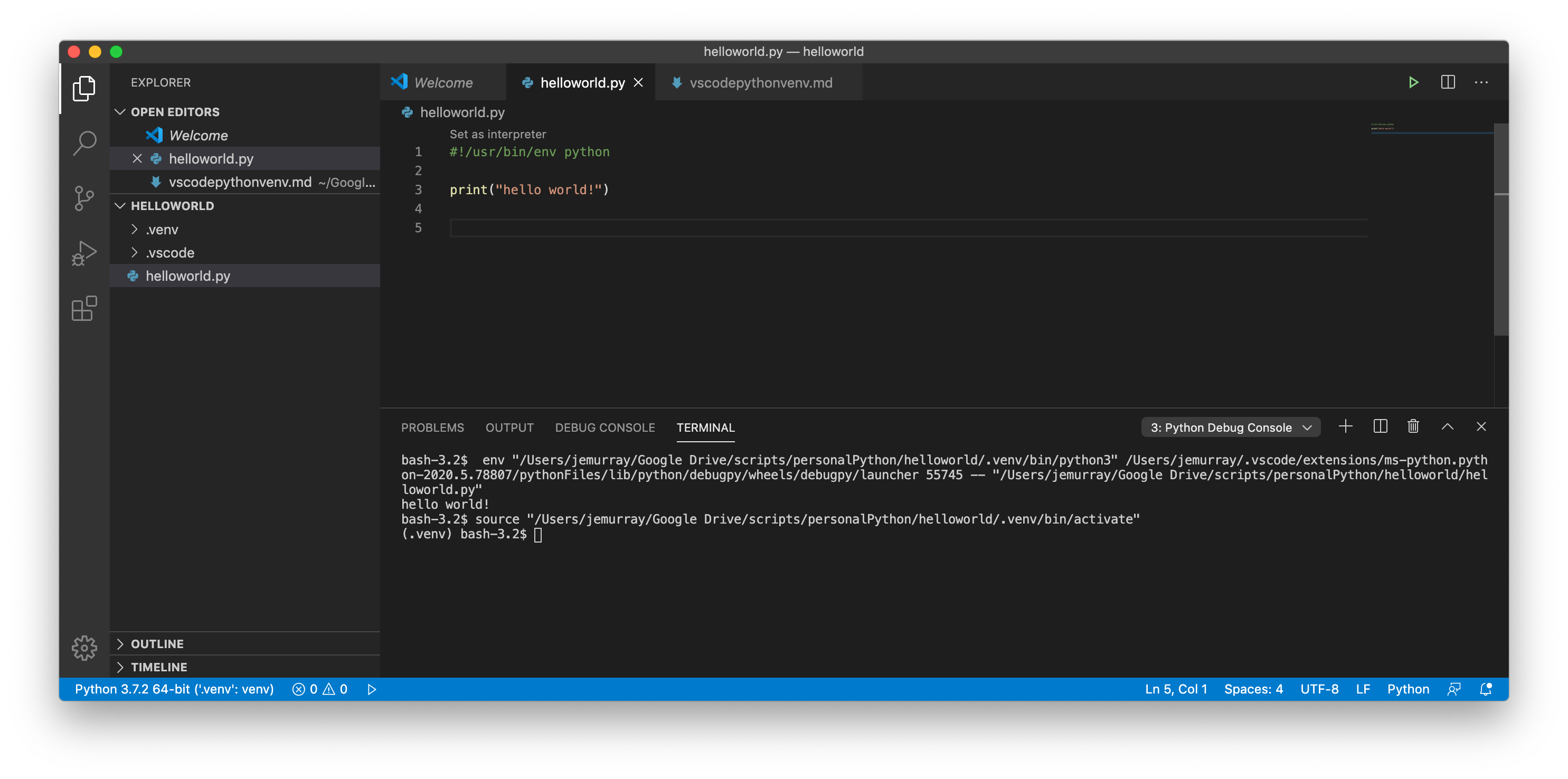
Visual Studio Code Python Code Theme Njaca
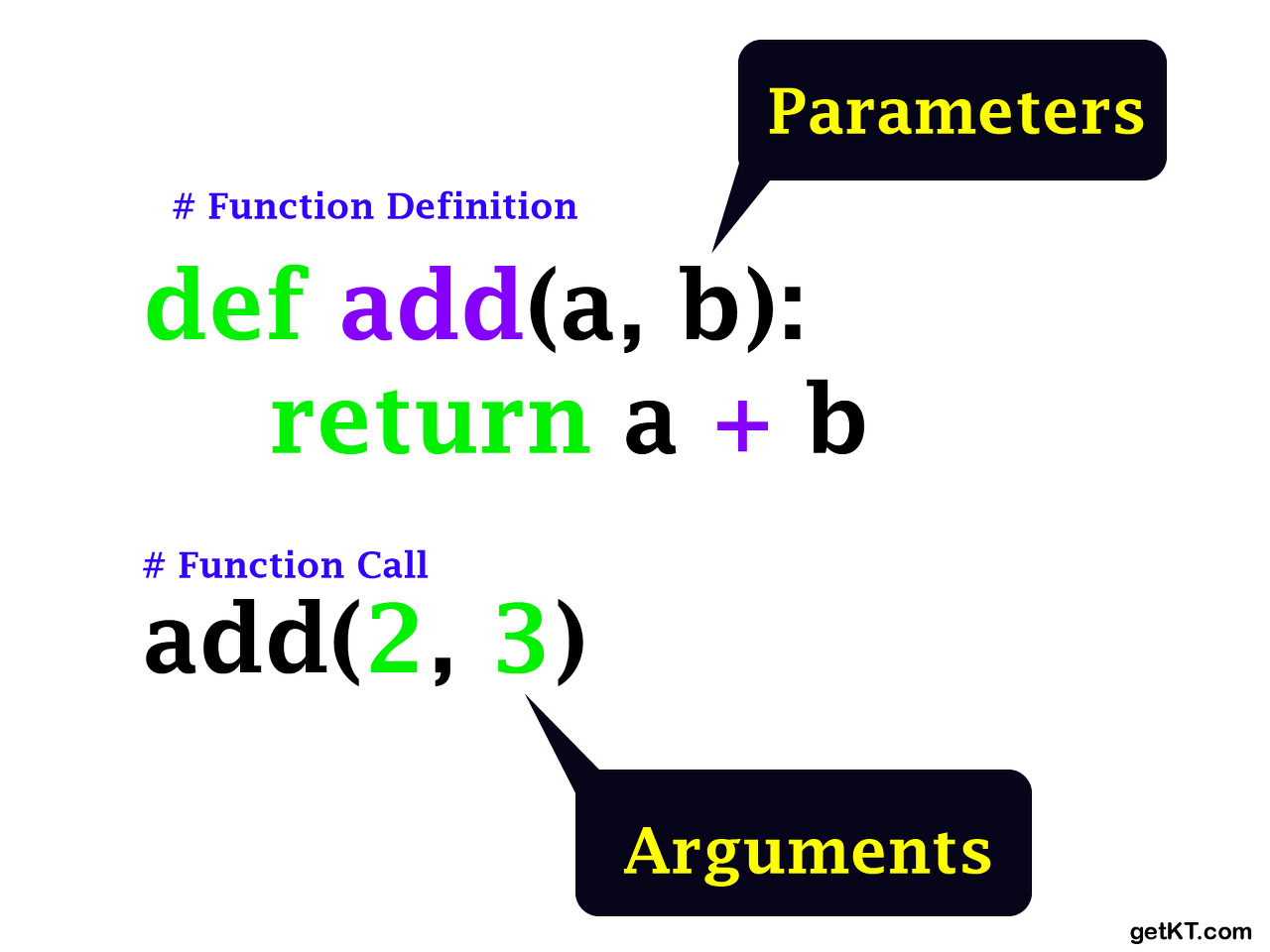
Python Function Parameters
How To Code In Python Using Visual Studio I2tutorials Get Started

How To Execute Python Code From Within Visual Studio Code Vrogue
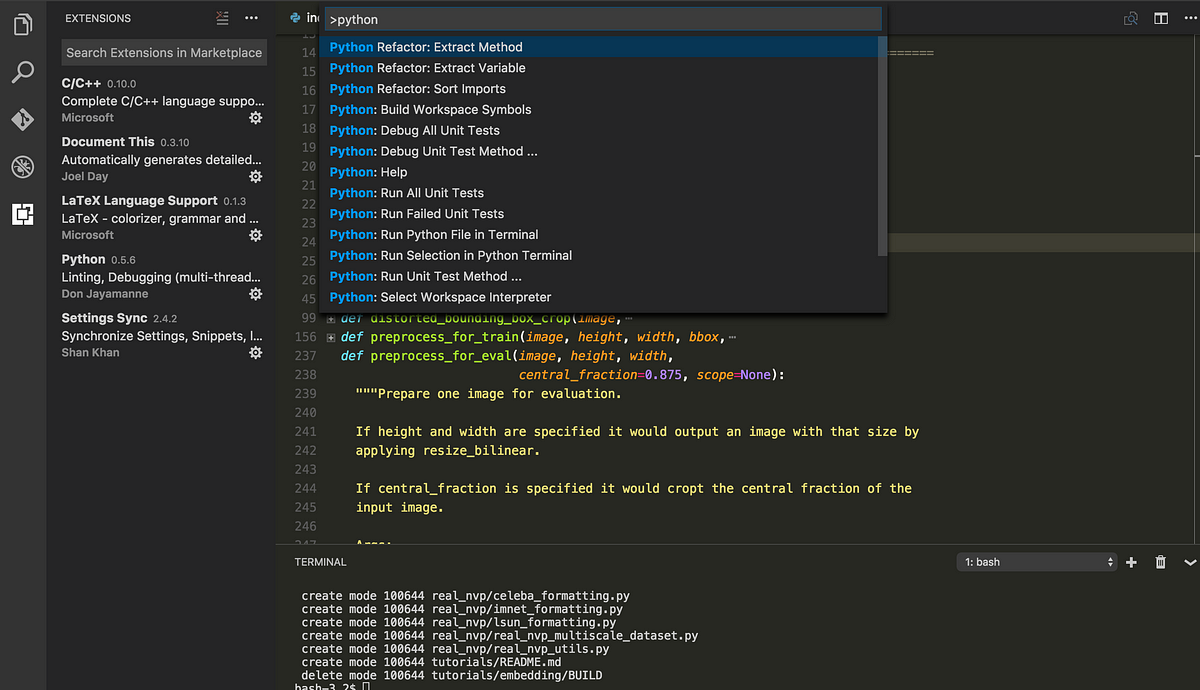
Installing Python Package In Visual Studio Code Mkrgeo How To Install
Vscode Python Settings Json Path My Bios

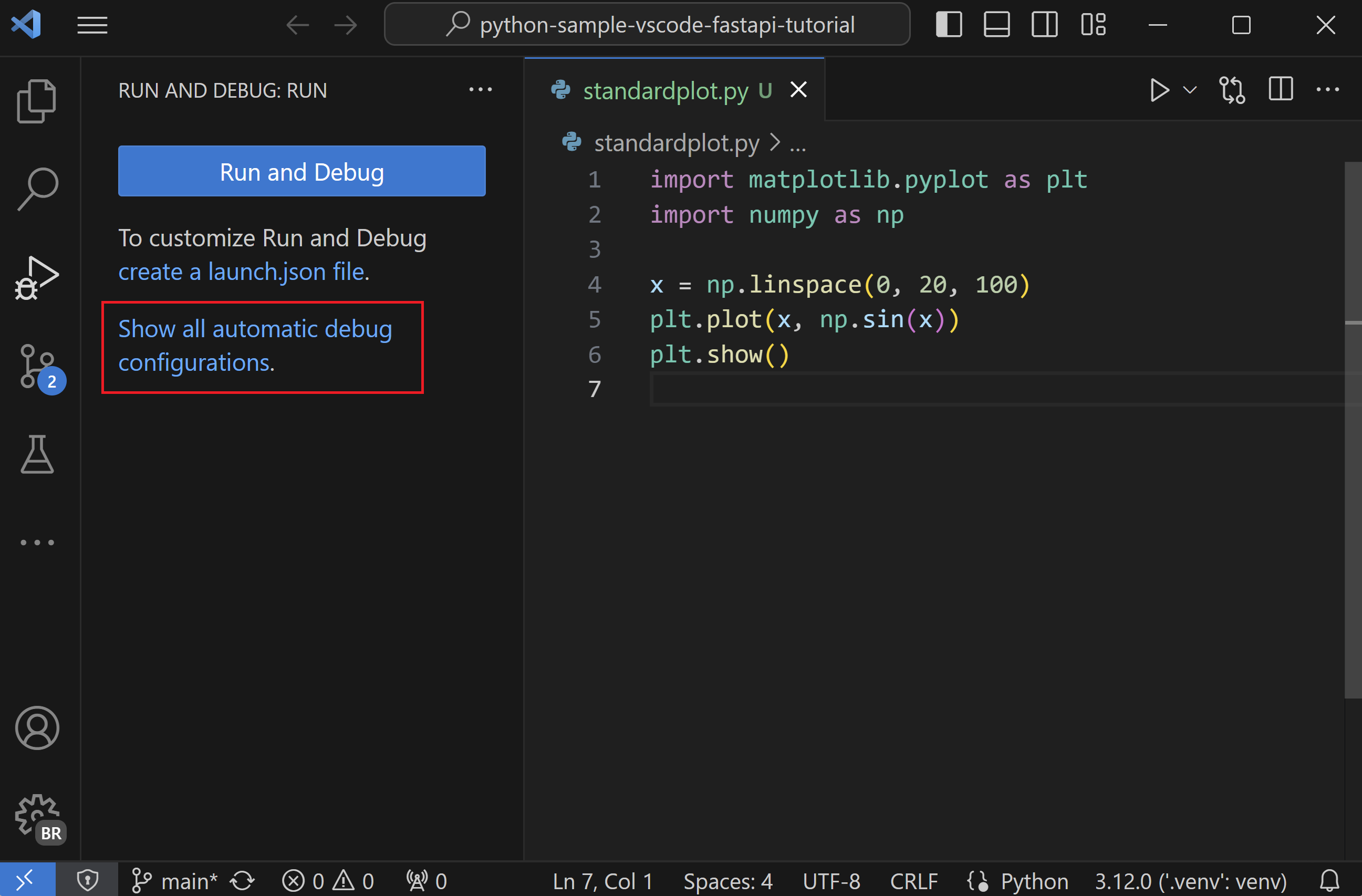
Web The Python Debugger extension then creates and opens a launch json file that contains a pre defined configuration based on what you previously selected in this case Python File You can modify configurations to add arguments for
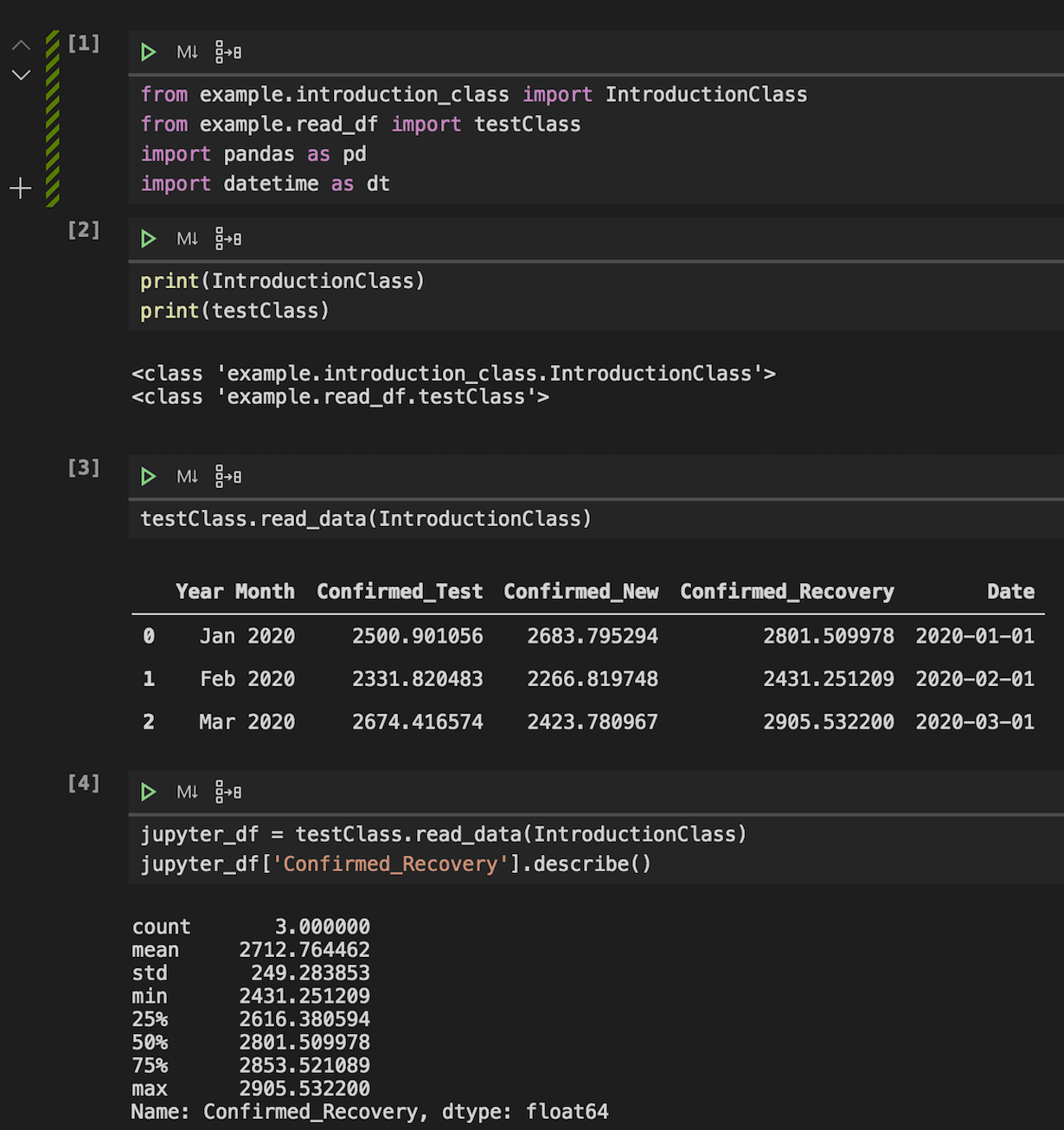
Web 10 Answers Sorted by 326 I think the City and Auckland are used as a single argument Maybe try separating them like so Single argument quot args quot quot city quot quot Auckland quot Multiple arguments and multiple values Such as key1 value1 value2 key2 value3 value4 Just put them into the args list one by one in sequence

Web 6 Answers Sorted by 29 You can pass in the arguments into the program by defining the arguments in the args setting of launch json as defined below json quot name quot quot Python quot quot type quot quot python quot quot pythonPath quot quot config python pythonPath quot quot request quot quot launch quot quot stopOnEntry quot true quot console quot quot none quot quot program quot quot file quot

Web To run the active Python file click the Run Python File in Terminal play button in the top right side of the editor You can also run individual lines or a selection of code with the Python Run Selection Line in Python Terminal command Shift Enter If there isn t a selection the line with your cursor will be run in the Python Terminal
Web Sep 20 2022 nbsp 0183 32 1 Create or open a Python project in VSCode 2 Run Python in VSCode 3 Debug Python in VSCode 4 Run selection or current line 5 Running code from the terminal 6 VSCode and Python Virtualenv 7 Formatting Python in VSCode 8 Saving a workspace 9 Keep learning Beginners Python Course 2024 4 90 out of 5
Web Feb 16 2021 nbsp 0183 32 Provide Starting point code file for Debug Introduction In this post I will take example for Python project And how we can start debugging or launch a code file by passing command line arguments For this you would need launch json If you have just edit it as I will discuss in this post Web Get started by installing VS Code A Python Interpreter any actively supported Python version Python extension from the VS Code Marketplace To further customize VS Code for Python you can leverage the Python profile template automatically installing recommended extensions and settings
Web Apr 18 2024 nbsp 0183 32 Visual Studio Python Tutorial Run code in the Debugger in Visual Studio Article 04 18 2024 12 contributors Feedback In this article Prerequisites Prepare the Python file Start debugging Use Debugger actions Show 2 more This article presents Step 4 in the tutorial series Work with Python in Visual Studio