Visual Studio Code Install Extension Offline How To Use Live Share With Visual Studio Code DigitalOcean How Can I Install Visual Studio Code Extensions Offline Stack Overflow How To Install Visual Studio Code Vs Code On Windows 10 Real Time Vrogue Visual Studio Code Extensions Location Foodnaa Best Visual Studio Code Extensions To Work For Azure All Around Azure Downloader https goo gl rKa7lrMarkeplace https marketplace visualstudio This is the official way to download extensions for VS Code https code visu
Extension Gallery Learn more about VS Code s public extension gallery Publishing Extensions Learn how to package and publish your extensions Common Questions This mode also provides a way to set the installation folder location for VS Code extensions useful for corporate environments that prevent extensions from being installed in the Windows AppData folder
Best Visual Studio Code Extensions To Work For Azure All Around Azure Hoe Kan Ek Visual Studio Code uitbreidings Installeer TecnoBits How To Install Visual Studio Code Extension Offline YouTube Visual Studio Code How To Install Python With Visual Studio Code As IDE Easy Step By Php Visual Studio Code Visual Studio Code Install Folder Linsas Visual Studio Code Install For All Users Veryops Top 15 Best Visual Studio Code Extensions For Web Development CodeForGeek
Visual Studio Code Install Extension Offline
 Visual Studio Code Install Extension Offline
https://assets.digitalocean.com/articles/how-to-use-live-share-with-visual-studio-code/xysAYVadQYWGh5RKHOqe_1.png
Step 1 Download the Visual Studio bootstrapper Download the correct bootstrapper for the version and edition of Visual Studio you want and copy it into the directory that you want to serve as the source location of your local layout The bootstrapper is the executable that you use to create update or modify your local layout
Templates are pre-designed documents or files that can be used for numerous functions. They can save effort and time by offering a ready-made format and design for creating various kinds of material. Templates can be used for personal or expert projects, such as resumes, invites, flyers, newsletters, reports, presentations, and more.
Visual Studio Code Install Extension Offline
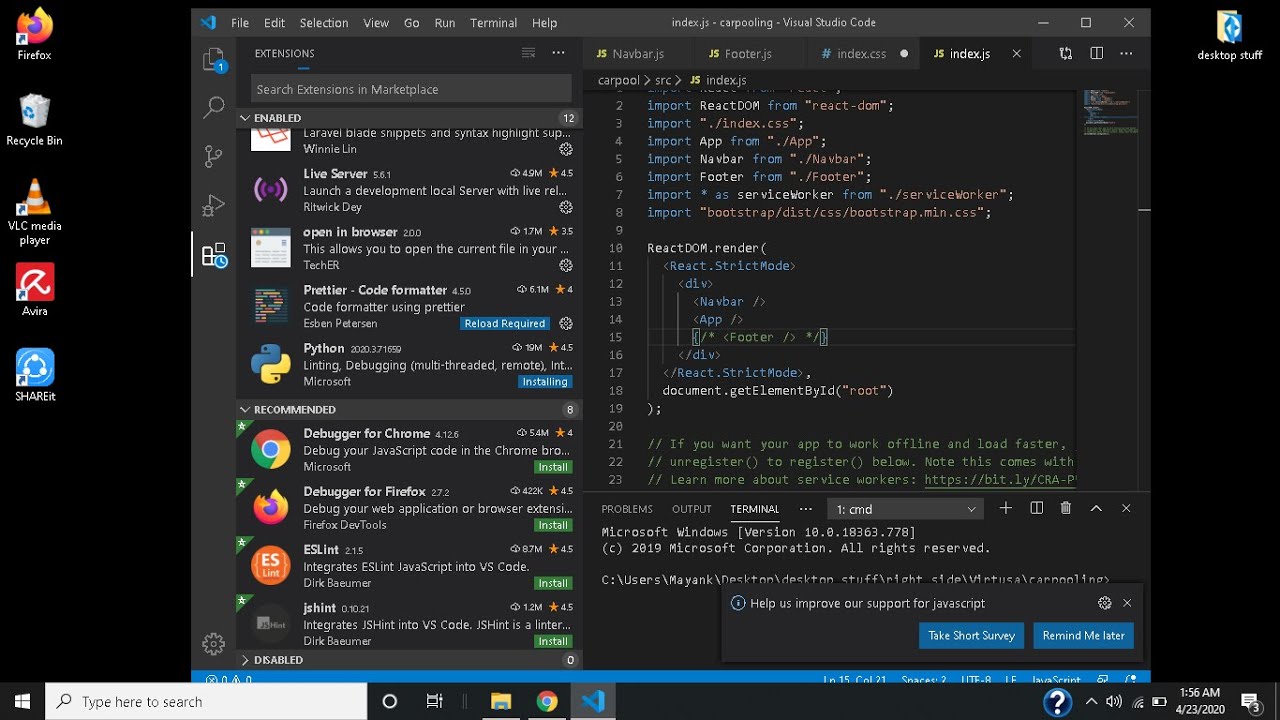
How To Download And Install Visual Studio Code YouTube

Hoe Kan Ek Visual Studio Code uitbreidings Installeer TecnoBits

How To Install Visual Studio Code Extension Offline YouTube
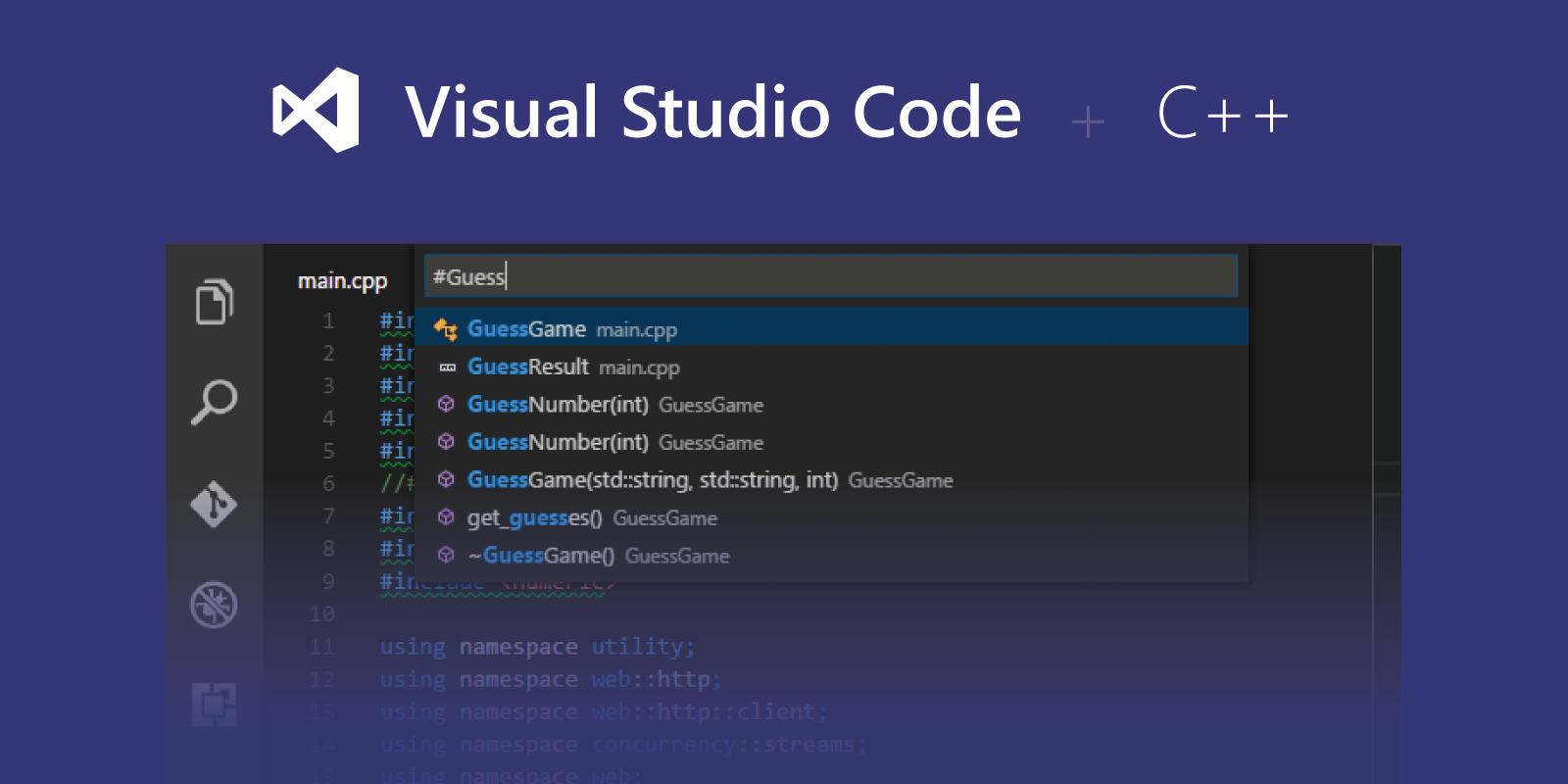
Visual Studio Code
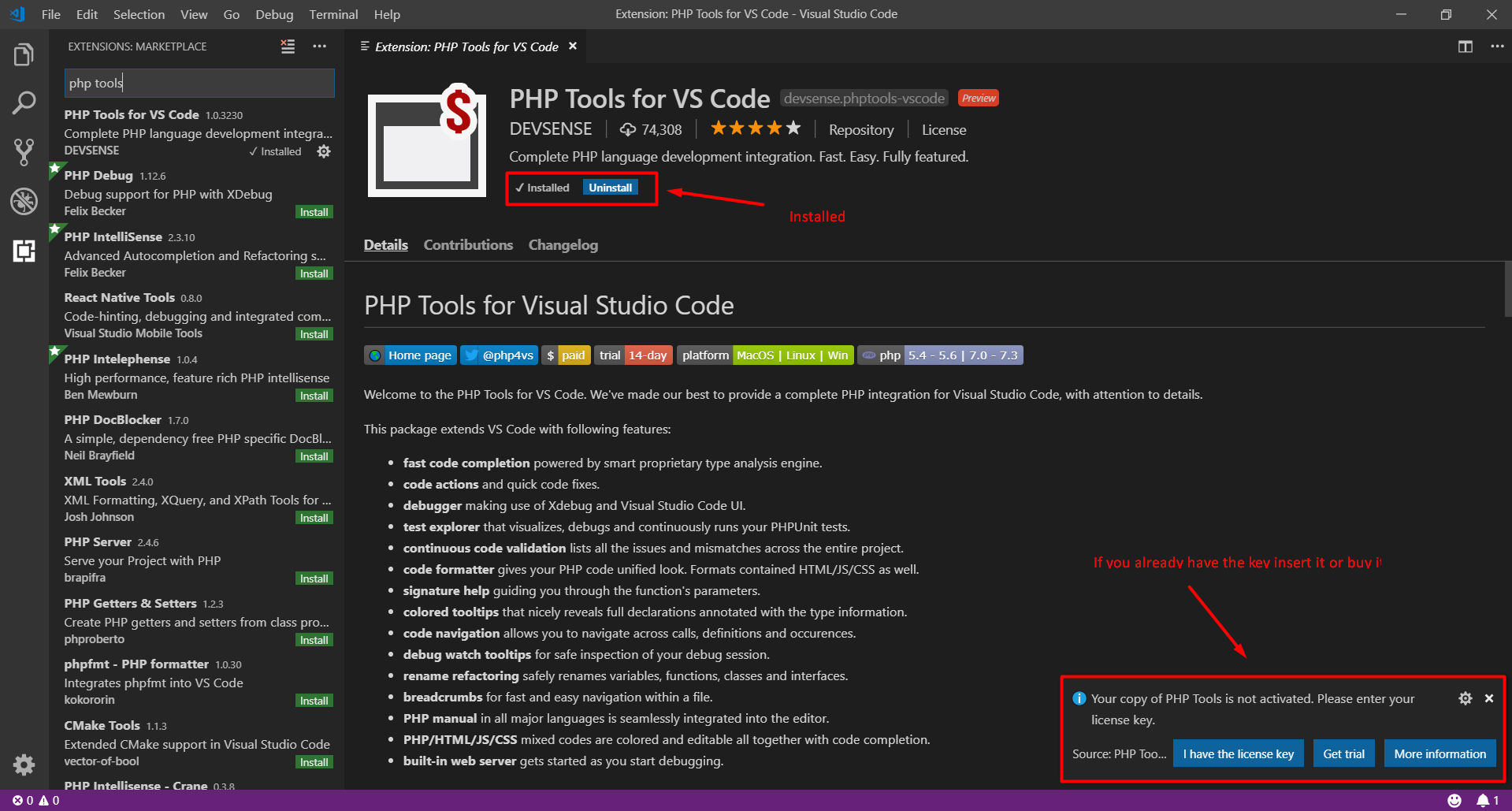
Php Visual Studio Code

Visual Studio Code Install Folder Linsas

You can browse and install extensions from within VS Code Bring up the Extensions view by clicking on the Extensions icon in the Activity Bar on the side of VS Code or the View Extensions command X Windows Linux Ctrl Shift X This will show you a list of the most popular VS Code extensions on the VS Code Marketplace

Install Visual Studio Code extensions In this video we walk you through installing Visual Studio Code extensions Next video Personalize Visual Studio Code Outline Find extensions to install using the Extensions View Install an extension See what features are added via the Contributions tab or Command Palette

To open the Manage Extensions dialog choose Extensions Manage Extensions Or type Extensions in the search box and select Manage Extensions The left pane categorizes extensions by those that are installed those available on Visual Studio Marketplace Online and those that have updates available
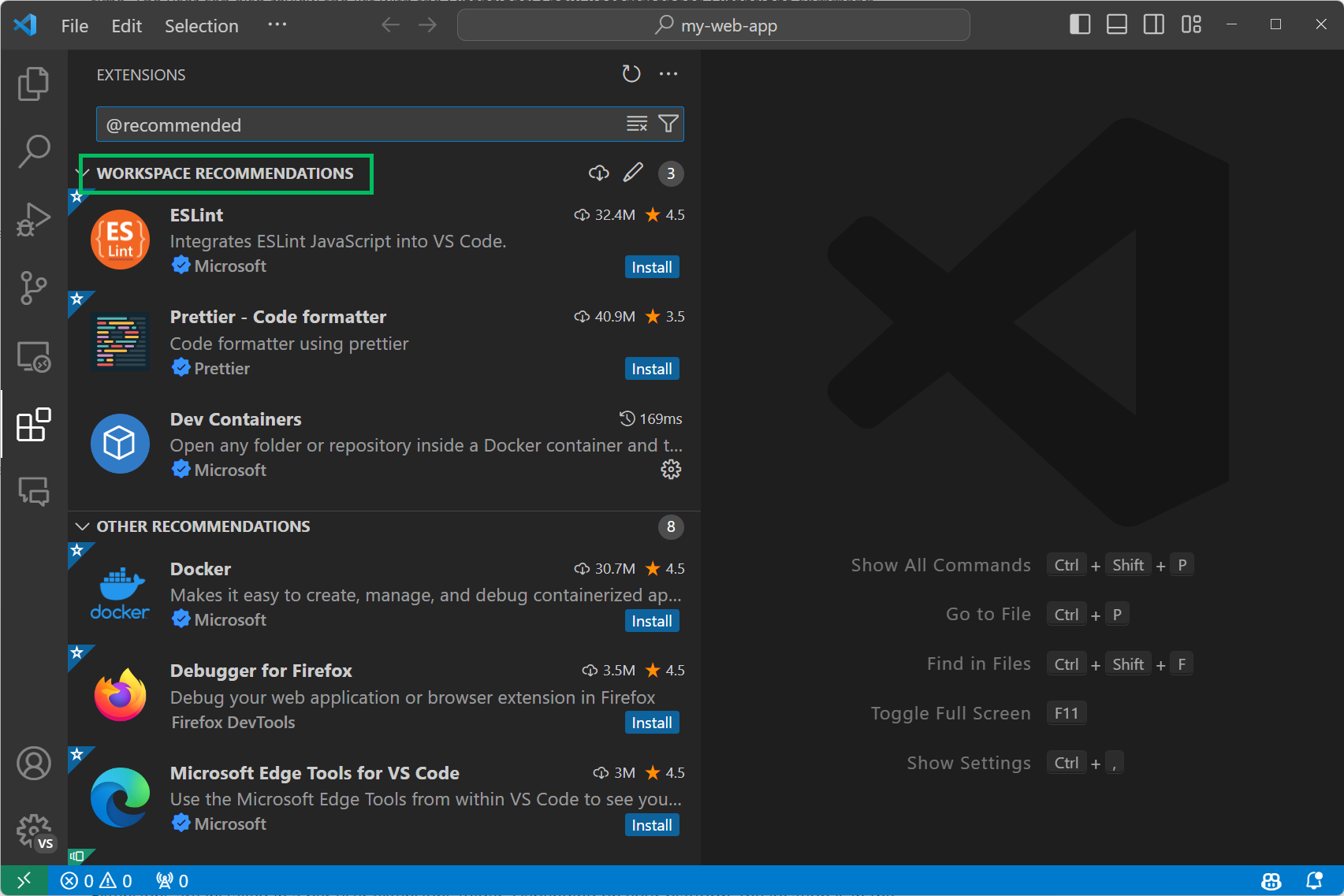
Implements the extension API to enable offline extension use Implements the malicious extension list Implements initial support for multiple versions Supports extension search name author and short description and sorting Supports custom private extensions follow the structure of a mirrored extension and

Click on Visual Studio IntelliCode 1 extension from the list presented of the most popular extensions How to install an extension like Visual Studio IntelliCode Simply clicking on the Install button 2 will install the Visual Studio IntelliCode extension This extension gives you AI predicted suggestions while you are writing code
How can I install extensions offline with Visual Studio Code I don t see and download links for extensions on the site and I couldn t find any documentaion on how to get and install extensions offline visual studio code Share Follow asked Jun 1 2016 at 8 46 user2102508 1 009 11 23 4 Here s how to install an extension via the VS Code Marketplace Click on the Extensions button in the Activity Bar It s located on the side of VS Code s client Alternatively you can
To install the extension use the dedicated command Extensions Install from VSIX in the Visual Studio Code palette Select the VSIX file from the explorer and install it