Visual Studio Code Disable Extension For Workspace Css Best Visual Studio Code Extensions For Web SexiezPicz Web Porn Best Visual Studio Code Extensions Korearety Visual Studio Code Introduction overview Youtube Seamless Teaching And Visual Studio Code Toolkit Community Figma Community 7 Visual Studio Code Alternatives For Better Coding Programming Cube WEB Jun 17 2019 nbsp 0183 32 As of June 2020 it looks like you can globally disable an extension and then explicitly enable it for a workspace I ve started doing this across JS TS Rails Java and Scala workspaces and it seems to work well
WEB Jul 26 2023 nbsp 0183 32 How can I remove that extension from the profile without removing it for other workspaces with the Python profile The docs simply say that a profile tracks your config changes in the current profile WEB Nov 16 2016 nbsp 0183 32 2882 recently added the ability to disable extensions either globally or on specific workspaces With these new options it is now possible to have extensions enabled on all except some selected workspaces
7 Visual Studio Code Alternatives For Better Coding Programming Cube Visual Studio Code Auto Format When Save Raswaves Visual Studio Code Yaml File Formatting In Vscode Stack Overflow Manage Moving Panel In Visual Studio Code To Right Side Vrogue Remove Visual Studio Code Extensions And Settings Gastrader Top Visual Studio Code Extensions For Svelte Developers How To Install Visual Studio Code On Ubuntu 22 04 ITzGeek Visual Studio Code How To Change Language In Warnings Vscode Microsoft Visual Studio Code Tips And Tricks Class Notes Cool Themes Javascript
Visual Studio Code Disable Extension For Workspace
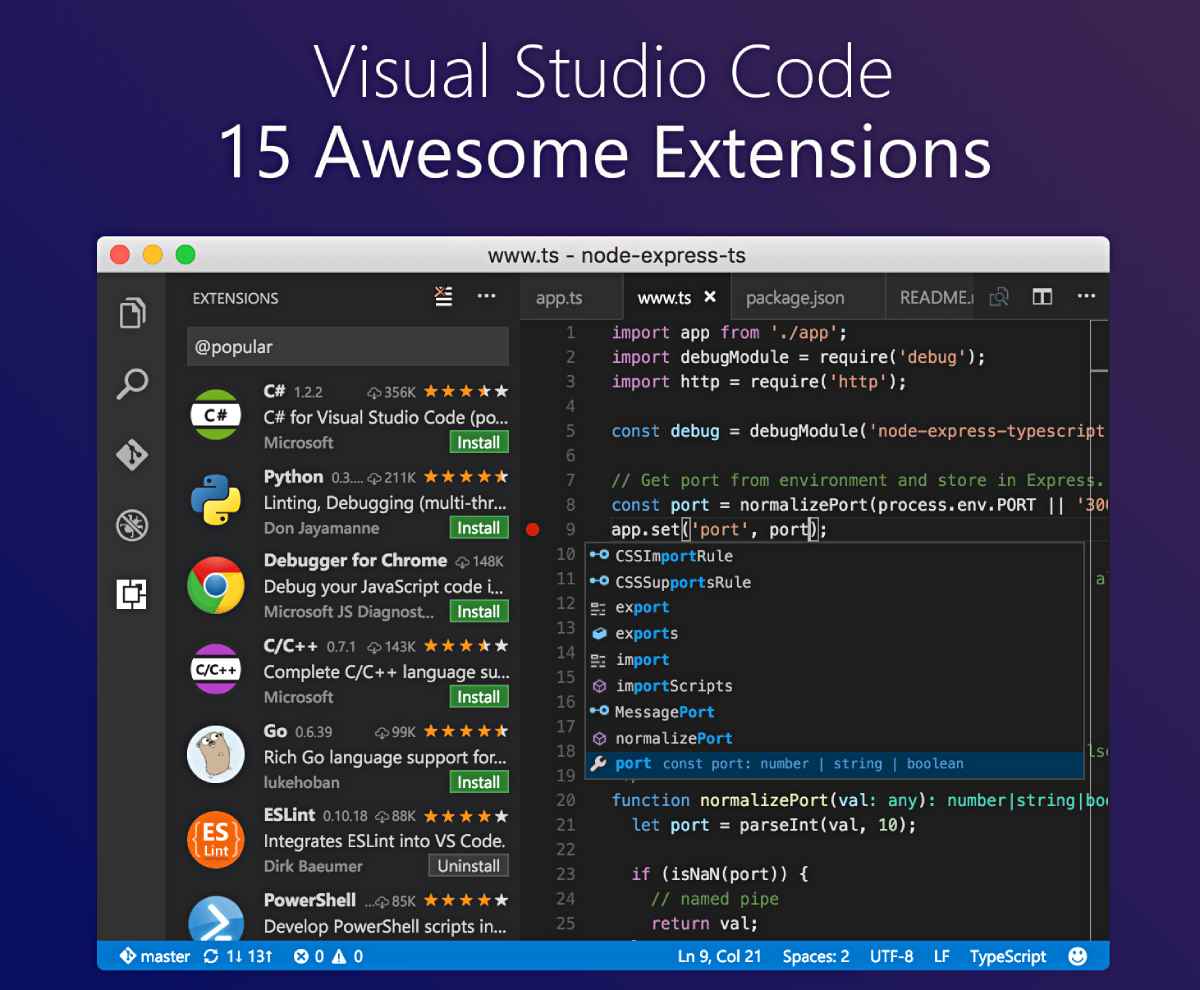 Visual Studio Code Disable Extension For Workspace
https://omahacode.com/wp-content/uploads/2018/12/Visual-Studio-Code-15-Awesome-Extensions.jpg
WEB To disable an extension on VS Code click the Extensions button in the sidebar on the left side of the editor Then click the gear icon on the extension you want to disable Click Disable from the menu that appears You also have the Disable Workspace option if you just want to disable the extension for that particular workspace
Pre-crafted templates provide a time-saving option for producing a varied variety of files and files. These pre-designed formats and layouts can be used for various personal and professional projects, including resumes, invites, leaflets, newsletters, reports, discussions, and more, simplifying the material development procedure.
Visual Studio Code Disable Extension For Workspace
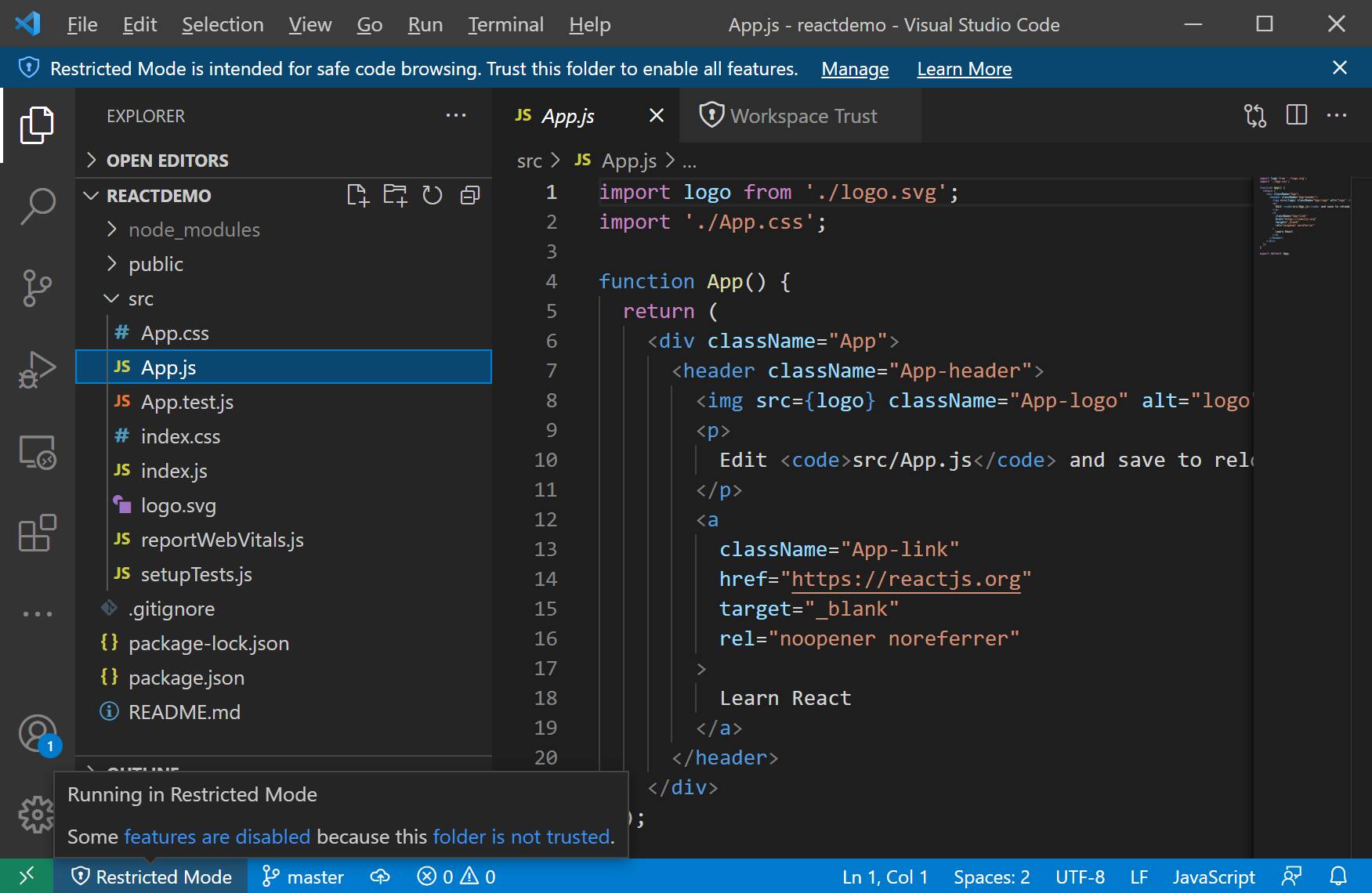
Microsoft Defends Intrusive Dialog In Visual Studio Code That Asks If
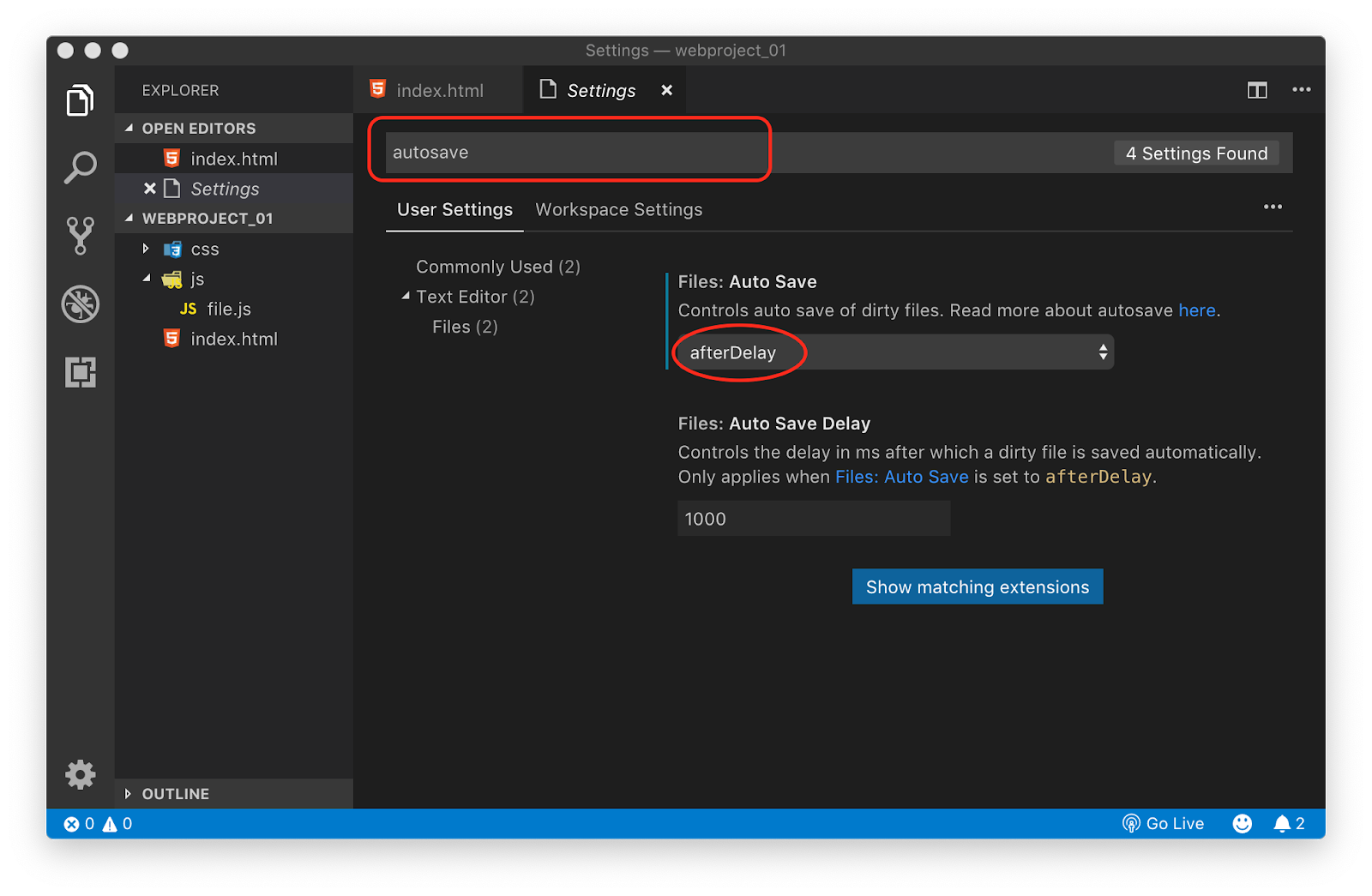
Visual Studio Code Auto Format When Save Raswaves

Visual Studio Code Yaml File Formatting In Vscode Stack Overflow Manage

Moving Panel In Visual Studio Code To Right Side Vrogue

Top Visual Studio Code Extensions For Svelte Developers

How To Install Visual Studio Code On Ubuntu 22 04 ITzGeek
WEB Through this context menu you can control extension updates enable or disable all extensions and use the Extension Bisect utility to isolate problematic extension behavior
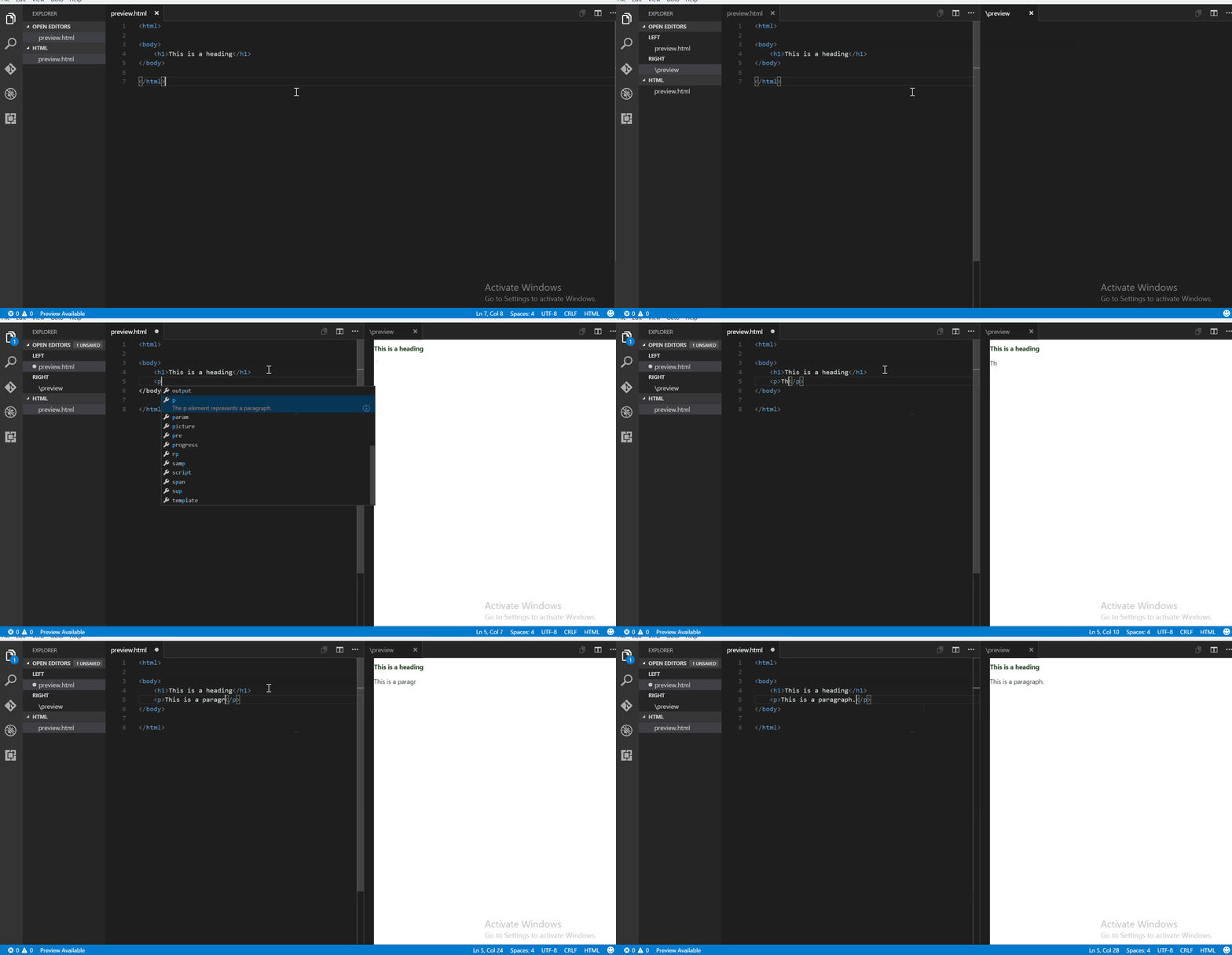
WEB May 8 2021 nbsp 0183 32 Is there a way to enable disable some specific list of extensions for different kinds of projects in VS Code e g have enabled c test explorer when I m working in python project is redundant this at least clutters space
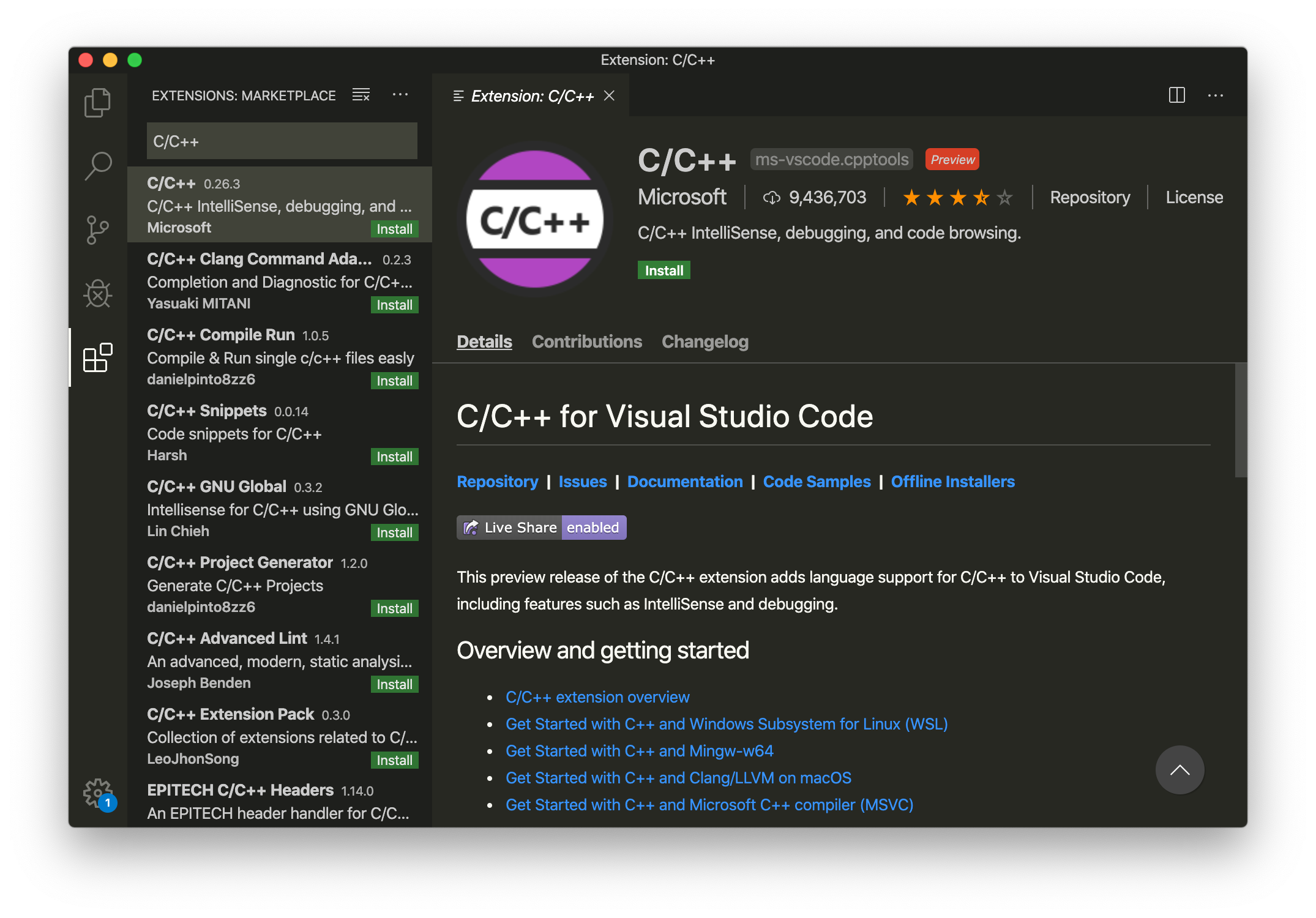
WEB Feb 28 2019 nbsp 0183 32 Open a new workspace folder Disable all extensions using Disable Enable all extension that you want to have enabled in every new project with Enable Enable extensions that you only want to use in this

WEB A Visual Studio Code workspace is the collection of one or more folders that are opened in a VS Code window instance In most cases you will have a single folder opened as the workspace
WEB In this article we ll first describe user settings as these are your personal settings for customizing VS Code Later we ll cover Workspace settings which will be specific to the project you re working on
WEB Dec 15 2017 nbsp 0183 32 You can go to Installed Extensions view in Extensions viewlet and use Disable Workspace action under gear icon to configure extensions to be enabled for the given workspace WEB Visual Studio Code takes security seriously and wants to help you safely browse and edit code no matter the source or original authors The Workspace Trust feature lets you decide whether code in your project folder can be executed by VS Code and extensions without your explicit approval
WEB Sep 17 2021 nbsp 0183 32 It s simple you create a file in the vscode folder of your workspace or as a workspace setting which you simply fill with a collection of extensions that you think are necessary for this workspace