Visual Studio Code Create Gui Create Your First Java Frame Using Visual Studio Code Create Java GUI Convergence Resume Shelter Export Visual Studio Code Settings Pedicab Azure Classroomnotes 11 Nov 2022 Direct DevOps From Quality Thought Create Azure Function Using Visual Studio Code And Powershell Azure Download How To Create A New File In Visual Studio Web Install Installing VS Code and extensions If you haven t already done so install VS Code Next install C Dev Kit from the Visual Studio Marketplace For additional details on installing extensions read Extension Marketplace The C extension is called C Dev Kit and it s published by Microsoft
Web Jan 25 2023 nbsp 0183 32 Applies to Visual Studio Visual Studio for Mac Visual Studio Code In this tutorial you ll create a simple C application that has a Windows based user interface UI If you haven t already installed Visual Studio go to the Visual Studio 2022 downloads page to install it for free Web Feb 22 2022 nbsp 0183 32 This walkthrough shows how to create a traditional Windows desktop application in Visual Studio The example application you ll create uses the Windows API to display quot Hello Windows desktop quot in a window You can use the code that you develop in this walkthrough as a pattern to create other Windows desktop applications
Download How To Create A New File In Visual Studio Visual Studio 2019 C Creating And Editing Windows GUI In C In Visual Studio 2015 YouTube Creating A New Series Uidaholib spec lumber GitHub Wiki Carga De Un Archivo En Azure Storage Azure Microsoft Learn Python Visual Studio Gui The 18 Correct Answer Barkmanoil How To Create GUI In Python Microsoft Visual Studio Code User Perspot Visual Studio Code Windows
Visual Studio Code Create Gui
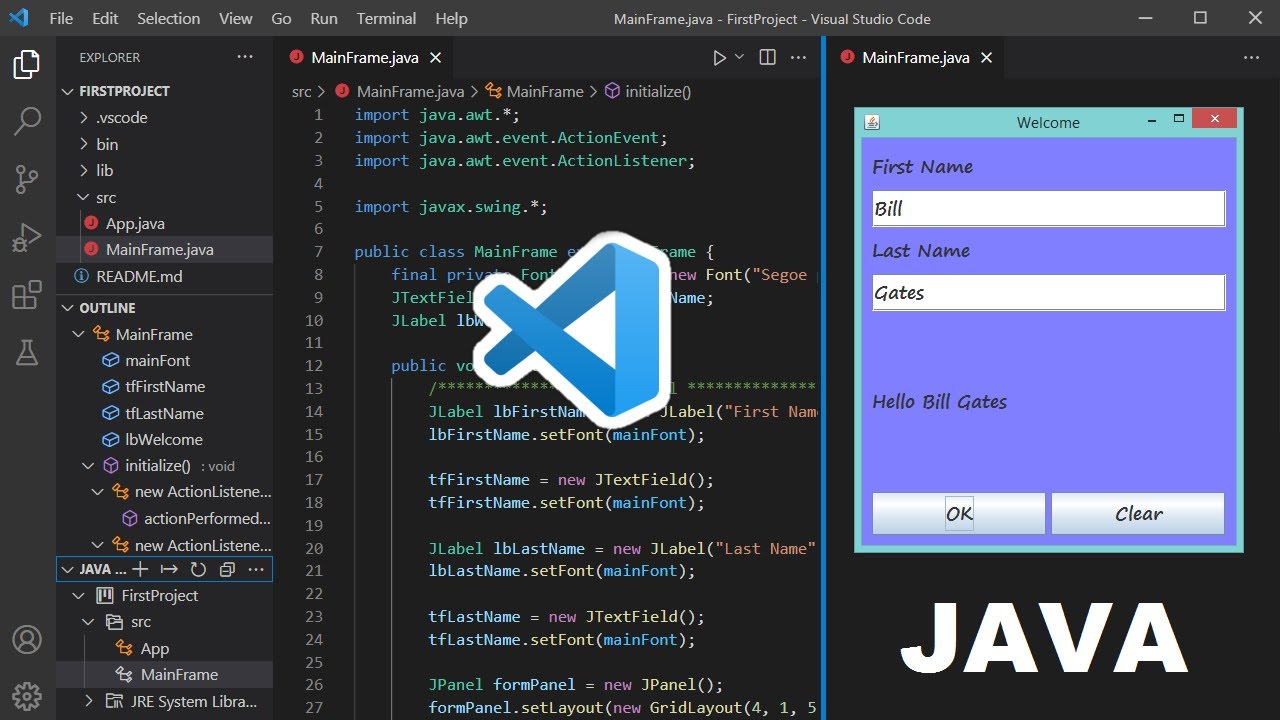 Visual Studio Code Create Gui
https://i.ytimg.com/vi/5G2XM1nlX5Q/maxresdefault.jpg
Web Feb 27 2023 nbsp 0183 32 Open Visual Studio On the start window choose Create a new project On the Create a new project window select the Windows Forms App NET Framework template for Visual Basic You can refine your search to quickly get to the template you want For example enter Windows Forms App in the search box
Templates are pre-designed files or files that can be used for different purposes. They can conserve effort and time by supplying a ready-made format and layout for developing various sort of content. Templates can be used for personal or expert projects, such as resumes, invites, flyers, newsletters, reports, presentations, and more.
Visual Studio Code Create Gui

Angular Setup Installation
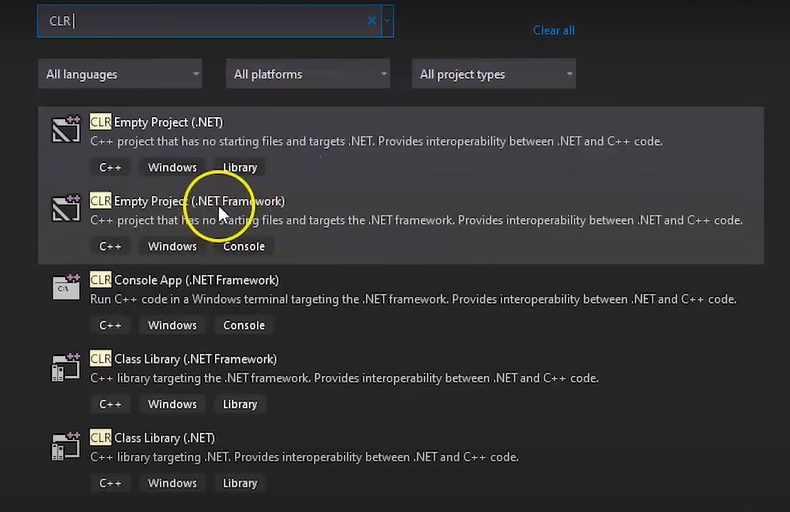
Visual Studio 2019 C

Creating And Editing Windows GUI In C In Visual Studio 2015 YouTube
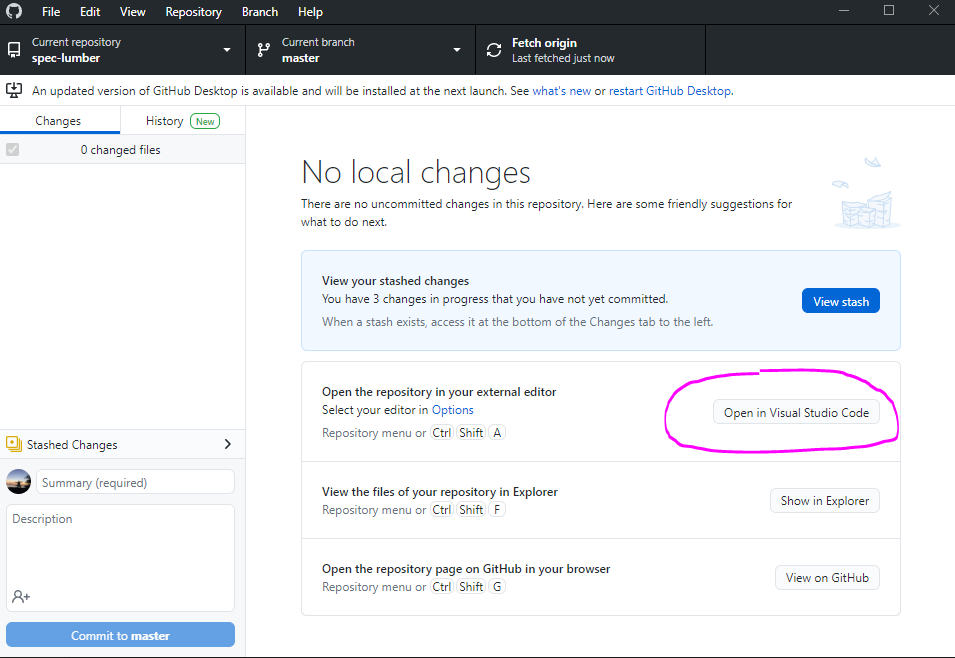
Creating A New Series Uidaholib spec lumber GitHub Wiki
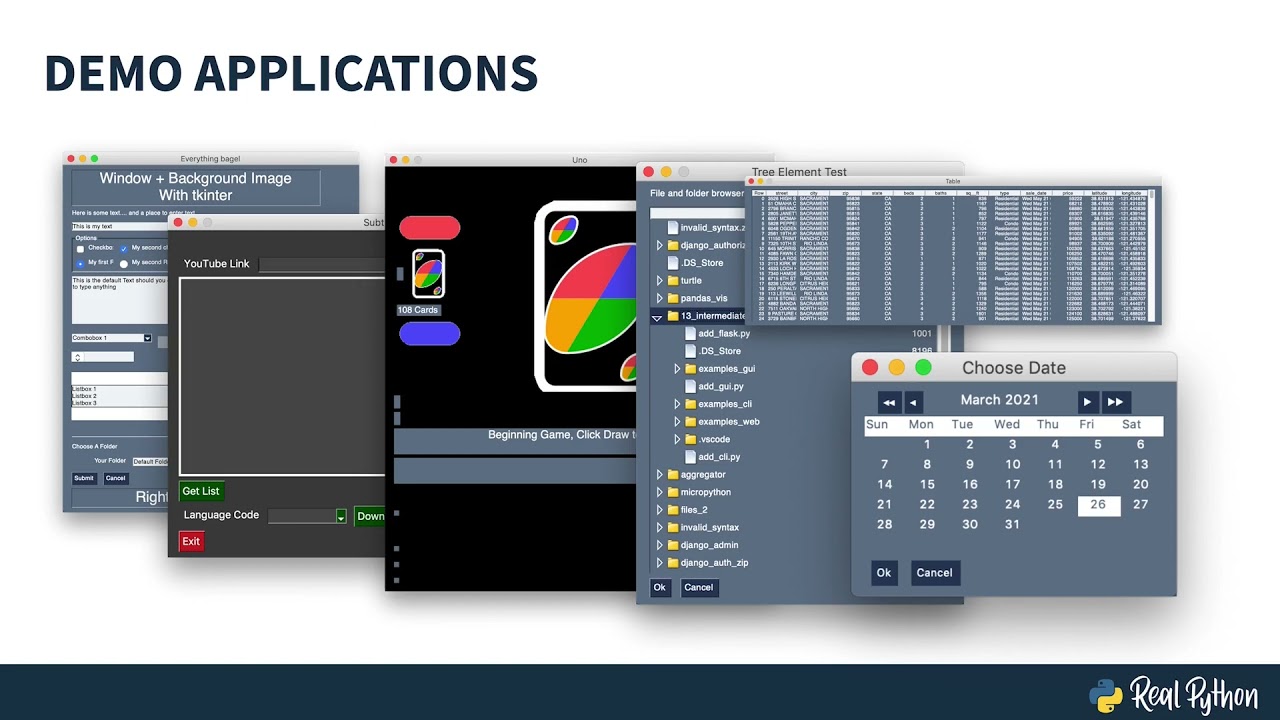
Python Visual Studio Gui The 18 Correct Answer Barkmanoil

How To Create GUI In Python

Web Oct 24 2020 nbsp 0183 32 If you want gui with c you ll have to install visual studio there s a free community edition with all the features you ll need Also it will make it so much easier for you Use the right tool for the job EDIT There is a answer above which shows an example of how it is possible to achieve a workaround without using visual studio
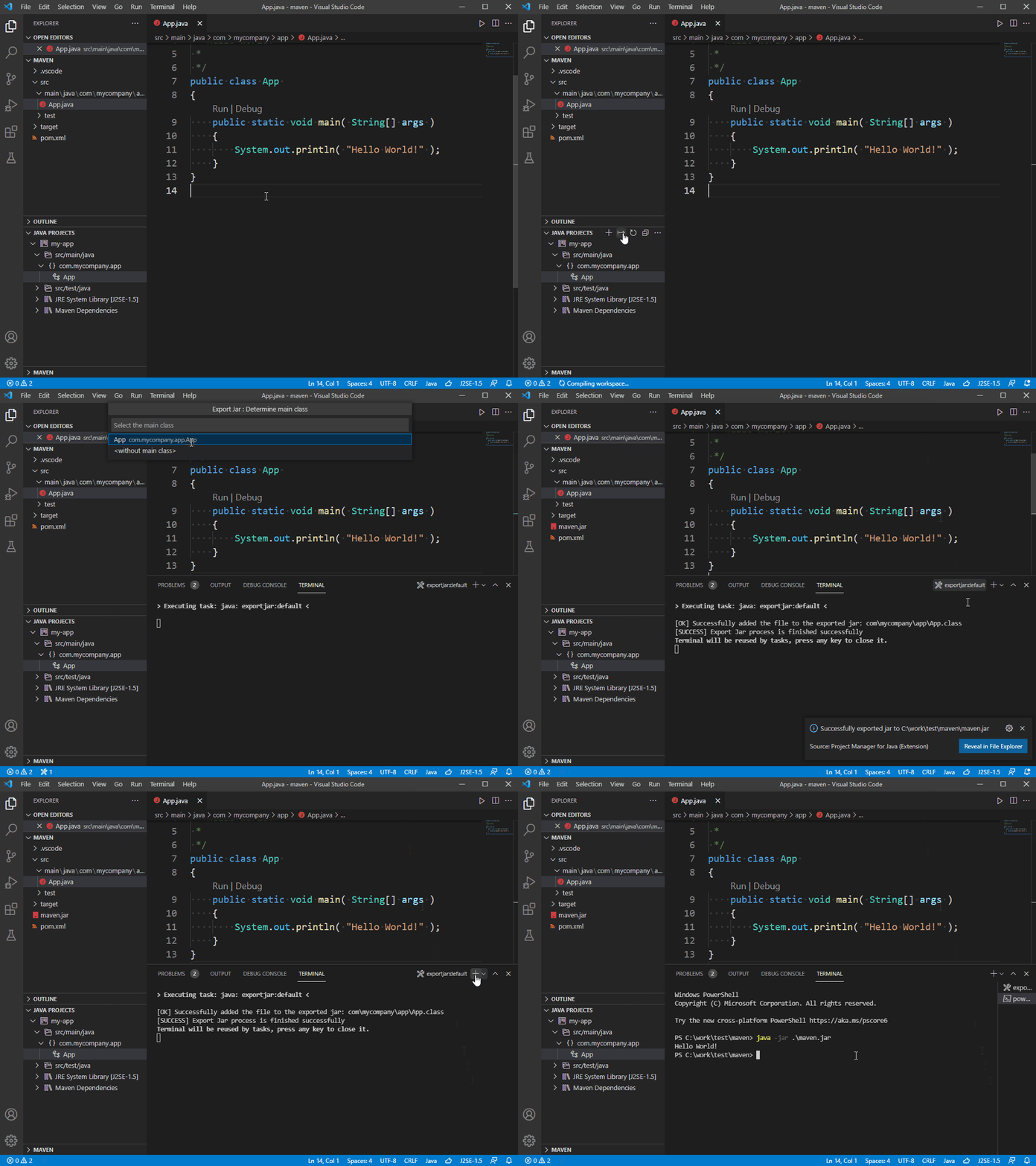
Web Oct 11 2021 nbsp 0183 32 With this toolkit extensions developers can quickly and easily create webview based extensions in Visual Studio Code that look feel and act like the editor itself What is the Webview UI Toolkit At its core the toolkit is a library of components that developers can use to build user interfaces inside extension webviews

Web Basic Layout VS Code comes with a simple and intuitive layout that maximizes the space provided for the editor while leaving ample room to browse and access the full context of your folder or project The UI is divided into five main areas Editor

Web Jul 4 2023 nbsp 0183 32 You can create user interfaces for your apps by dragging controls from the Toolbox window Assets window in Blend for Visual Studio and setting properties in the Properties window You can also edit XAML directly in XAML view For advanced users you can even customize the XAML Designer
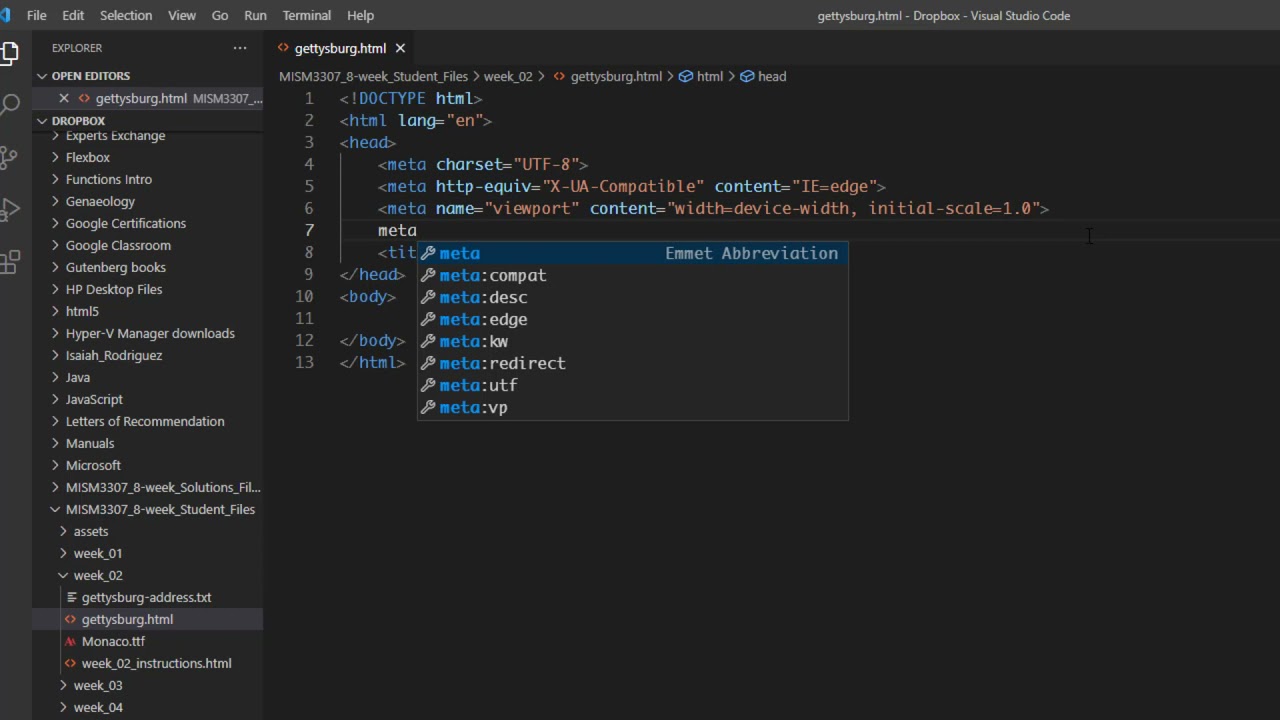
Web Apr 25 2023 nbsp 0183 32 To create the GUI app you must use Visual Studio 2019 because it is better suited for the C GUI application In this tutorial you will learn how to create a C GUI application in a detailed manner How to Create a Project and Configure a Visual Studio to Run a C GUI Application So start with creating a project in Visual studio
Web Jan 28 2023 nbsp 0183 32 In Visual Studio Code the Java Extension Pack includes all of the necessary Java extensions to create Java GUI applications By default the types of the Abstract Window Toolkit AWT are hidden If your AWT application does not finish the code completions may not work Web Create the Form After installing the Pro tools you should now have a Form item template available Right click on your project and select Add gt New Item Once the New Item dialog pops up select the PowerShell Form template name it and click Ok
Web Apr 2 2014 nbsp 0183 32 1 The Windows API can be used with any C or C compiler that works on Windows If you get the paid version of Visual Studio it comes with MFC which is Microsoft s C GUI library and a resource editor that makes laying out dialogs much easier MFC and the resource files are definitely not cross platform Mark Ransom Apr