Visual Studio Add Features After Install How To Add Reference In Visual Studio 2022 How To Add Reference In Multiple Solutions In Visual Studio Polrecircles Choose Visual Studio Code Vs Visual Studio Developertop Visual Studio Add Button Disabed When Creating A View Stack Overflow 7 Visual Studio 2022 Features That Will Change Your Life Visual Studio
Install VS Code extensions from the Visual Studio Marketplace Customize VS Code with themes formatters language extensions and debuggers for your favorite languages and more Learn how to use Visual Studio to develop applications services and tools in the language of your choice for any platform or device
7 Visual Studio 2022 Features That Will Change Your Life Visual Studio Themes Toopurple Visual Studio Community 2022 Visual Studio Community 2022 Visual Studio Community Download Erheat Mengonfigurasi Visual Studio Code Untuk Pengembangan Azure Dengan NET Visual Studio Vs Visual Studio Code How To Choose InfoWorld How To Install In Visual Studio Code Kettner Hent1962 Microsoft Visual Studio 2019 Visual Studio Code Tips Javascript Code Execution In Visual Studio Vrogue
Visual Studio Add Features After Install
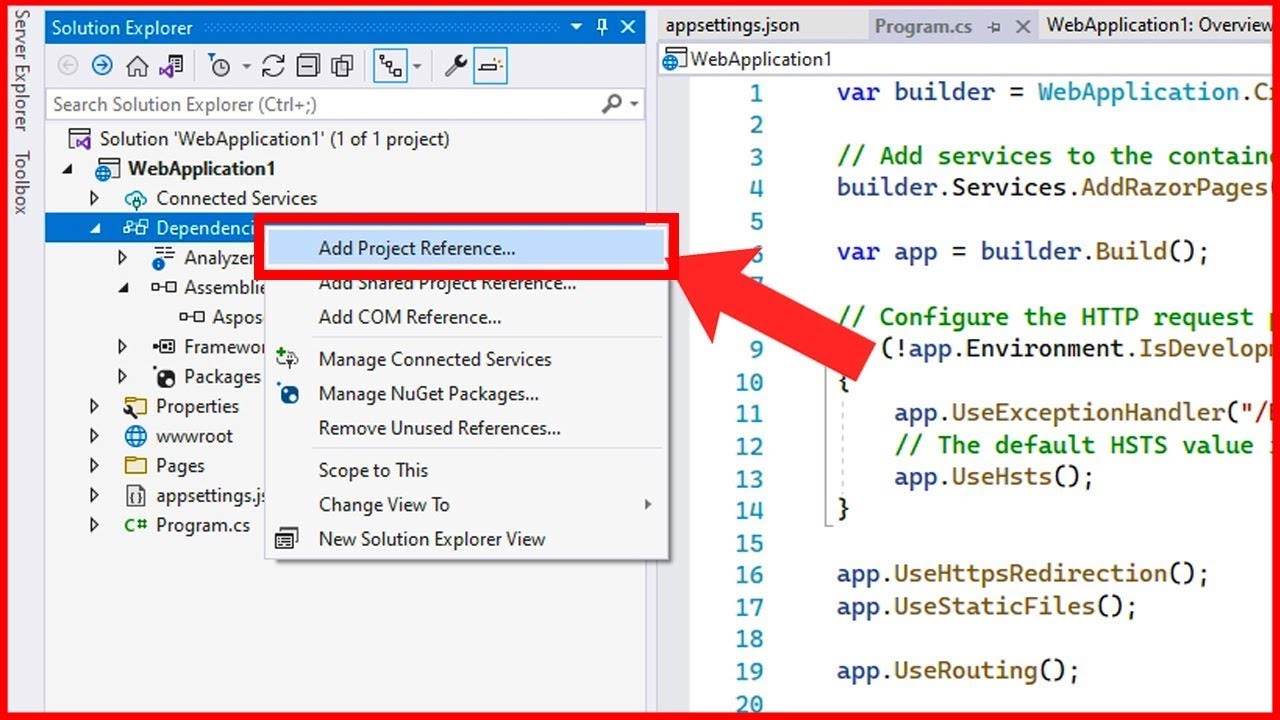 Visual Studio Add Features After Install
https://i.ytimg.com/vi/LuDCJ90igrg/maxresdefault.jpg
Jul 15 2024 nbsp 0183 32 The Visual C Redistributable Packages install run time components of Visual C libraries These components are required to run C applications that are developed using Visual Studio 2015 and link dynamically to Visual C libraries
Pre-crafted templates use a time-saving option for developing a varied series of files and files. These pre-designed formats and layouts can be made use of for different personal and professional tasks, consisting of resumes, invitations, flyers, newsletters, reports, presentations, and more, simplifying the content creation process.
Visual Studio Add Features After Install
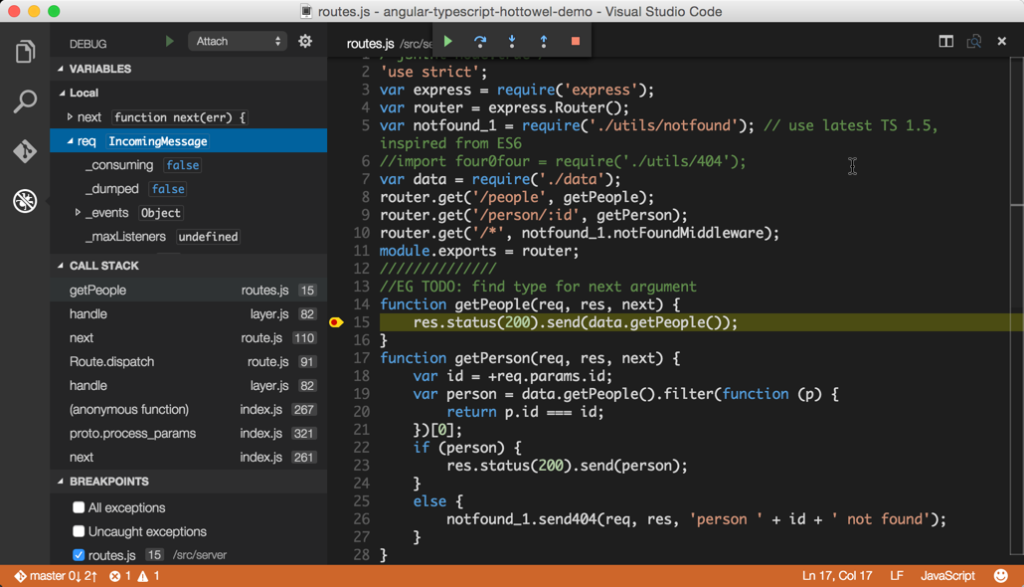
Visual Studio Code Updated With New Welcome Page And More Features
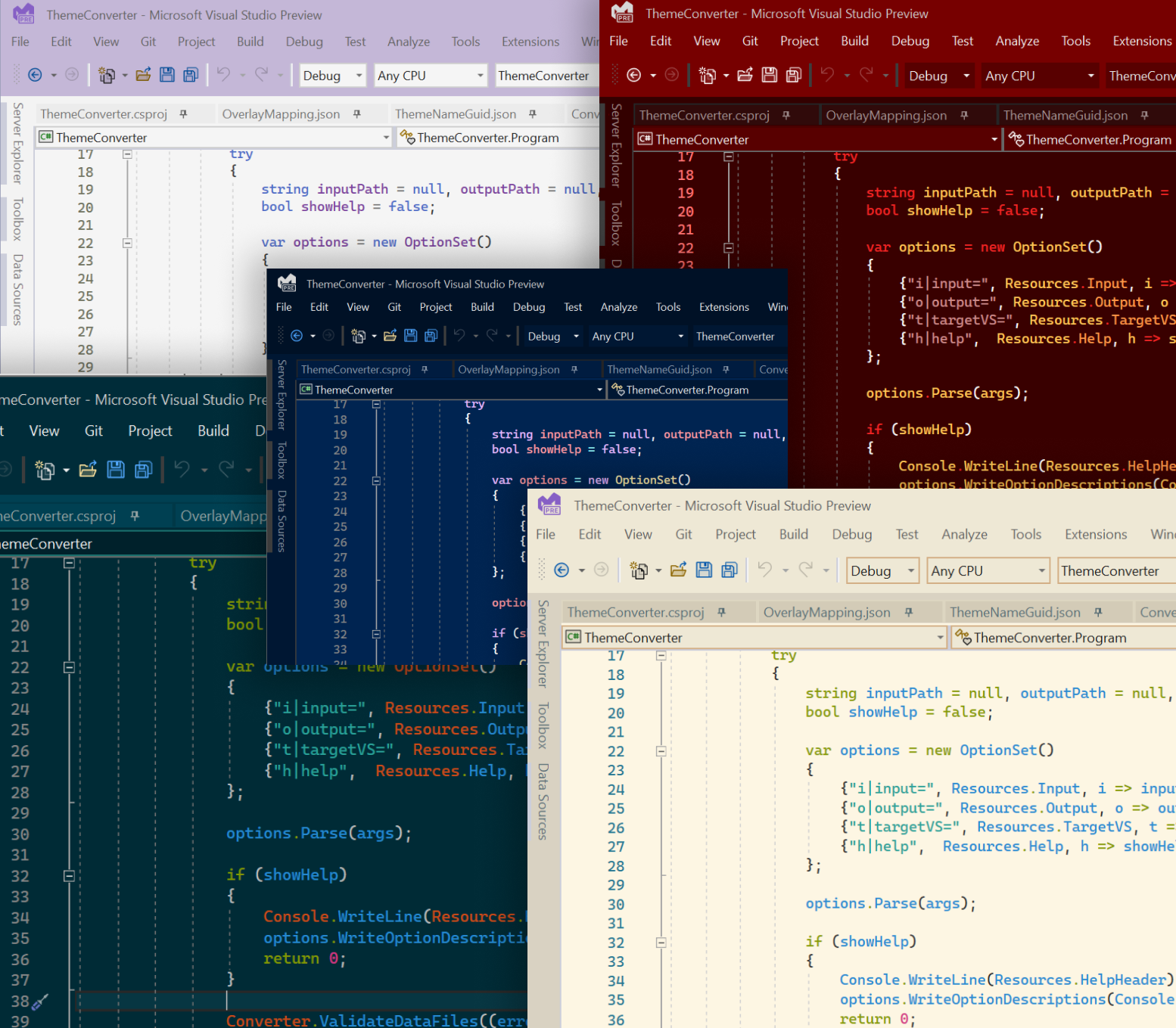
Visual Studio Themes Toopurple

Visual Studio Community 2022 Visual Studio Community 2022
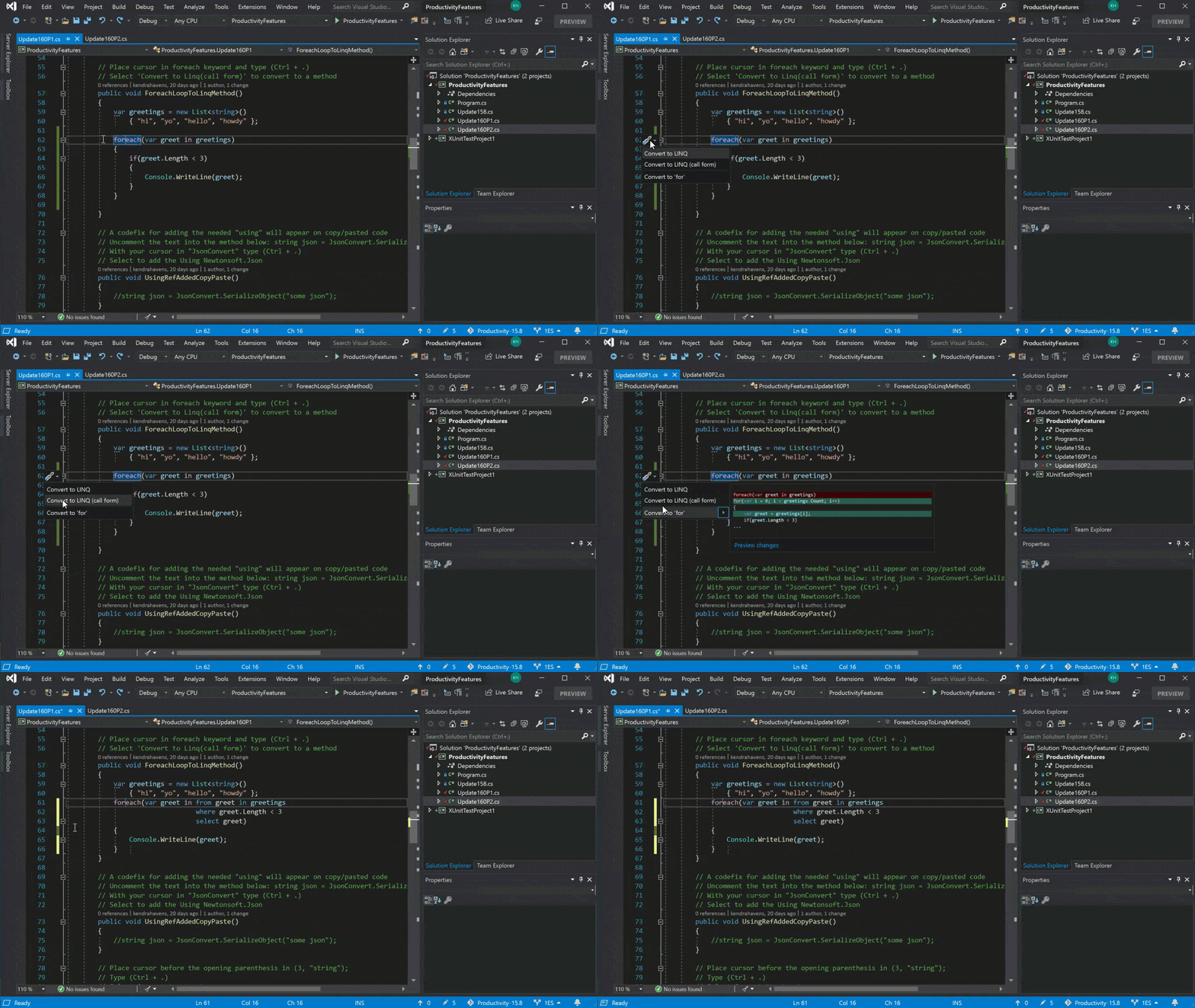
Visual Studio Community Download Erheat
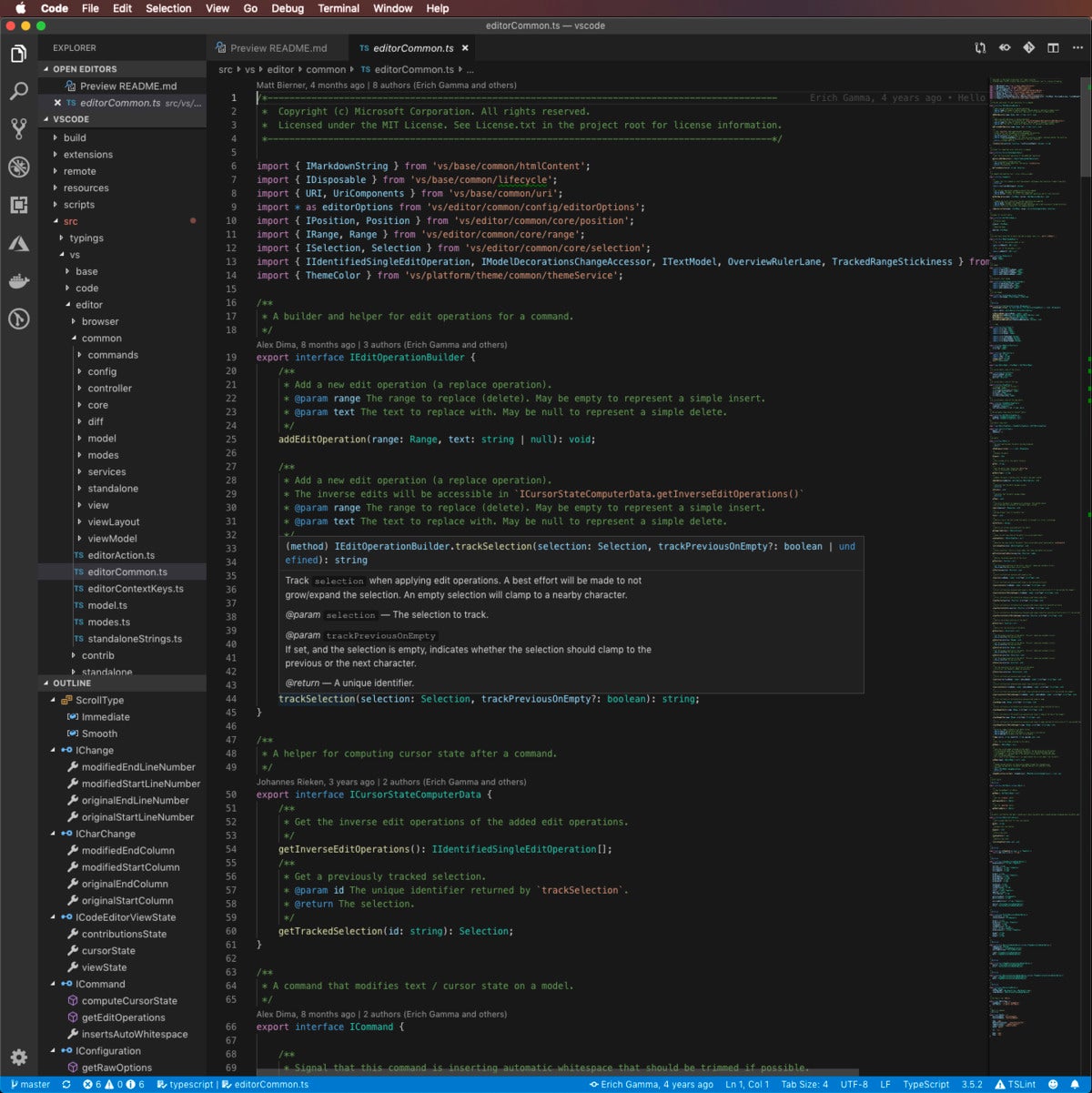
Visual Studio Vs Visual Studio Code How To Choose InfoWorld
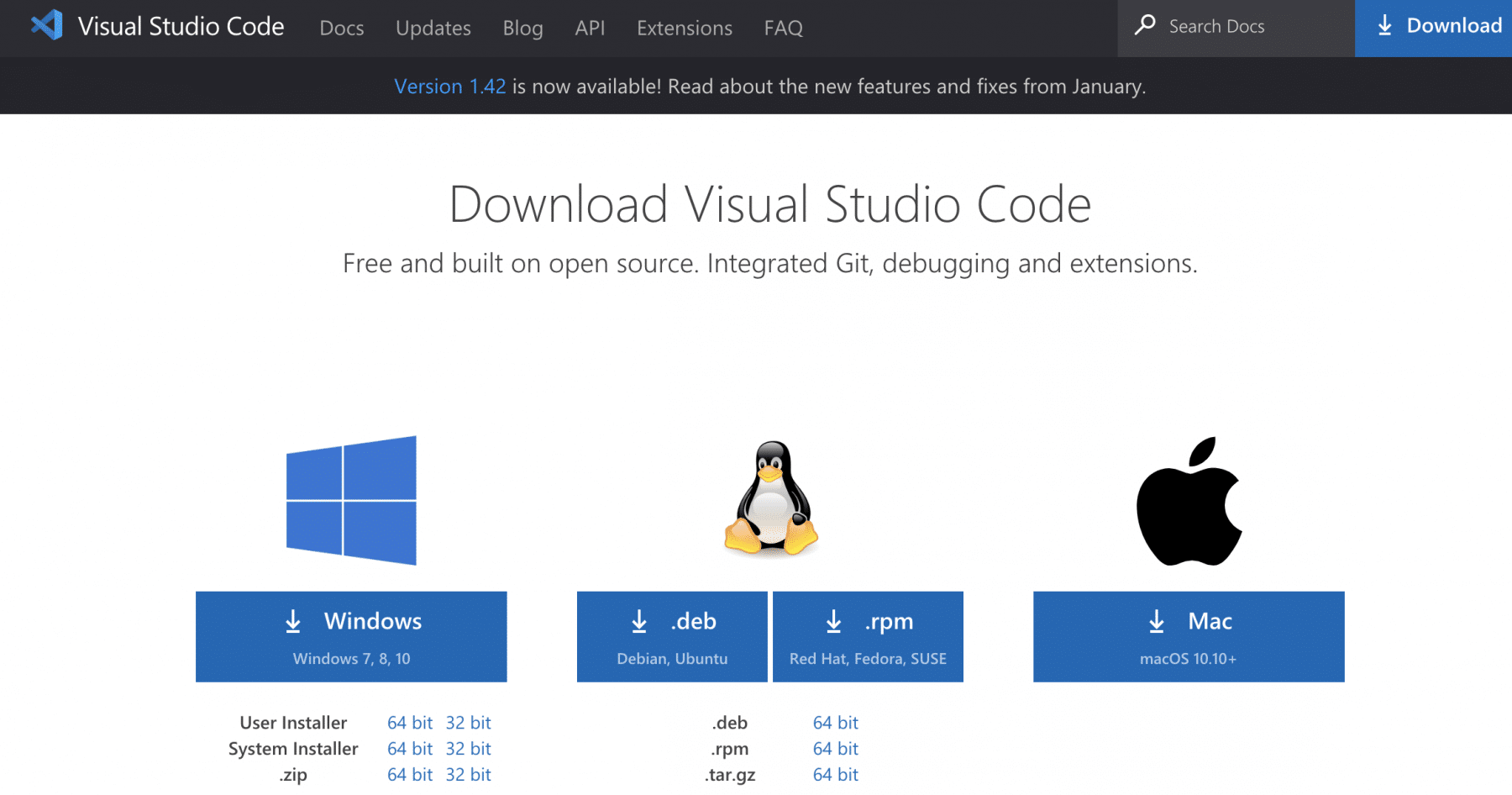
How To Install In Visual Studio Code Kettner Hent1962
Visual Studio dev tools amp services make app development easy for any developer on any platform amp language Develop with our code editor or IDE anywhere for free
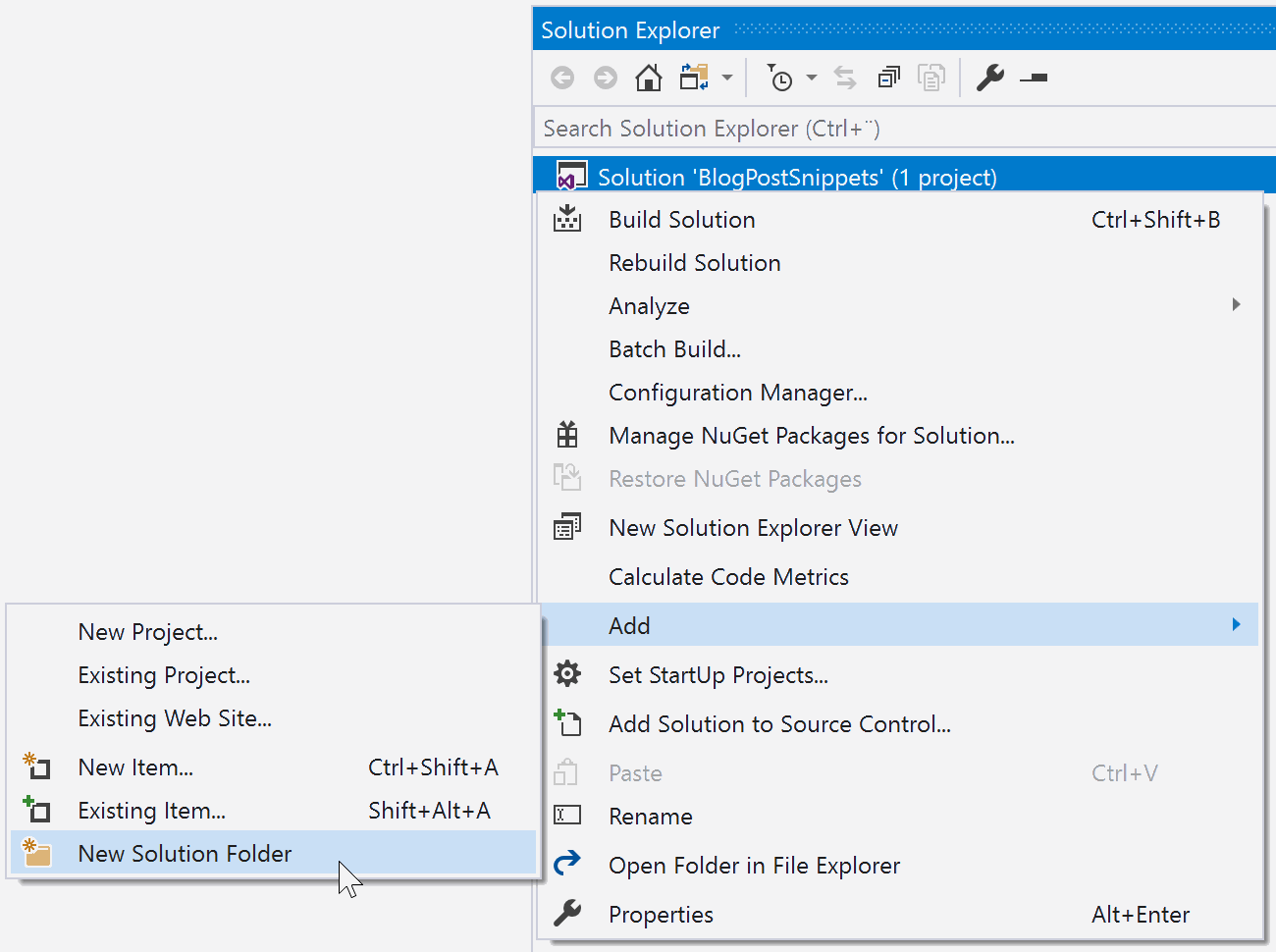
Visual Studio Code is a free lightweight and extensible code editor for building web desktop and mobile applications using any programming language and framework

Sep 8 2024 nbsp 0183 32 Learn how to install Visual Studio quickly To reduce the installation footprint choose your preferred features

Feb 11 2025 nbsp 0183 32 Explore the latest updates in Visual Studio 2022 v17 13 From enhanced debugging tools to AI powered GitHub Copilot improvements discover how this release boosts productivity streamlines development and strengthens security

Visual Studio Code also ships with IntelliSense for JavaScript TypeScript JSON CSS and HTML as well as debugging support for Node js Support for additional languages can be provided by freely available extensions on the VS Code Marketplace
[desc-11] [desc-12]
[desc-13]