Visual Studio 2022 Extensions Not Working Download Visual Studio 2022 Full H ng D n C i t Chi Ti t Isangtao Visual Studio 2022 Is Unable To Install Extensions Stack Overflow Visual Studio 2022 Released GameFromScratch Visual Studio 2022 Professionnel Sans Abonnement MyLicencePro Visual Studio Visual Studio Windows Microsoft Learn 03 09 2023 18 contributors Feedback In this article What software do I need to develop Visual Studio extensions What kinds of things can I do with Visual Studio extensions Which Visual Studio features can I extend What project templates are provided by the VSSDK Show 4 more Applies to Visual Studio Visual Studio for Mac Visual Studio Code
The switch to 64 bits and the removal of several legacy assemblies make VS2022 incompatible with most existing extensions You ll likely need to recompile your extension against the VS2022 SDK Creating a single vsix that can be used with both VS2019 and 2022 is tricky and not recommended Out of 35 extensions described as being for Visual Studio 2022 in the Visual Studio Marketplace 31 are free three come with free trials and only one is paid only Since we re cheap here s a quick look at the top five free tools ranked by the number of installations SonarLint for Visual Studio 2022
Visual Studio Visual Studio Windows Microsoft Learn 5 New Features In Visual Studio 2022 Preview 4 YouTube Extensions Charg es Automatiquement De Fa on Synchrone Visual Studio 12 Amazing Visual Studio 2022 Extensions That Will Boost Your Visual Studio 2022 Features Tahasivaci Update A Visual Studio Extension Visual Studio Windows Microsoft How To Create MSI Installers With Visual Studio Visual Studio 2022 17 1 Is Now Available Visual Studio Blog Visual Studio 2022 Beta Download Rafjewish
Visual Studio 2022 Extensions Not Working
 Visual Studio 2022 Extensions Not Working
https://isangtao.com/wp-content/uploads/2022/09/visual-2022-f.jpg
UPDATE I tried to install an extension from the marketplace site It failed I opened the logs and again same error
Pre-crafted templates provide a time-saving solution for producing a varied range of files and files. These pre-designed formats and layouts can be made use of for different individual and expert projects, including resumes, invites, leaflets, newsletters, reports, discussions, and more, streamlining the material creation process.
Visual Studio 2022 Extensions Not Working
Visual Studio Code 2022 Web Dev Setup Top Extensions Themes
5 New Features In Visual Studio 2022 Preview 4 YouTube

Extensions Charg es Automatiquement De Fa on Synchrone Visual Studio
12 Amazing Visual Studio 2022 Extensions That Will Boost Your
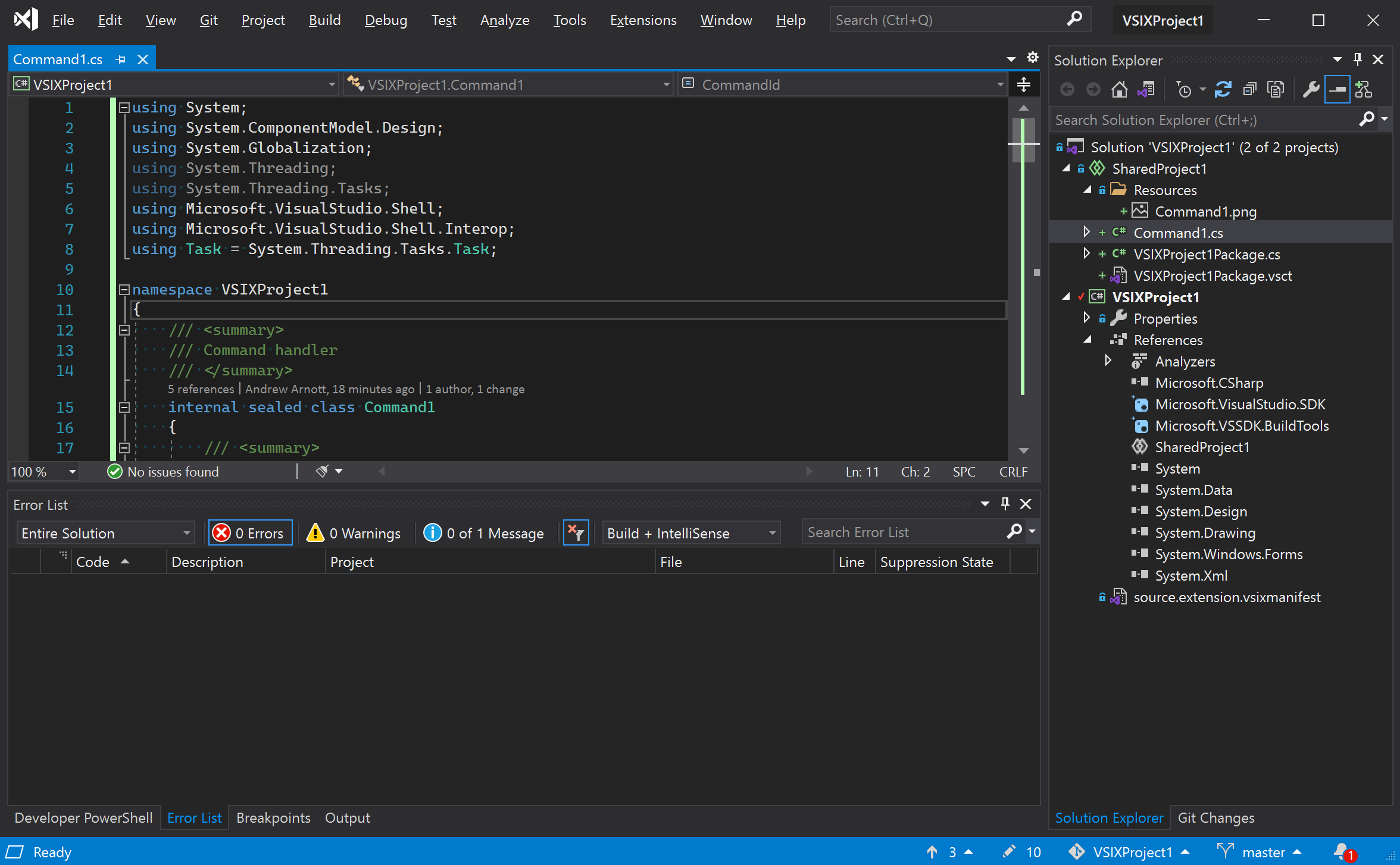
Update A Visual Studio Extension Visual Studio Windows Microsoft
How To Create MSI Installers With Visual Studio
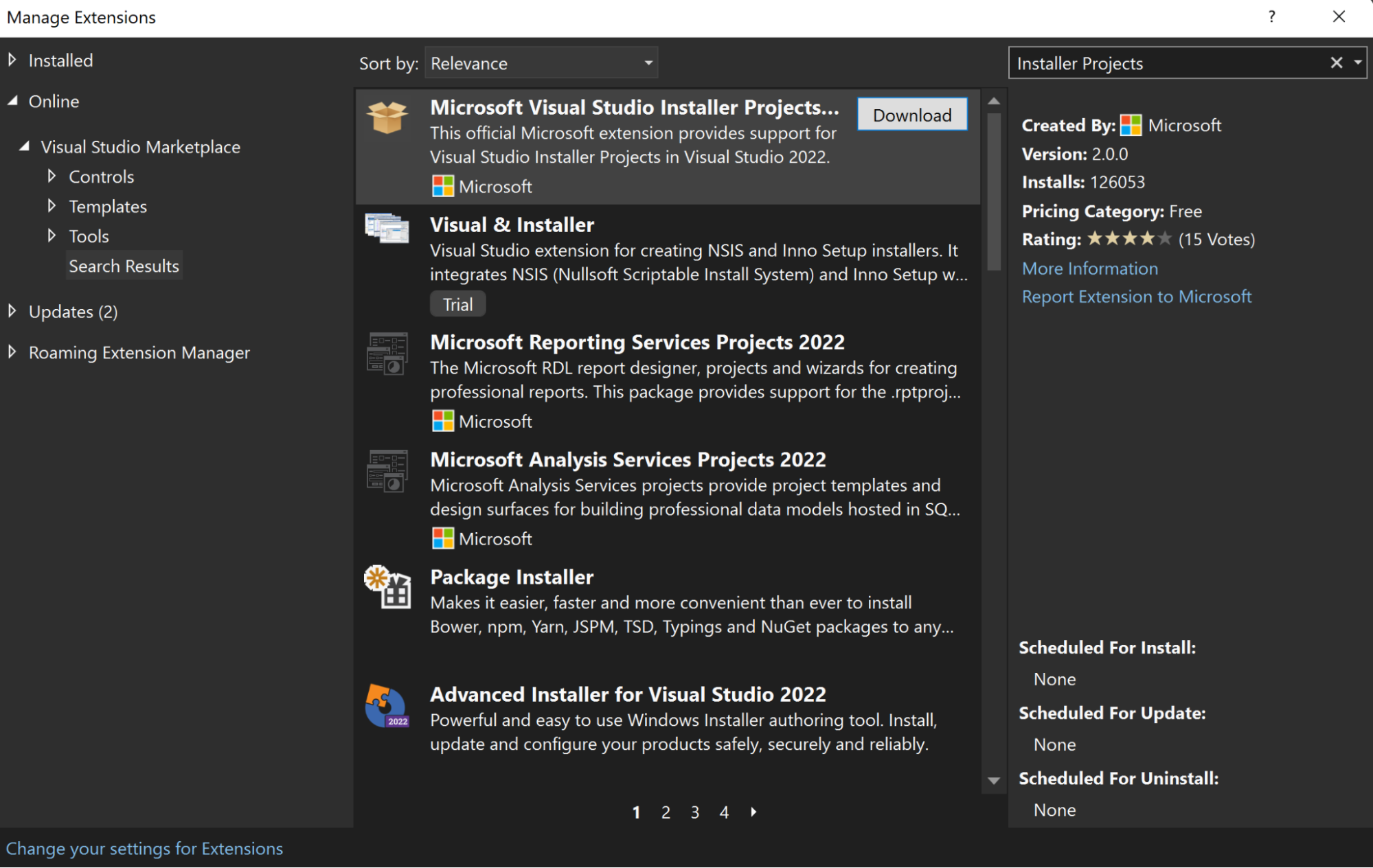
To open the Manage Extensions dialog choose Extensions Manage Extensions Or type Extensions in the search box and select Manage Extensions The left pane categorizes extensions by those that are installed those available on Visual Studio Marketplace Online and those that have updates available

Please try to repair VS from VS Installer More Repair uninstall the extension from VS Extensions Manage Extensions navigate to C Program Files Microsoft Visual Studio 2022 Community Common7 IDE PublicAssemblies folder check if Microsoft VisualStudio DeployWizard dll file exists

Extensions with running code must be compiled specifically for Visual Studio 2022 Visual Studio 2022 will not load any extension that targets an earlier version of Visual Studio Learn how to migrate your extensions for earlier Visual Studio versions to Visual Studio 2022 Modernize your projects
Visual Studio 2022 is still very new so a lot of existing extensions are transitioning via newly added VS 2022 support and new publishing locations The Marketplace and pre filtered Extension Manager still host most published VS 2022 extensions

1 Check whether the problem is a known issue The first thing to check is whether or not the issue you re encountering is a known issue with the Visual Studio Installer that Microsoft is working on fixing To see if there s a workaround for your problem check Known Issues of Visual Studio 2019 and Known Issues of Visual Studio 2022 2
In general this thread is for Visual Studio 2022 not VScode But anyway you can try the to delete the github copilot folder from C Users username AppData Local and try to reinstall the plugin again If it s still not working check if there is some log in your editor that can hing where is the problem One place for all extensions for Visual Studio Azure DevOps Services Azure DevOps Server and Visual Studio Code Azure DevOps Services Azure DevOps Server and Visual Studio Code Discover and install extensions and subscriptions to create the dev environment you need VsVim 2022 121K Jared Parsons FREE
Version Microsoft Visual Studio Community 2022 64 bit Current Version 17 8 3 windows 10 The Code editor Window behaves strangely does not work at all The same Solution Project if open in my Laptop Ide is working if in the Desk Top is not working Code is with different color Auto competition not working refactoring not working In