Visio Process Workflow Examples Visio Workflow Template Unique Process Improvement In The Virtual PM Microsoft Visio Standard 2019 Online D86 05822 Key i n T ProModel Better Decisions Faster Create Visio Workflow Diagram ConceptDraw HelpDesk Create Visio Workflow Diagram ConceptDraw HelpDesk Web Easily visualize a business process system or workflow with process mapping Reduce bottlenecks boost efficiency and deepen understanding for better business outcomes
Web Create the diagram for editing For more information see View create and edit a diagram in Visio for the web In the Gallery scroll down to the Cross Functional Flowchart row and then select Create The template opens with two functions and one phase Web Feb 9 2023 nbsp 0183 32 Design a workflow in Visio Prepare to export your workflow to Power Automate Export your workflow The Power Automate designer is a rich tool in which you can configure every detail of your logic However sometimes you may want to just sketch your flow logic before you start building your flow
Create Visio Workflow Diagram ConceptDraw HelpDesk Free Workflow Diagram Template Of Visio Workflow Templates Download How To Simplify Flow Charting Cross functional Flowchart Process Microsoft Visio Download DIAGRAM Microsoft Visio Process Diagram MYDIAGRAM ONLINE Visio Basic Flowchart Hiring Process Flow V1 Riset It Support Flow Chart Visio Cross Functional Flowchart From Excel Flow Chart Images And How To Create A Process Flow Chart Template In Visio 2023
Visio Process Workflow Examples
 Visio Process Workflow Examples
https://i.pinimg.com/originals/8a/53/0f/8a530f6ed3aedc31712edb3b26acffd0.jpg
Web May 1 2017 nbsp 0183 32 Once the table is populated Visio s wizard helps you complete the remaining steps to transform your Excel data into a Visio process diagram If you customize the premade template or create one of your own the wizard helps you map certain flowchart parts like swim lanes and connectors The resulting diagram is linked to the Excel table
Templates are pre-designed files or files that can be used for numerous purposes. They can save time and effort by supplying a ready-made format and layout for creating different sort of content. Templates can be used for personal or professional tasks, such as resumes, invites, leaflets, newsletters, reports, presentations, and more.
Visio Process Workflow Examples
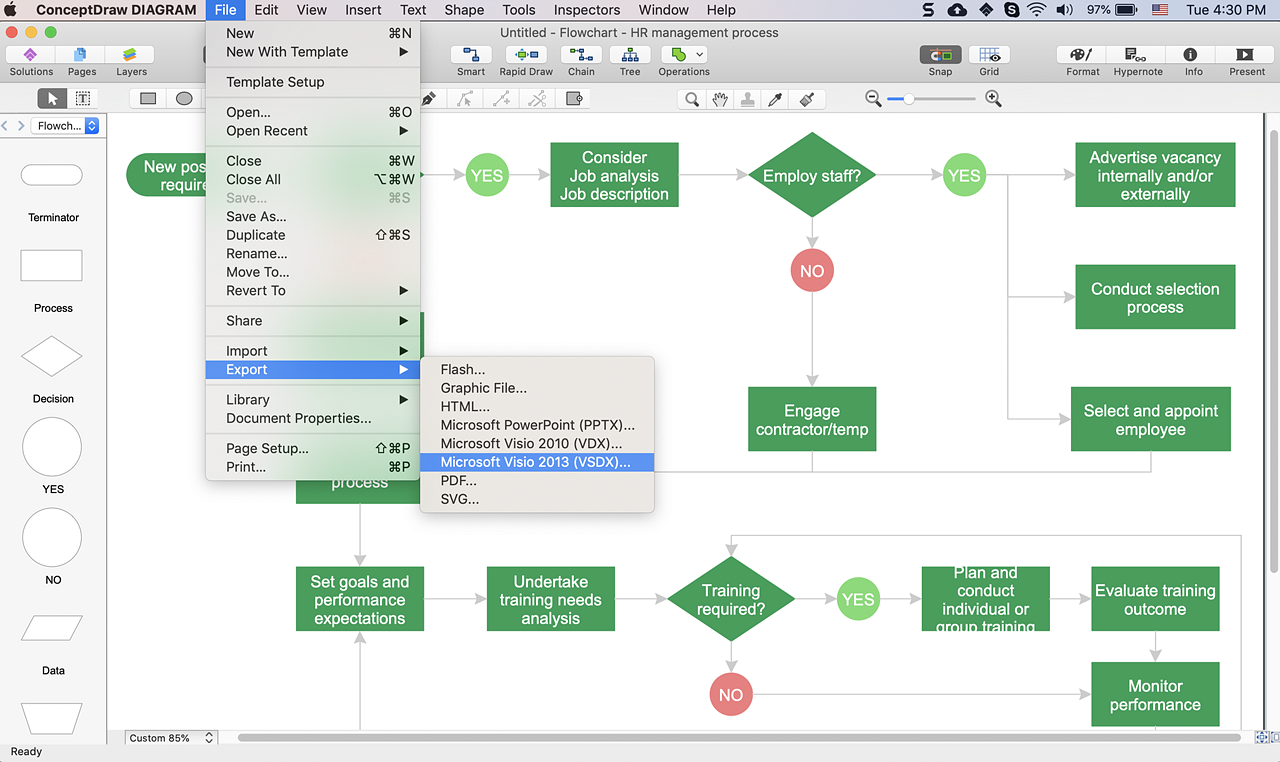
DIAGRAM Process Flow Diagram Visio MYDIAGRAM ONLINE

Free Workflow Diagram Template Of Visio Workflow Templates Download
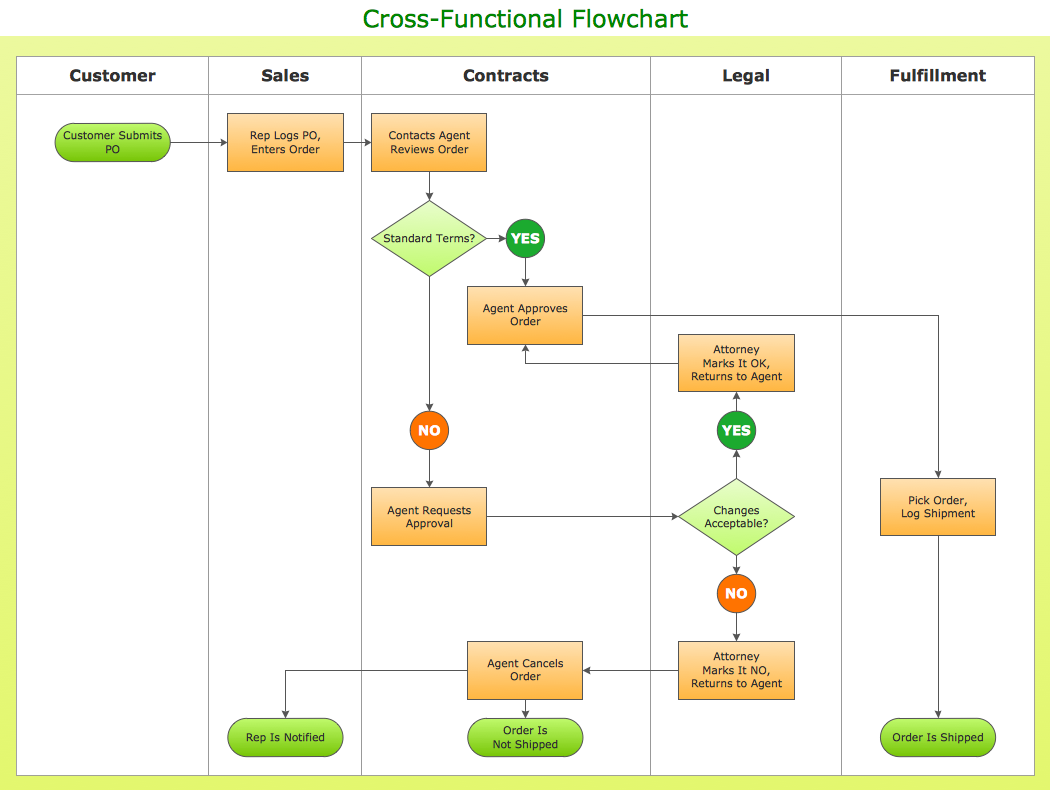
How To Simplify Flow Charting Cross functional Flowchart Process
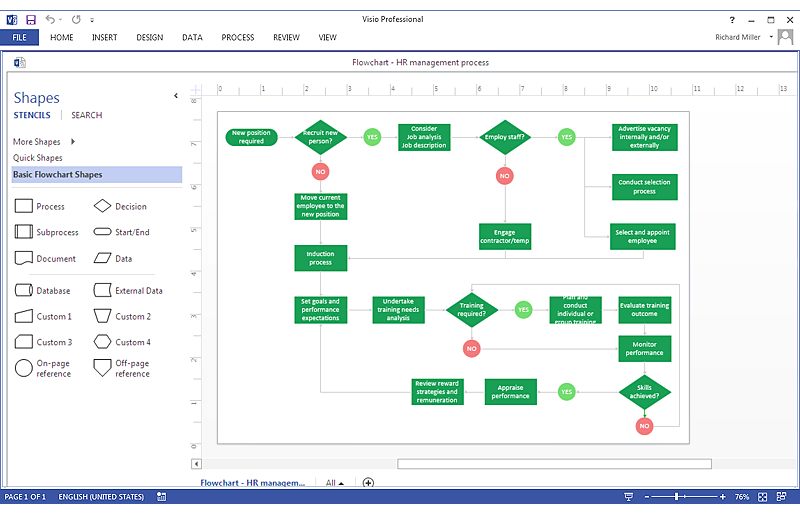
Microsoft Visio Download

Visio Basic Flowchart Hiring Process Flow V1 Riset

It Support Flow Chart

Web 10 example Flow Charts FREE to download Includes business process flows for a scrutiny process service request fulfilment purchase order process and an invoice matching flowchart Downloads in Visio and PDF format

Web The Basic Flowchart template in Visio comes with shapes that you can use to show many kinds of processes and it is especially useful for showing basic business processes like the proposal development process shown in the following figure

Web A flowchart can help visualize a process decision system hierarchy or other types of connected information In this video watch how to get a flowchart diagram started in Visio Drag and connect shapes to build the sequence of steps or elements that make up the process you re drawing
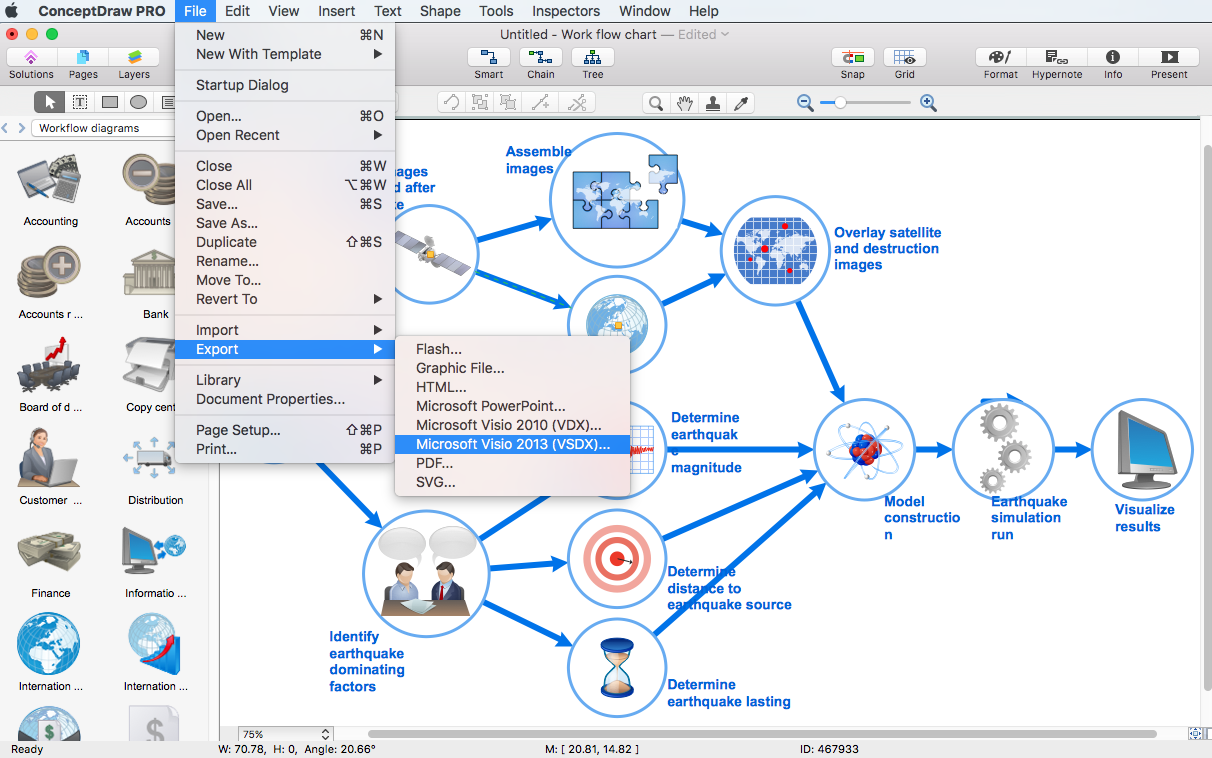
Web If you want to diagram a process and you don t have a specific methodology you want to follow one of these three templates should work well These diagrams are supported in Visio Standard Visio Professional and the subscription versions of Visio Basic flowchart Cross functional flowchart
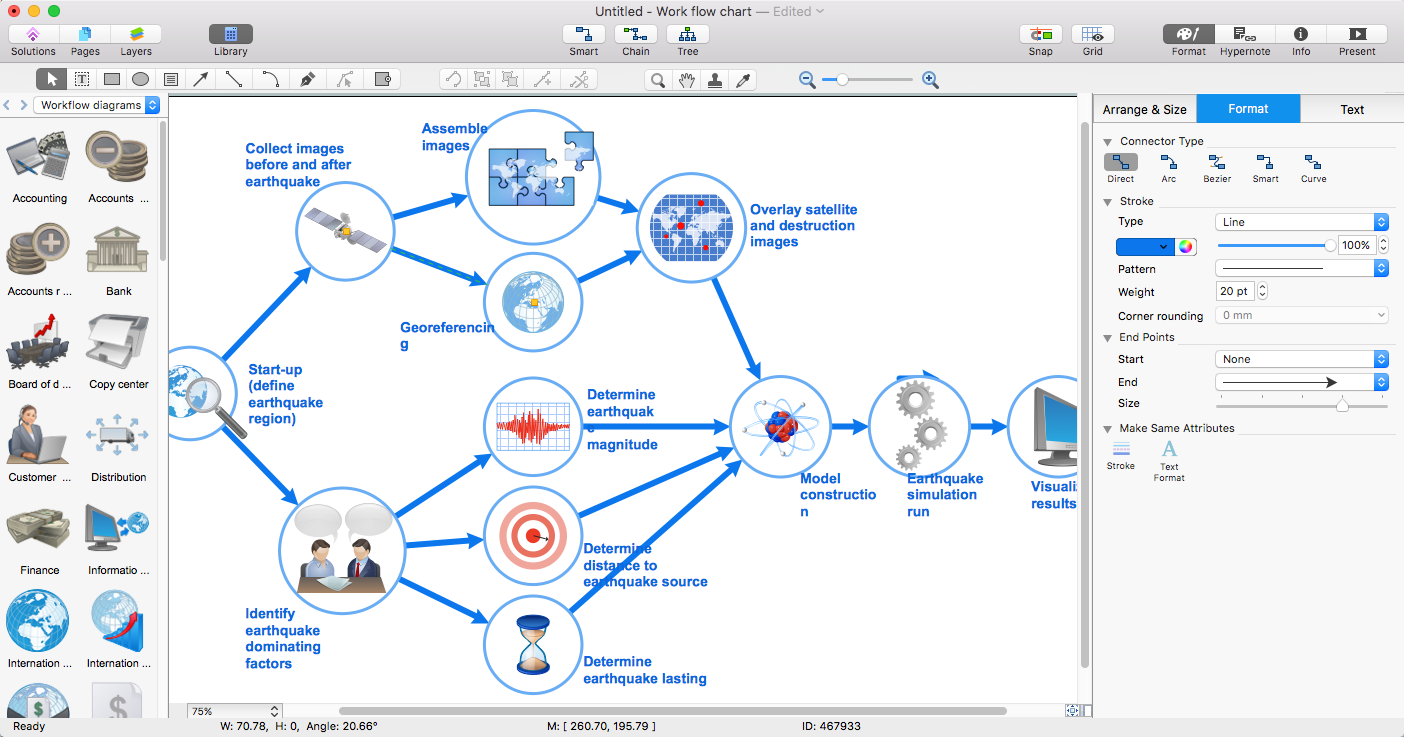
Web Create a BPMN diagram in Visio and export to Power Automate to automate workflows between your favorite apps and services For example you can create a workflow to get notifications when someone submits a form on your website or collect and organize data for you when someone follows you on Twitter
Web Effortlessly visualize processes and workflows with Office Timeline The tool automatically turns your data into stylish and clear swimlane diagrams that you can edit update and include in presentations with just a few clicks Web Jan 16 2023 nbsp 0183 32 Although there is a desktop Visio application this cheat sheet will walk you through the basics of using Visio in Microsoft 365 the web only version that s included with Microsoft 365 Office
Web Dec 20 2022 nbsp 0183 32 How to perform process mapping in Visio To learn how to perform process mapping in Visio take a look at the steps below 1 Run the Visio application To begin process mapping in Visio open up the Visio application to display the user interface Click on the category for process flow diagram and select a blank template