Virtualbox Windows 10 Not Starting How To Fix VirtualBox Errors 0x80040154 And 0x80004005 YouTube How To Install Windows 7 In VirtualBox Download Windows 7 ISO YouTube Solved The VirtualBox Machine Failed To BOOT FIX Windows 10 11 How To Install VirtualBox 7 0 On Windows 10 SYSNETTECH Solutions VirtualBox Error Windows 10 Update Fixed YouTube Web Feb 5 2022 nbsp 0183 32 If it starts then something is getting in the way between at least one of the devices and Virtualbox You can experiment to find which device is getting in the way And it might be plugged in again after Virtualbox is running Thanks It seems to be a USB Bluetooth adapter that is sometimes triggering this bug
Web Jan 28 2020 nbsp 0183 32 Jan 2020 07 29 gt Windows 10 VM Windows Server 2016 won t boot not even from the official installation media the Microsoft ISO I also tried with Virtual Box 6 1 and 6 0 but the result is the same I don t see any reason why one VM would run while another one wouldn t Web If the current version of Virtualbox seems incompatible with Windows 10 and since all the suggestions proposed in the answers and comments by myself and by others have not worked it seems that this only leaves three options Wait for Virtualbox to be fixed for Windows 10 Downgrade to Windows 7
VirtualBox Error Windows 10 Update Fixed YouTube Windows 10 Problems And Solutions Windows 10 Problems Windows 10 Fix Your Pc Did Not Start Correctly Windows 10 Windows 11 Fix FIXED Windows 10 Not Starting Win 10 Error Problem Issue YouTube Windows 10 Not Starting Up Blue Screen Windows 10 Not Starting Up VirtualBox Wallpapers Wallpaper Cave Seeker Rust Month LynxTech Neumann Val Month LynxTech Virtualbox Windows
Virtualbox Windows 10 Not Starting
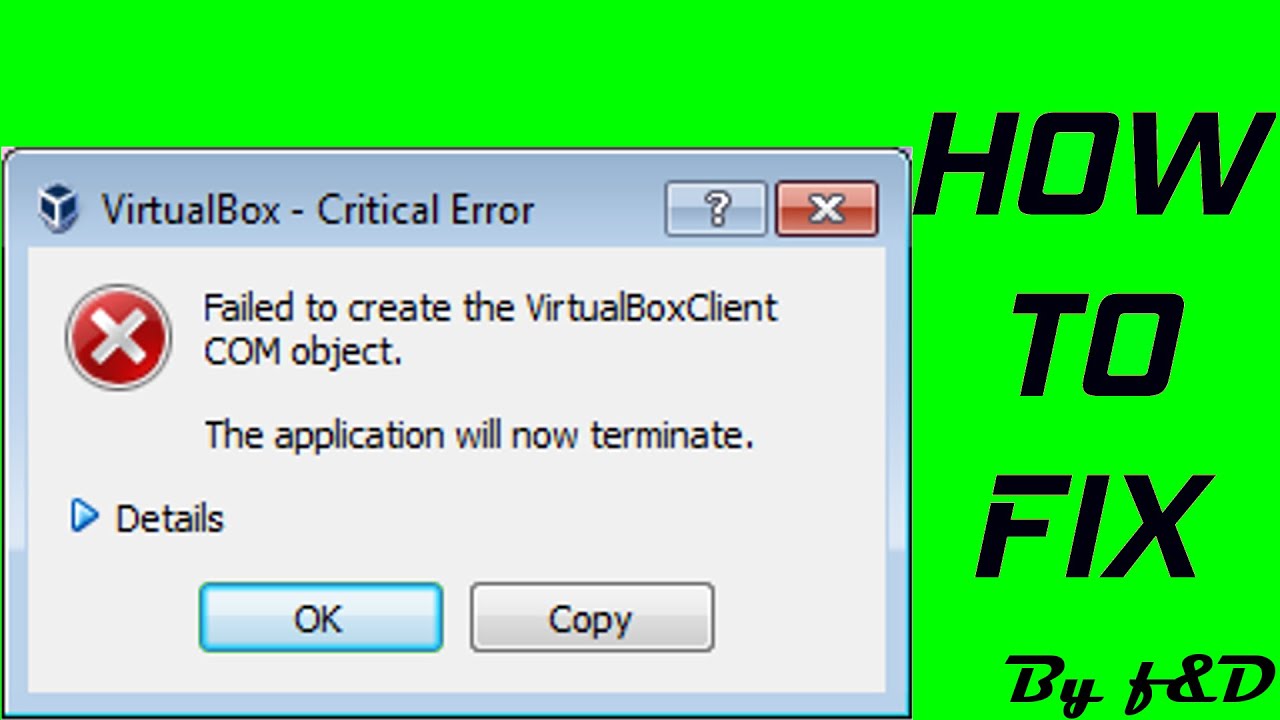 Virtualbox Windows 10 Not Starting
https://i.ytimg.com/vi/RCsIsSpjLV4/maxresdefault.jpg
Web Apr 1 2020 nbsp 0183 32 Try running SFC scan to automatically finds and repair system file in Windows 10 To run SFC go to Start Menu Type CMD to search for command prompt Right click the command prompt from the result and click on Run as administrator In the command prompt type the following command sfc scannow system file check sfc scannow
Templates are pre-designed files or files that can be utilized for different purposes. They can conserve time and effort by offering a ready-made format and layout for producing various sort of material. Templates can be utilized for individual or professional jobs, such as resumes, invitations, flyers, newsletters, reports, discussions, and more.
Virtualbox Windows 10 Not Starting

VIRTUAL BOX INSTALLATION FAILED ERROR FATAL ERROR DURING

Windows 10 Problems And Solutions Windows 10 Problems Windows 10

Fix Your Pc Did Not Start Correctly Windows 10 Windows 11 Fix

FIXED Windows 10 Not Starting Win 10 Error Problem Issue YouTube

VirtualBox Wallpapers Wallpaper Cave

Seeker Rust Month LynxTech

Web Jan 6 2016 nbsp 0183 32 I don t know if this may be a factor but in the log it is apparent that there is no extension pack installed in VirtualBox Perhaps the Windows 10 appliance needs USB support There are no guest additions Ditto 2D is disabled I ve run the Windows 10 appliance myself without issue

Web Oct 4 2023 nbsp 0183 32 What to do if VirtualBox is not opening in Windows 10 Reinstall VirtualBox Update graphic drivers Run the app in compatibility mode Turn off 3D graphics acceleration feature 1 Reinstall VirtualBox Right click on the Windows Start icon From the list that will be displayed choose Control Panel

Web Highlight VBoxManage exe and Left click Open Copy everything except the executable and the quotation marks from Program script into Start in optional Finally put the following line into Add arguments optional and hit OK startvm quot YourVirtualMachineNameFromStep1 quot type headless in my case I will use
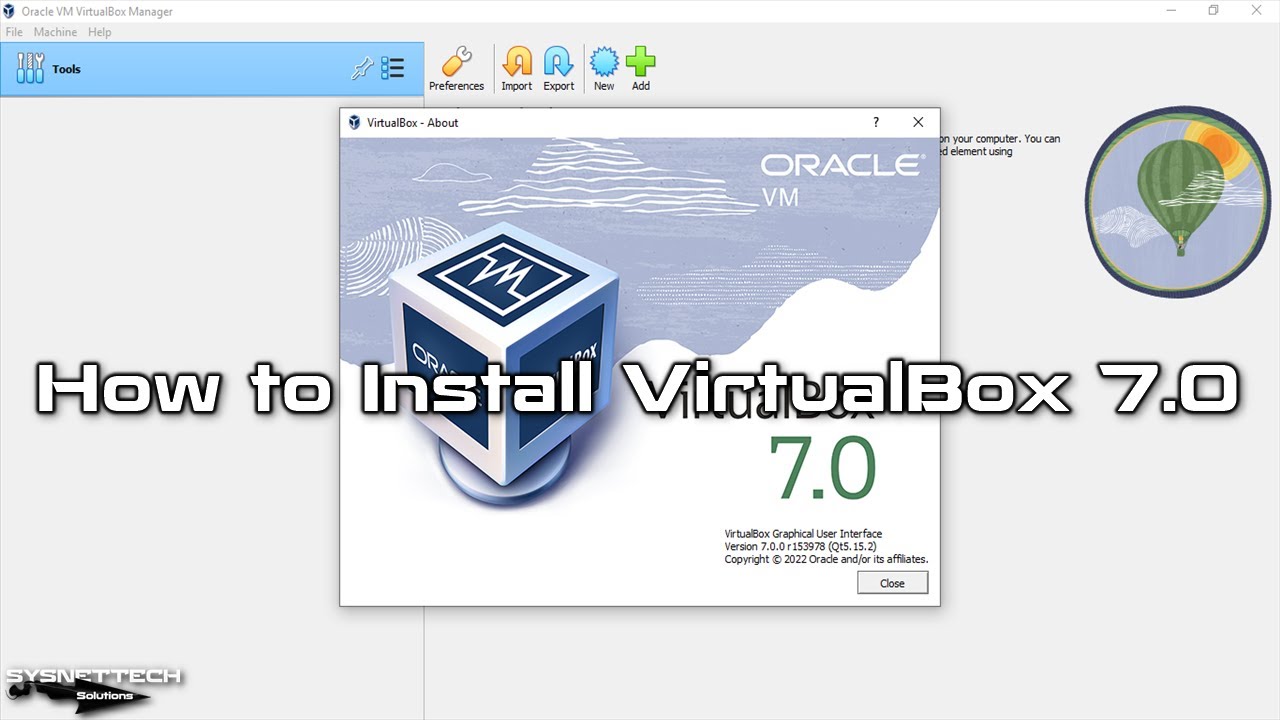
Web Jun 22 2018 nbsp 0183 32 Uninstall the VirtualBox program 2 In your C users might have two folders called quot VirtualBox quot and quot VirtualBox VMs quot Delete them 3 Restart your PC 4 Install VirtualBox again 5 Add again your VM 6 It must working fine These steps worked for me

Web Jun 23 2019 nbsp 0183 32 Uninstall VirtualBox Your VMs are going to be untouched Reboot You may want to clean up your registry and or filesystem at this point CCleaner is a freeware utility that could help you Mind the installation it comes with
Web Feb 13 2020 nbsp 0183 32 The best way to do so is to install a fresh copy of the application From your control panel remove the VirtualBox application Shortcut Use command appwiz cpl in a Run dialog Next visit the VirtualBox website and Web Mar 23 2023 nbsp 0183 32 If you keep experiencing issues like a sudden restart of the system or abnormal shutdown of the system etc then follow the steps below Solution 1 Reinstall VirtualBox Solution 2 Update graphic drivers Solution 3 Run the app in compatibility mode Solution 4 Turn off the 3D graphics speed uncharacteristic
Web Sep 29 2021 nbsp 0183 32 I want to start Windows Server 2019 in Virtual Box with a Windows 10 Host using Efi But after checking the Efi Boot in the VirtualBox menu this is the screen i see I ve already tried fs0 EFI BOOT BOOTX64 EFI It then returns to an empty screen with FS0 gt So I am stuck there