Virtualbox Not Working With Hyper V Virtualbox Not Working Please Help Software Operating Systems Start Virtual Machine Oracle VirtualBox Virtualbox Vs Hyper V DiskInternals How To Create A Linux Virtual Machine In Hyper V Opsafetynow How To Fix VirtualBox Errors 0x80040154 And 0x80004005 YouTube WEB May 1 2022 nbsp 0183 32 VirtualBox can not run on Windows 10 when Hyper V mode is ACTIVE ON However the existing behaviour is pathological and must be corrected Running a VM when Hyper V is ON causes the BSOD Conditions Windows boots with Hyper V enabled Start up VirtualBox Manager GUI START an existing VM Outcome VM begins to load
WEB Oracle VM VirtualBox can be used on a Windows host where Hyper V is running This is an experimental feature No configuration is required Oracle VM VirtualBox detects Hyper V automatically and uses Hyper V as the virtualization engine for the host system The CPU icon in the VM window status bar indicates that Hyper V is being used WEB Why VirtualBox or VMware can not run with Hyper V enabled Windows 10 Switch easily from VirtualBox to Hyper V UPDATE 10 03 2019 VirtualBox 6 0 has an experimental feature to work when Hyper V is running Basically VirtualBox detects Hyper V and executes the virtual machines using the Hyper V capabilities
How To Fix VirtualBox Errors 0x80040154 And 0x80004005 YouTube Bitlocker Failed To Encrypt C Drive In Windows How To Fix Hot Sex Picture What Are The Major Bugs And Issues In Windows 11 D sactiver L application Hyper V TOOLS BOX CPTG C mo Usar VirtualBox Y VMware Junto A Hyper V En Windows 10 Download Oracle VM VirtualBox 6 1 14 Ubuntu VirtualBox Not Working When Installing YouTube Client Hyper V Vs Virtualbox Lasopaguides Microsoft Virtualization With Hyper V Manage Your Datacenter With
Virtualbox Not Working With Hyper V
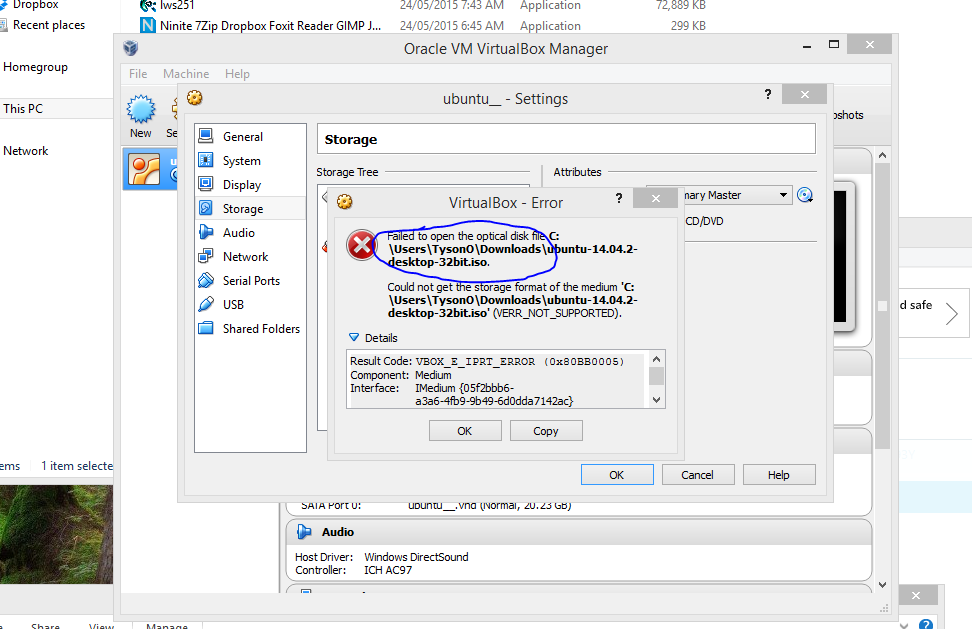 Virtualbox Not Working With Hyper V
https://forum.level1techs.com/uploads/default/24500/31a20a7a35c8180a.PNG
WEB Sep 17 2020 nbsp 0183 32 In both VMware and VirtualBox it is necessary to install the latest drivers Guest Addition or Tools for everything to work correctly Otherwise until we do we will have performance issues due to this compatibility layer Improve VMware performance with Hyper V While VirtualBox does not give us problems VMware can show performance
Pre-crafted templates provide a time-saving solution for producing a diverse range of documents and files. These pre-designed formats and layouts can be made use of for numerous personal and expert tasks, consisting of resumes, invitations, leaflets, newsletters, reports, discussions, and more, simplifying the material development procedure.
Virtualbox Not Working With Hyper V
.jpg "How To Enable Hyper V On Windows Server Airzero Cloud")
How To Enable Hyper V On Windows Server Airzero Cloud
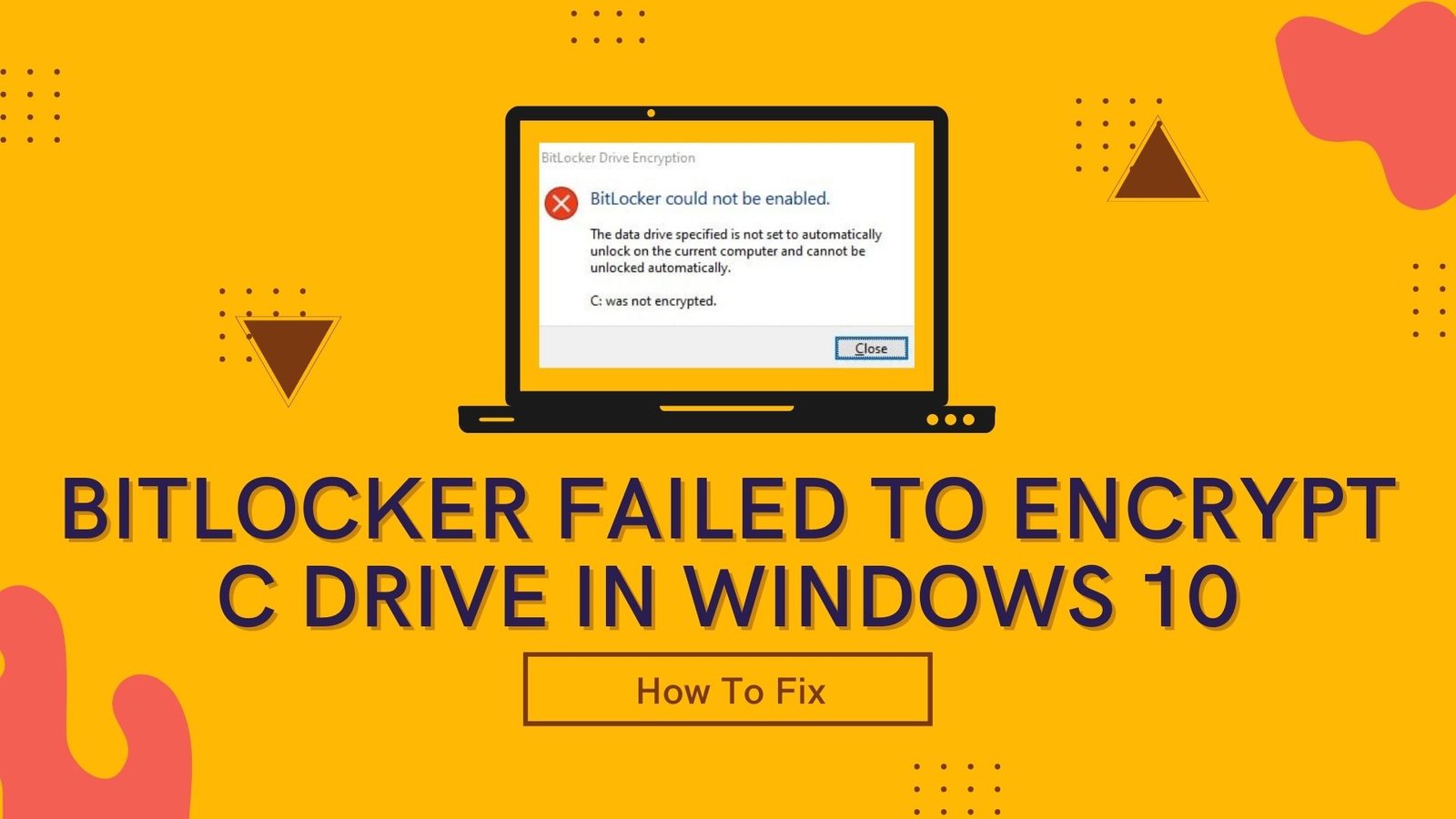
Bitlocker Failed To Encrypt C Drive In Windows How To Fix Hot Sex Picture
What Are The Major Bugs And Issues In Windows 11

D sactiver L application Hyper V TOOLS BOX CPTG
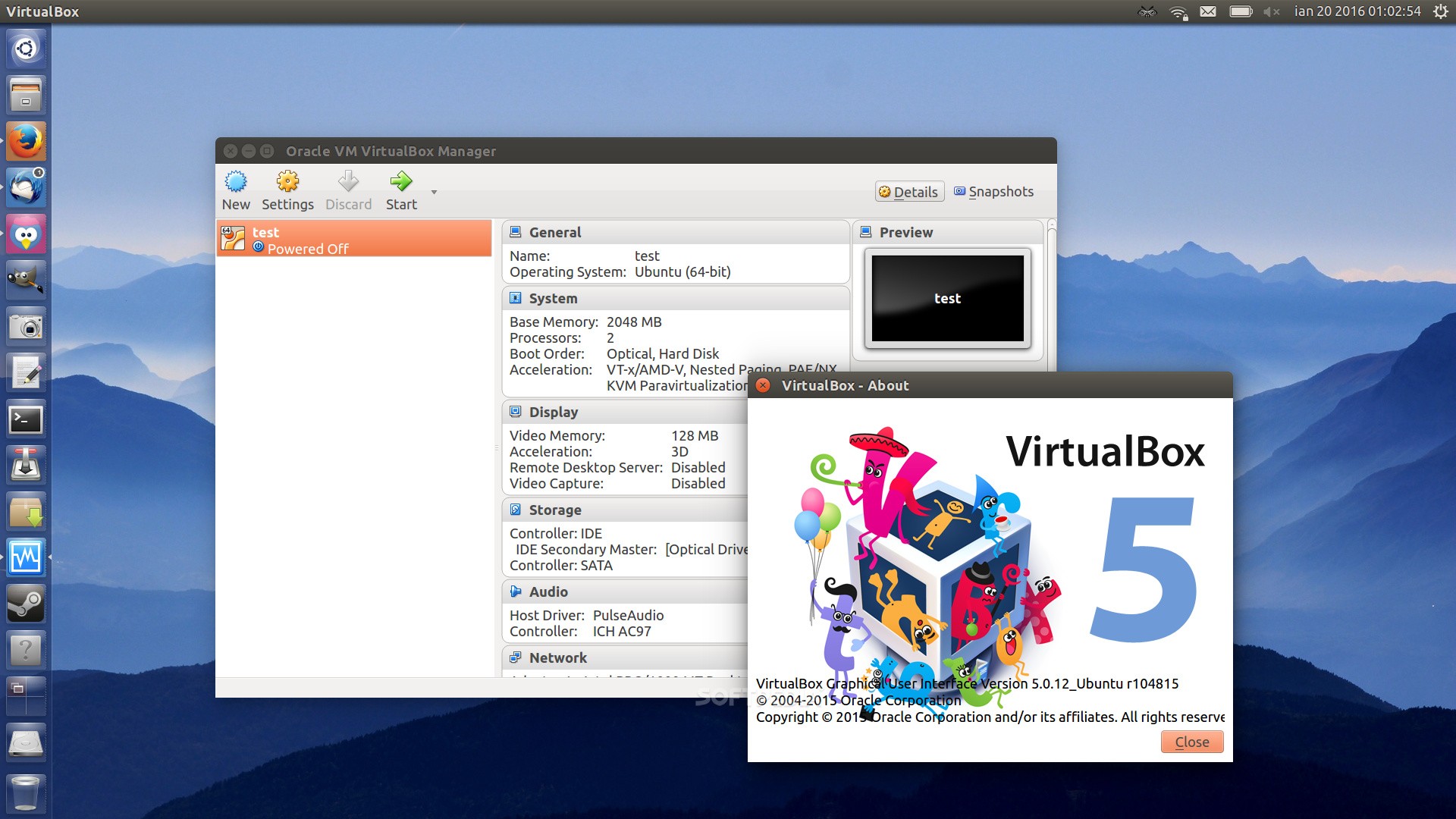
Download Oracle VM VirtualBox 6 1 14

Ubuntu VirtualBox Not Working When Installing YouTube

WEB Aug 7 2020 nbsp 0183 32 Note If you cannot yet use VirtualBox without disabling the Hyper V on Windows 10 here is the solution However a few operating systems would not work and give output in freezing VMs on boot
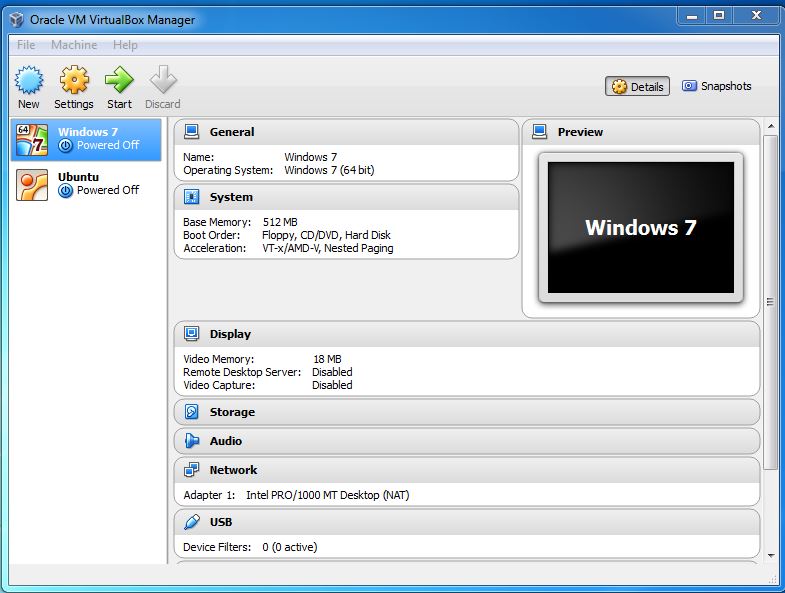
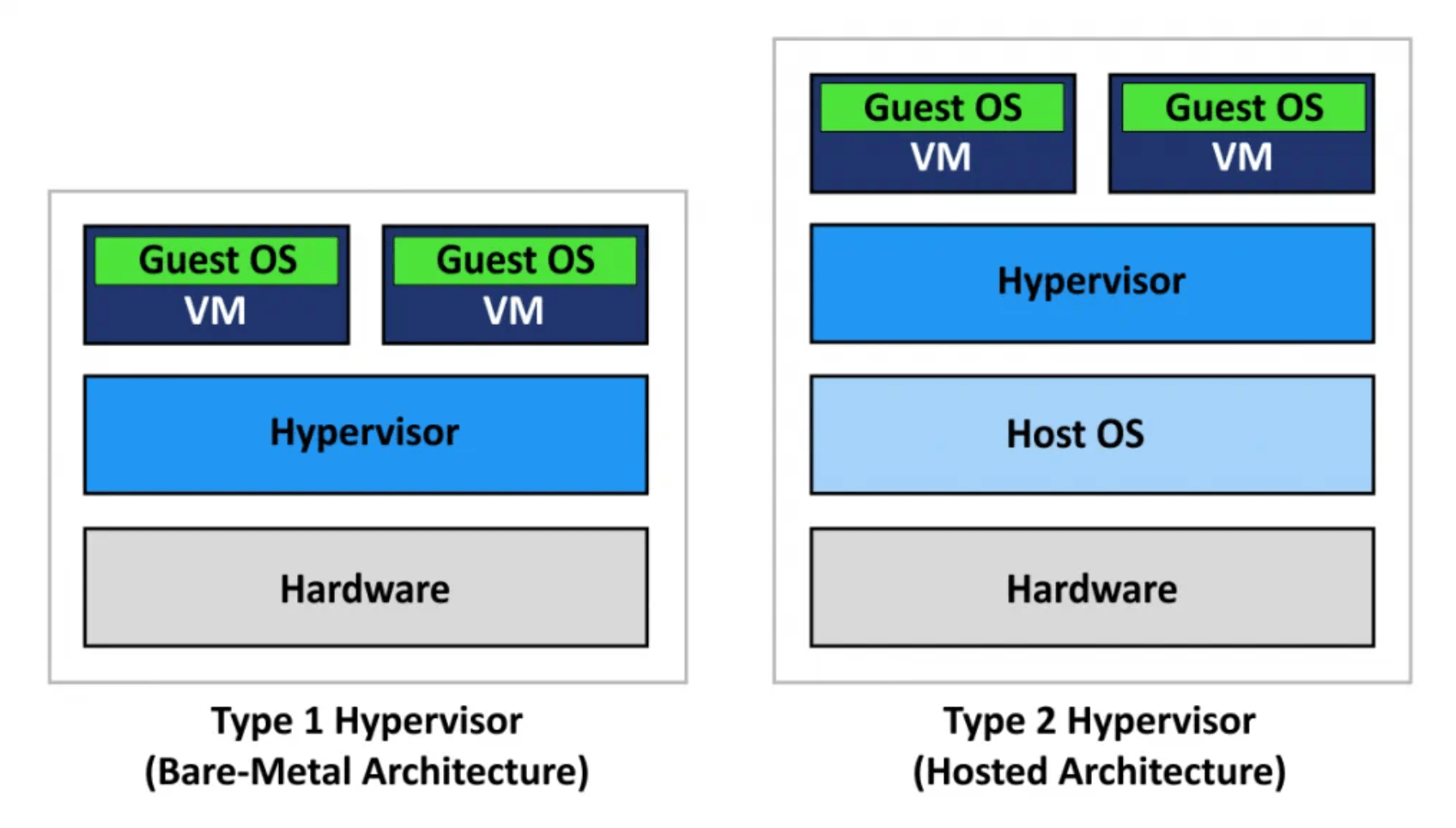
WEB May 3 2018 nbsp 0183 32 No they will not work together When Hyper V is installed the hypervisor loads before the OS Your host is running on top of it so it is not in direct contact with the hardware The closest you can get is to have two separate boot entries one with the hypervisor enabled and one with is disabled You can then go from one to the other with
WEB Oct 21 2020 nbsp 0183 32 If you enabled the Windows sandbox feature then that will have in turn re enabled Hyper V or the Hyper V engine if you don t have a full Hyper V install That will then limit VirtualBox performance because it won t have access to the VT x support it needs First try the advice here viewtopic php f 25 amp t 99390 valyfox Posts 2 Joined

WEB Mar 9 2020 nbsp 0183 32 I m running VirtualBox 6 1 4 with Hyper V but when I try to open up a VM I get the following error Failed to open a session for the virtual machine vagrant default 1583698990398 29087 VMMR0 DO NEM INIT VM failed VERR NEM MISSING KERNEL API VERR NEM MISSING KERNEL API VT x is

WEB Mar 17 2021 nbsp 0183 32 How to fix VirtualBox disable Hyper V Asked 3 years ago Modified 2 years 6 months ago Viewed 14k times 4 For Context I m running Windows 10 Home Version 10 0 18363 Build 18363 So I use VirtualBox fairly frequently for a class Yesterday I installed Docker on my computer This broke VirtualBox
WEB Feb 22 2022 nbsp 0183 32 There s only one problem Hyper V doesn t support VirtualBox VMs natively So in order to migrate them you ll have to convert them In this article we ll show you how to migrate an existing WEB Sep 19 2023 nbsp 0183 32 The Solution First check if hypervisor is on with the command systeminfo on command prompt So the take away is to disable the Hyper V on the windows either through the turning windows
WEB May 17 2022 nbsp 0183 32 Please start the VM from full normal shutdown not save state Run until you see the problem happen then shut down the VM from within the VM s OS if possible If not possible close the Virtualbox window for the VM with the Power Off option set