Virtualbox Kali Linux Password Not Working How To Change Kali Linux Password In Virtualbox Easy Way YouTube How To Reset Root Password Kali Linux 2021 2 YouTube We Select This Then We Are Able To Continue Forward Windows Kali Linux Metasploitable VirtualBox VMs Not Getting IP Changing Username Password In Kali Linux On VirtualBox Just After Sep 18 2024 nbsp 0183 32 Documentation User Guide Read the community user guide for the current VirtualBox release Developer Documentation Learn about how VirtualBox works Enterprise
Jan 16 2024 nbsp 0183 32 The Extension Packs in this section are released under the VirtualBox Personal Use and Evaluation License All other binaries are released under the terms of the GPL version The easiest way to start an Oracle VirtualBox program is by running the program of your choice VirtualBox VBoxManage or VBoxHeadless from a terminal These are symbolic links to
Changing Username Password In Kali Linux On VirtualBox Just After Reset Password Kali Linux 2021 3 Kali Linux Password Not Working How To Hack WiFi Password Using Kali Linux YouTube VirtualBox User ID And Password For Unattended Installation How To Reset Forgotten Password Of Kali Linux GEEKrar Install Kali Linux 2020 2 In Virtual Box How To Install Kali Linux In VirtualBox On Windows Virtualize Kali Linux The Easy Way DB Tech Password Default Kali Linux D D R
Virtualbox Kali Linux Password Not Working
 Virtualbox Kali Linux Password Not Working
https://i.ytimg.com/vi/6k-LWVzo2cc/maxresdefault.jpg
Name Last modified Size Parent Directory MD5SUMS 03 Jun 2025 17 32 1 8K Oracle VirtualBox Extension Pack 7 1 8 168469 vbox extpack 11 Apr 2025 18 52 22M
Pre-crafted templates use a time-saving solution for developing a varied series of files and files. These pre-designed formats and layouts can be utilized for various personal and expert tasks, including resumes, invites, leaflets, newsletters, reports, discussions, and more, streamlining the material creation procedure.
Virtualbox Kali Linux Password Not Working

Tips And Tricks Fixing VirtualBox Kali Linux Black Screen HaXeZ
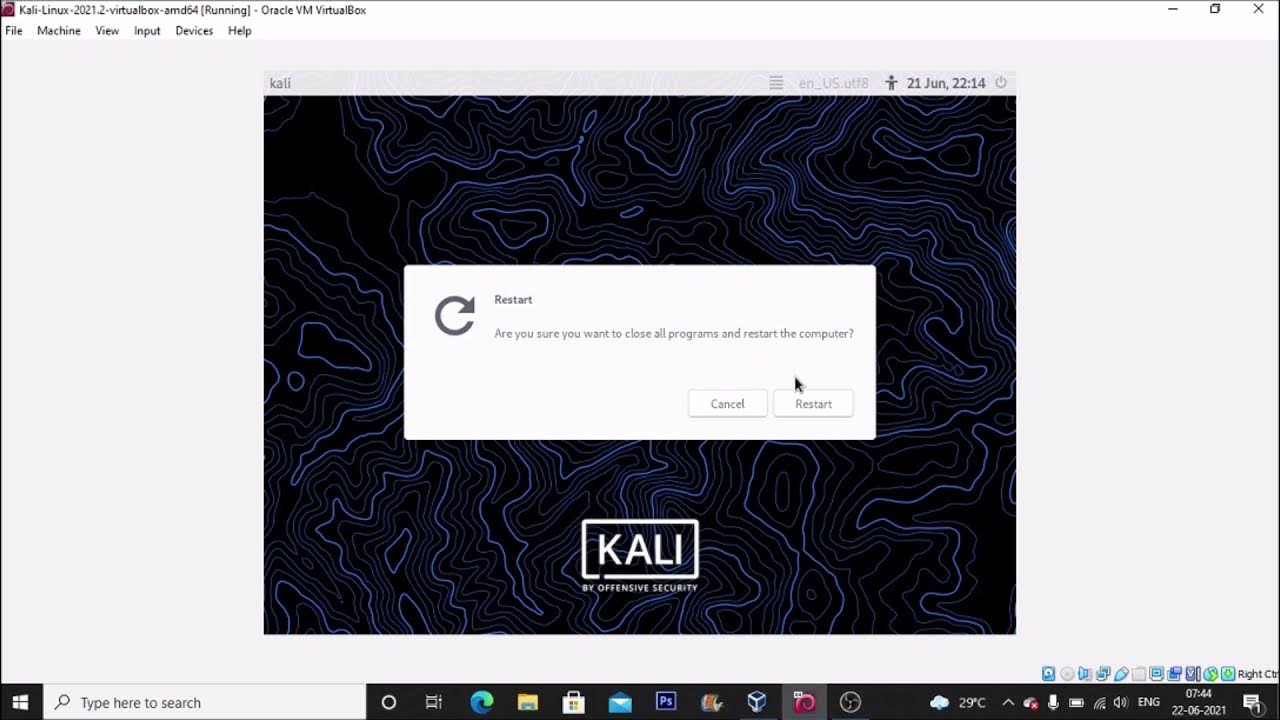
Reset Password Kali Linux 2021 3 Kali Linux Password Not Working

How To Hack WiFi Password Using Kali Linux YouTube

VirtualBox User ID And Password For Unattended Installation

Install Kali Linux 2020 2 In Virtual Box

How To Install Kali Linux In VirtualBox On Windows

Jul 1 2012 nbsp 0183 32 VirtualBox is a general purpose full virtualizer for x86 hardware targeted at server desktop and embedded use For a thorough introduction to virtualization and VirtualBox

Jul 1 2012 nbsp 0183 32 To install VirtualBox anyway you need to setup a 64 bit chroot environment The VirtualBox base package binaries are released under the terms of the GPL version 3
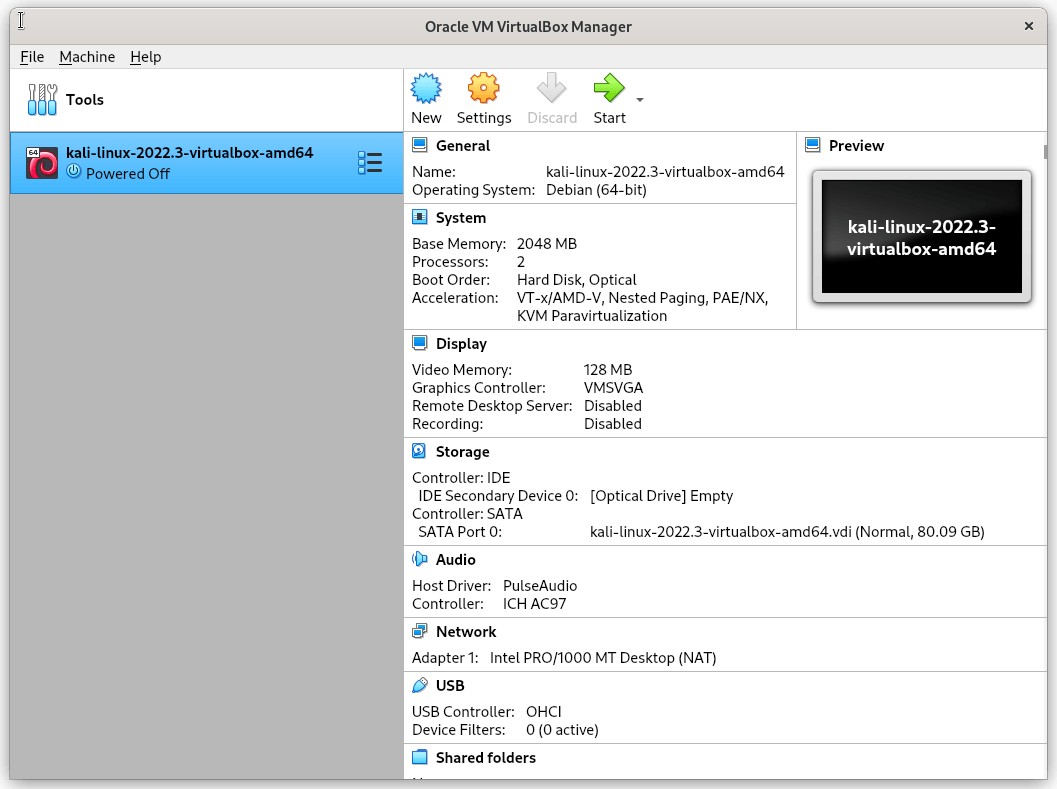
The easiest way to start an Oracle VM VirtualBox program is by running the program of your choice VirtualBox VBoxManage or VBoxHeadless from a terminal These are symbolic links

Performing the Installation Installing Oracle VirtualBox from a Debian or Ubuntu Package Using the Alternative Generic Installer VirtualBox run Performing a Manual Installation Updating and
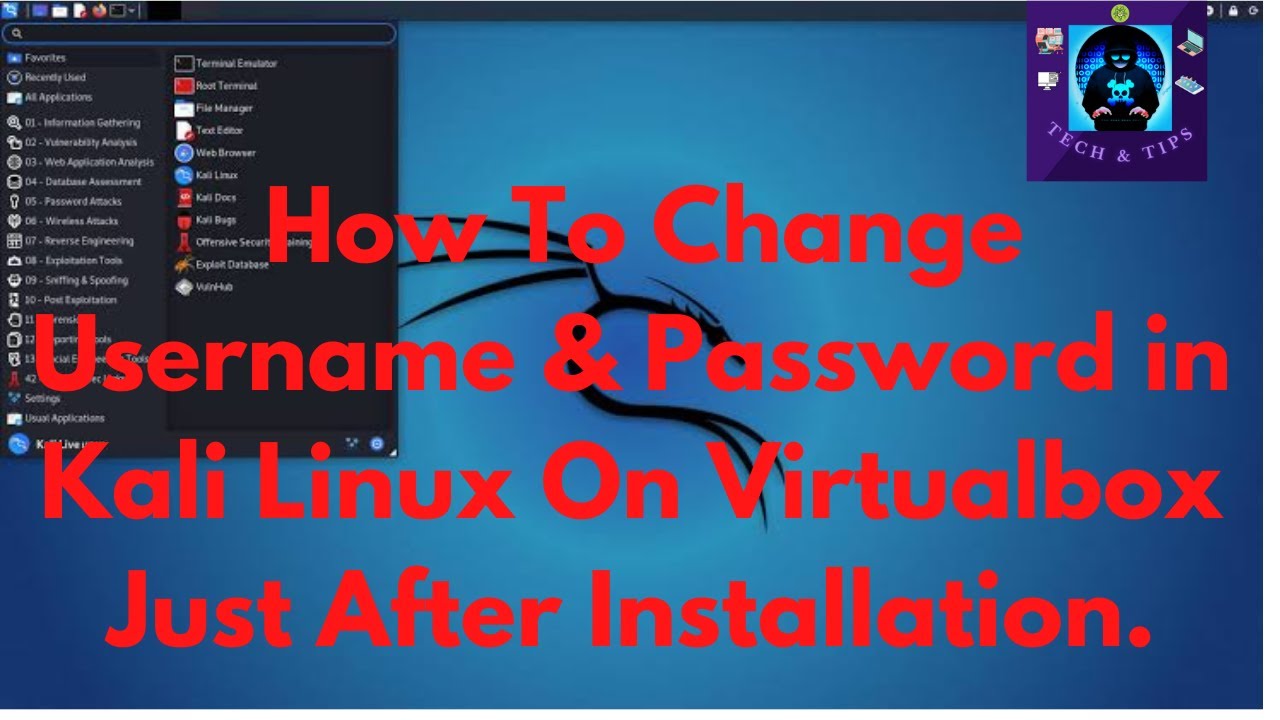
It should be possible to use Oracle VM VirtualBox on most systems based on Linux kernel 2 6 3 x 4 x or 5 x using either the Oracle VM VirtualBox installer or by doing a manual installation
[desc-11] [desc-12]
[desc-13]