Virtualbox Command Line Start Vm Manage Virtualbox Virtual Machines Under Command Line Peter Dave Start Virtualbox From Command Line Lopteextra C mo Liberar La Captura Del Mouse En VirtualBox Use Command Line To Create List Start And Stop VirtualBox VMs Uninstall Virtualbox Mac Command Line Drtide Jun 25 2020 nbsp 0183 32 VirtualBox uses an emulated graphics card not your actual hardware so there is no need nor are you able to install the host machine driver but in this forum I see a lot of
Apr 12 2025 nbsp 0183 32 Kernel Panic when starting centOS in VirtualBox 7 1 13 posts Page 1 of 1 zizou Posts 7 Joined 12 Apr 2025 19 09 Feb 22 2021 nbsp 0183 32 I m a bit new to VirtualBox and testing a VM on Linux Mint I ve click on the VM and now I can get the mouse out of the VM session Is there a key combination or something
Uninstall Virtualbox Mac Command Line Drtide The Many Virtual Terminals Of Linux Systran Box How To List And Start VirtualBox VMs In Command Line In Linux Solved How To Start A VirtualBox Machine Via Command 9to5Answer How To Delete Inaccessible VirtualBox VMs From The Command Line YouTube Install CentOS 8 Server On Virtualbox Only Command Line Interface Python In Visual Studio Code February 2022 Release Python Virtualization Starting VirtualBox VMs And Start Mode Overview YouTube How To Start A VirtualBox VM Headless In Windows 10 Jez me
Virtualbox Command Line Start Vm
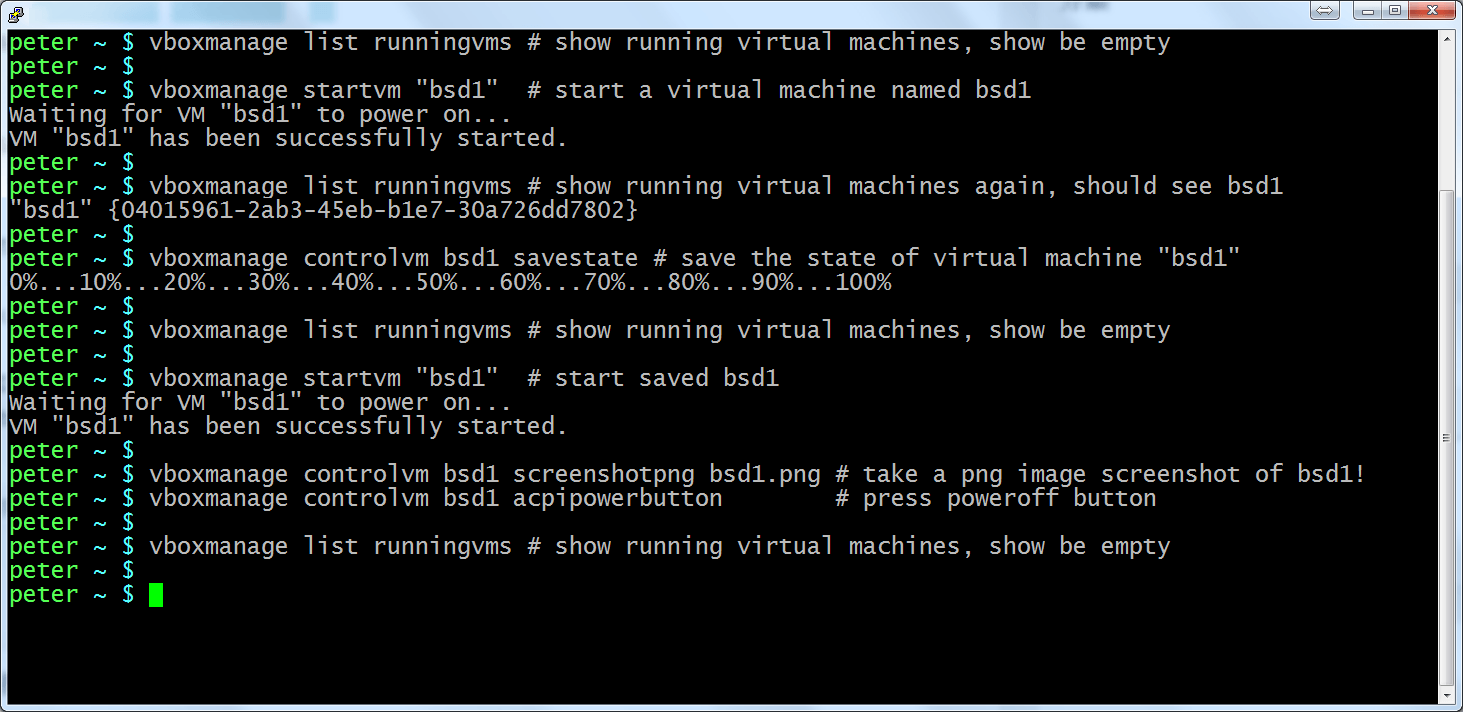 Virtualbox Command Line Start Vm
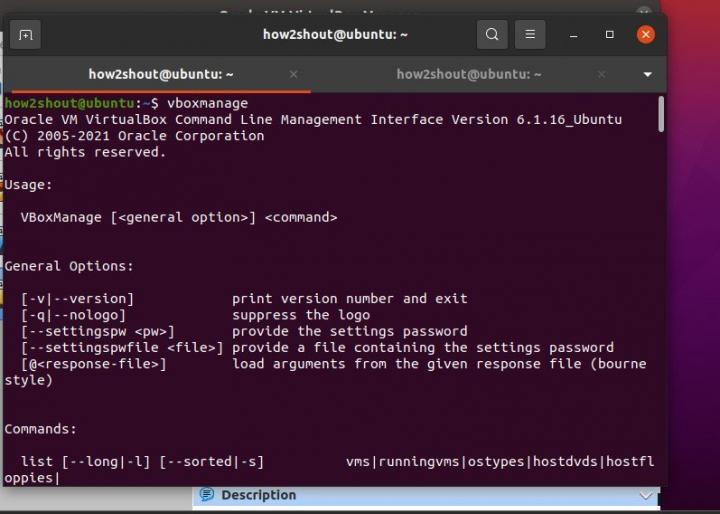
https://cdn2.peterdavehello.org/wp-content/uploads/2016/01/virtualbox-vboxmanage-commandline.png
Nov 21 2020 nbsp 0183 32 In consequence you would find only files from previous VM runs inside the M VirtualBox VMs Nectar Logs folder I suggested to compare the timestamp date and time
Pre-crafted templates provide a time-saving option for producing a diverse series of files and files. These pre-designed formats and designs can be made use of for different personal and expert jobs, including resumes, invitations, flyers, newsletters, reports, presentations, and more, improving the material creation procedure.
Virtualbox Command Line Start Vm

VirtualBox 2023 Latest Version Download For Windows 10 8 7

The Many Virtual Terminals Of Linux Systran Box
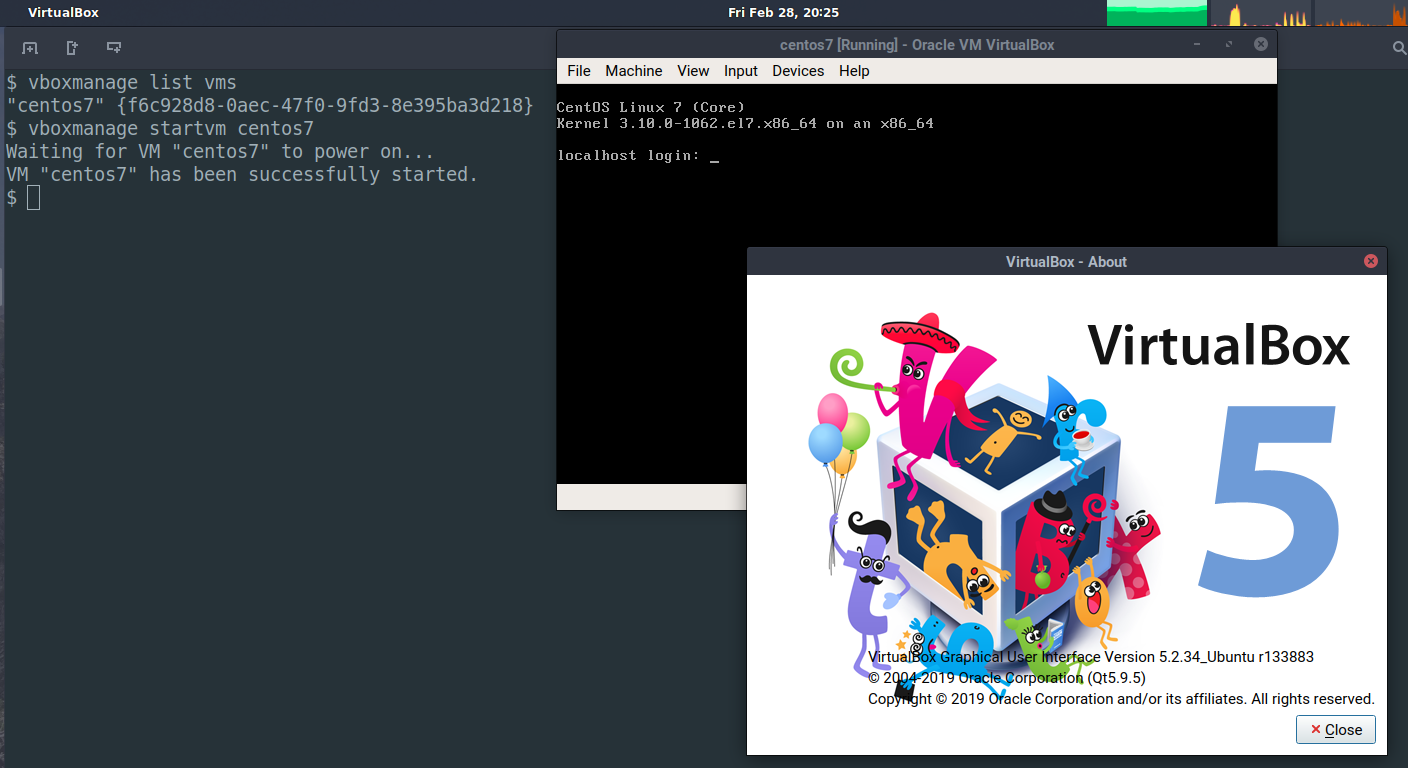
How To List And Start VirtualBox VMs In Command Line In Linux

Solved How To Start A VirtualBox Machine Via Command 9to5Answer
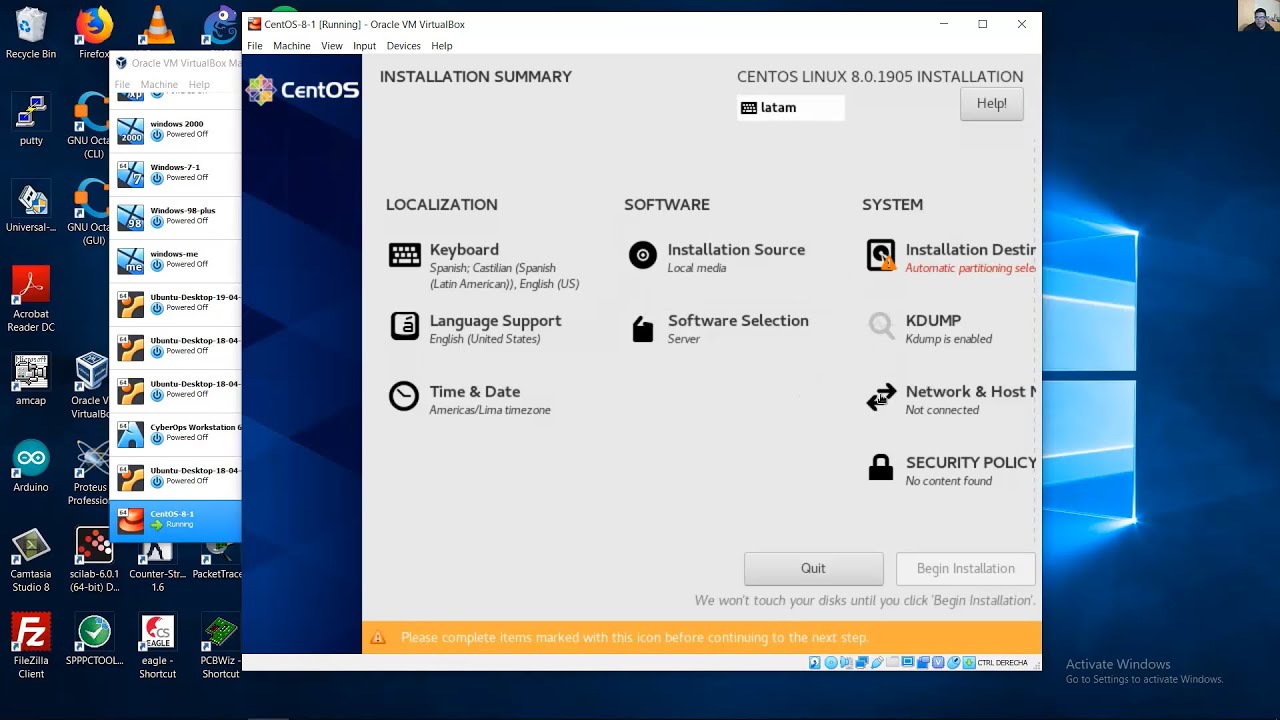
Install CentOS 8 Server On Virtualbox Only Command Line Interface
Python In Visual Studio Code February 2022 Release Python
Jun 26 2025 nbsp 0183 32 Re VirtualBox 7 2 0 BETA2 released by Huub 187 8 Jul 2025 13 09 Installed Beta2 this morning Could start Vbox However soon it crashes Have attached the log from the

Jul 4 2012 nbsp 0183 32 Arm VMs Note that the saved state of Arm VMs from VirtualBox 7 1 is incompatible with VirtualBox 7 2 so please shut down such VMs in saved state before upgrading to 7 2

Nov 1 2024 nbsp 0183 32 Then I installed Vbox 7 1 6 I was having issues everytime I installed Vbox while it was already installed Uninstalling it first then installing is what fixed my prior issues If I were
Oct 4 2024 nbsp 0183 32 I have a physical machine with Windows 10 22H2 that is running Virtual Box 7 1 4

May 2 2018 nbsp 0183 32 1st time I installed VirtualBox VirtualBox 5 0 16 105871 Win and later on I came to know via one of the thread that it s no longer supported so decided to go with other version
[desc-11] [desc-12]
[desc-13]