Virtualbox Change Resolution Windows 10 How To Change Your Screen Resolution In Windows 10 YouTube Virtualbox Change Resolution Palmqust Jak Wyj Z Pe nego Ekranu W VirtualBox Change The Screen Resolution Of An Android VirtualBox VM 4sysops Fix Can t Change Screen Resolution In Windows 10 TechCult Re Changed the screen resolution to higher First terminology Resolution is a measure of the number of physical pixels per inch or per cm
Choose the display size you want from the VM menu View Virtual screen 1 Resize to www x hhh msprivat wrote Hallo msprivat wrote My two 800x600 1024x768 1152x864 1280x1024 and 1600x1200 Image My PC has a monitor of 1920x1080 display so is it possible to change the
Fix Can t Change Screen Resolution In Windows 10 TechCult How To Change Screen Resolution In Windows 11 Windows 10 So berpr fen Und ndern Sie Die Einstellungen F r Die How To Change Screen Resolution Of MacOS On VirtualBox BEST How To Change VirtualBox Resolution Tutorial SOLVED 2017 YouTube Windows 11 How To Change Screen Resolution On Windows 10 Pureinfotech Cara Install Windows 10 Di VirtualBox Informasi Terbaru ApaFungsi
Virtualbox Change Resolution Windows 10
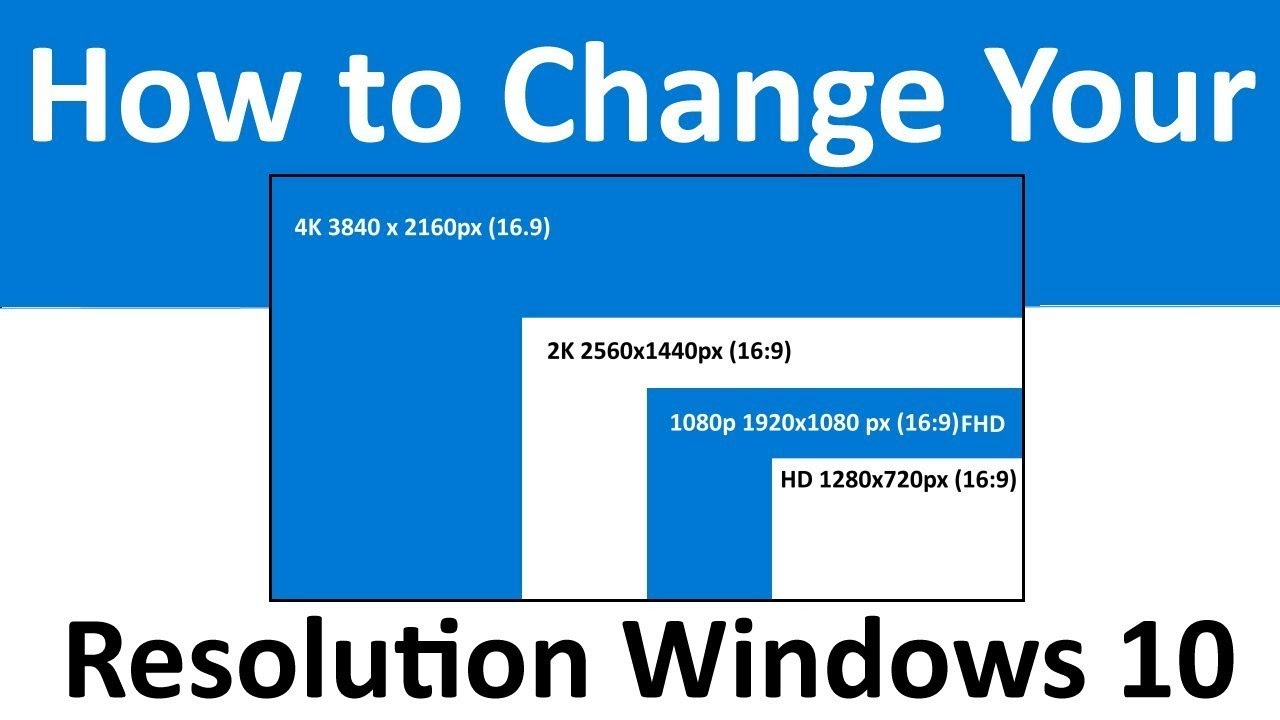 Virtualbox Change Resolution Windows 10
https://i.ytimg.com/vi/NAiQ-Ftphj4/maxresdefault.jpg
For instance using Microsoft Windows inside a virtual machine you can set the virtual machine screen resolution by clicking the Start Menu
Templates are pre-designed files or files that can be used for different purposes. They can save effort and time by offering a ready-made format and layout for producing different sort of material. Templates can be used for individual or expert tasks, such as resumes, invitations, leaflets, newsletters, reports, presentations, and more.
Virtualbox Change Resolution Windows 10

Windows 10 Virtualbox
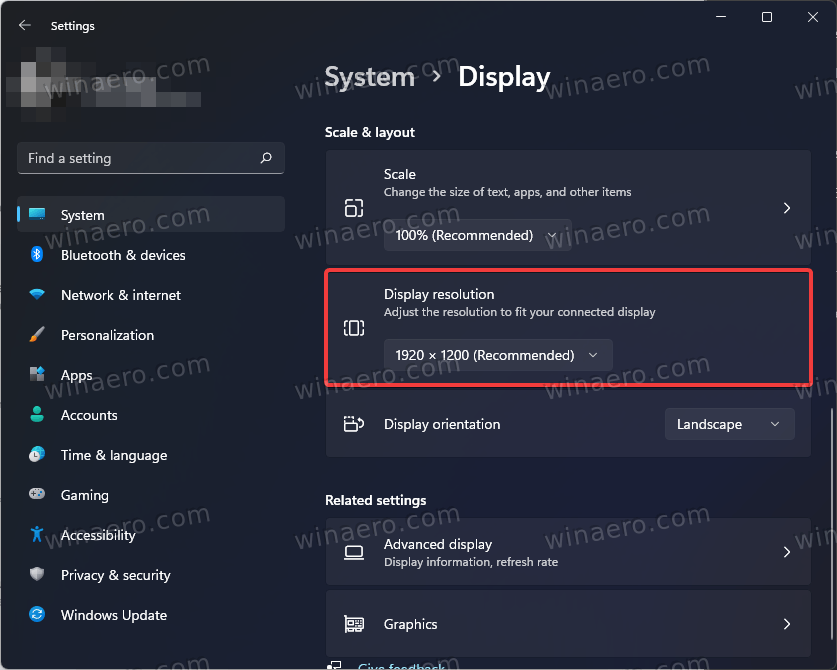
How To Change Screen Resolution In Windows 11
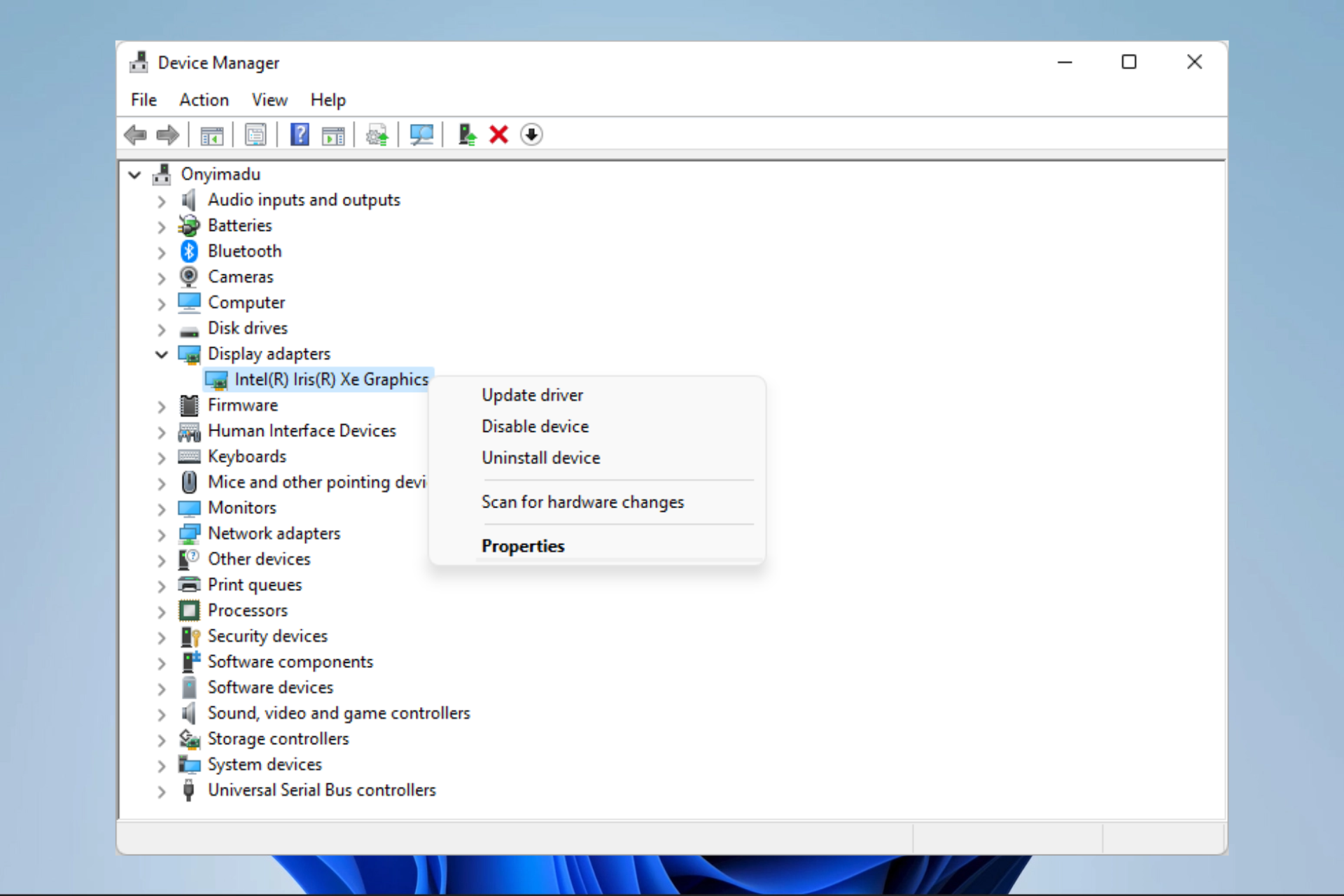
Windows 10

So berpr fen Und ndern Sie Die Einstellungen F r Die

BEST How To Change VirtualBox Resolution Tutorial SOLVED 2017 YouTube

Windows 11

Select View Virtual Screen X to select a different resolution Please note that it may take a few seconds before the resolutions become

How To Fix Windows 10 Resolution in VirtualBox Fullscreen How To Fix Max Resolution in

Lmao Reading a bunch of online vlogs for 30 mins with no results And then this is only 2 mins

I have nice 4k screen 3840 x 2160 so I d like to use full hd 1920 x 1080 for my VMs Unfortunatelly I can not set this in VM Windows10
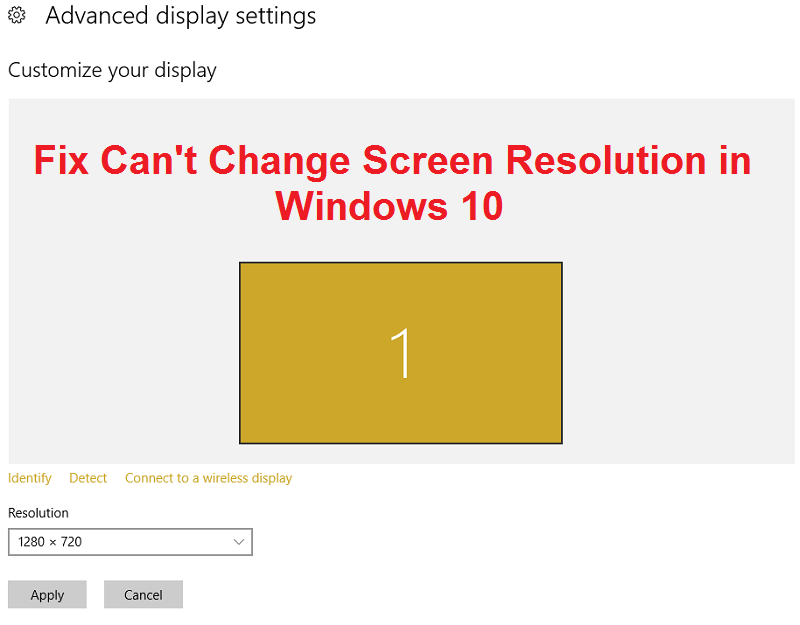
The solution is to a in the VM manager change File Preferences Maximum Guest Screen Size to None Then b in the running guest switch to a
Guest window View Virtual Screen 1 Resize to Resize to 1024x768 for example My Computer Can t change resolution to max resolution under the machine menu there is an option to auto resize the guest OS resolution which might be
Install guest addons in devices to unlock bigger resolutions If it doesn t work you can zoom VM s virtual screen in view