Virtualbox Audio Not Working Ubuntu Install Ubuntu On Virtualbox Galneptun Download And Use Windows 7 Pre Installed VirtualBox Image Sysprobs Ubuntu I Can t Resize My Oracle VirtualBox Virtual Machine Vmbox How To Install Ubuntu In VirtualBox Tutorial How To Enable Copy And Paste In A VirtualBox Running Ubuntu Linux Apr 22 2014 nbsp 0183 32 VirtualBox is a general purpose full virtualizer for x86 hardware targeted at server desktop and embedded use For a thorough introduction to virtualization and VirtualBox
Extensible RDP authentication Oracle VM VirtualBox already supports Winlogon on Windows and PAM on Linux for RDP authentication In addition it includes an easy to use SDK which The easiest way to start an Oracle VirtualBox program is by running the program of your choice VirtualBox VBoxManage or VBoxHeadless from a terminal These are symbolic links to
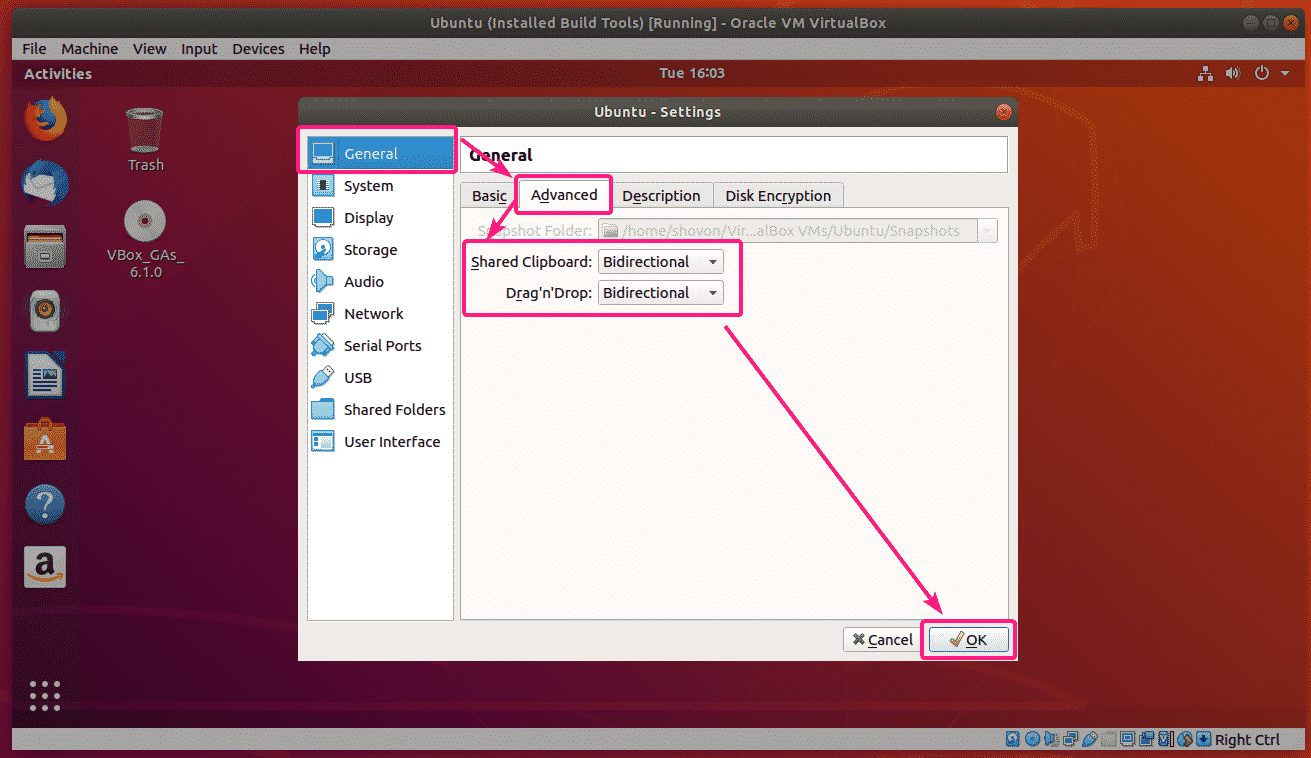
How To Enable Copy And Paste In A VirtualBox Running Ubuntu Linux Virtualbox Not Working Please Help Software Operating Systems Must Try Os Virtualbox Nawes How To Fix Audio Issue In VirtualBox On Ubuntu OS YouTube VirtualBox Tutorial 09 Install Guest Additions Software On Ubuntu Linux Vbox Virtualbox DNS NAT Network Mode NOT Working Rtt IT Resource Ubuntu Download On Virtualbox Vametmilitary How To Install Ubuntu On Virtualbox Bopqecruise Fix Virtualbox For Mac Audio Issue For Windows 10 Oddroom
Virtualbox Audio Not Working Ubuntu
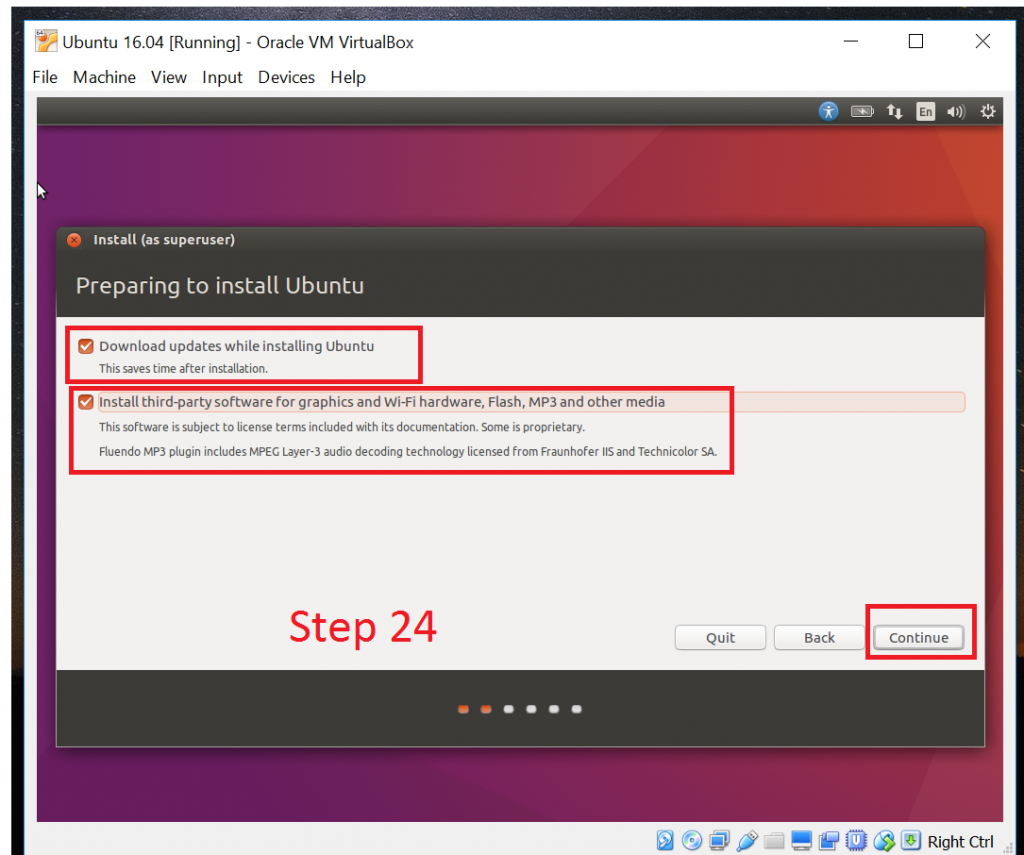 Virtualbox Audio Not Working Ubuntu
http://www.techmespot.com/wp-content/uploads/2016/12/Install-Ubuntu-16.04-On-Virtualbox-18-1024x855.png
Jul 1 2010 nbsp 0183 32 Download VirtualBox for Linux Hosts Note The package architecture has to match the Linux kernel architecture that is if you are running a 64 bit kernel install the appropriate
Templates are pre-designed documents or files that can be used for different functions. They can conserve effort and time by supplying a ready-made format and layout for developing different type of material. Templates can be utilized for individual or professional jobs, such as resumes, invitations, flyers, newsletters, reports, discussions, and more.
Virtualbox Audio Not Working Ubuntu

10 Fixes Spatial Audio Not Working On AirPods Pro And Beats
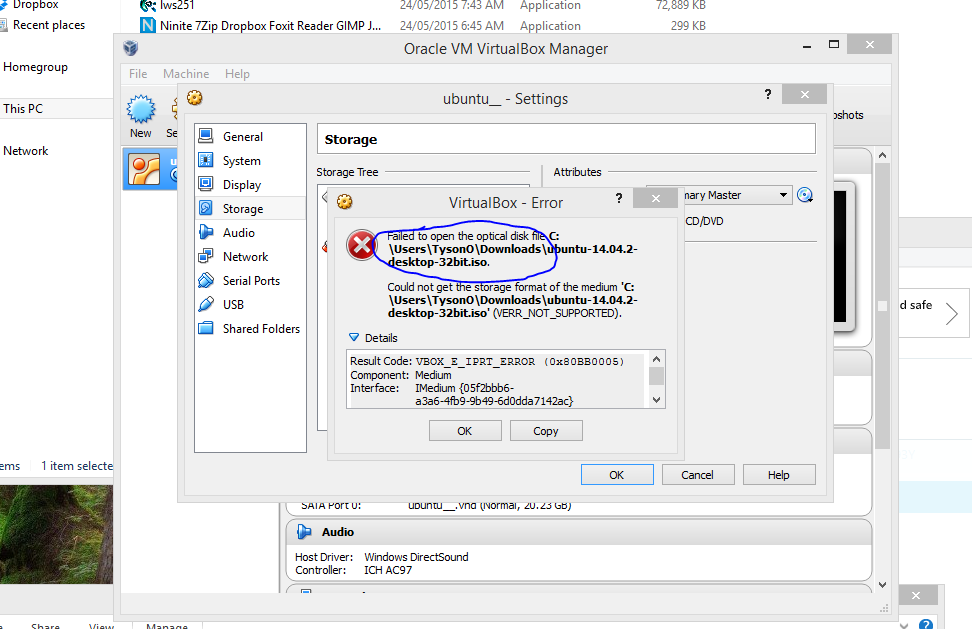
Virtualbox Not Working Please Help Software Operating Systems
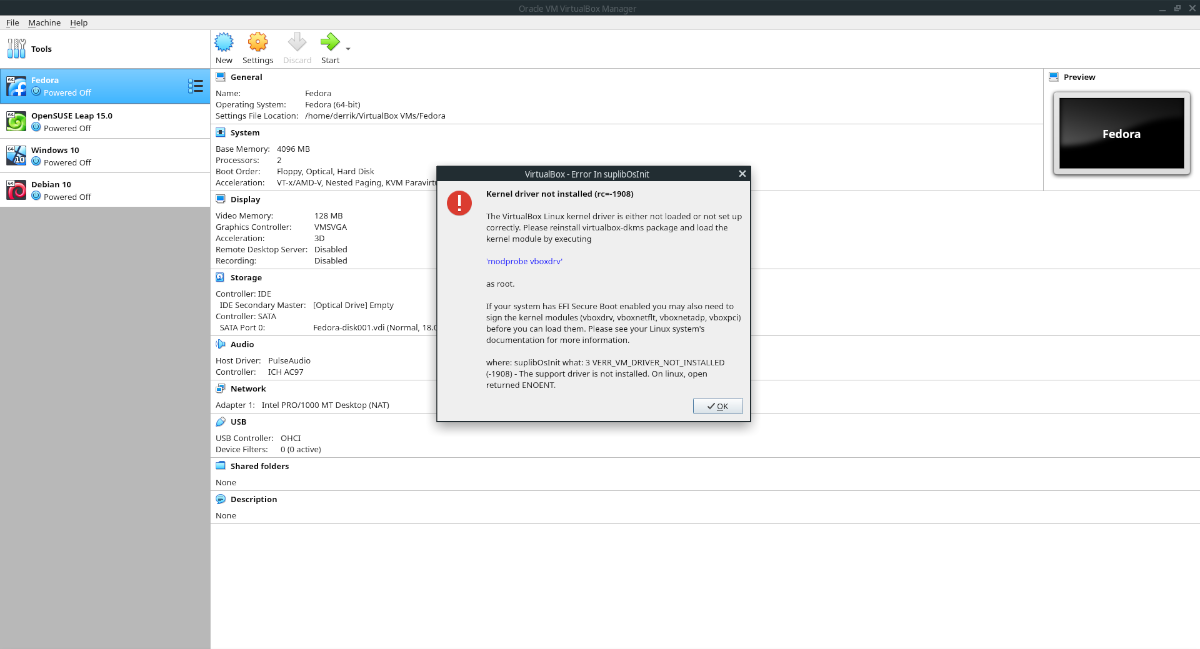
Must Try Os Virtualbox Nawes

How To Fix Audio Issue In VirtualBox On Ubuntu OS YouTube
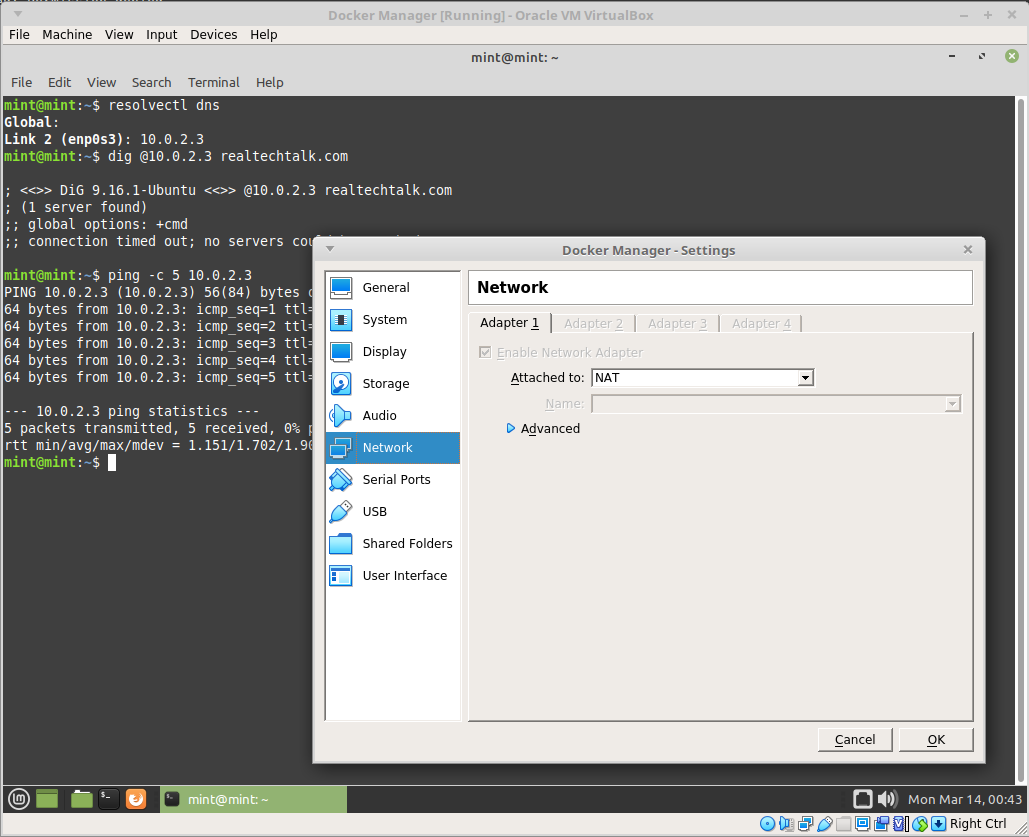
Vbox Virtualbox DNS NAT Network Mode NOT Working Rtt IT Resource
Ubuntu Download On Virtualbox Vametmilitary

Jul 1 2012 nbsp 0183 32 VirtualBox is a general purpose full virtualizer for x86 hardware targeted at server desktop and embedded use For a thorough introduction to virtualization and VirtualBox

The easiest way to start an Oracle VM VirtualBox program is by running the program of your choice VirtualBox VBoxManage or VBoxHeadless from a terminal These are symbolic links

Jun 7 2024 nbsp 0183 32 End user documentation This page is for end users who are looking for information about how to download and run VirtualBox In order to run VirtualBox on your machine you
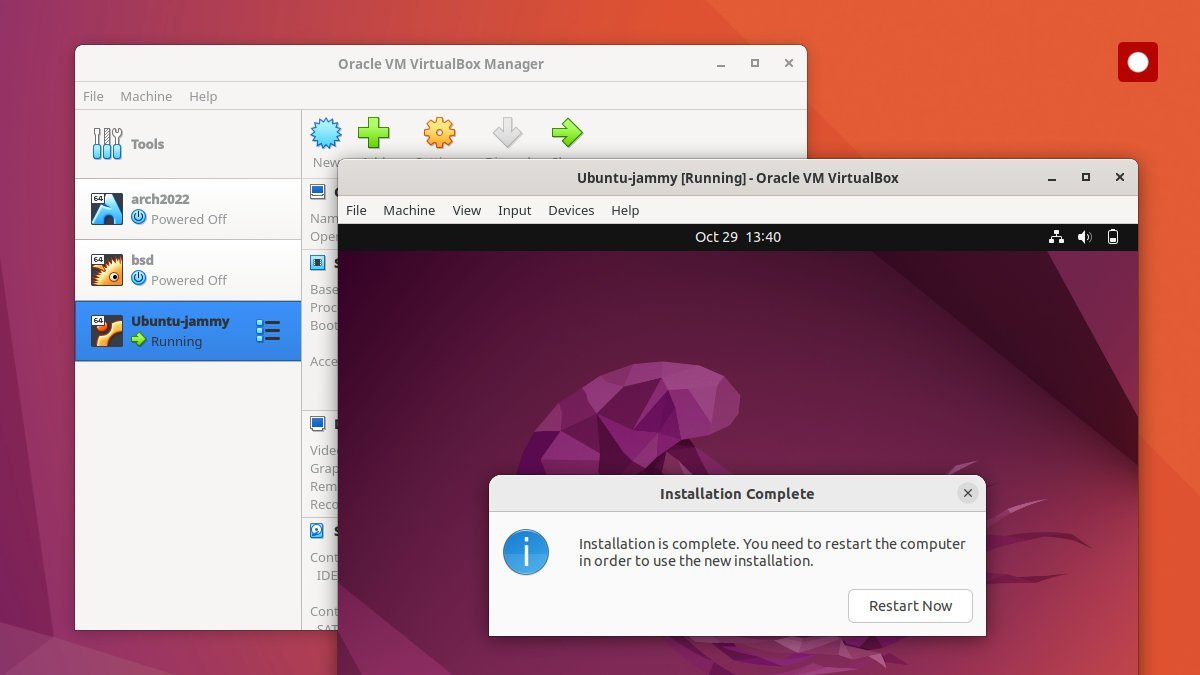
Performing the Installation Installing Oracle VirtualBox from a Debian or Ubuntu Package Using the Alternative Generic Installer VirtualBox run Performing a Manual Installation Updating and
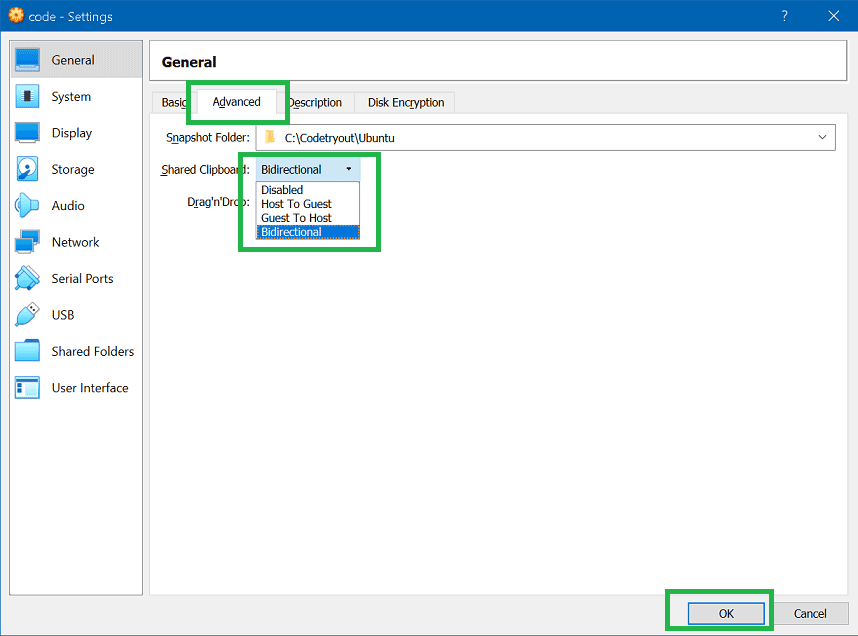
See Section 1 8 Creating Your First Virtual Machine During this step Oracle VM VirtualBox scans the installation medium and changes certain parameters to ensure a seamless
[desc-11] [desc-12]
[desc-13]