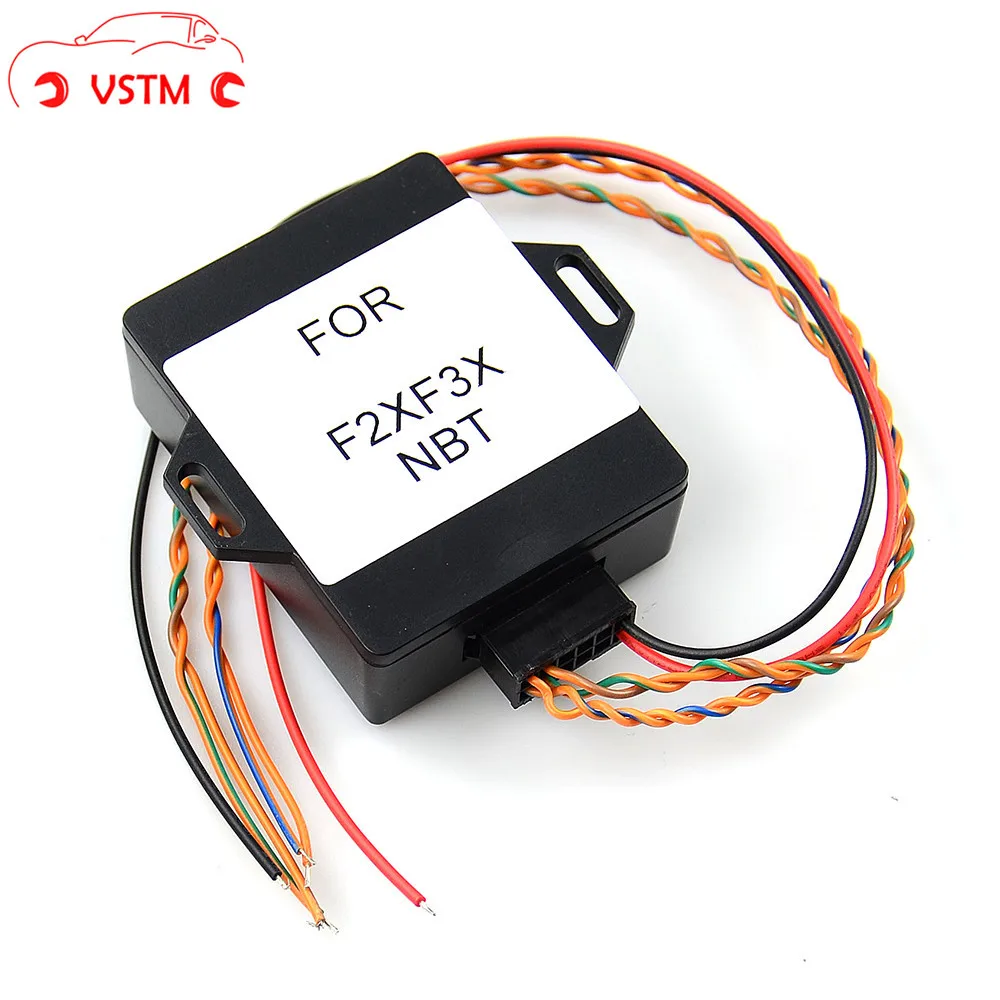
Vim Replace Tab With New Line Unix Linux Replace Tab With Space YouTube Why Is VIM Starting In REPLACE Mode Issue 6365 Vim vim GitHub New Arrival For Bm w All Nbt Evo G11 G12 Activate Tv Free Vim Video In word Vim Vim Sep 18 2015 nbsp 0183 32 Manual page on vim man vim states view Start in read only mode You will be protected from writing the files Can also be done with the quot R quot argument But they have major
Jan 9 2020 nbsp 0183 32 I know I ve probably looked over this a million times in all the vi documents I ve read but I can t seem to find the delete from cursor to end of line command Apr 17 2015 nbsp 0183 32 I am trying to highlight the current line as well as the cursor position in Vim Here s my vimrc set cursorline hi CursorLine ctermbg 8 ctermfg 15 quot 8 dark gray 15 white hi
Vim Vim Vim tab Vim 09 Substitute Search And Replace YouTube Jupyter Heading Loadsingle Linux Vim Deleted All Occurrences Of Match When Not Told To Do So Settings Page Weixin Public Doc Vim Find And Replace 2022 Python String Replace Tab With Space Example ItSolutionStuff Multiple Ways To Convert Tabs With Spaces In Notepad Code2care
Vim Replace Tab With New Line
 Vim Replace Tab With New Line
https://i.ytimg.com/vi/YNyhR5HCJrI/maxresdefault.jpg
I m trying to use Vim more and more when I can One of my biggest grip between Vim and an IDE like Aptana is the ability to auto indent Is there a means of auto formatting code HTML CSS
Templates are pre-designed documents or files that can be utilized for numerous functions. They can save time and effort by offering a ready-made format and design for creating different sort of material. Templates can be utilized for personal or expert projects, such as resumes, invites, flyers, newsletters, reports, presentations, and more.
Vim Replace Tab With New Line
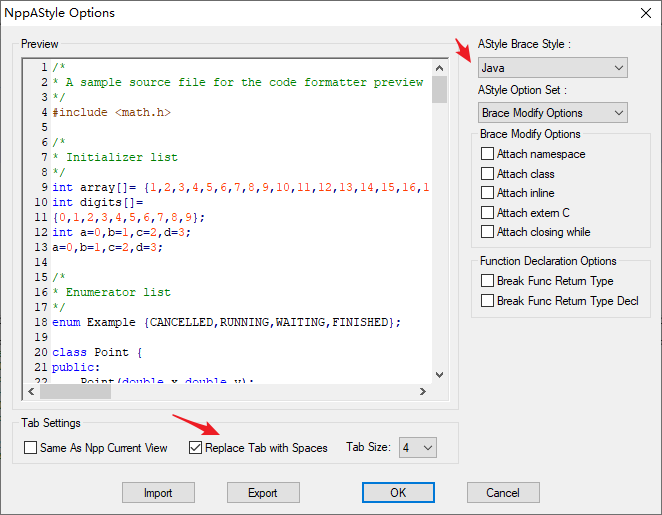
Notepad java Java Layne s Blog
Vim tab
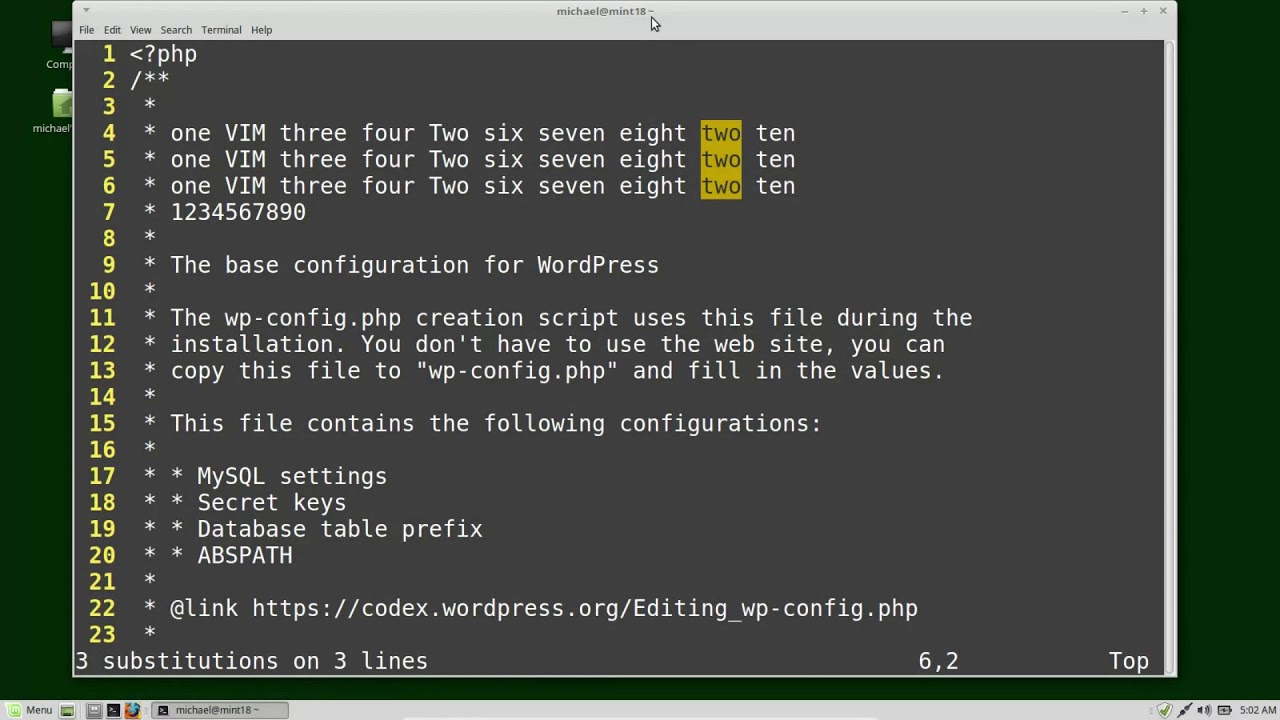
Vim 09 Substitute Search And Replace YouTube

Jupyter Heading Loadsingle
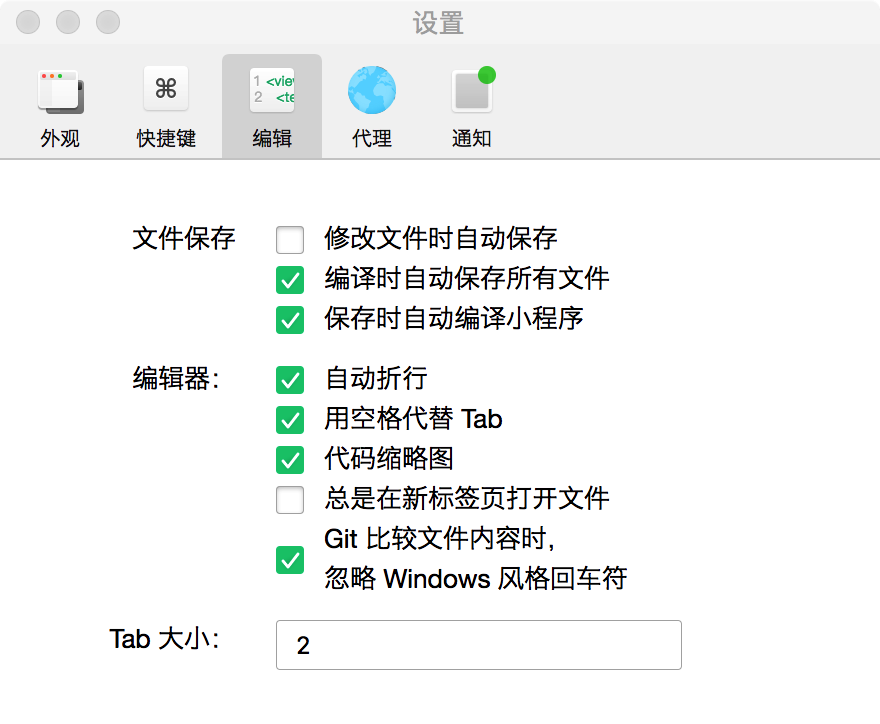
Settings Page Weixin Public Doc
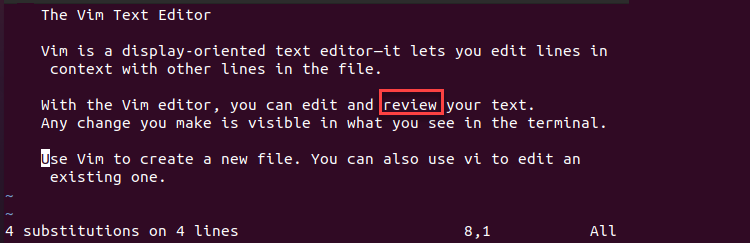
Vim Find And Replace 2022
13 Is there a way we can exclude the lines which are same in the below output I did a vim d file1 file2 but its showing the differences and also some additions lines before and after the
Is it possible to view two files side by side in Vim If so how can I set up my editor to do this and is there a way to diff between the two files within Vim I am aware of the next and prev
Apr 17 2015 nbsp 0183 32 352 When I open the file in Vim I see strange M characters Unfortunately the world s favorite search engine does not do well with special characters in queries so I m asking
How can I select a bunch of text and comment it all out Currently I go to the first line go to insert mode then type left arrowdown arrow and then I repeat that sequence perhaps saving a few
May 12 2015 nbsp 0183 32 I have to edit some files placed on some server I could reach via ssh I would prefer to edit these files in customized vim on my workstation I have not rights to change vim
[desc-11] [desc-12]
[desc-13]