View Path Mac Terminal Mac Terminal Program Lalapatechnology Update Mac OS With The Terminal EasyOSX 10 Mac Terminal Commands All Beginners Should Learn Siytek Mac Terminal Commands I Use Everyday Mac Terminal Commands I Use Everyday WEB Explains how to add directory to PATH in Apple macOS OS X for the terminal bash based session for path settings
WEB How to Set the PATH Variable in macOS Setting the PATH variable in macOS requires using the CLI unlike Windows which lets you do so using both GUI and CLI Plus WEB View your Current PATH Variable on macOS Before modifying the path environment variable on macOS you might want to see what it is currently set to Viewing the
Mac Terminal Commands I Use Everyday How To Navigate Files And Folders In Terminal Macworld Finding Terminal on a Mac Stevensirski Show Hidden Files In Mac Terminal Code2care EP 02 8 Terminal Commands For Mac Users Lightning AI Visual Studio For Mac Integrated Terminal Visual Studio For Mac Customize Mac Terminal I Want To Share With You How To By Wannn Any Way To Block The MAC Terminal Program MacRumors Forums What Is Mac Terminal Used For Dhlasopa
View Path Mac Terminal
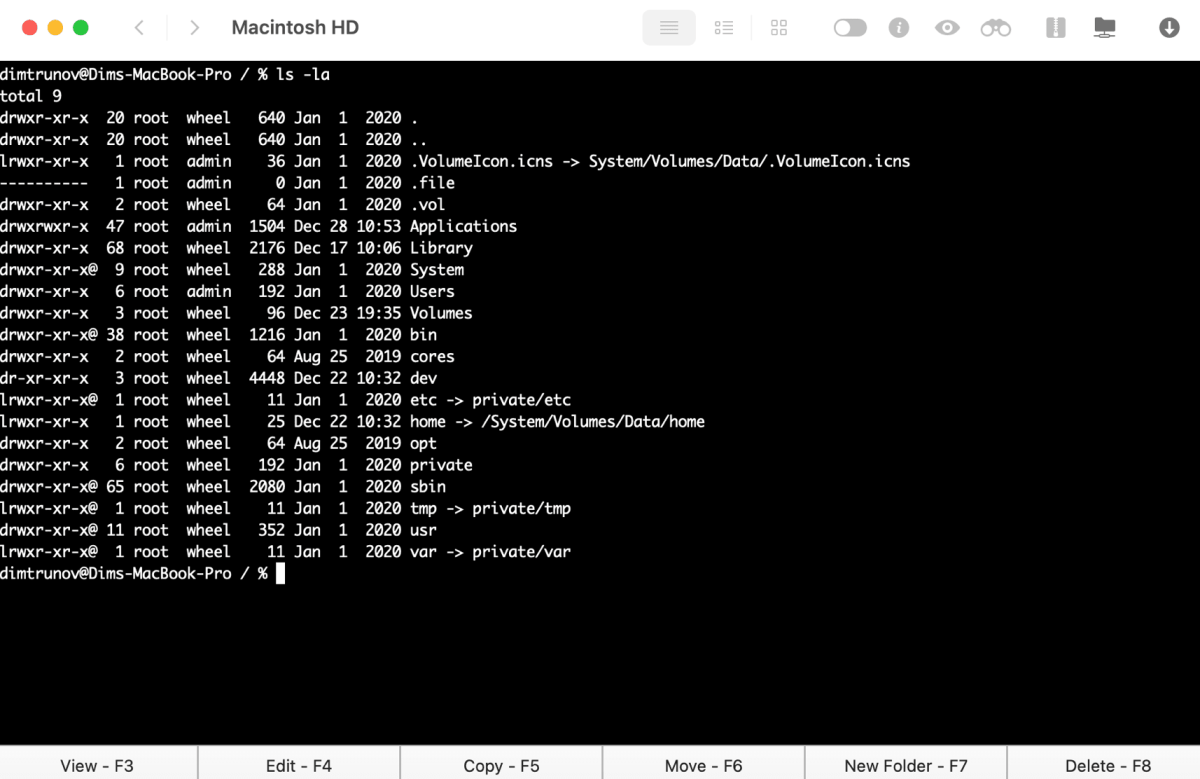 View Path Mac Terminal
https://www.macgasm.net/wp-content/uploads/2021/10/terminal-advanced.png
WEB Let s start with the simplest and most visual way of viewing the current folder path using Finder s own Path Bar feature Open a Finder window and from the top menu bar click the quot View quot button
Pre-crafted templates provide a time-saving service for producing a varied range of documents and files. These pre-designed formats and designs can be used for various personal and expert jobs, including resumes, invites, flyers, newsletters, reports, discussions, and more, streamlining the content development procedure.
View Path Mac Terminal
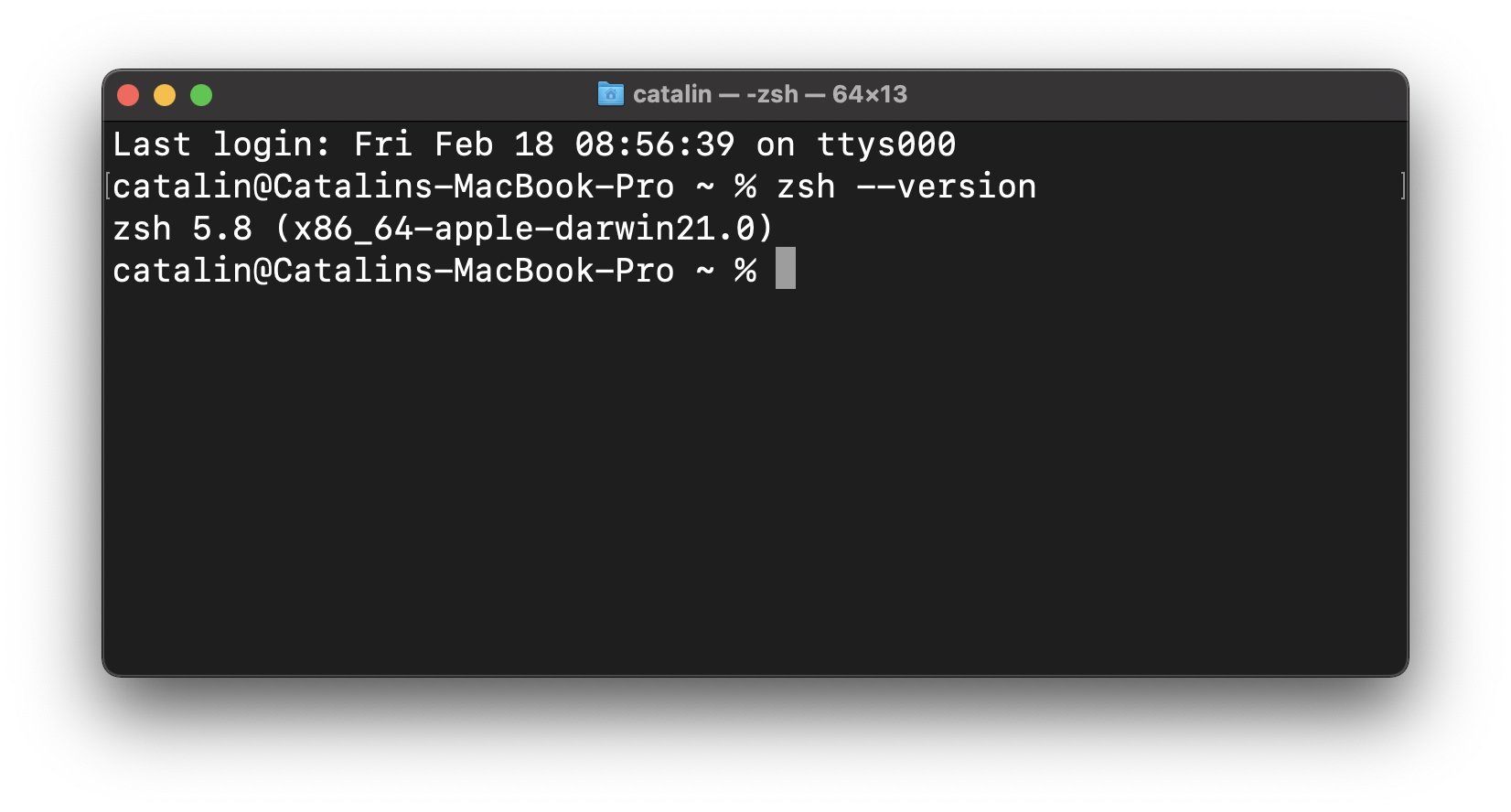
ITerm2 Oh My Zsh Supercharge Your Mac Terminal

How To Navigate Files And Folders In Terminal Macworld
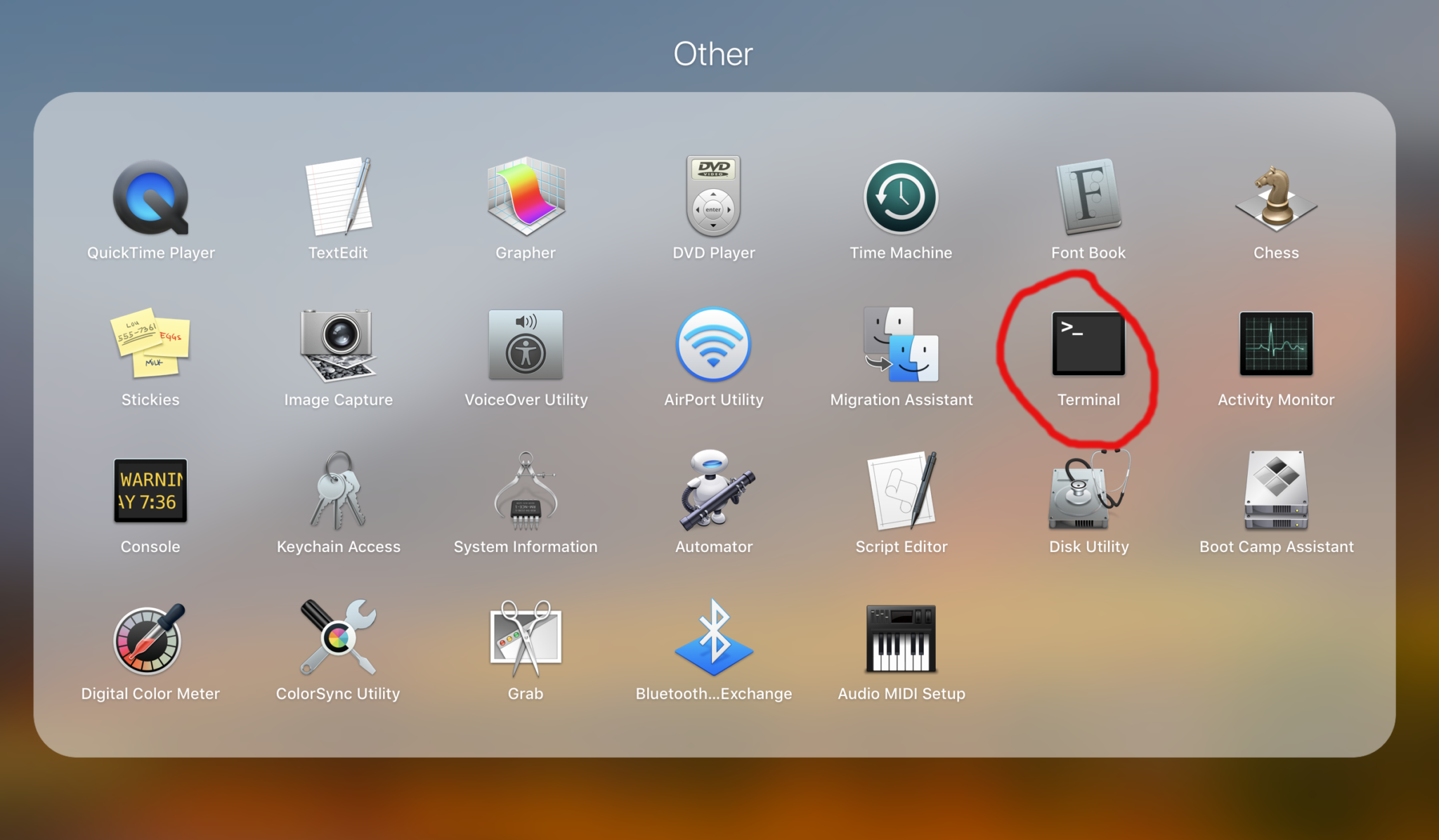
Finding Terminal on a Mac Stevensirski
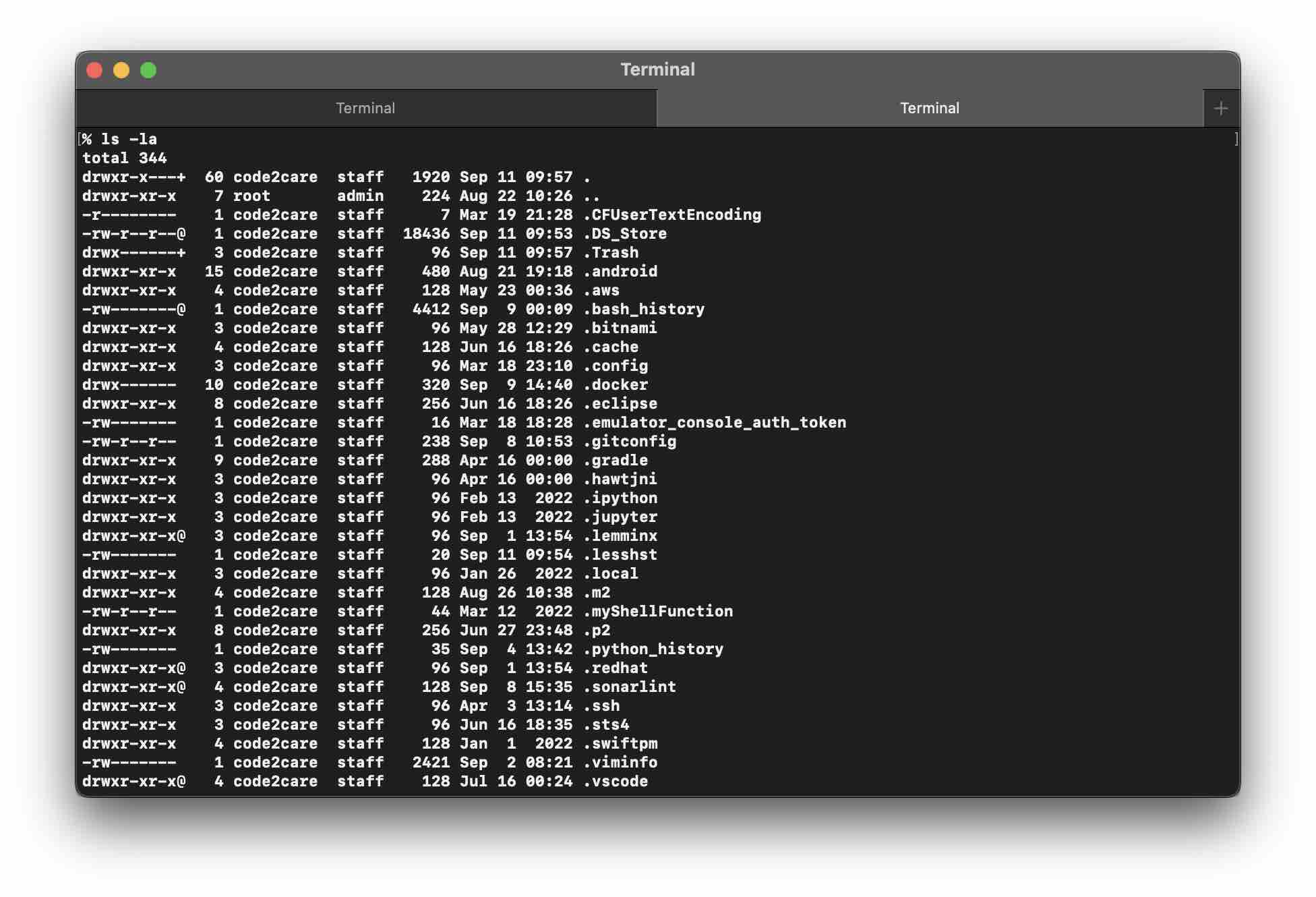
Show Hidden Files In Mac Terminal Code2care
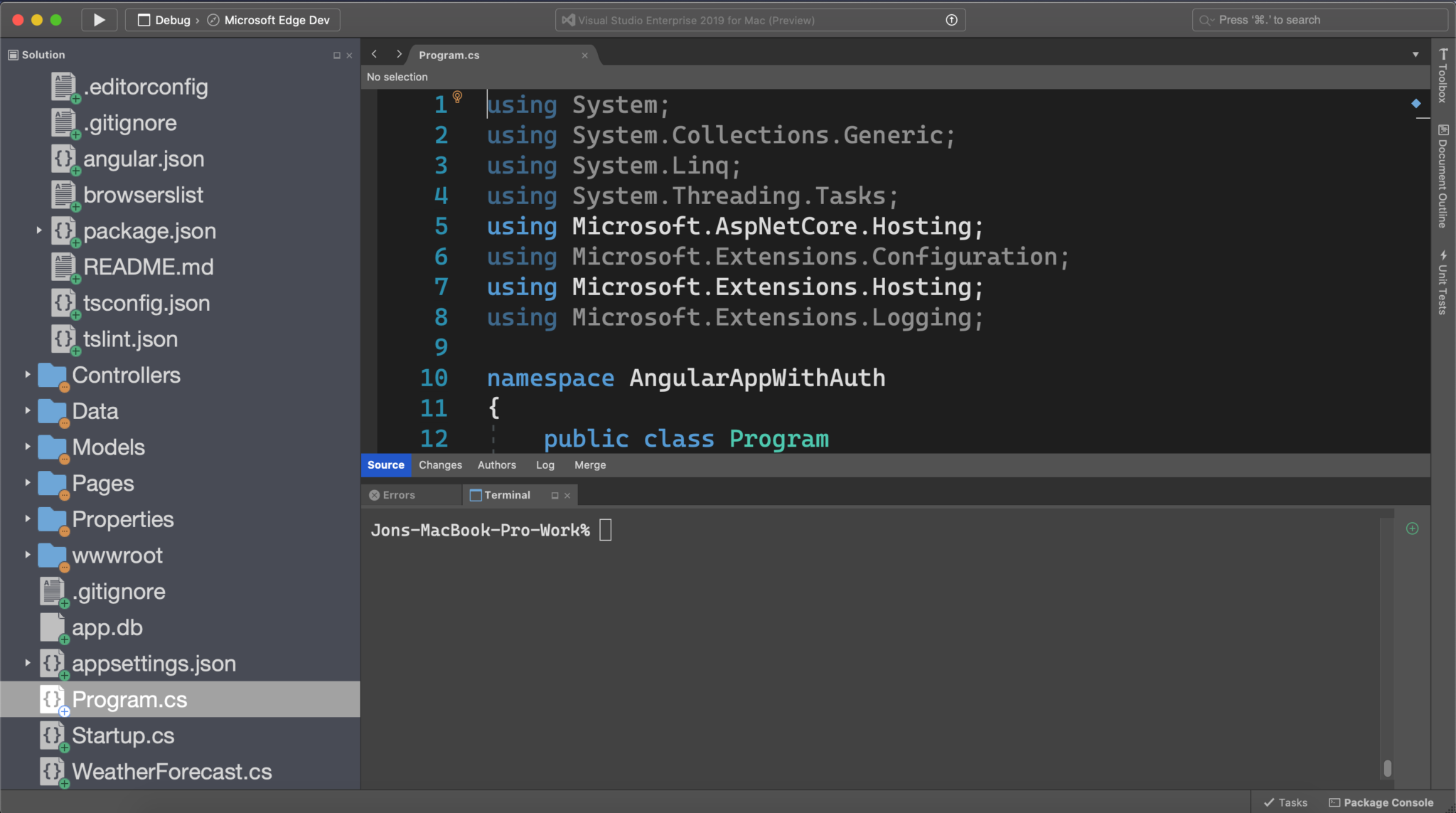
Visual Studio For Mac Integrated Terminal Visual Studio For Mac
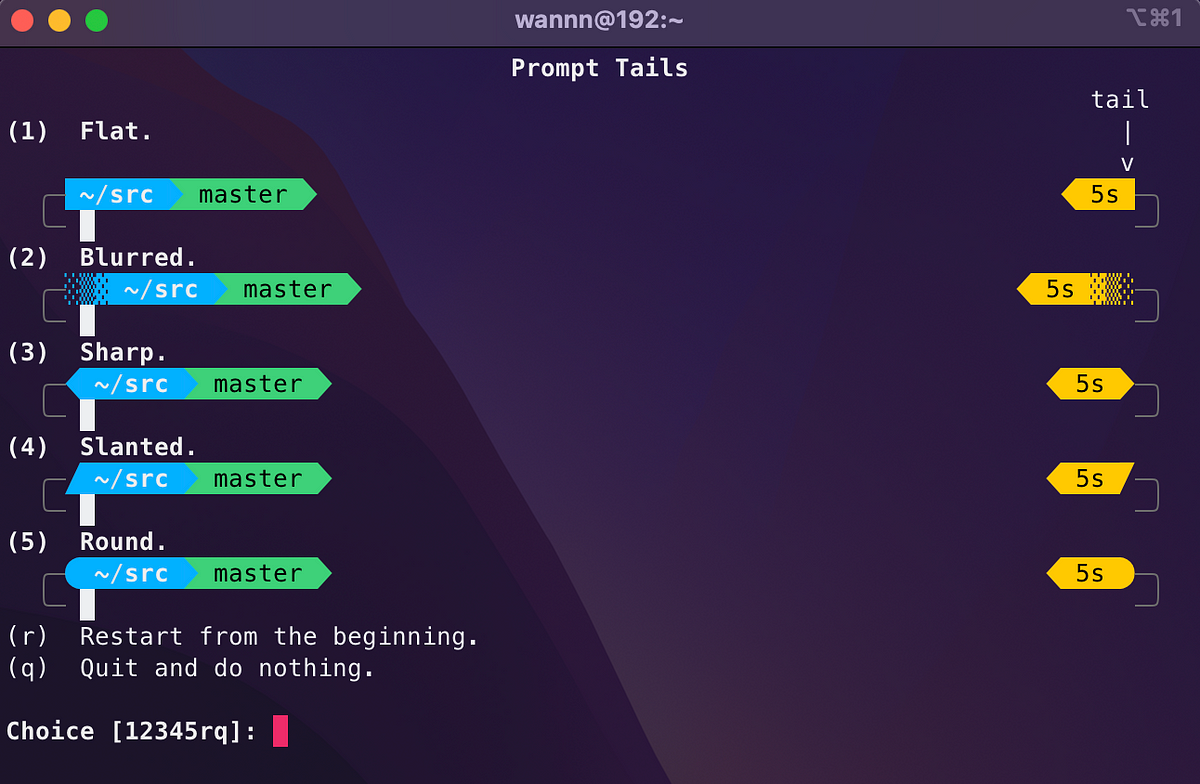
Customize Mac Terminal I Want To Share With You How To By Wannn
WEB 9 Answers Sorted by 44 Use realpath E g realpath README md Users joe my long directory structure README md Answered here on stackoverflow

WEB You need to use the command echo PATH to display the PATH variable or you can just execute set or env to display all of your environment variables By typing PATH you
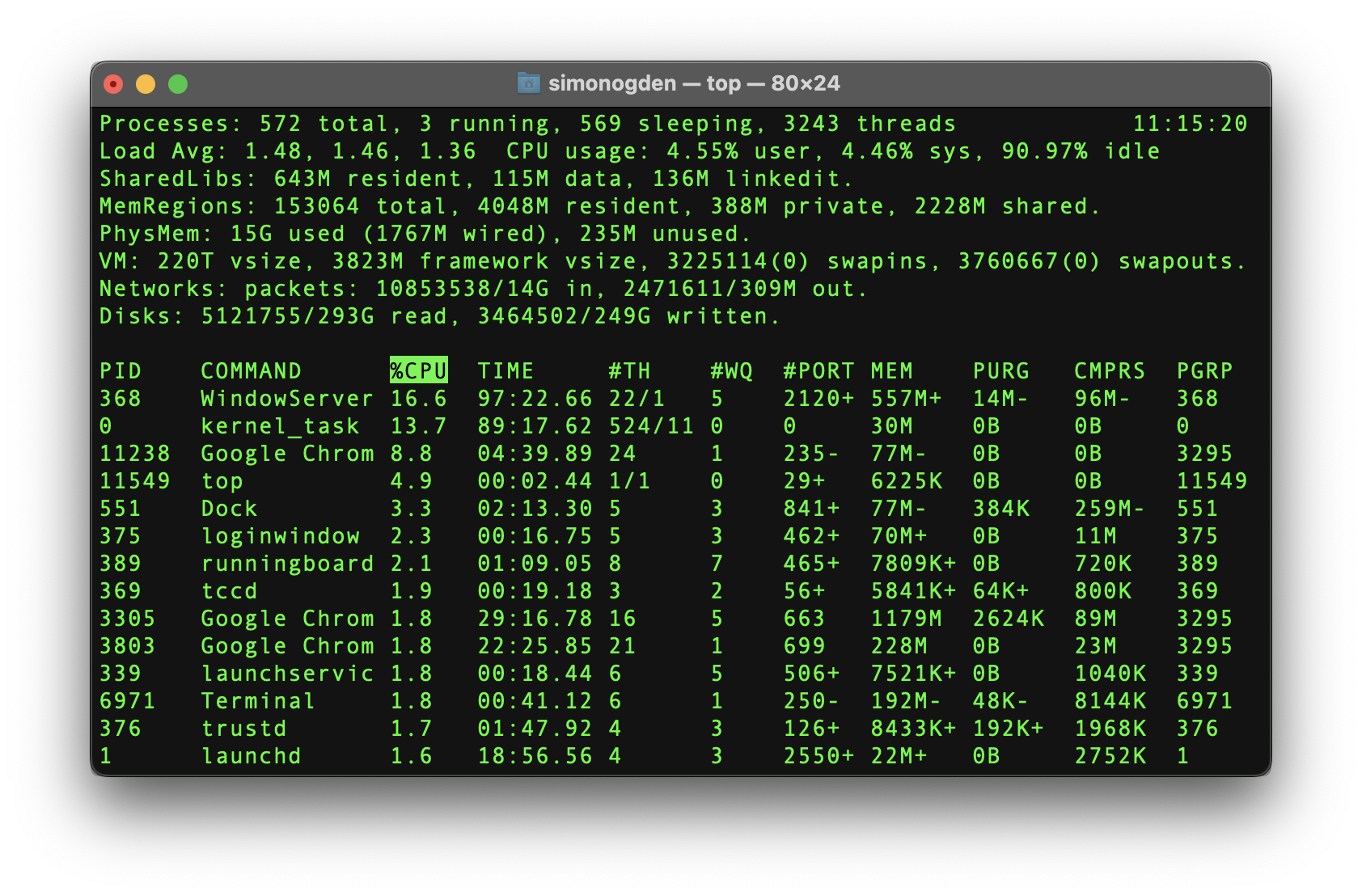
WEB Mar 22 2012 nbsp 0183 32 I m not sure but it looks like Catalina doesn t give you direct access to PATH Instead look at etc paths For me line 1 is usr local bin line 2 is usr bin and

WEB To see what current folder or directory you re in simply type the following inside the Mac Terminal pwd

WEB Use environment variables in Terminal on Mac The shell uses environment variables to store information such as the name of the current user the name of the host computer
WEB To display hidden files use command quot ls a quot or quot ls al quot For example to add a directory to the PATH environment variable add the following line at the end of quot bashrc quot or WEB Go in the Terminal app menu select Terminal gt Preferences gt Profiles gt Basic Default gt Window and enable the Path checkbox to show the entire path You can drag the icon
WEB 1 You can use quot alias quot command in terminal to list all of your aliases Or if you are in a directory you can use quot pwd quot to show your current path If you know the filename or a