View Log File In Linux Terminal How To Open A File In Linux Terminal OS Today K pt r Pr za Mary Kali Linux How To Copy File N pszavaz s L rai tver s Linux Basics How To View Log Files On The Shell Cuota Distraer Soberano Crear Archivo En Linux Fuente Cuota De Admisi n Linux Fileext You can use the following command to see binary logs created and managed by the systemd in Ubuntu Linux journalctl F SYSTEMD UNIT
Step 2 Viewing Log File Contents Here are some common log files you will find under var log wtmp utmp dmesg messages maillog or mail log spooler auth log or secure The wtmp and utmp files keep track of users logging in and out of the system The cat command is a basic command line utility that can display the contents of a log file directly in the terminal For example to view the contents of the syslog file the following command can be used The cat command is generally used to concatenate and display the contents of one or more files
Linux Fileext How To View System Log Files In Linux Create A File Using The Terminal In Linux Delft Stack Viewing Linux Logs From The Command Line Linux How To Install Php 8 On Ubuntu 20 04 With Apache And Nginx Linuxbuz How To Download Files From Terminal In Ubuntu Other Linux How To Create A File In Linux Linux Magazine Open And Edit Text File In Terminal Linux Iopnote How To Edit A File In Linux Shell Terminal YouTube
View Log File In Linux Terminal
 View Log File In Linux Terminal
https://frameboxxindore.com/wp-content/uploads/2019/06/how-to-open-a-file-in-linux-terminal.jpg
Run the following command to display the kernel message log from the last boot server journalctl k The journalctl command has several choices that can make querying the journal easier You can query the log based on applications time frame systemd units priority and many other options
Templates are pre-designed files or files that can be utilized for different functions. They can conserve effort and time by supplying a ready-made format and layout for producing different type of content. Templates can be utilized for personal or expert projects, such as resumes, invitations, flyers, newsletters, reports, discussions, and more.
View Log File In Linux Terminal
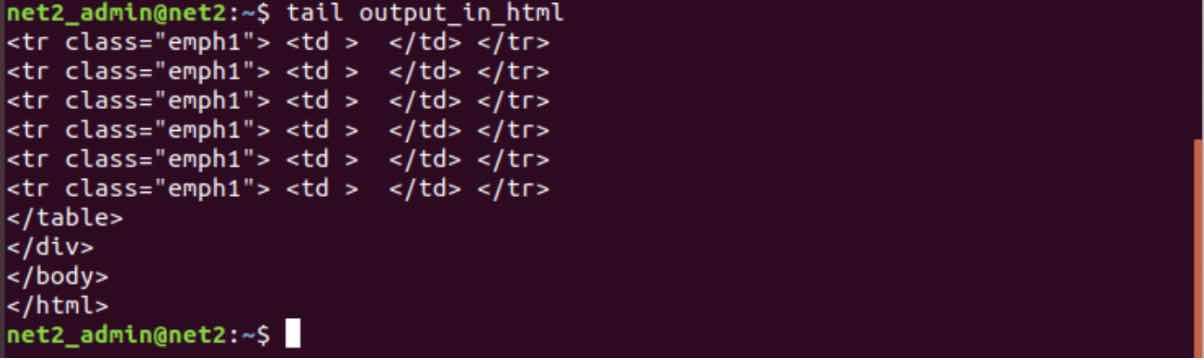
Linux Display File In Terminal
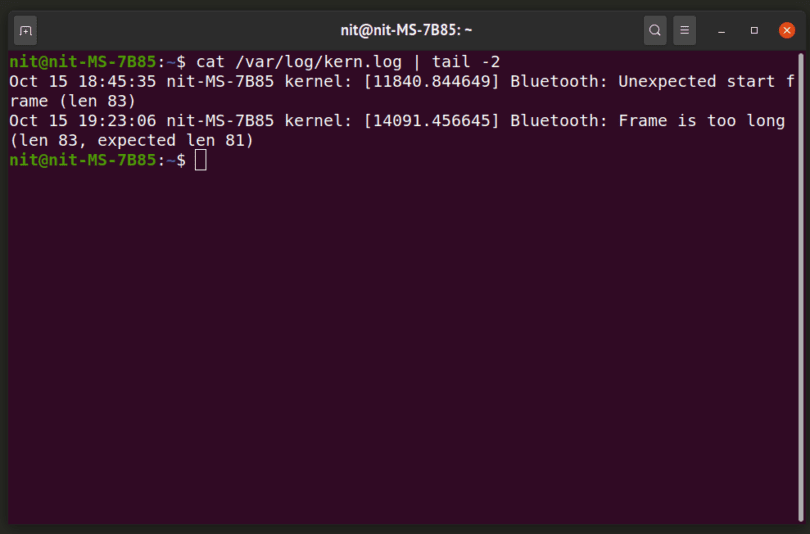
How To View System Log Files In Linux

Create A File Using The Terminal In Linux Delft Stack
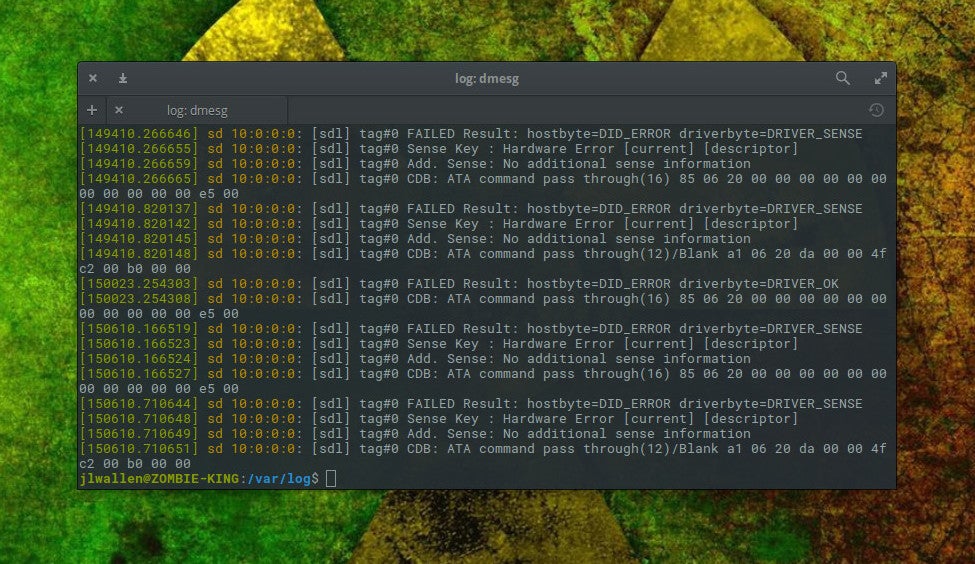
Viewing Linux Logs From The Command Line Linux
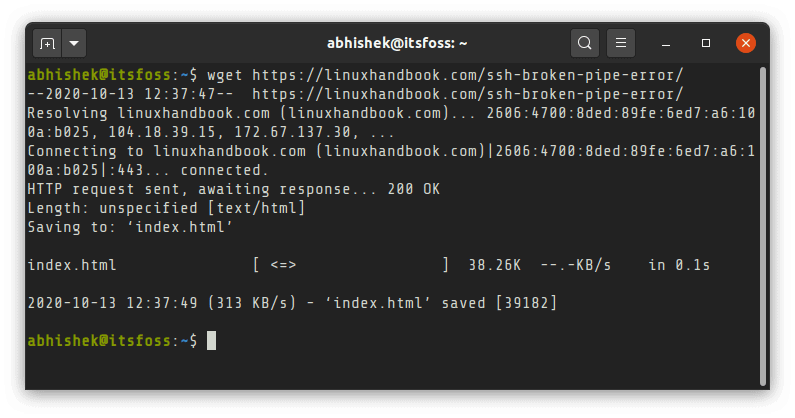
How To Download Files From Terminal In Ubuntu Other Linux

How To Create A File In Linux Linux Magazine

How do I view log files on Linux Open the Terminal or login as root user using ssh command Go to var log directory using the following cd command cd var log To list files use the following ls command ls Sample outputs from RHEL 6 x server
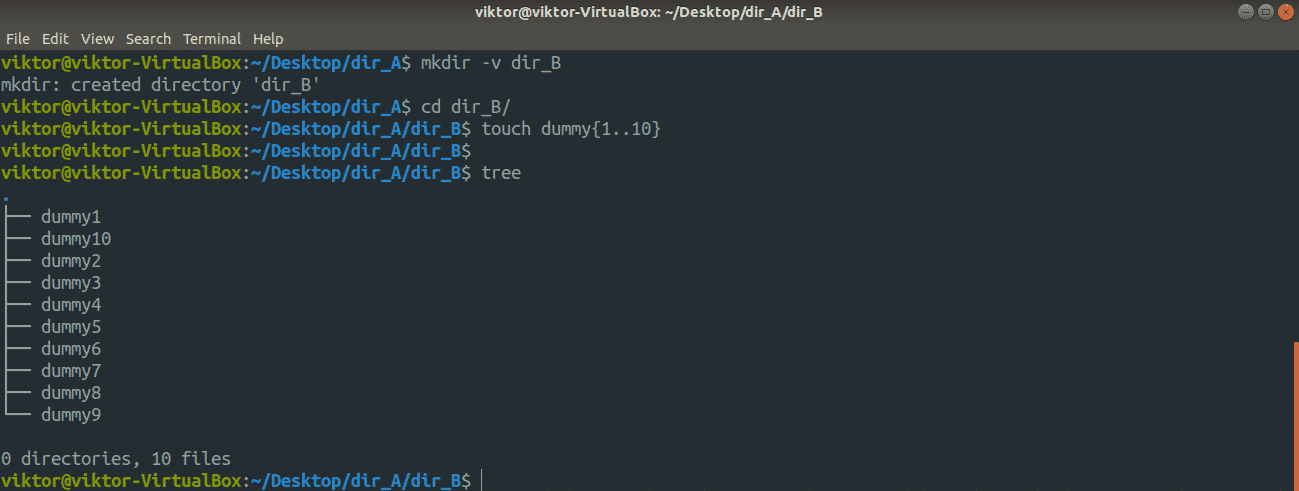
As said tail command is the most common solution to display a log file in real time However the command to display the file has two versions as illustrated in the below examples In the first example the command tail needs the f argument to follow the content of a file sudo tail f var log apache2 access log
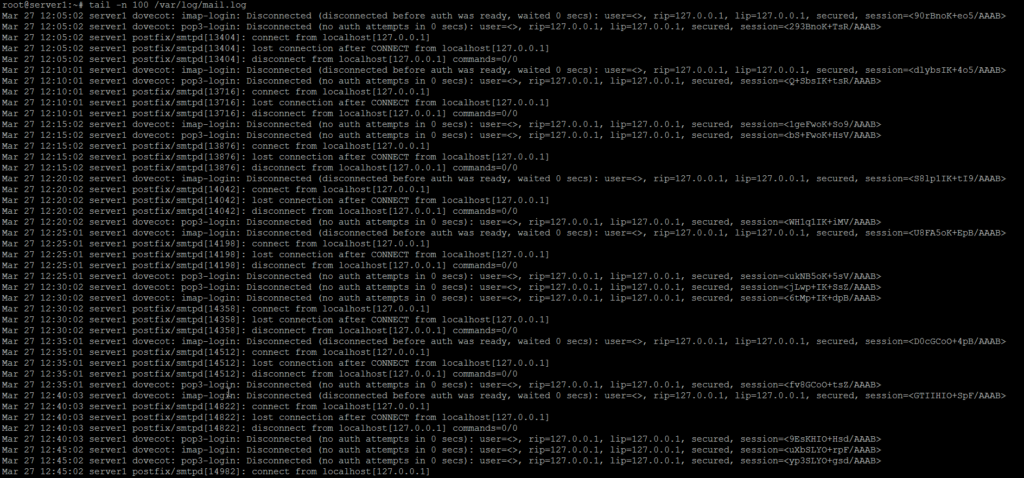
Open the Linux Terminal execute the following command It will show up the latest 10 lines of the Linux Log Files promptly Command tail Method 2 Monitor Logs on Linux using the MULTITAIL Command Execute the following Linux Commands on the terminal to execute multiple log files
Viewing files The most basic way to view files from the command line is using the cat command You simply pass in the filename and it outputs the entire contents of the file cat file txt This can be inconvenient when dealing with large files which isn t uncommon for logs We could use an editor although that may be overkill just to

Fortunately there are numerous ways in which you can view your system logs all quite simply executed from the command line var log This is such a crucial folder on your Linux systems Open up a terminal window and issue the command cd var log Now issue the command ls and you will see the logs housed within this directory Figure
Cat Also Check How to View the Content of File in Linux cat Command Method 2 Manage Logs in Linux using GREP Command The GREP Command filters and extracts specific information from Linux logs So to manage Linux log files follow as instructed On the Terminal execute the Linux Command mentioned Method 1 Watch log files with the tail command The tail command is so popular for viewing log files in real life that sysadmins use the term tail the log file The tail command is essentially used for showing the lines of a
Linux Terminal Command Line View Log Files Through Gnome Logs Logs is the default utility that comes with the latest versions of Ubuntu e g Ubuntu 22 04 To access it Type Logs in the Ubuntu dash You will be able to see the Logs utility open with the option to view logs for Applications System Security and Hardware Click on the