Venv Bin Activate Not Working How To Fix Starz Activate Not Working On Roku Gadgetswright Bash python run venv bin activate Fix Starz Activate Not Working On Firestick Gadgetswright GitHub DarienNouri vmZillowScraper10 30 Upload Of Vm Working Scraper Jul 24 2018 nbsp 0183 32 I think tripleee s answer is enough to answer this question but I recently has a problem when I put my python files in the myproject folder because I was making an exe file
Jan 2 2019 nbsp 0183 32 I am using venv for creating virtualenv and VS code to debug the code I found we don t have to create a launch json file but add settings json under project vscode folder Apr 1 2019 nbsp 0183 32 15 Maybe you should install an ipykernel inside your venv first virtualenv venv venv Scripts activate bat to activate the venv python m pip install ipykernel python m
GitHub DarienNouri vmZillowScraper10 30 Upload Of Vm Working Scraper Env home appuser venv bin streamlit No Such File Or Directory Installed Version Using AiO Configuration Home Assistant Community SOLVED The Term venv Scripts activate ps1 Is Not Recognized As The 101 Python Venv Guide Create Delete Activate And Deactivate 2022 Python Missing From venv bin python Folder In Virtual Environment Desenvolvimento Para A Web Com O Python No Windows Microsoft Learn 5 Best Working Ways To Fix Twitch Tv Activate Not Working DailyTechData Fix Kids youtube activate Not Working Gadgetswright
Venv Bin Activate Not Working
 Venv Bin Activate Not Working
https://gadgetswright.com/wp-content/uploads/2021/11/Starz-Activate-not-Working-on-Roku.jpeg
Mar 30 2021 nbsp 0183 32 Visual Studio Code does not detect virtual environments I run vscode in the folder where the venv folder is located when I try to select the kernel in vscode I can see the main
Templates are pre-designed documents or files that can be utilized for numerous purposes. They can conserve effort and time by providing a ready-made format and layout for producing various kinds of content. Templates can be utilized for individual or professional projects, such as resumes, invites, flyers, newsletters, reports, presentations, and more.
Venv Bin Activate Not Working
How To Resolve venv bin activate Is Not Executable By This User

Env home appuser venv bin streamlit No Such File Or Directory
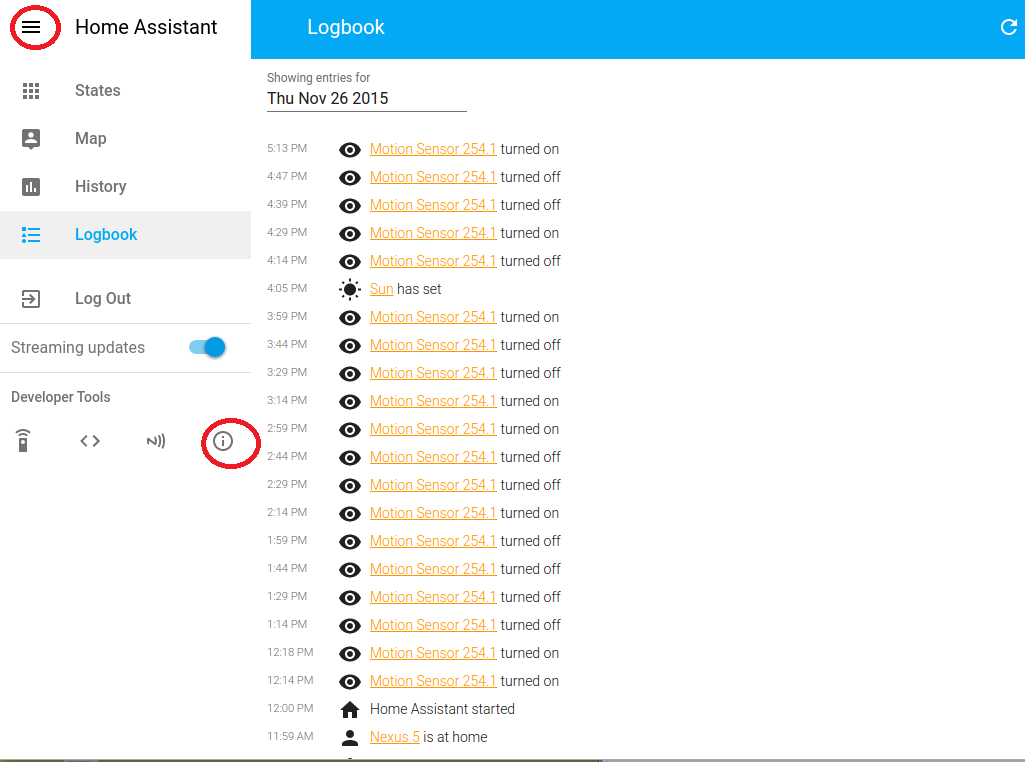
Installed Version Using AiO Configuration Home Assistant Community
SOLVED The Term venv Scripts activate ps1 Is Not Recognized As The

Python Missing From venv bin python Folder In Virtual Environment

Desenvolvimento Para A Web Com O Python No Windows Microsoft Learn

Dec 20 2021 nbsp 0183 32 Therefore when creating a new venv for a new project I would like to downgrade Python say to 3 8 only for this specific venv How can I do that What should I type onto the

252 In Python 3 6 the pyvenv module is deprecated Use the following one liner instead python3 m venv path to new venv This is the recommended way to create virtual
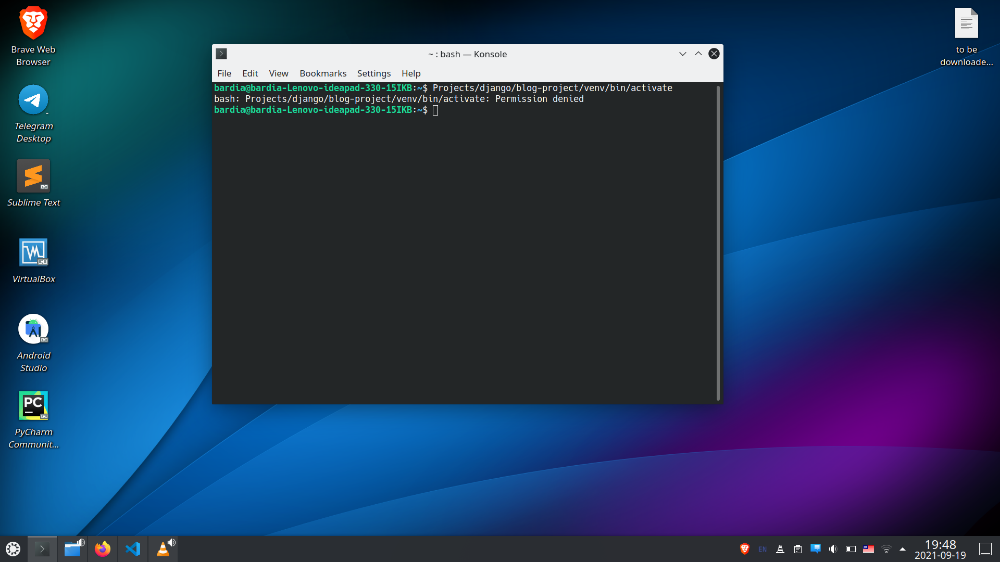
Apr 12 2013 nbsp 0183 32 To create a new environment python3 m venv your foldername here Activate cd your foldername here source bin activate Deactivate deactivate You can also stand in the

Oct 10 2018 nbsp 0183 32 Select that Python version pyenv local lt python version gt To create virtual env This will create venv somewhere in root from there you can activate and deactivate it pyenv
Jan 19 2022 nbsp 0183 32 Your virtual environment was created with virtualenvwrapper Activate it with command workon mysite virtualenv in bash console on PythonAnywhere For the web app you
[desc-11] [desc-12]
[desc-13]