Vba Delete Filtered Rows Except Header How To Delete Filtered Rows In Excel 5 Methods ExcelDemy How To Delete Filtered Rows In Excel Sheetaki How To Count Filtered Rows In Excel With VBA Step by Step Guideline Solved VBA How To Delete Filtered Rows In Excel 9to5Answer How To Delete Filtered Rows In Excel SpreadCheaters The following VBA code can help you delete all rows except the first header row in Excel Please do as follows 1 Press Alt F11 keys simultaneously to open the Microsoft Visual Basic for Applications window 2 In the Microsoft Visual Basic for Applications window click Insert Module
Delete hidden filtered rows Apply an auto filter to the data range and then delete hidden rows leaving only the visible rows in this spreadsheet keep all rows with CD in column J that also have blanks in column D and remove all other rows You can watch this video below 1 Filter the Visible Rows and Delete with VBA in Excel If we apply the filter we ll get some visible rows and some hidden rows In this method we ll show you the process to Delete the Visible Rows When we apply the Filter feature with VBA we can set criteria It can be a single criterion or multiple depending on our requirements
How To Delete Filtered Rows In Excel SpreadCheaters Deleting Filtered Rows With Without VBA In Microsoft Excel Excel VBA Macro To Autofilter One Date And Special Cells Delete Stack Overflow Excel How To Delete Filtered Rows Basic Excel Tutorial How To Delete Filtered Data In Excel Basic Excel Tutorial How To Count Filtered Rows In Excel With VBA Step by Step Guideline Excel The Row Guidelines Solved VBA How To Delete Filtered Rows In Excel 9to5Answer How To Delete Filtered Rows In Excel Sheetaki How To Delete Filtered Rows In Excel Hulett Sircurnis
Vba Delete Filtered Rows Except Header
 Vba Delete Filtered Rows Except Header
https://www.exceldemy.com/wp-content/uploads/2022/01/How-to-Delete-Filtered-Rows-in-Excel-1-2048x1449.png
Some times after using AutoFilter you may want to select the part of the range that is visible for deleting or something else I found that using DataBodyRange you avoid the risk of deleting the header too rng ActiveSheet ListObjects SheetName DataBodyRange Address
Pre-crafted templates provide a time-saving solution for producing a varied series of documents and files. These pre-designed formats and layouts can be used for various personal and expert tasks, consisting of resumes, invites, flyers, newsletters, reports, discussions, and more, enhancing the content creation process.
Vba Delete Filtered Rows Except Header
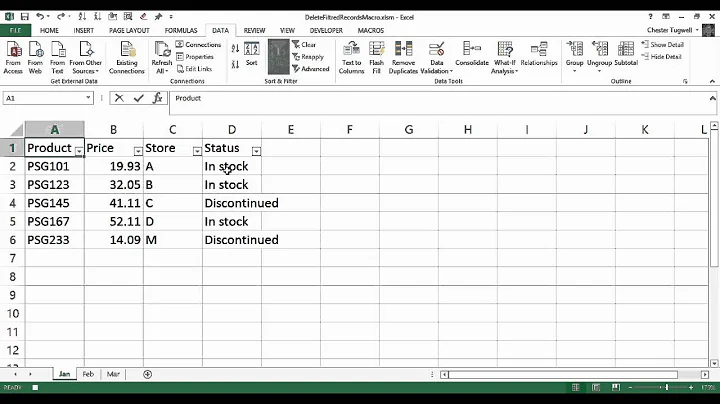
Solved VBA How To Delete Filtered Rows In Excel 9to5Answer

Deleting Filtered Rows With Without VBA In Microsoft Excel

Excel VBA Macro To Autofilter One Date And Special Cells Delete Stack Overflow

Excel How To Delete Filtered Rows Basic Excel Tutorial

How To Count Filtered Rows In Excel With VBA Step by Step Guideline Excel The Row Guidelines

Solved VBA How To Delete Filtered Rows In Excel 9to5Answer

1 Simply delete the visible rows after the filter is applied except the first row headers Currently it deletes ALL visible rows including the first row even though I have the Offset function in my code 2 Remove all filters This is working fine now

VBA Excel How to delete filtered rows exclude heading Ask Question Asked 6 years 5 months ago Modified 6 years 5 months ago Viewed 5k times 0 ActiveSheet Range A 1 V Offset 1 17 SpecialCells xlCellTypeVisible EntireRow Delete ActiveSheet Range A 17 V 110 AutoFilter Field 4 It seems there is an error

Excel vba delete all rows except header and subtotal Stack Overflow I m using the following code whereby I have set a range in a filtered list and I want to delete the visible cells I have offset by 1 because of the header row but I also have a row at the very bo Stack Overflow About Products For Teams

1 Your problem is that you are using a single cell as the range When you Offset a single cell range then use xlCelTypeVisible EntireRow Delete Excel selects every cell on the sheet and deletes them You really should clarify your range with a properly defined range object e g
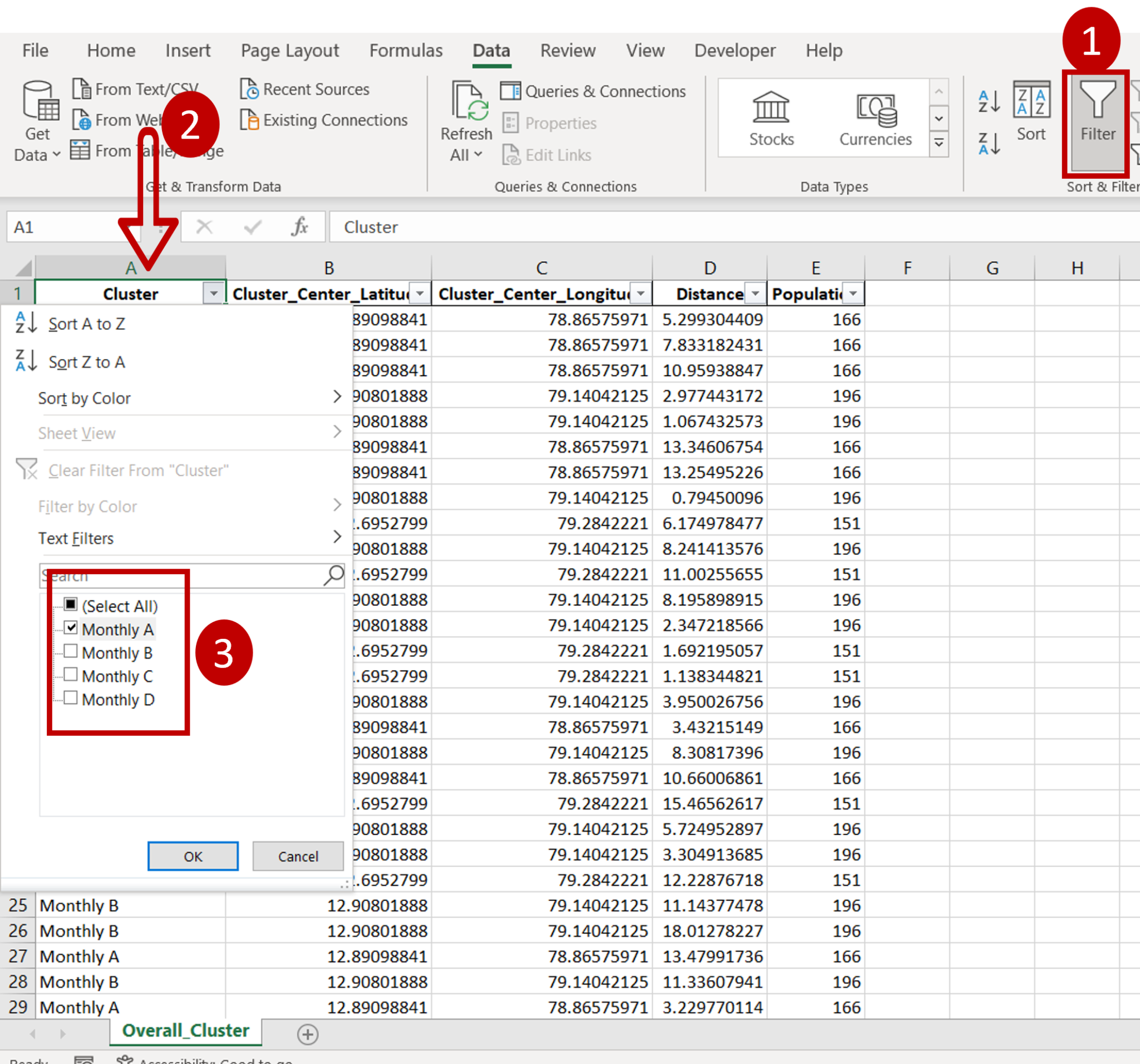
3 I want to delete all rows in filtered range except the first visible row after header For example This is a sample table I want to delete all the filtered rows of apple Except row number 3 which is the first visible filtered row I have tried below code
Excel VBAHow to use a Macro to delete filtered data from a sheet without deleting the headers on the sheet also Select all the rows in a view right click and select Delete Row from the popup menu This will delete all the visible rows only Don t worry the rest of your data is safe To see the rest of the data simply click on the Filter button from the Data tab again
Sub KeepSpecificCities Dim ws As Worksheet Dim lr As Long Dim cell As Range Dim citiesToKeep As String Define the worksheet and last row Set ws ThisWorkbook Sheets 1 Change the sheet index as needed lr ws Cells ws Rows Count A End xlUp Row Define the cities to keep add or remove as needed citiesToKeep Milan Berlin London Paris Loop through the rows in the range For