V Textarea Height Expand Textarea Height To Fit Content Html How To Make A Div Scroll With Respect To A Textarea Height Html Textarea CSS height 100 In Table cell Div IE Share Best Html Textarea Auto Height Myoko noasobi jp Auto Resize Textarea Height To Fit Content Using JavaScript In The Automatically grow the textarea depending on amount of text Sets the color of the input when it is not focused Applies specified color to the control s background Used on components that also support the color prop supports utility colors for example success or purple or css color 033 or rgba 255 0 0 0 5
To set the initial minimum height in rows set the rows prop to the desired number of lines or leave it at the default of 2 And then set maximum rows that the text area will grow to before showing a scrollbar by setting the max rows prop to the maximum number of lines of text Applies specified color to the control it can be the name of material color for example success or purple or css color 033 or rgba 255 0 0 0 5 You can find a list of built in classes on the colors page counter
Auto Resize Textarea Height To Fit Content Using JavaScript In The EvaluateJavaScript In WebView Only Works Once Scriptable Automators Make Textarea Height Equal To The Size Of The Content Isnide Of It Should I Size A Textarea With CSS Width Height Or HTML Cols Rows Vuetify Textarea Line height Zeilenumbruch Automatisch Entfernen Html Styling Empty Textarea Height Stack Overflow TextArea Resizing Stops After Text Exceeds Height Tailwindlabs Adjust Textarea Height While Typing To Fit Content With JavaScript
V Textarea Height
 V Textarea Height
https://shots.codepen.io/andreaswik/pen/dyMZKEO-800.jpg?version=1599257832
Vue Component Framework Contribute to vuetifyjs vuetify development by creating an account on GitHub
Templates are pre-designed documents or files that can be used for various purposes. They can conserve effort and time by providing a ready-made format and layout for producing different sort of material. Templates can be utilized for individual or expert jobs, such as resumes, invites, leaflets, newsletters, reports, discussions, and more.
V Textarea Height

Css Sizing Textarea Height According To Content With Baseline Same As
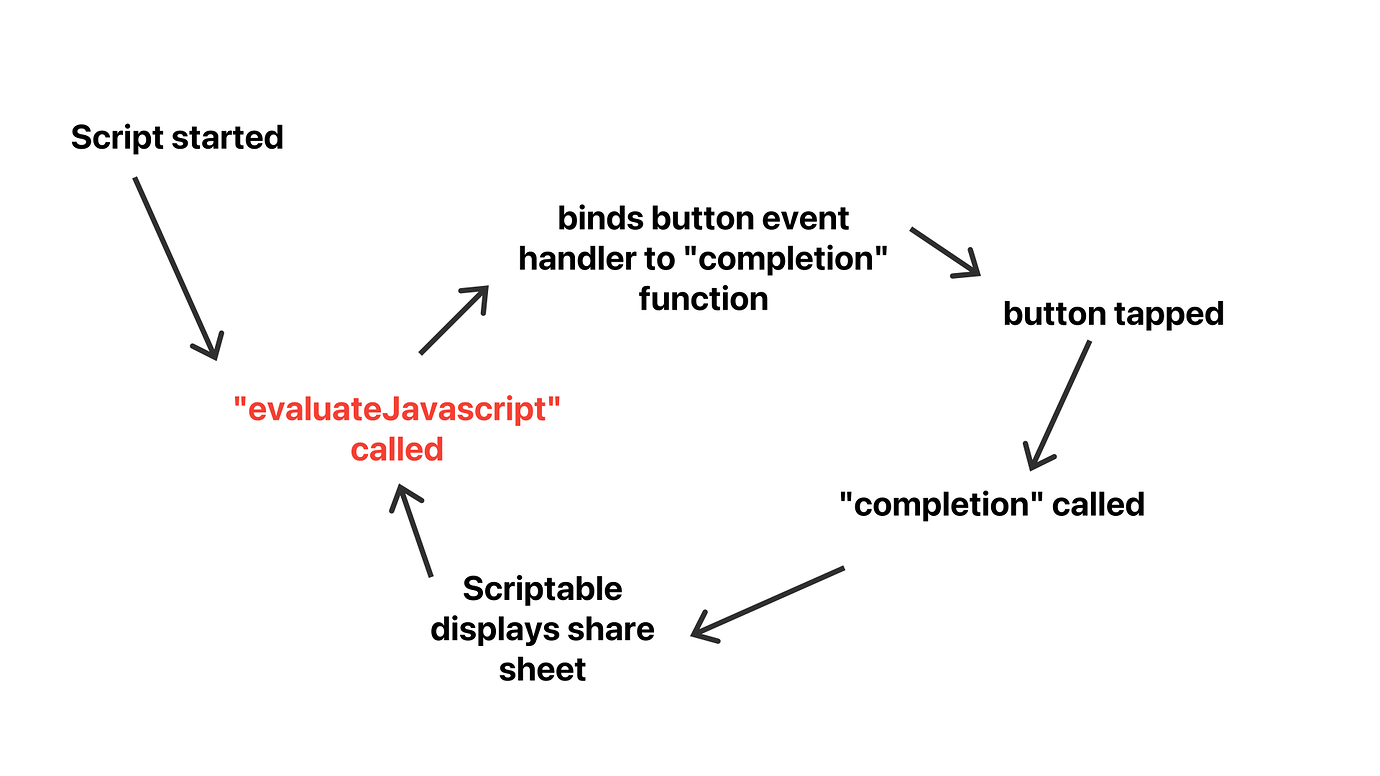
EvaluateJavaScript In WebView Only Works Once Scriptable Automators

Make Textarea Height Equal To The Size Of The Content Isnide Of It
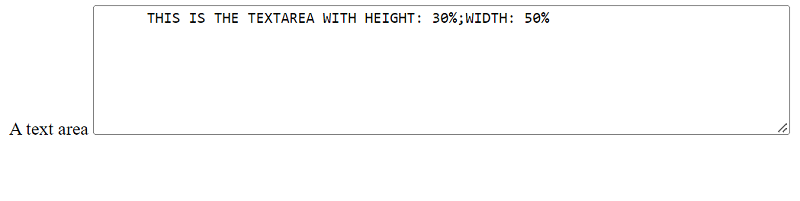
Should I Size A Textarea With CSS Width Height Or HTML Cols Rows

Zeilenumbruch Automatisch Entfernen

Html Styling Empty Textarea Height Stack Overflow
9 add rows property v text field name input 1 label Label Text textarea rows 2 v text field Share Follow answered Feb 9 2018 at 13 44 Traxo 18 7k 4 75 89 How this works I do not see such parameters for the v text field comment as textarea or rows

Appends an icon to the outside the component s input uses same syntax as v icon Automatically grow the textarea depending on amount of text Add input clear functionality default icon is Material Icons clear Applies specified color to the control it can be the name of material color for example success or purple or css color 033 or

v textarea API Component Pages Textareas Props Filter name type default description append icon string undefined Appends an icon to the component uses the same syntax as v icon Height value for each row Requires the use of the auto grow prop rows number string 5 Default row count rules
Vuetify is a Material Design component framework for Vue js It aims to provide all the tools necessary to create beautiful content rich applications

We can create a textarea in Vuetify with the v text area component template v app v row class ma 2 justify center v col cols 6 v textarea label Default style value Learning about textareas at Coding Beauty v textarea v col v row v app template script export default name App script
textarea English US textarea The Textarea element The textarea HTML element represents a multi line plain text editing control useful when you want to allow users to enter a sizeable amount of free form text for example a comment on a review or feedback form Try it The above example demonstrates a number of features of textarea 2 participants Problem to solve Would be nice to have a new prop on the component v textarea where I can define the max height of the field I m using the prop auto grow where I would like to define how high the component can grow until it becomes a sc
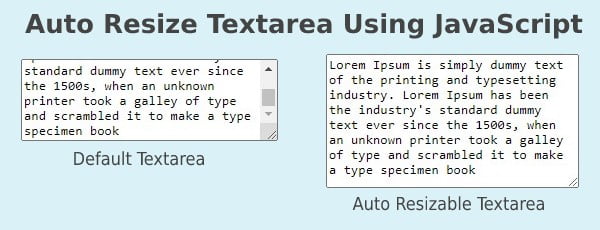
Automatically update the height of a textarea depending on the content Demo source Type the textarea will grow