V Text Field Elevation Elevation YouTube Our Story Elevation Strategy Elevation Elevation FREE FOR ALL 6434 4024 5419 Fortnite Zone Elevation Church App UX Case Study Behance In this guide you learn the basic fundamentals of v text field and how its various properties interact with each other n
The hint property on text fields adds the provided string beneath the text field Using persistent hint keeps the hint visible when the text field is not focused Hint prop is not supported in solo mode Textarea can automatically resize when entered text exceeds its size Beautiful Forms Utilizing alternative input styles you can create amazing interfaces that are easy to build and easy to use
Elevation Church App UX Case Study Behance Front Elevation ByBen A Journey Through The Geology Of Mountains Metageologist Elevation SIDE ELEVATION ByBen Form Field Types Mavenoid Help Center FAQ Elevation Freerun Elevation Freerun Vue js Weird Display Issue With Vuetify In Laravel V text field Gets Elevation Certificate
V Text Field Elevation
 V Text Field Elevation
https://i.ytimg.com/vi/Sh-esBQXuOI/maxresdefault.jpg
V textarea in its simplest form is a multi line text field useful for larger amounts of text Default Outlined Underlined Solo Solo filled Solo inverted Label Label
Templates are pre-designed documents or files that can be used for numerous functions. They can conserve effort and time by supplying a ready-made format and design for producing different sort of material. Templates can be utilized for personal or professional projects, such as resumes, invites, flyers, newsletters, reports, discussions, and more.
V Text Field Elevation

40 Modern House Front Elevation Designs For Single Floor Small House
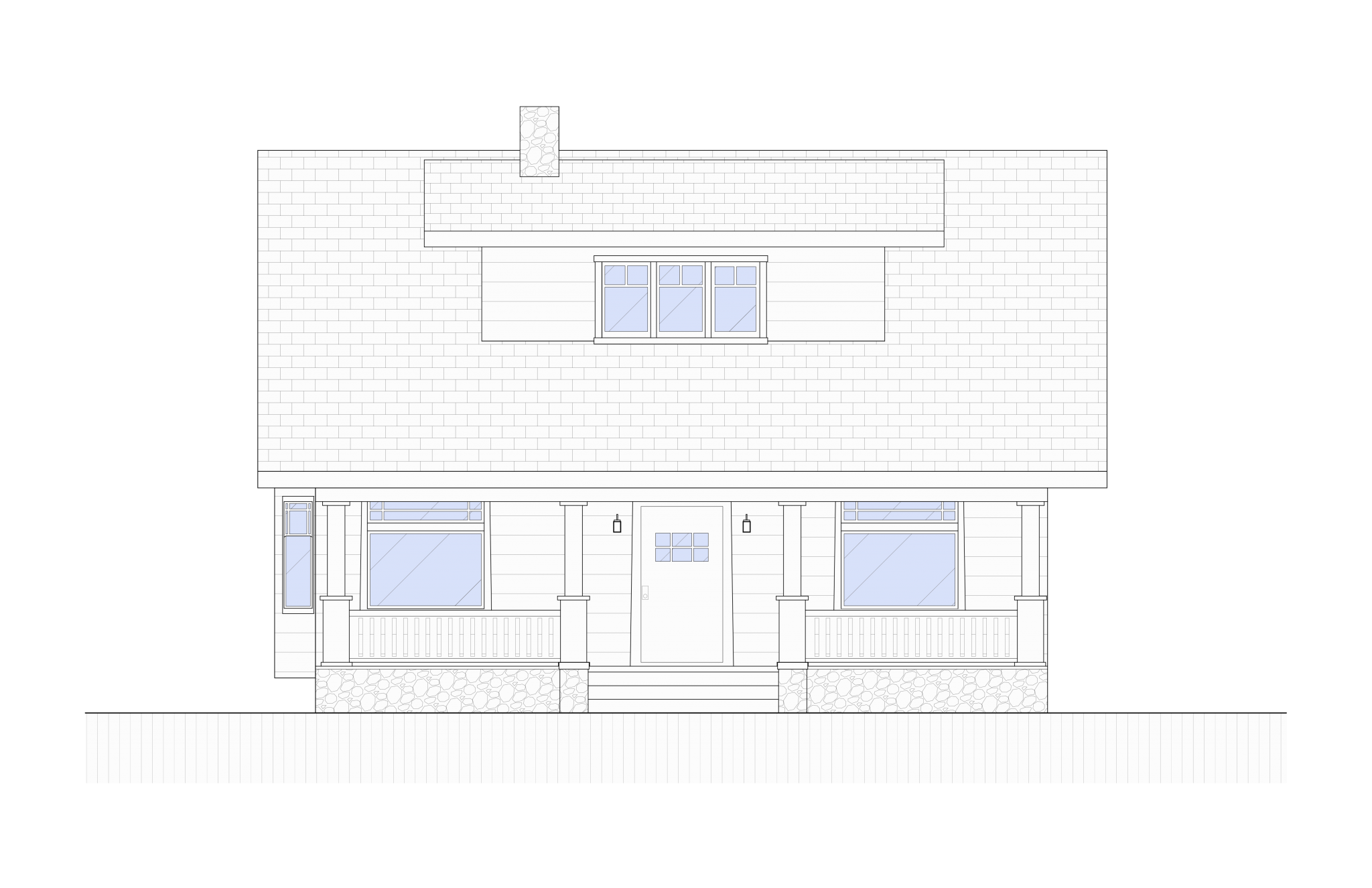
Front Elevation ByBen
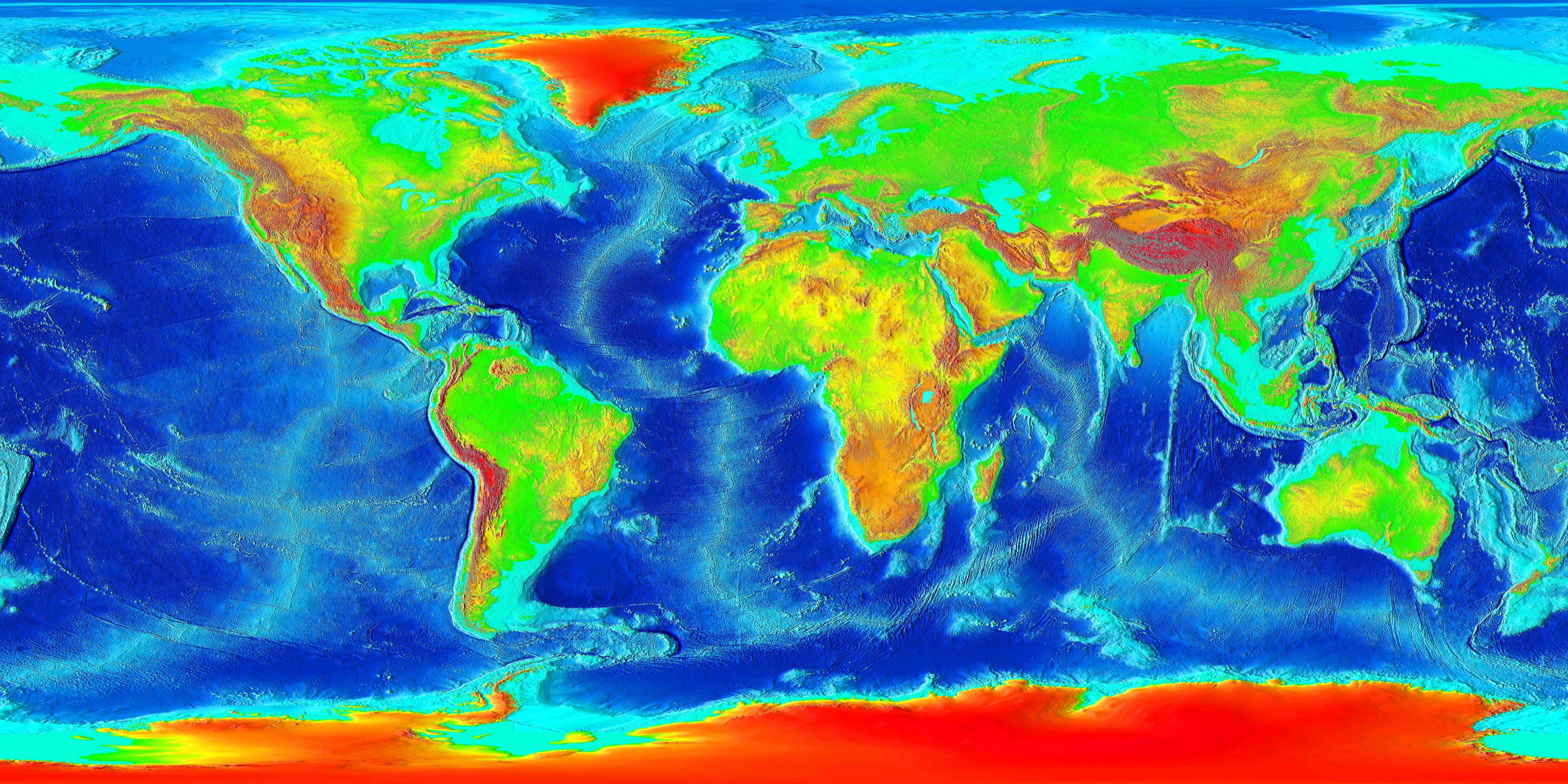
A Journey Through The Geology Of Mountains Metageologist

Elevation
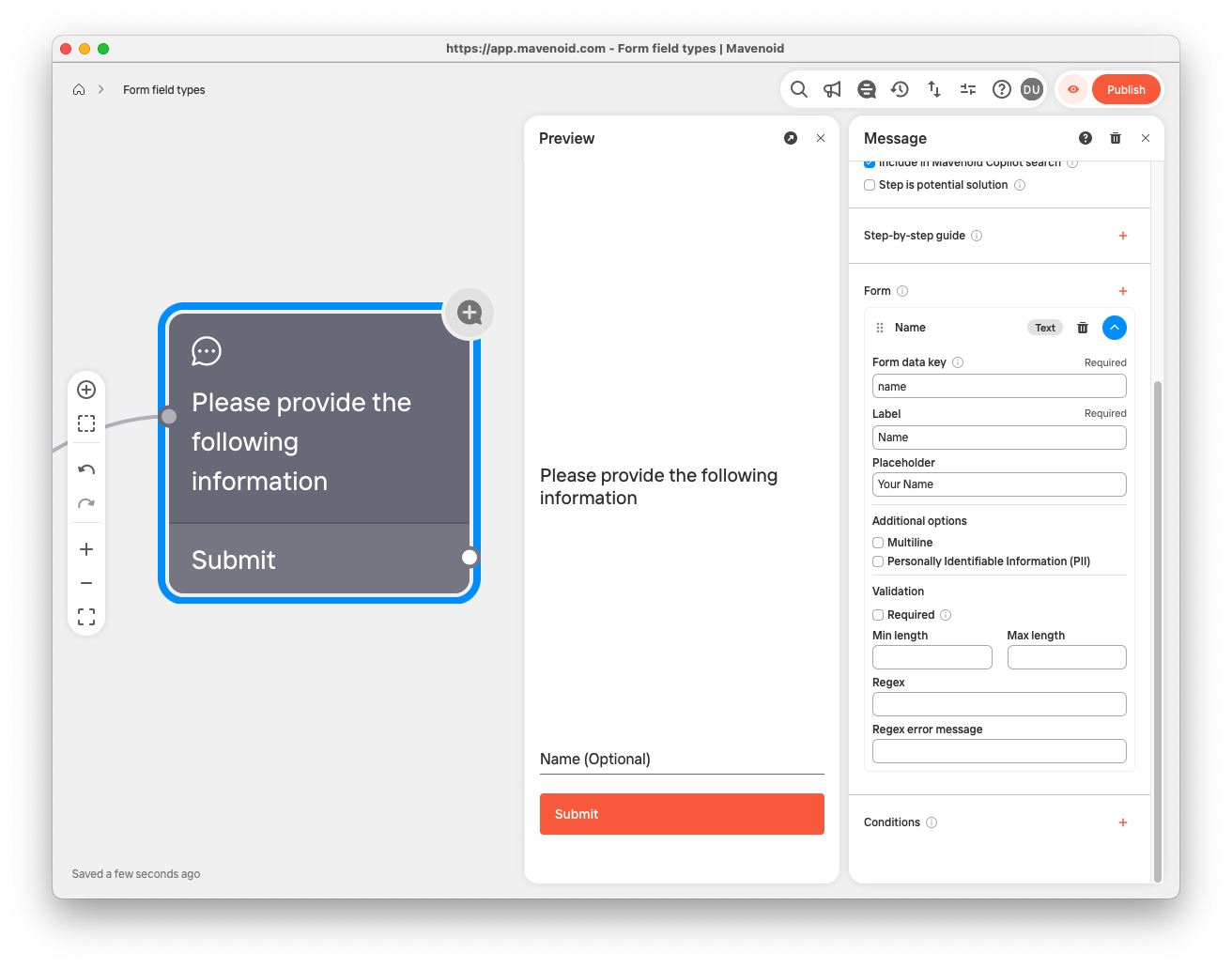
Form Field Types Mavenoid Help Center

FAQ Elevation Freerun Elevation Freerun

3 Answers Sorted by 1 Don t set the height in the style Use the props of the element https vuetifyjs en components text fields Which version you are using Share Improve this answer Follow answered Aug 1 2019 at 3 56 Fabio Zanchi 952 3

I have a v text field and i m trying to set the height to 37px but it seems like the minimum height has to be 49px Is there a way to override this I tried putting custom css but it seems like it works in the chrome inspector but i am not able to target it somehow
Text fields can validate against character masks Using either a pre made or custom rules you can optionally format and validate specific character sets Note that masks work only with text fields using them with date number file etc inputs may end up in unexpected behaviour or exception Mask Value
V text field dont have height props in vuetify3 only have density prop default comfortable compact v autocomplate v checkbox also i try modify css but There are so many classes in v text field that I don t know what to modify if you want to change the height it s better to use v textarea

Vuetify is a Material Design component framework for Vue js It aims to provide all the tools necessary to create beautiful content rich applications
The min height of v select component is 56px which is defined by the following CSS rule v text field box v input slot v text field outline v input slot min height 56px let s override it for example by setting v text field box v input slot v text field outline v input slot Buttons in their simplest form contain uppercase text a slight elevation hover effect and a ripple effect on click Default Outlined Tonal Text Plain Button
Vuetifyjs vuetify Public Notifications Fork 6 9k Star 38 8k Code Issues Pull requests 124 Discussions Actions Security Insights New issue Feature request maxlength attribute support on v text field input textarea 335 Closed shelakel opened this issue on Apr 10 2017 9 comments shelakel