V Model Trim Not Working Tilt Trim Not Working 3 Approaches To Deal With This FuncFish Boat Trim Not Working Clicking Noise Try This First Easy Boat Trim Outboard Motor Tilt Trim Problem How To Fix A Yamaha F225 Tilt Trim Yamaha Outboard HPDI Tilt Trim Motor Repair And Trouble Shoot Change Long Term Fuel Trim Not Working No Value Not Trimming To use the V Model directive you simply need to add v model to an input element and provide the name of the data property you want to bind to the input The following is a step by step guide on how to use V Model in your Vue js application Step 1 Add a v model directive to the input element input v model propertyName type text
Insights This issue was moved to a discussion You can continue the conversation there Go to discussion New issue v model trim not working as expected 1772 Closed 1 task pzgz opened this issue on Oct 21 3 comments on Oct 21 Package Name And Version arco design web vue 2 37 4 Browser chrome106 0 0 0 The Vue v model directive enables two way data binding on form input elements such as the input element textarea element and select element on any Vue component It handles data updates in two ways when the value of the input changes the v model reflects the value onto the state inside the component
Long Term Fuel Trim Not Working No Value Not Trimming Why Is TRIM Not Removing Spaces In Excel Excel Me V Model In Software Testing What Advantages Disadvantages V model trim Codesandbox How To Fix Excel TRIM Function Not Working Issue Difference Between V model And W model Software Testing Software Tilt Trim Not Working 7 Approaches To Deal With This FuncFish Vue element Ui input v model trim v model trim CSDN Testing Models Understanding V Model From Testing Perspective
V Model Trim Not Working
 V Model Trim Not Working
https://funcfish.com/wp-content/uploads/2022/01/tilt-trim-not-working.jpg
v text field v model trim x or v textarea v model trim x vs input v model trim x textarea v model trim x Expected Behavior When removing the last letter of a word the trim should not remove the whitespace as vue is smart enough not to trigger the trim until blur Actual Behavior Vuetify components trigger the trim attribute
Templates are pre-designed documents or files that can be utilized for different functions. They can save effort and time by offering a ready-made format and layout for producing various type of content. Templates can be used for personal or expert tasks, such as resumes, invites, flyers, newsletters, reports, discussions, and more.
V Model Trim Not Working

Outboard Motor Trim Will Not Stay Up 3 Solutions FuncFish

Why Is TRIM Not Removing Spaces In Excel Excel Me

V Model In Software Testing What Advantages Disadvantages

V model trim Codesandbox
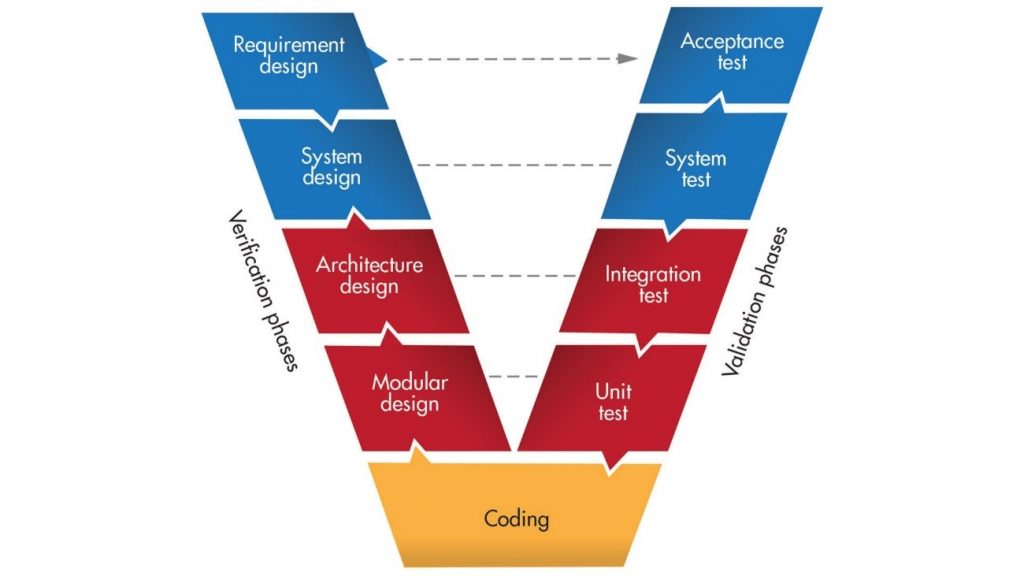
Difference Between V model And W model Software Testing Software
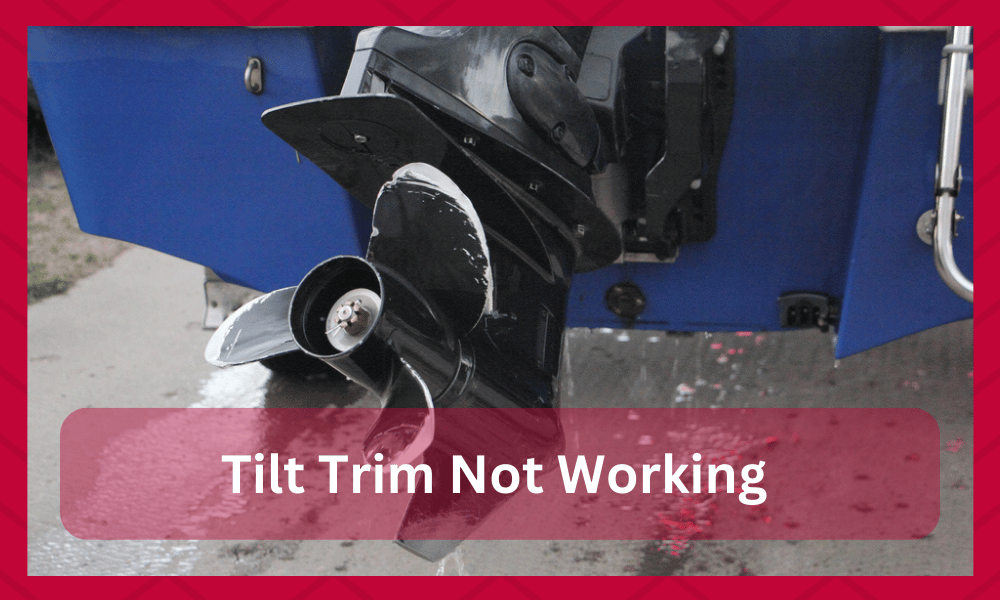
Tilt Trim Not Working 7 Approaches To Deal With This FuncFish

So it seems that v model trim on a custom component does trim the value that comes with the input event from within the component but the trimmed value does not flow back to the child component through the value prop Another strange behaviour is that when you type ab and remove the b the extra whitespace is instantly trimmed

Documentation v model trim not work 14162 Closed is Joe opened this issue on Sep 15 2021 1 comment Problem to solve Proposed solution github actions bot added the S triage label on Sep 15 2021 on Sep 29 2021 Duplicate of KaelWD marked this as a duplicate of 11375 on Sep 29 2021 KaelWD closed this as completed on Sep 29 2021

Jblotus on Mar 29 2018 mentioned this issue Sign up for free Already have an account Here is an example of the issue Using a plain text area with v model trim works as expected https jsfiddle c59x746s 3 To reproduce just start typing in either box and add spaces between le

1 Answer Sorted by 2 trim is a modifier that removes any extra space in your input text input type text v model trim name it uses the js function trim of strings let s brahim console log s boussadjra let t s trim removes the space console log t boussadjra
Basic Usage v model can be used on a component to implement a two way binding Starting in Vue 3 4 the recommended approach to achieve this is using the defineModel macro vue
1 Answer Sorted by 13 In a component data must be a function export default data return message My name Also your template is missing a in the first div but I m guessing that happened writing the question The easiest way to do this is to add the trim directive to v model directly as in so q input v model trim modelprop clearable clear clearEvent It was after adding this trim
The v model directive helps us simplify the above to template input v model text In addition v model can be used on inputs of different types textarea and select elements It automatically expands to different DOM property and event pairs based on the element it is used on