Use Ssh With Different Port How To Change SSH Server Port How To Connect To Server Via SSH With Different Port Than 22 YouTube Easy Port Forwarding Using SSH Solved How To Connect To Server Via SSH With Different 9to5Answer How To Open Ssh Port 22 On Ubuntu 22 04 Jammy Jellyfish Linux Linux Web A simple solution for this if you are port forwarding through your router is to set the inbound port to whatever you want and the local port to 22 Your machine will still be taking ssh connection on 22 like normal but to actually connect from outside your network you would use your inbound port
Web If not you don t need to forward port and just connect with ssh ip or ssh hostname or equivalent using putty configurations If you are out of the network and need port forwarding you only need to edit etc ssh sshd config server file and change the Port 22 line to the port you want and remove comment Web Mar 14 2012 nbsp 0183 32 321 I have two computers behind the same router Let s call them A and B A can SSH to B in the following manner ssh usr lt internal ip of computer gt B can SSH to A by doing the same but the external IP must be used I have forwarded port 22 of my router to the IP of computer A so that all makes sense to me
How To Open Ssh Port 22 On Ubuntu 22 04 Jammy Jellyfish Linux Linux Ssh Tunnel Mac Tutorial Using SSH Port Forwarding As A Security Tool In Linux SSH Port Forwarding Podalirius SSH Aliases On MacOS How To Install Configure And Enable SSH Service In Linux Linux Port Jrtechs Teaching SSH Through A CTF Pin On Software Windows ssh ssh windows10
Use Ssh With Different Port
 Use Ssh With Different Port
https://www.simplified.guide/_media/ssh/run-on-any-port/ssh-different-port.png
Web Aug 11 2015 nbsp 0183 32 i m not familiar with configuring ftp but to configure the port for ssh the file you should be editing is sshd config That may be etc ssh sshd config or it may be etc sshd config one of the two check which exists
Templates are pre-designed files or files that can be utilized for different functions. They can save time and effort by supplying a ready-made format and layout for producing different type of content. Templates can be utilized for individual or expert projects, such as resumes, invites, leaflets, newsletters, reports, presentations, and more.
Use Ssh With Different Port

Computer Ports Usage Role In Networking
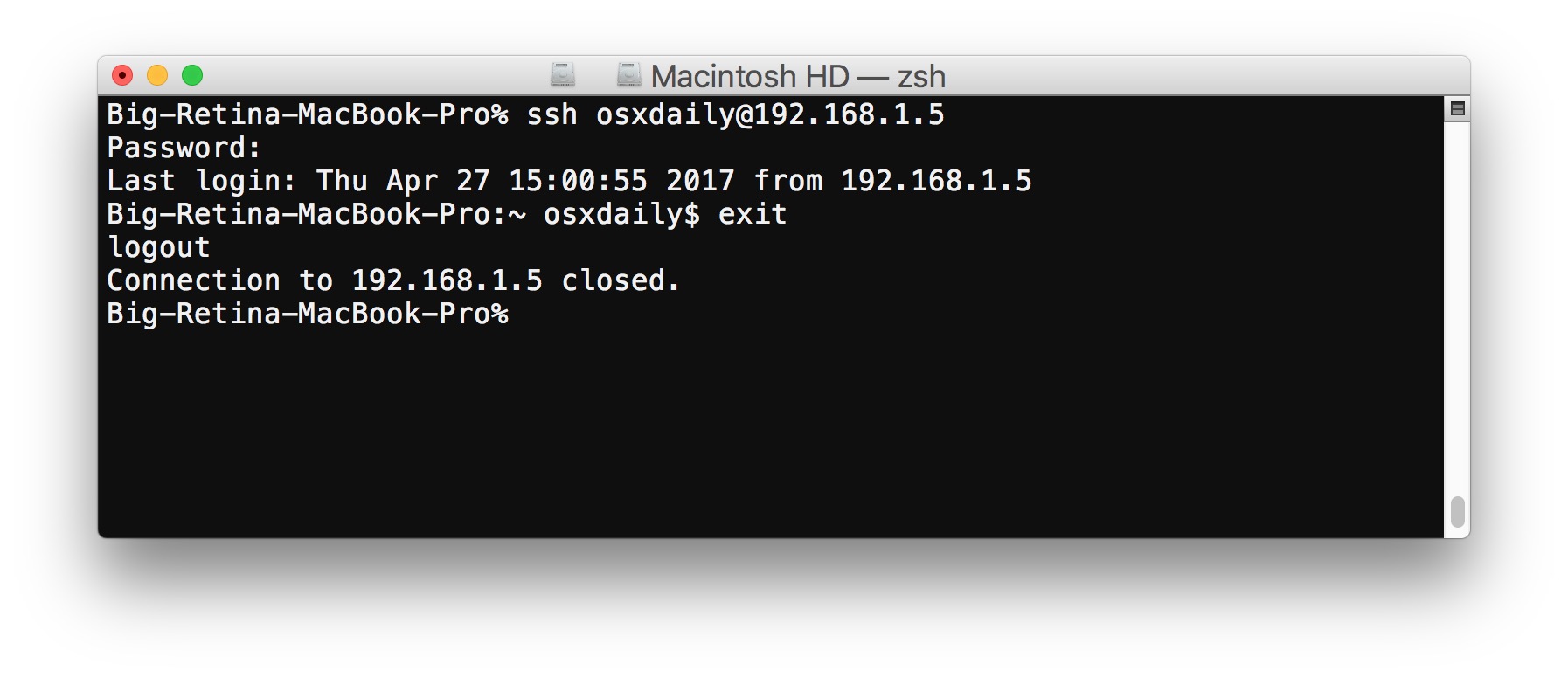
Ssh Tunnel Mac Tutorial

Using SSH Port Forwarding As A Security Tool In Linux
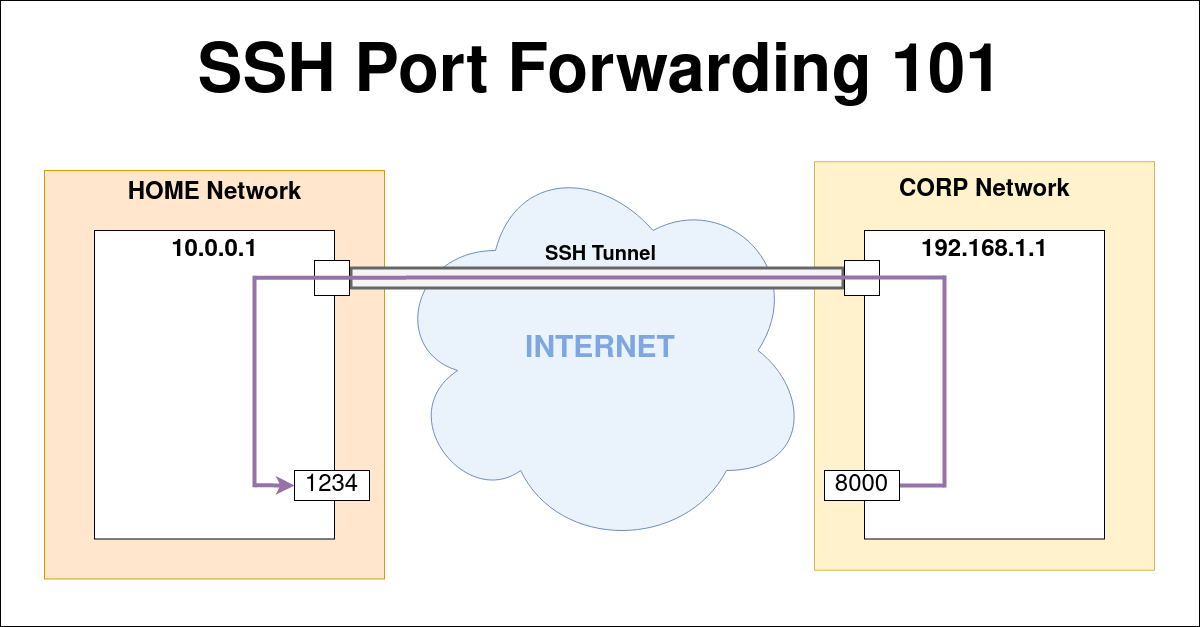
SSH Port Forwarding Podalirius

How To Install Configure And Enable SSH Service In Linux Linux Port
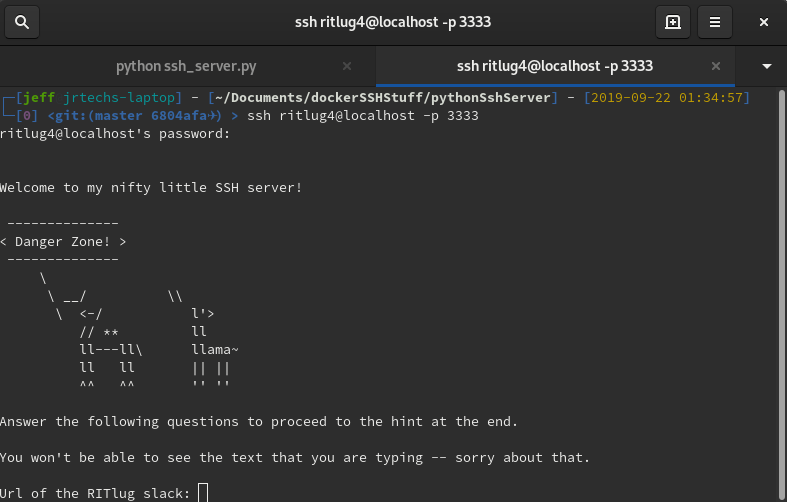
Jrtechs Teaching SSH Through A CTF

Web There is no need to specify the port number if connecting to the default port However to connect to an SSH server on a custom port you need to use the p option or specify the port in the SSH client s configuration file

Web Apr 2 2022 nbsp 0183 32 By default the SSH server runs on port 22 However there are occasions when it is run in a different port The p lt port gt option can specify the port number to connect to when using the ssh command on Linux For example if you want to access a remote server that listens on port 2222 then just type ssh p 2222 user host

Web Jul 31 2020 nbsp 0183 32 Sorted by 2 Yes it s possible to change the port Just use the option to the right of the address Side note if you re using the command line ssh client you can specify the port as ssh p lt port gt user server The port does not appear at the end of the address like it does in other URI schemes

Web Oct 30 2022 nbsp 0183 32 How to Configure SSH for Multiple Ports 1 Introduction The SSH protocol is one of the most common forms of remote access to Linux systems As such it 2 SSH Server Setup By default the configuration for sshd is located at etc ssh sshd config Here no output 3 Multiport Access

Web Nov 6 2022 Sagar Sharma Connect to SSH Server on Alternate Port By default SSH utilizes port number 22 and many sysadmins change it to avoid the influx of bot attacks trying to brute force their way in If you have to connect to a server via SSH but to a port other than the default one use ssh p port number username ServerIP
Web Jul 24 2020 nbsp 0183 32 Changing the SSH port of an image is a simple task All you need to do is to edit the SSH configuration file and restart the service The following sections explain how to change the SSH Port on a Linux system 1 Choosing a New Port Number In Linux port numbers below 1024 are reserved for well known services and can only be bound to by Web Jul 24 2018 nbsp 0183 32 Adding Extra SSH ports Simply edit the etc ssh sshd config file and add more port numbers under the existing default port it s commented out because 22 is used by default greys server sudo vi etc ssh sshd config Change this Port 22 AddressFamily any 177 ListenAddress 0 0 0 0 ListenAddress to this
[desc-13]