Use Powershell To Create Scheduled Task In New Folder Learn How To Create A Scheduled Task With PowerShell TechTarget Create Scheduled Task With PowerShell ALI TAJRAN How To Create A Scheduled Task On Windows 11 2023 Guide There Are Five Ways To Create Scheduled Tasks Who Else Can t How To Create Scheduled Tasks On Windows 10 Tech Advisor SCI Comments comments
1 users 2 C 3 C users 4 Official Help Center where you can find tips and tutorials on using and other answers to frequently asked questions
How To Create Scheduled Tasks On Windows 10 Tech Advisor Create Scheduled Task With PowerShell ALI TAJRAN How To Create Scheduled Task In Windows 10 XpertsTec Run PowerShell Script With Windows Task Scheduler Diecknet How To Create Scheduled Tasks With Command Prompt On Windows 10 Powershell Create Scheduled Task Run With Highest Privileges Top 6 How To Create Scheduled Tasks In Windows PowerShell and Why You Should Rx SHAREPOINT Create A Scheduled Task For PowerShell Script With Use PowerShell To Create Scheduled Tasks Scripting Blog
Use Powershell To Create Scheduled Task In New Folder
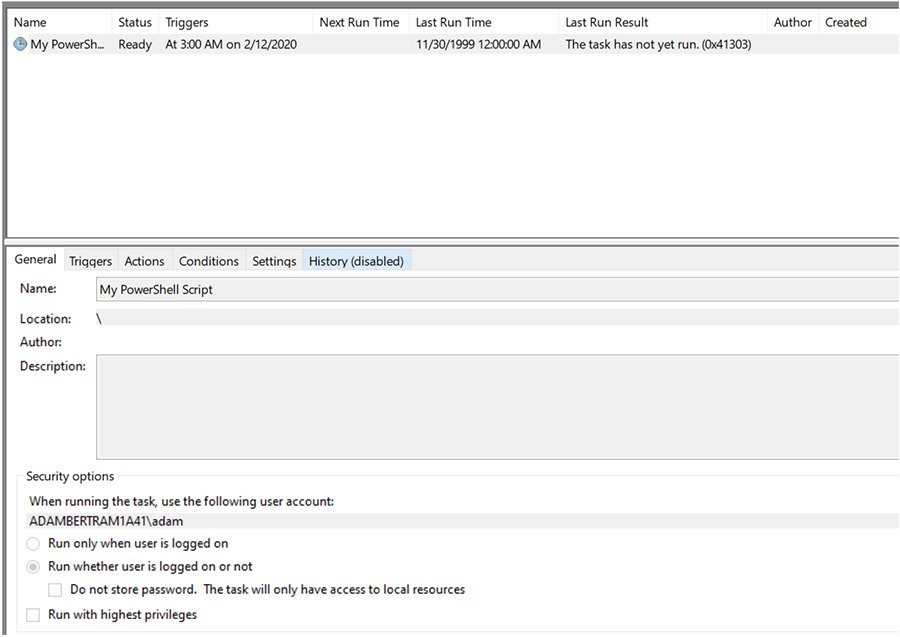 Use Powershell To Create Scheduled Task In New Folder
https://cdn.ttgtmedia.com/rms/onlineImages/bertram_scheduled_tasks_052620.jpg
Jul 23 2024 nbsp 0183 32 Using canned responses in the new Outlook is a game changer for productivity Here are simple steps to insert a template into your messages In a message you are
Pre-crafted templates use a time-saving solution for producing a diverse series of documents and files. These pre-designed formats and designs can be used for various individual and professional projects, consisting of resumes, invitations, flyers, newsletters, reports, discussions, and more, improving the material development procedure.
Use Powershell To Create Scheduled Task In New Folder
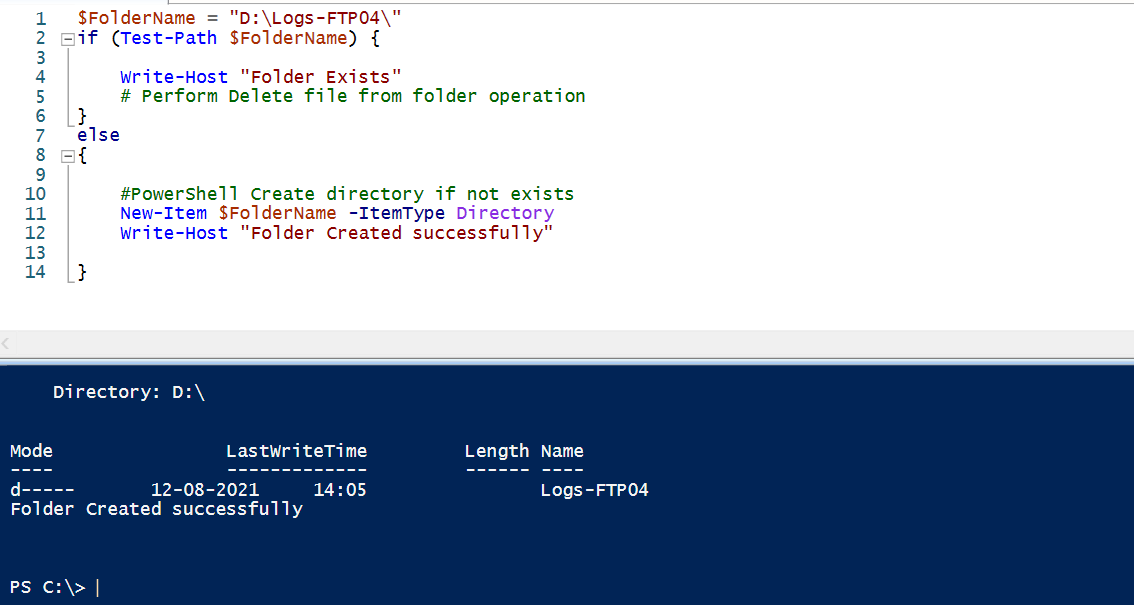
PowerShell Create Directory If Not Exists ShellGeek
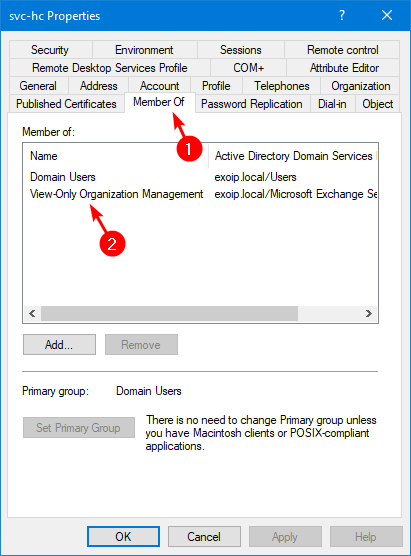
Create Scheduled Task With PowerShell ALI TAJRAN

How To Create Scheduled Task In Windows 10 XpertsTec

Run PowerShell Script With Windows Task Scheduler Diecknet

Powershell Create Scheduled Task Run With Highest Privileges Top 6
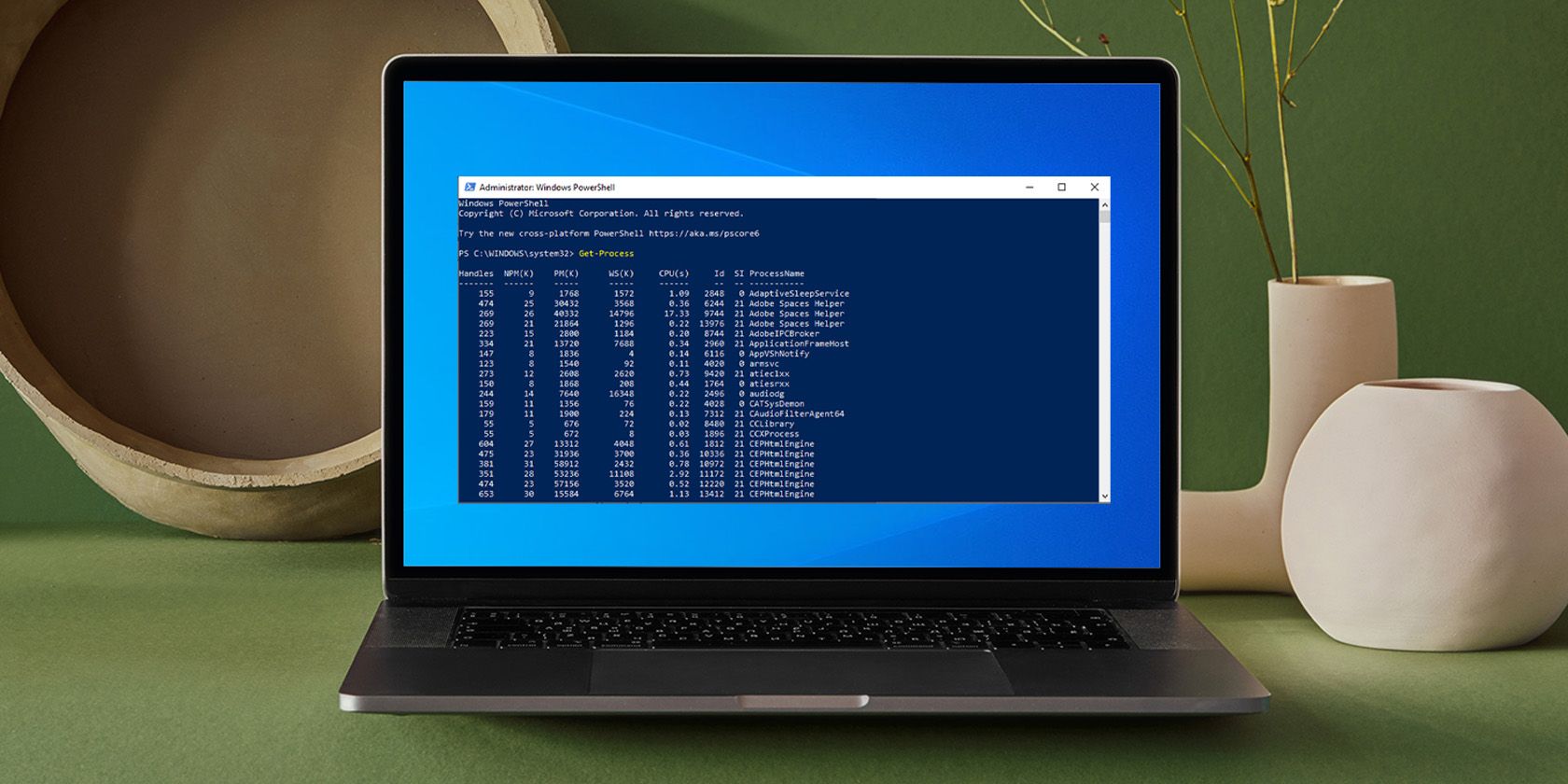
How To Create Scheduled Tasks In Windows PowerShell and Why You Should
Oct 31 2024 nbsp 0183 32 I am having some difficulties with some of the functions in the new version how do i switch back to the old Outlook view

Docs mobile How to use Google Docs Visit the Learning Center Using Google products like Google Docs at work or school Try powerful tips tutorials and templates Learn to work on
To use Chrome on Mac you need macOS Big Sur 11 and up If you don t know the admin password drag Chrome to a place on your computer where you can make edits like your

Mar 20 2024 nbsp 0183 32 But I too use email templates extensively most communication business users do and as far as I can tell there is no way to save off an email you create to a file to be used as a

May 26 2019 nbsp 0183 32 Click Install then click Choose a Version and select Offline installer For instructions see Use the Office home offline installer Note this works for any Office license
[desc-11] [desc-12]
[desc-13]